Are you ready to purchase a new laser? Shopping for a laser for the first time? Laser types can be confusing! I am here to help you decide which laser is right for you and your crafting needs.
Whether you're a new laser crafter or looking to upgrade, I'm going to break down the laser lingo to help you figure out the difference between a Diode laser, CO2 laser, Infrared laser, and more.
Before you purchase a laser, make sure you know how to use it safely. My laser safety tutorial has everything you need to know.
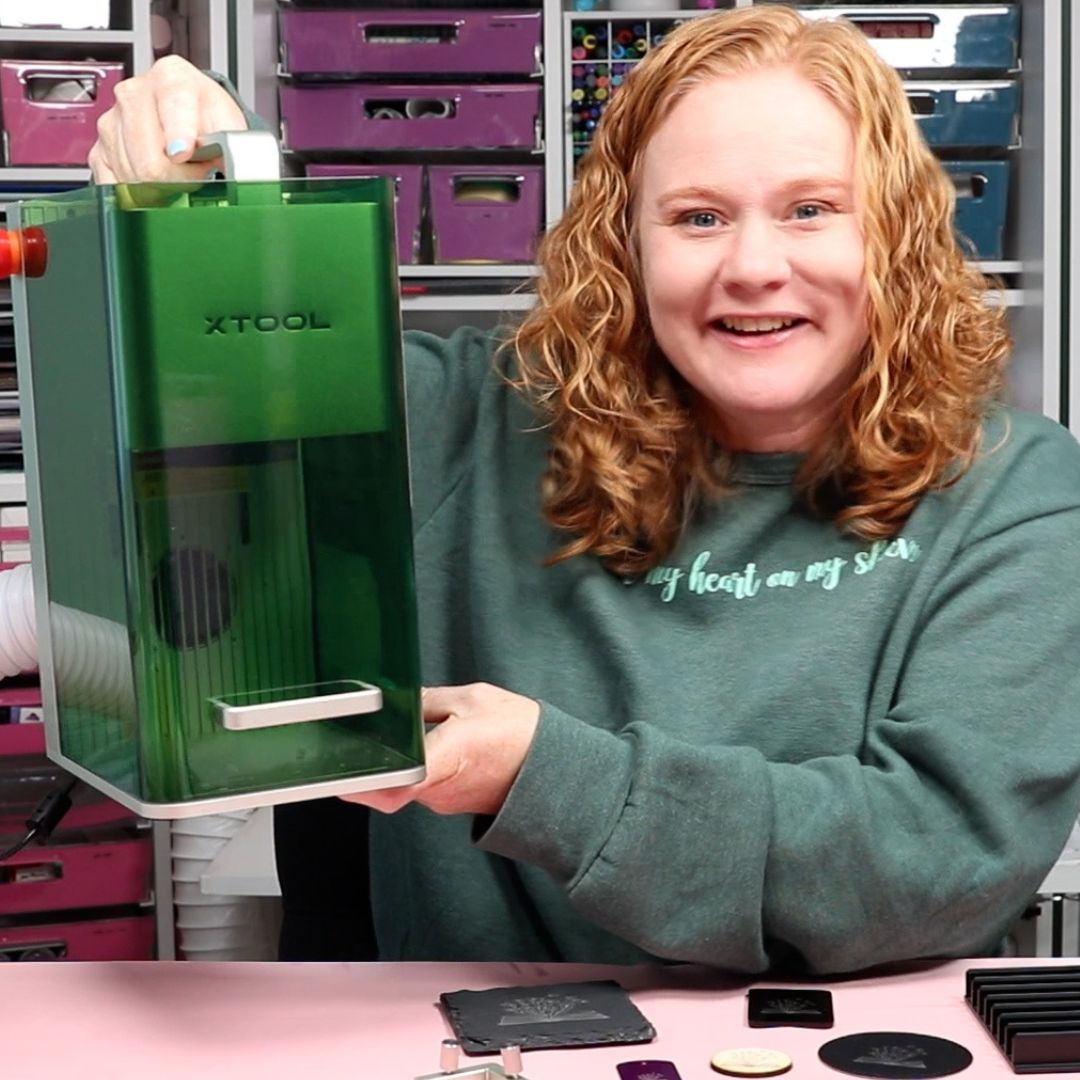
From CO2 to Fiber and Diode to Infrared, there are many different laser types that a small business owner or crafter may be interested in. I'm going to talk through the differences and the types of projects you can make with each one.
You can watch me walk through all these different lasers by pressing play on the video below.
Comparing Laser Types
The type of laser you need will depend on the type of laser crafts you want to make.
Do you want to cut and engrave wood? Are you looking to make projects with acrylic? Do you want to engrave metal blanks like charms and pet tags?
Knowing the type of projects you want to make will help you choose the right laser for your needs.
The different types of lasers refer to the wavelength and other technical things, which will determine what they can do. I am breaking down those complex terms into something that anyone can understand!
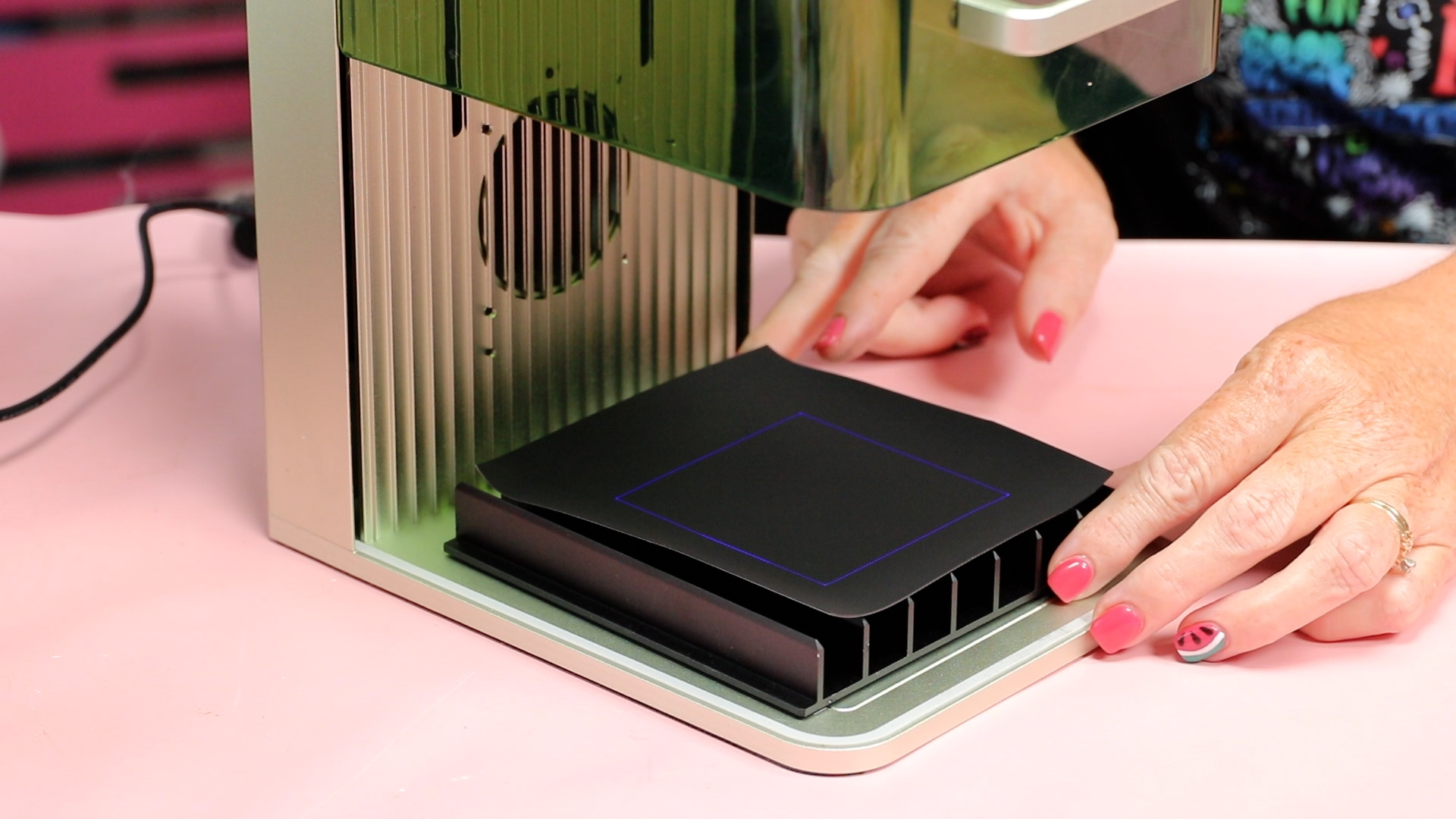
How Do I Know What Each Laser Can Do?
Along with the laser type, there are different power levels. Typically, the higher the wattage, the more powerful the laser.
You need to remember that a higher wattage on one laser type doesn't mean it's better than a lower wattage of a different laser type.
Once you decide on the type of laser you need, you can compare the wattage (power) to make sure it's powerful enough to make the projects you want to make.
When it comes to laser crafting, the two main functions are cutting and engraving.
Cutting is when you cut all the way through the material. Engraving is when you remove part of the material to make a mark on the surface. You may also see “scoring” referenced and that is just a slight mark on the surface while engraving can be deeper.
Diode Lasers
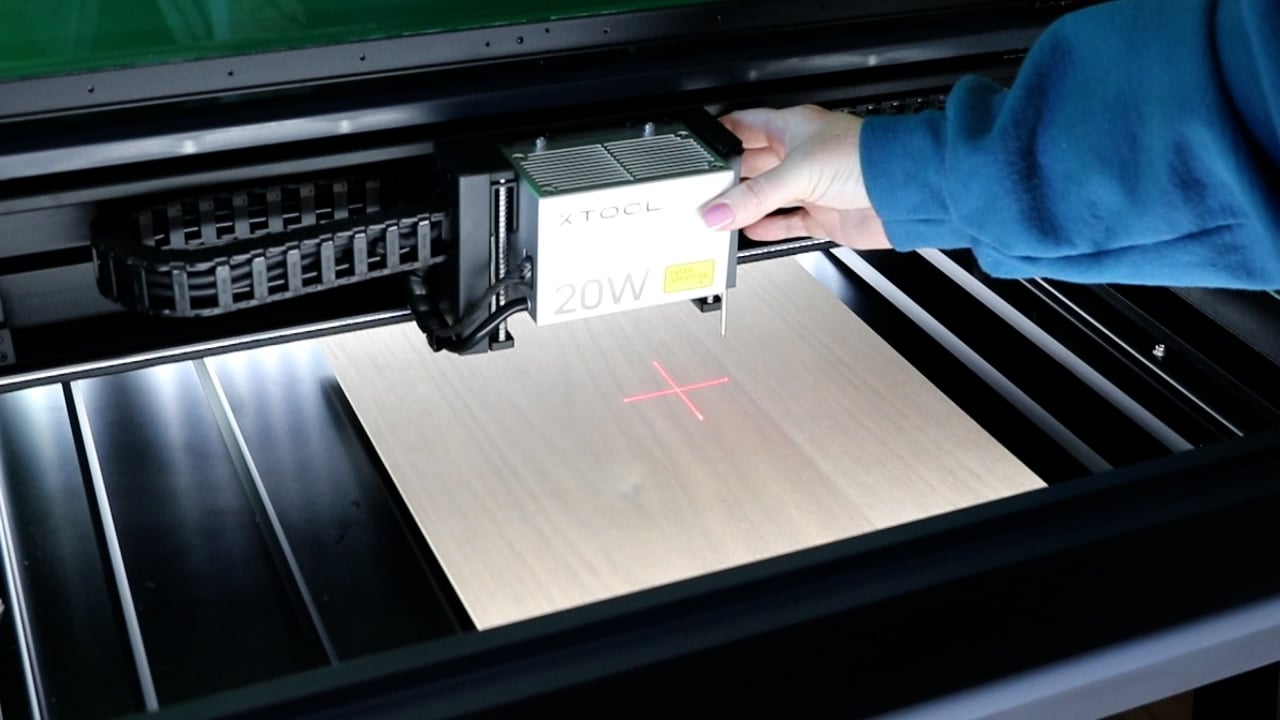
Currently, the most popular type of laser for crafters is a Diode laser. A Diode laser is also referred to as a blue light laser.
Diode lasers are typically the most affordable, beginner-friendly, and compact lasers. Making them a great option for people starting out, with a limited budget, or those limited on space.
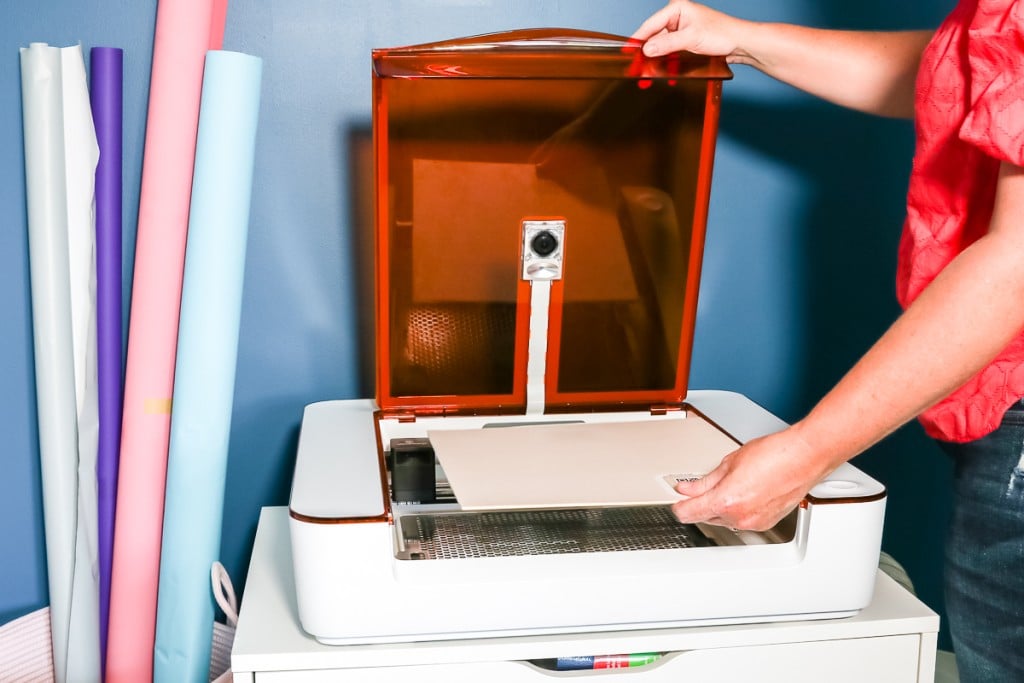
Diode lasers come in a wide variety of power ranges. The Glowforge Spark and Aura are low-wattage, low-power Diode lasers, and the xTool S1 is a high-powered Diode laser.
Diode lasers can work on materials like wood, paper, leather, and even some plastics. What it can do will depend on the wattage of the laser you pick and the thickness of your material.
Diode Laser Restrictions
The most common restriction of diode lasers is that you cannot cut or engrave things like clear acrylic. Clear materials will not cut or engrave with a Diode laser. It is scientifically impossible for those materials to work with a Diode laser.
Diode lasers are slower than something like a CO2 laser. I think Diode lasers are great for hobbyists, but small business owners may need something more powerful and faster.
If you want to branch into running a small business or want to use materials like clear acrylic, this type of laser may not be for you.
Note – some lower wattage Diode lasers can also have issues with white, blue, or other light colored materials.
Get my FREE Laser Ready course!
Learn everything you need to know about getting started with laser crafting with this free video and guide. We'll discuss the different laser options, how lasers work, and what types of materials you can use.
CO2 Lasers
If you want to use clear acrylic or get faster results, what laser do you need? I would recommend a CO2 laser.
I recently reviewed the FLUX beamo CO2 laser, and if you think a CO2 laser might be right for you, I encourage you to review that tutorial.
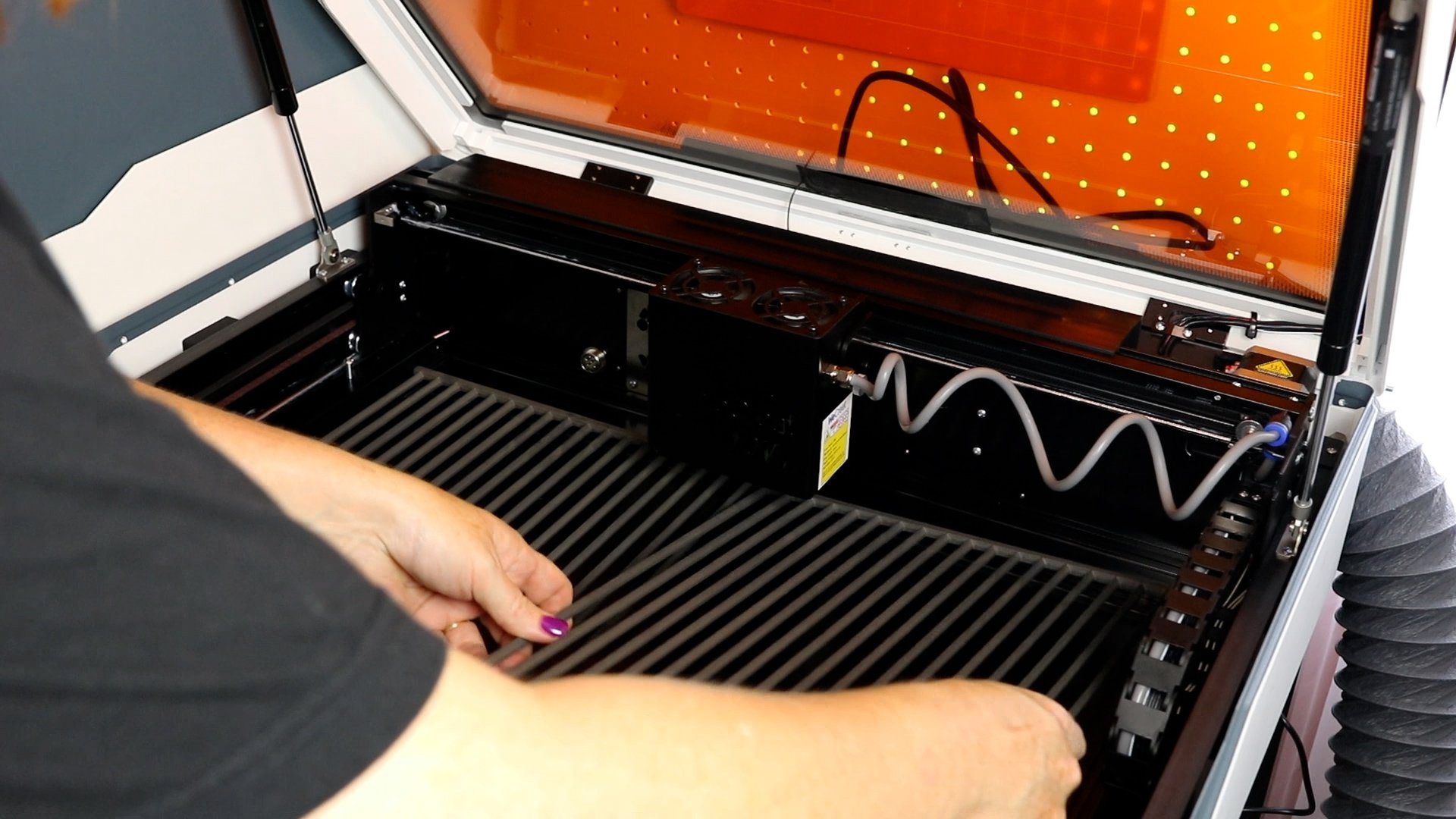
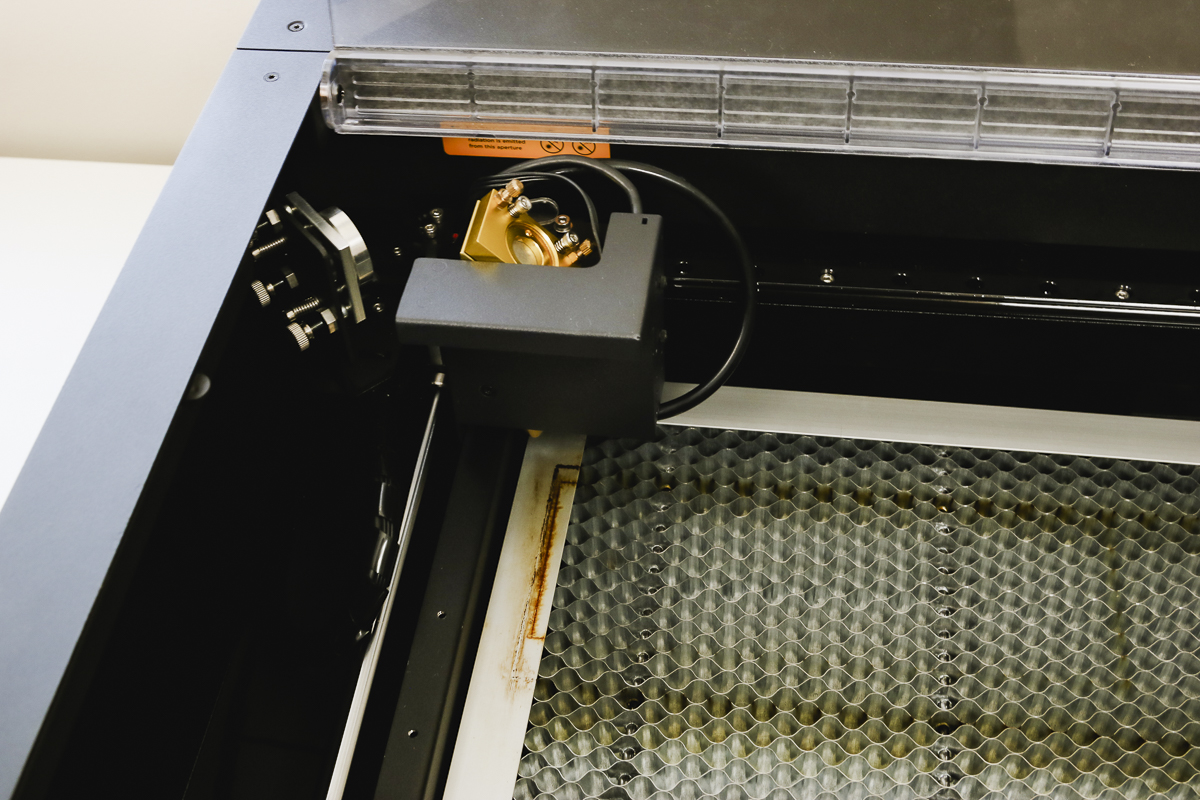
A CO2 laser can have a power from 30 watts to 150 watts. These lasers can be more compact, like the FLUX beamo, or so large they wouldn't fit in a typical craft room.
Other CO2 lasers that are marketed toward crafters are the Glowforge Plus and Glowforge Pro. OmTech has some options, and as time goes on, more brands are entering the market.
CO2 lasers cut and engrave a wide variety of materials, including clear and light colored acrylic, clear glass, etc.
A CO2 laser can do everything a Diode laser can do and more. It will also work faster than a Diode laser.
Who is a CO2 Laser Right For?
CO2 lasers are right for small business owners or serious hobbyists who want a laser with power without restrictions.
CO2 lasers are usually larger and more expensive than Diode lasers. The FLUX beamo is a CO2 laser that is compact, budget-friendly, and has the power to perform faster with more materials than a Diode laser can.
If you are a small business owner who needs to cut a lot of items in a timely manner, there are CO2 lasers that are really large, probably too large for most craft rooms.
These lasers may not be beginner-friendly, and there are additional steps, like adding cooling water. I show some of that process in the FLUX beamo, and you will need to check the coolant regularly to make sure the laser performs as it should.
Infrared and Fiber Lasers
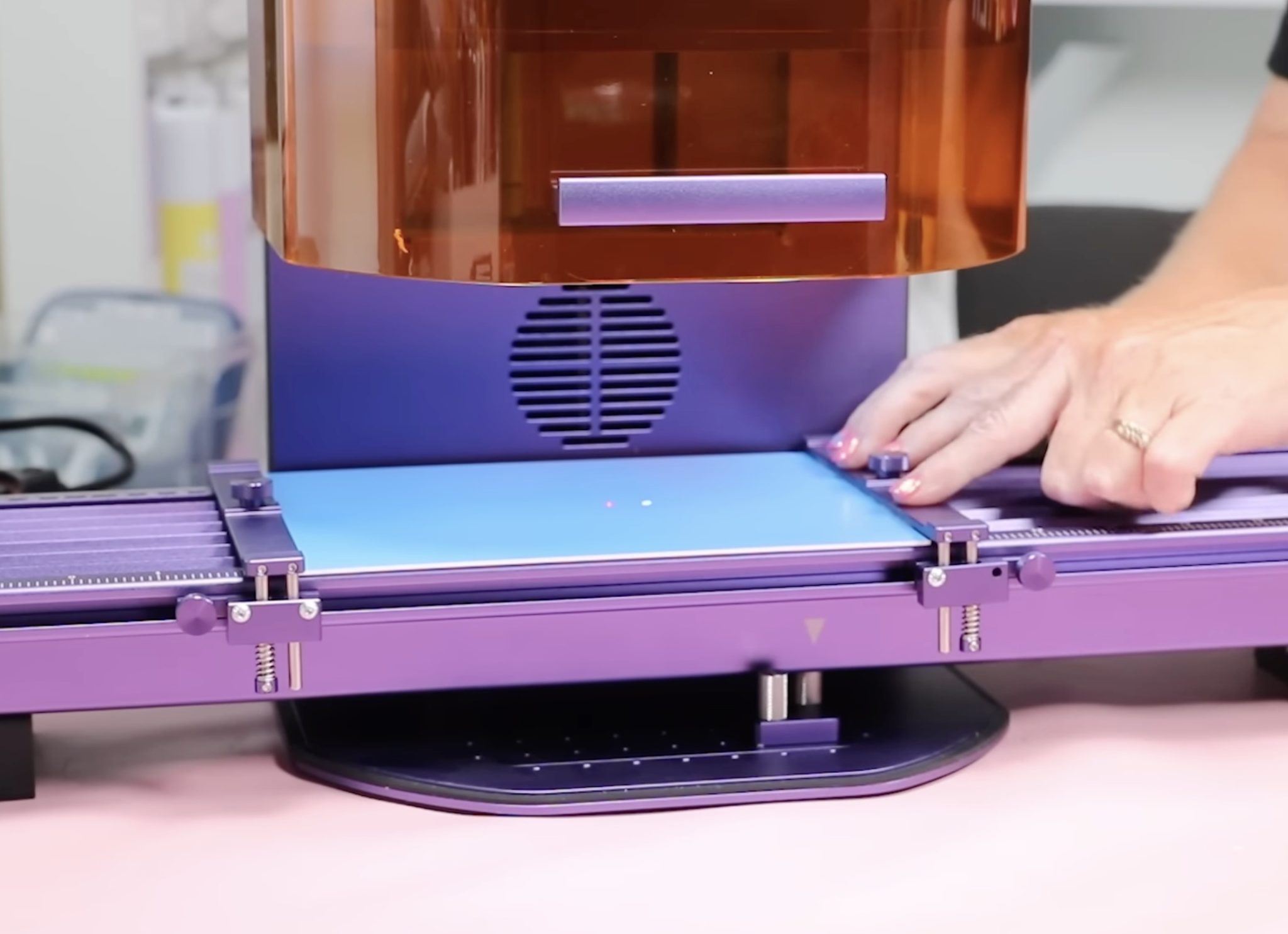
Infrared and Fiber lasers are the lasers you may want to consider for engraving on metal. These lasers do true engravings into the material, not just scratching the surface.
These higher-powered lasers can do things like 3D engraving. If you're looking into deep engraving on metal, these are definitely the type of lasers I recommend.
There are small Infrared lasers like the WeCreat Lumos and xTool Fl Ultra. I love how portable these lasers are. They're perfect for engraving on site at events like craft shows and pop-up shops.
There are pros and cons to these lasers. The engravings are very precise and look so good. The biggest con with these more portable lasers is that the working area is very small
You can get this type of laser in larger sizes, but I prefer the more compact size personally.
Infrared and Fiber lasers can be expensive for entry-level users. I wouldn't recommend them as your first laser. A Diode laser or the FLUX beamo CO2 are beginner-friendly options at a more budget-conscious price.
Combo Lasers
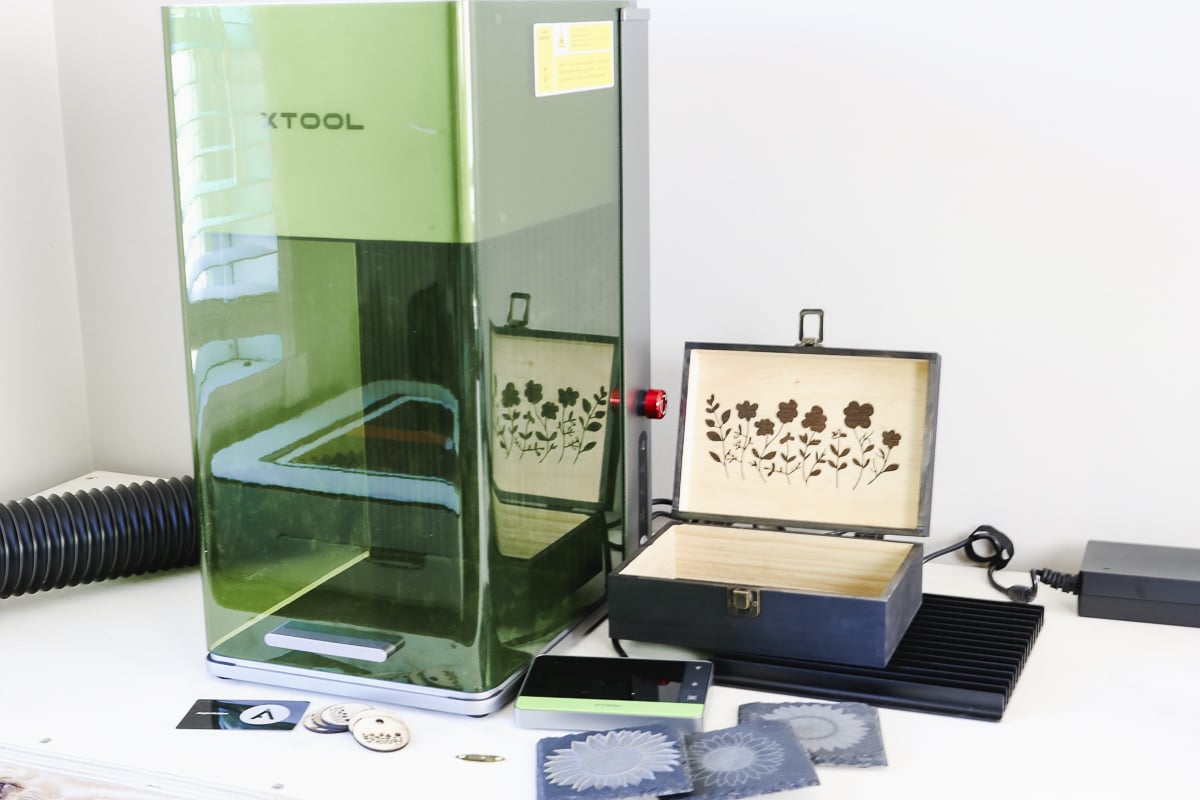
Other laser options are combo lasers. Some examples are:
- FLUX beamo – this is a CO2 laser, but you can also purchase a Diode head for it.
- xTool F1 Ultra – this laser combines a Diode laser with an Infrared laser head.
There are other lasers on the market that can be combined. If you think you need more than one laser option, you may want to see if there is a combo that will do what you need.
Other Laser Options
There are other lasers on the market that I'm not really going to get into today. Due to the price and size, they are not really marketed to crafters and small business owners.
That being said, if you have outgrown the laser you have or need something bigger, stronger, faster, there are likely options out there for you. At this point, I would do a lot of research and set an appointment to see the laser in real life.
Depending on where you live, you could go to a showroom and see the laser in action, and that can help you make the right choice for your needs.
Laser Safety
Before you purchase a laser or use it for the first time, make sure you know how to use it safely.
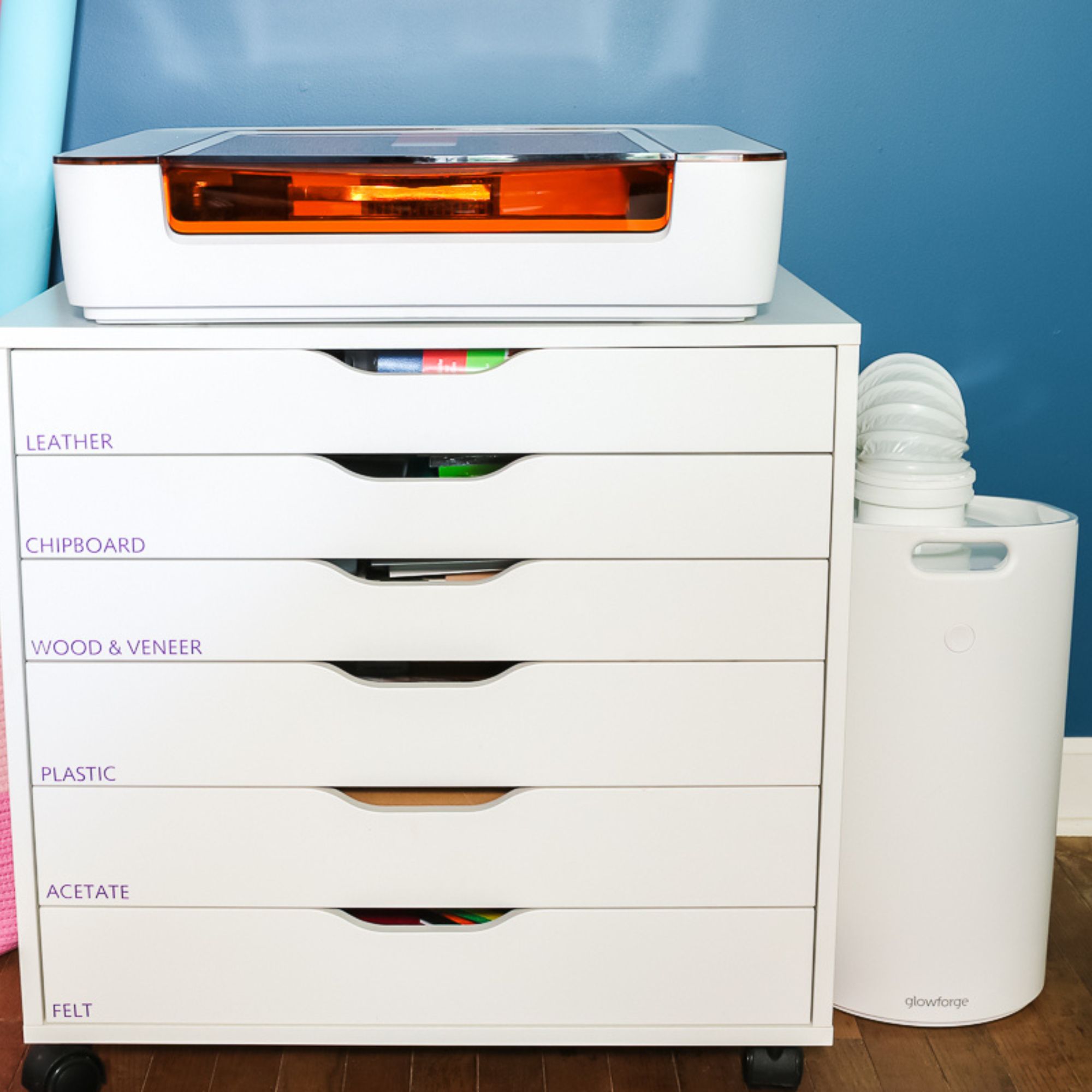
- Lasers need to be ventilated in some way. You can vent them out a window or purchase an air filter that would allow you to use it inside.
- Make sure the materials you're using are laser safe. Some materials can let off toxic gases when cut with a laser.
- Make sure you stay by the laser the entire time it's working. Fires can start inside lasers, and you don't want to be in another part of the house if one starts. Most lasers should have an auto shut-off if they detect a fire, but to be safe, stay nearby and have a fire extinguisher or fire blanket within reach.
- Always wear eye protection. No matter what type of laser you're operating, wear laser eye protection. Make sure you don't look directly at the laser, not even through a camera, without eye protection.
Are You Ready to Choose Your Laser?
While I am unable to talk about every type of laser and every brand, I hope I've helped you understand more about the different types.
Narrowing down the type of laser you want can make deciding on the brand, power, and/or wattage a little easier. Don't forget to look at your space. Depending on how you're going to vent the laser, you need a window nearby or an air filter.
You'll also want to make sure the laser will fit in the space you have and that you have a solid place to put it.
I hope I've answered your questions about how to pick a laser. If you have any additional questions, leave them in the comments, and I'll be happy to answer them for you.