


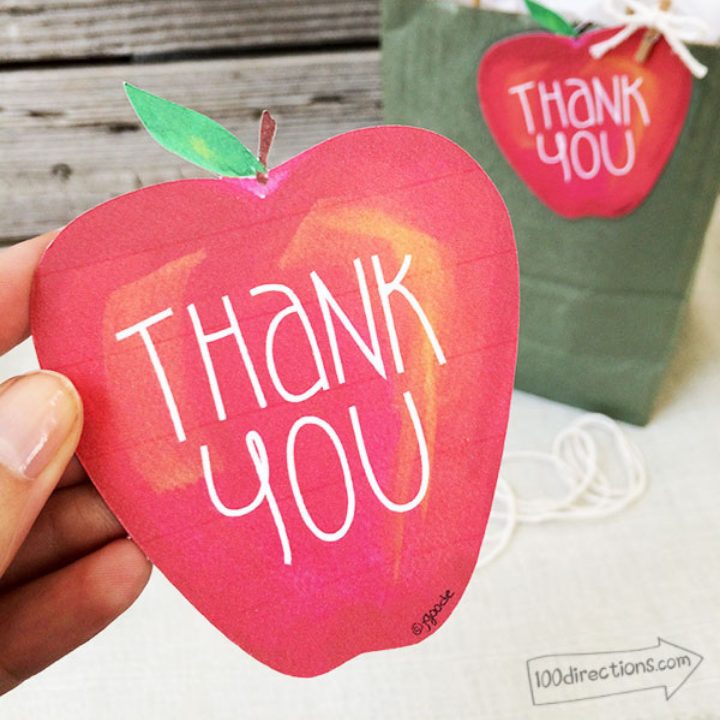
We have another fabulous printable from Jen Goode this month. Y'all be sure to print this teacher's day gift tag for those end-of-the-year gifts to the teachers!
All year long, we love to take the time to say thank you to a teacher. So today, I have a fun little gift tag you can use to embellish your teacher gifts, gift cards, or even make your own thank you card. This hand-painted apple design features a big Thank You message, and the tags come in two sizes. I even have a design file you can use with your Cricut and the Design Space software as a Print Then Cut project. You can make custom die-cut style gift tags in no time!
How To Make Teacher Day Gift Tag
Teachers deserve so much appreciation for molding our young minds! In fact, there are plenty of teacher appreciation gifts on this site. This apple-shaped gift tag would look adorable on any handmade gift for teachers.
Now, back to our tutorial from Jen Goode…
Don't worry; if you don't have a Cricut machine or any cutting machine, you can still use this printable. The PDF is a standard file you can use with your printer to make these fun apple tags.
Supplies Needed For Teacher Day Gift Tag
- Printer
- White Card Stock (preferable but not required)
- Scissors
- Hole punch
- Ribbon, yarn, twine, or string
- Cricut Machine (optional)
- Apple Shaped Gift Tag
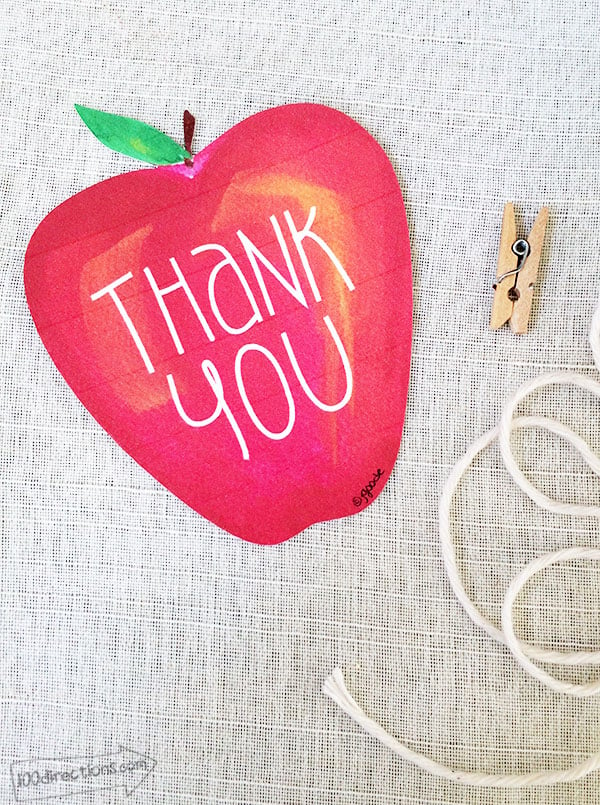
A little note about printing these tags: This apple gift tag art is very rich in red color. So, if you want to save a little ink, you can set the printer to print in draft or normal mode. You might see little printer lines, depending on your printer, because there is so much solid color.
See my photos; that's me saving a little ink too… I printed these tags in “normal” draft mode. You can get a better quality and more solid color print by choosing “best” in your print settings.
Step 1: Download Teacher Day Gift Tag
To start, download and print the tag using your regular inkjet printer. Click HERE to head over to my blog to grab your copies of the Apple gift tag PDF or the Apple gift tag PNG (for cutting).
Printing on a thick white cardstock is best for a sturdy gift tag and will hold the ink better, but regular printing paper can be used instead.
Step 2: Cut Out Gift Tag
Carefully trim around each tag with a pair of scissors. Alternatively, you could also upload the file to Cricut Design Space and use your Cricut machine to make the cuts. Use our print-then cut instructions here to do that.
Step 3: Punch Hole & Add Ribbon
After the tag is cut, punch a hole with a hole punch for a place to loop a ribbon through. Twine or jute ribbon would look adorable with the apple, but you can use any color or type of ribbon you have in your craft room.
Step 4: Add Teacher Day Gift Tag To Your Gift
Then, attach the tag to your gift. Your gift is ready for gifting. This would be such a cute adornment on a custom nameplate or for that first day of school supply basket!
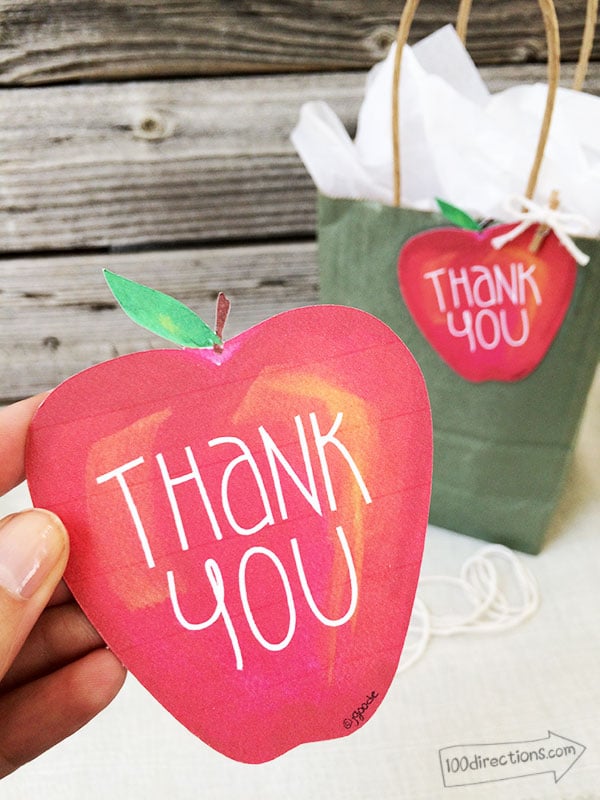
Even if you don't make a gift, you can add this little touch of personalization to your thank you cards. Teachers will love that you thought of them. The larger tag is also big enough to add a little note on the back, so you don't even need a greeting card! What are your favorite teacher appreciation gift ideas?
FAQs About Teacher's Day Gift Tag
Here are a few common questions that I often see readers ask about when making this teacher's day gift tag. If you have a question, please check if I’ve already addressed it below. If you don’t see your question listed, please leave it in the comments!
Where Can I Get The Apple Shaped Gift Tag For This Project?
You can get the apple-shaped gift tag for this project by clicking here!
Can I Cut This Apple Tag Out Using My Cricut Machine?
Yes, you can! You can download this apple tag as a PNG, upload it into Cricut Design Space, and use it as a Print Then Cut design.
Can I Print This Tag On Regular Copy Paper?
Yes, you can. However, printing on a thick white cardstock is best for a sturdy gift tag and will hold the ink better, but regular printing paper can be used instead.
How Do I Adjust My Printer Settings To Print This Apple Tag?
If you want to adjust your printer settings, you may be able to do it once the printer box pops up on your screen before you click ”print”. However, if you don't see those options, I recommend googling ”how to access printer settings for [your specific printer model]” and you should find step-by-step directions to adjust your printer settings.
5 Teacher Appreciation Crafts
Did you love this teacher's day gift tag and are looking for some teacher appreciation crafts? Then check out the projects below!
- How to Make Sublimation Dry Erase Boards
- Teacher Appreciation Thank You Card Kit
- Free Teacher Cup SVG Plus 12 More Free School SVG Files
- Last Minute Teacher Gift Idea: Apple Tote Bag
- DIY EOS Lip Balm Teacher Gift Idea











Lovely 🙂