Not sure when to use flexible white ink in the eufyMake E1 UV Printer? Let's chat about the difference between the regular white ink and the flexible white to help you decide which one is right for your project.
Not sure what the eufyMake E1 UV printer is and why you might need one in your craft room? My eufyMake E1 UV Printer Ultimate Guide will answer all your questions.
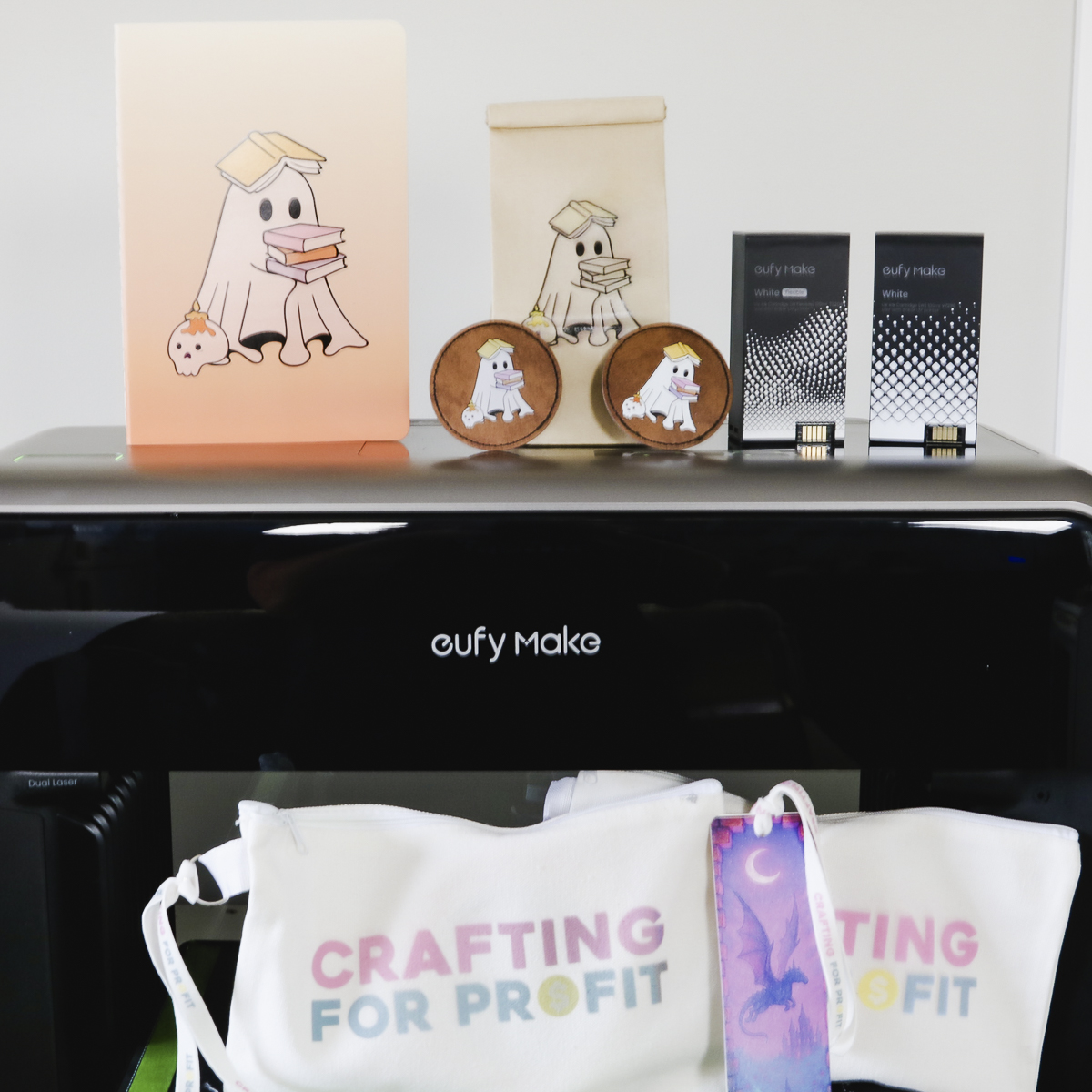
Learning the difference between regular white ink and flexible white ink will help ensure that the projects you make turn out the way you want and last.
Watch me make projects comparing both inks by pressing play on the video below.
Flexible White Ink for eufyMake E1 UV Printer
If you’re researching the EufyMake E1 UV Printer, you’ve probably wondered why there are two types of white ink: regular white and flexible white.
What is the difference? When should you use each one?
I'm going to make projects using both to answer both of those questions.
Why Are There Two Types of White Ink?
There are two types of white ink because, depending on what you're printing on, you may need more flexibility.
Here’s the key difference:
- Regular white ink → Best for hard, rigid surfaces
- Flexible white ink → Designed for materials that bend or move like paper, leather, or fabric.
Unlike the translucent CMYK inks, white ink is thicker and opaque. The thickness gives you bright, vibrant prints, but it is also more prone to cracking than regular ink.
Flexible white ink solves that problem.
Regular vs. Flexible White Ink: Side-by-Side
How are the white inks different?
Regular White Ink
- Brighter, more vibrant
- Better coverage with fewer layers
- Ideal for hard surfaces
- Can crack when bent
Flexible White Ink
- More translucent (less bright)
- Requires more layers for opacity
- Designed to bend without cracking
- Slightly higher cost due to layering
I recommend using regular white whenever possible. Switch to flexible white only when your blank requires it.
Note: Switching Ink Creates Waste
Be aware that swapping cartridges creates quite a bit of waste. When you change the ink, the printer completely flushes the white ink line. This wastes all the ink in the line and takes time to refill and calibrate.
To waste less ink, when possible, batch your projects. This will limit how often you need to change the ink.
How to Switch to Flexible White Ink
Switching the ink is easy.
Make sure you have a design on the canvas, and then select a material, like leather or fabric, and the software will prompt that flexible ink is recommended.
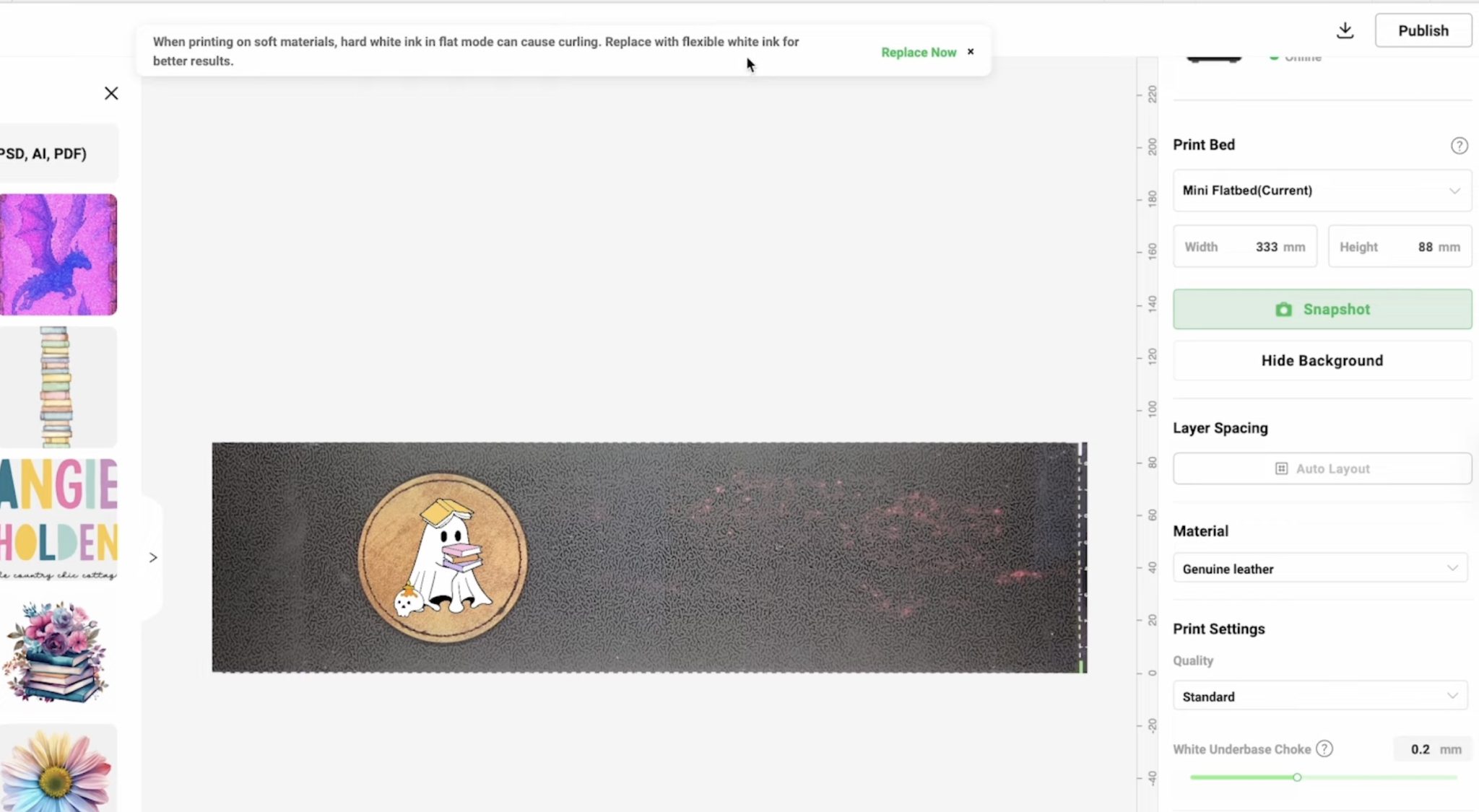
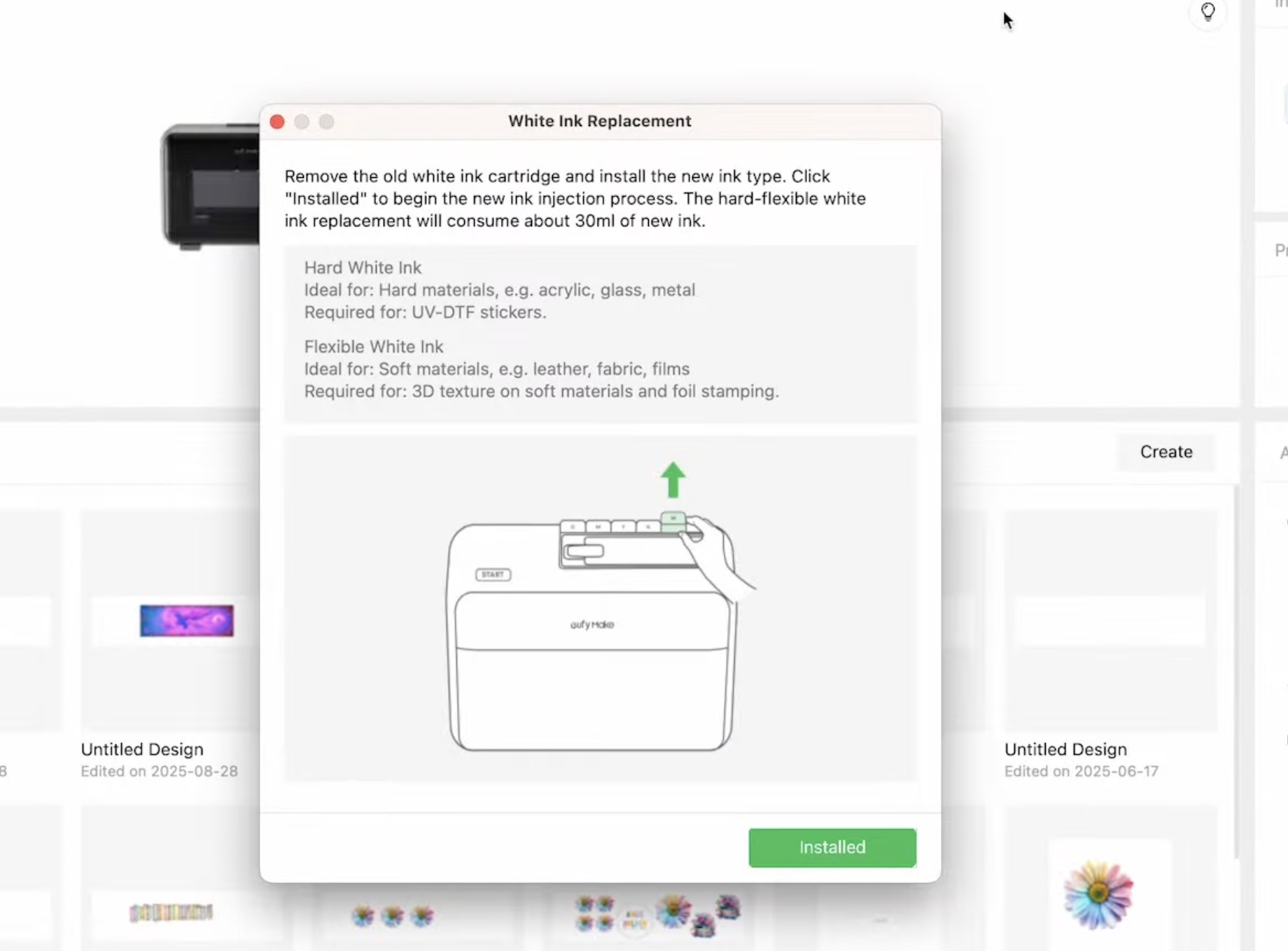
Within the software, click Replace Now and swap the white ink cartridge for the white flexible cartridge.
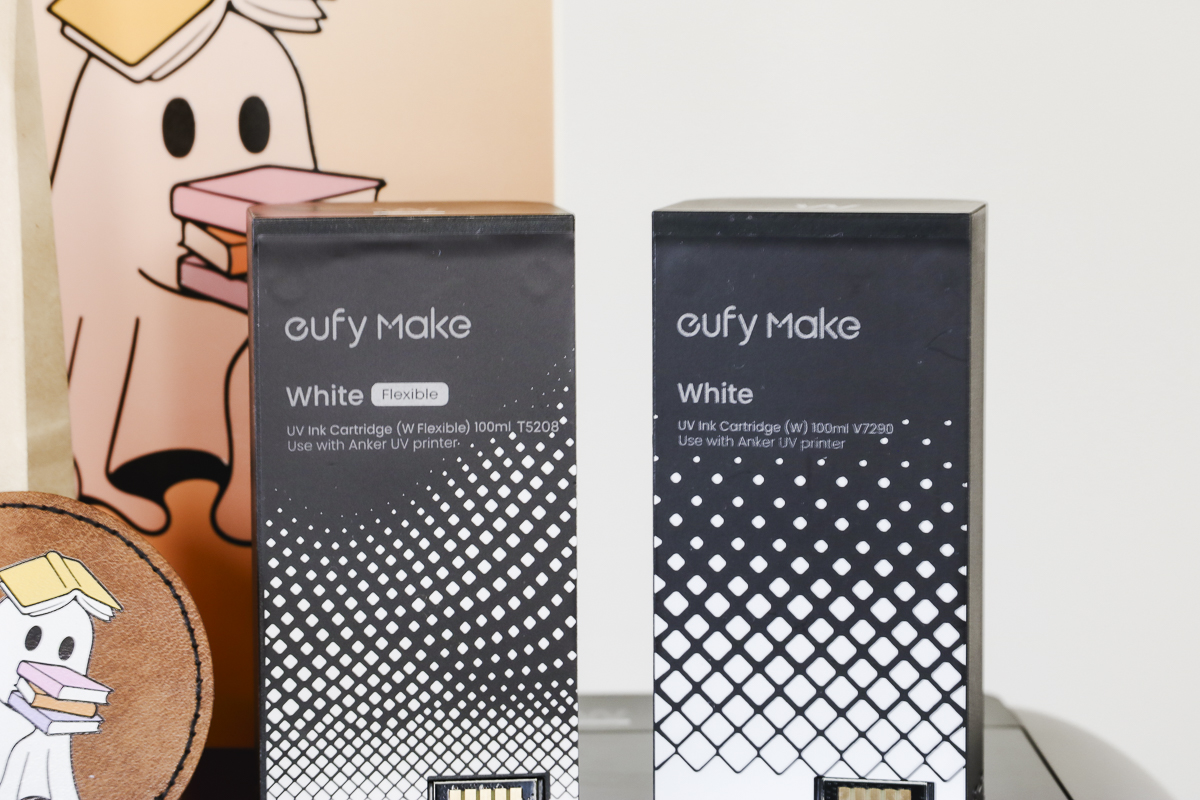
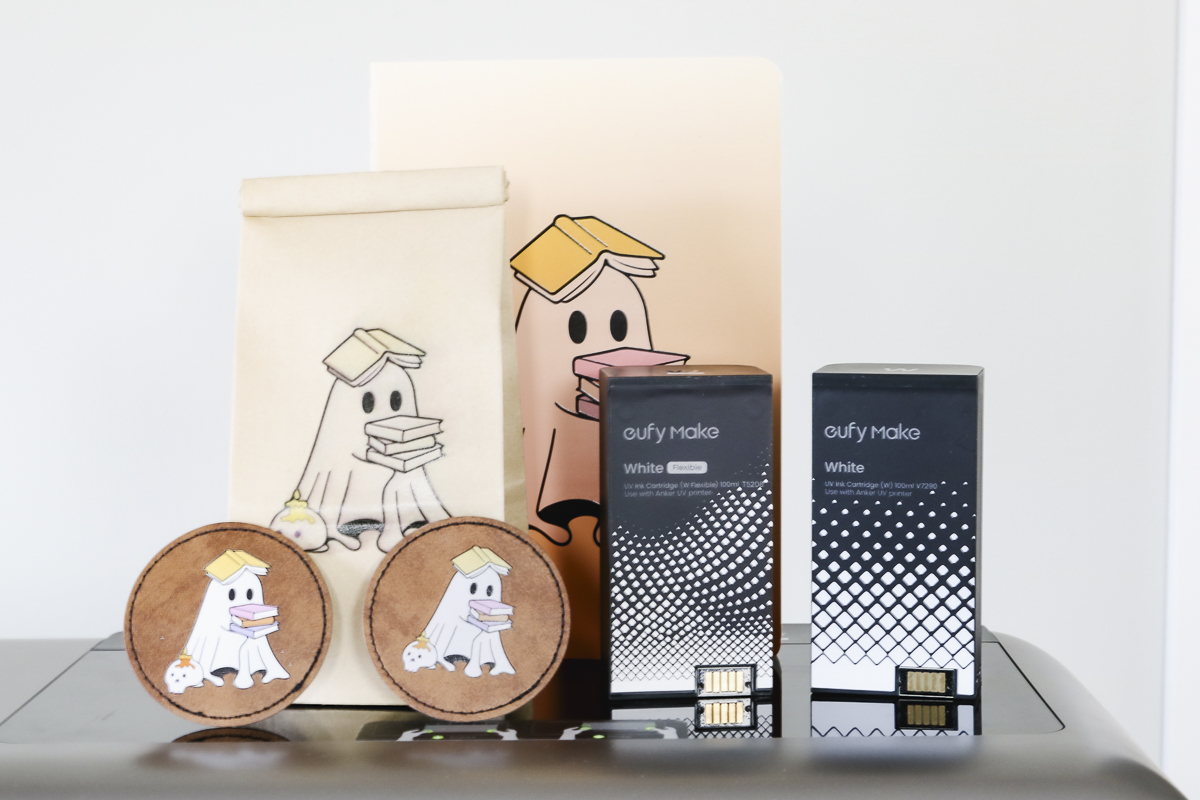
Both cartridges are clearly labeled on the box and the cartridges. It is easy to tell them apart, which will help prevent confusing them.
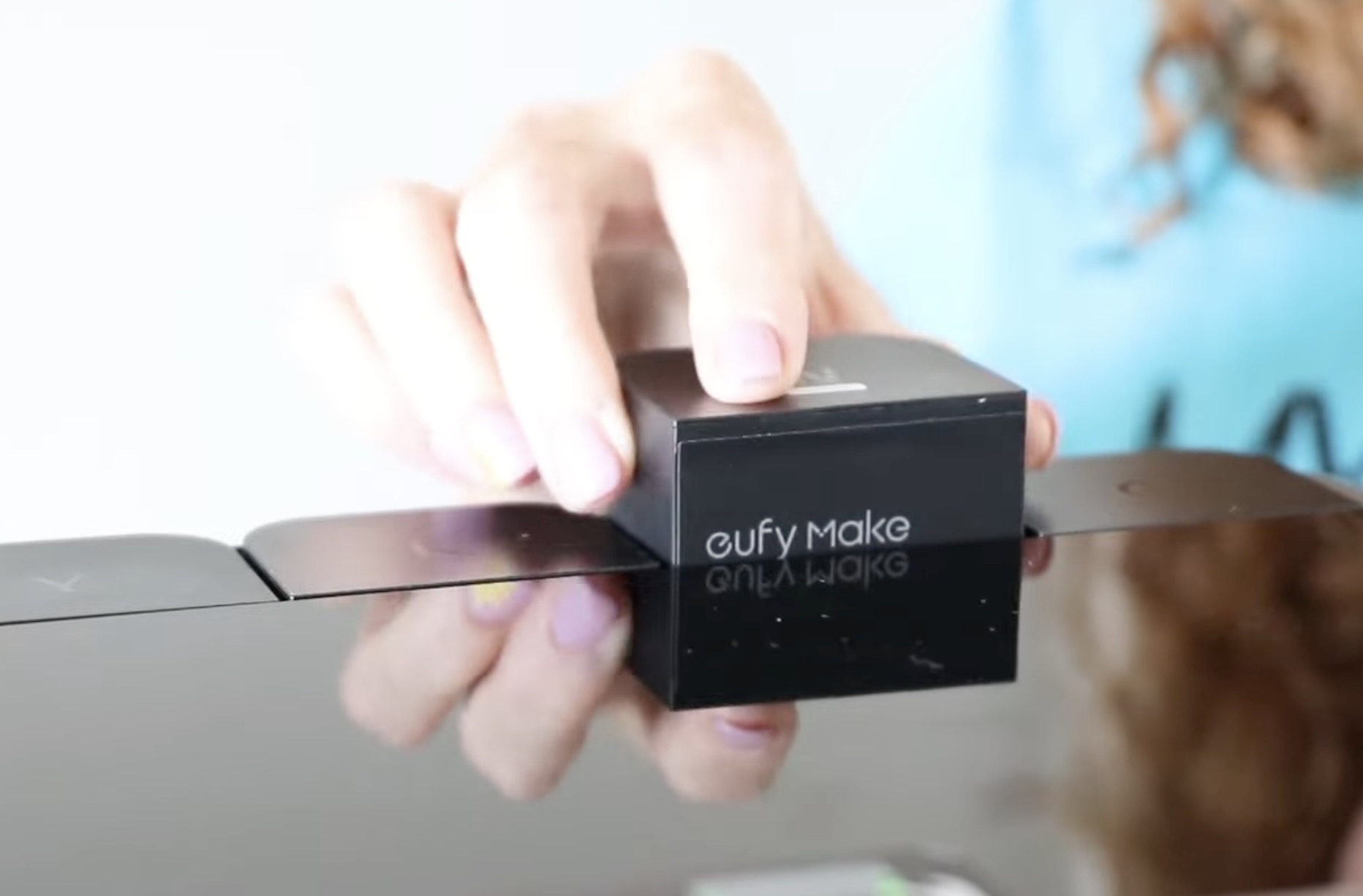
You'll install the white flexible ink the exact same way you installed the other inks. The machine will make noises as you remove and install the cartridges.
With the process complete, the software will prompt you to run a test print.
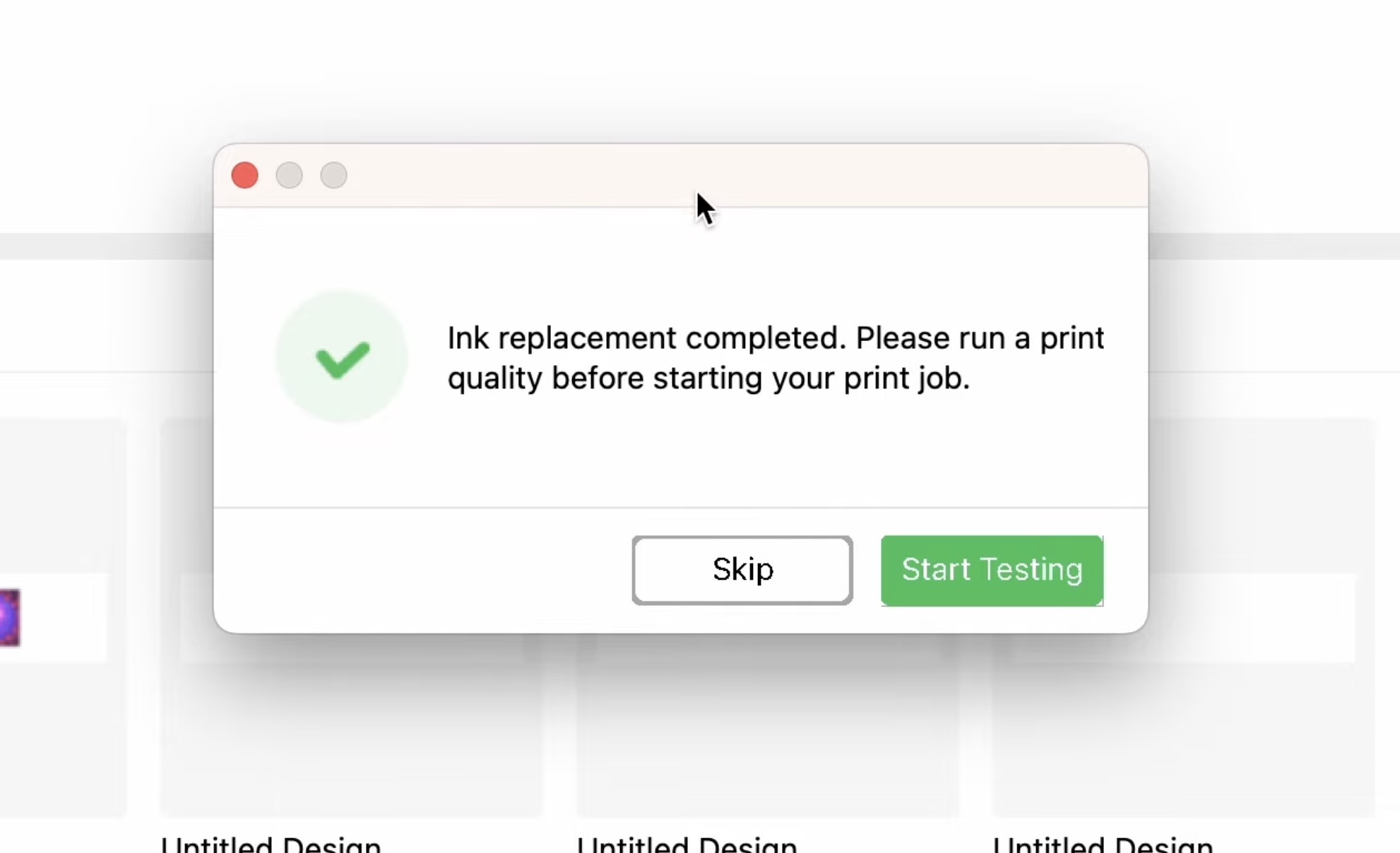
Always make sure your test print looks clean before starting a project.
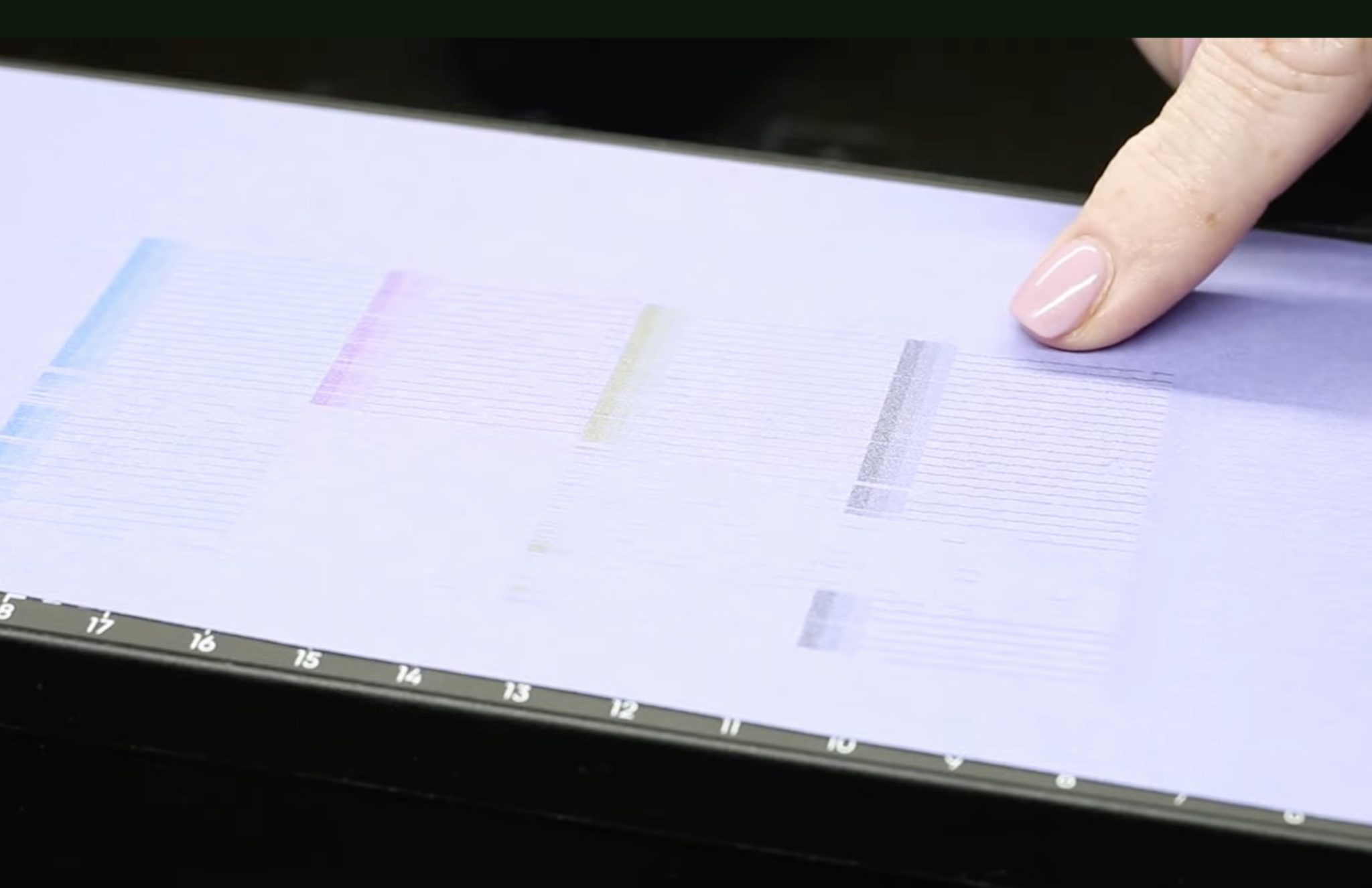
Once the test print looks correct, you're ready to make projects with the flexible white ink.
Project Examples
Now that the printer is set up with the flexible white ink, we're ready to test a few different materials.
1. Leather Patches
The first flexible white project I made was a leather patch. I wanted to have a true comparison, so before I switched the ink, I printed the same design using the regular white ink.
With the flexible white ink installed, I made sure I used the same settings as I used with the regular white ink.
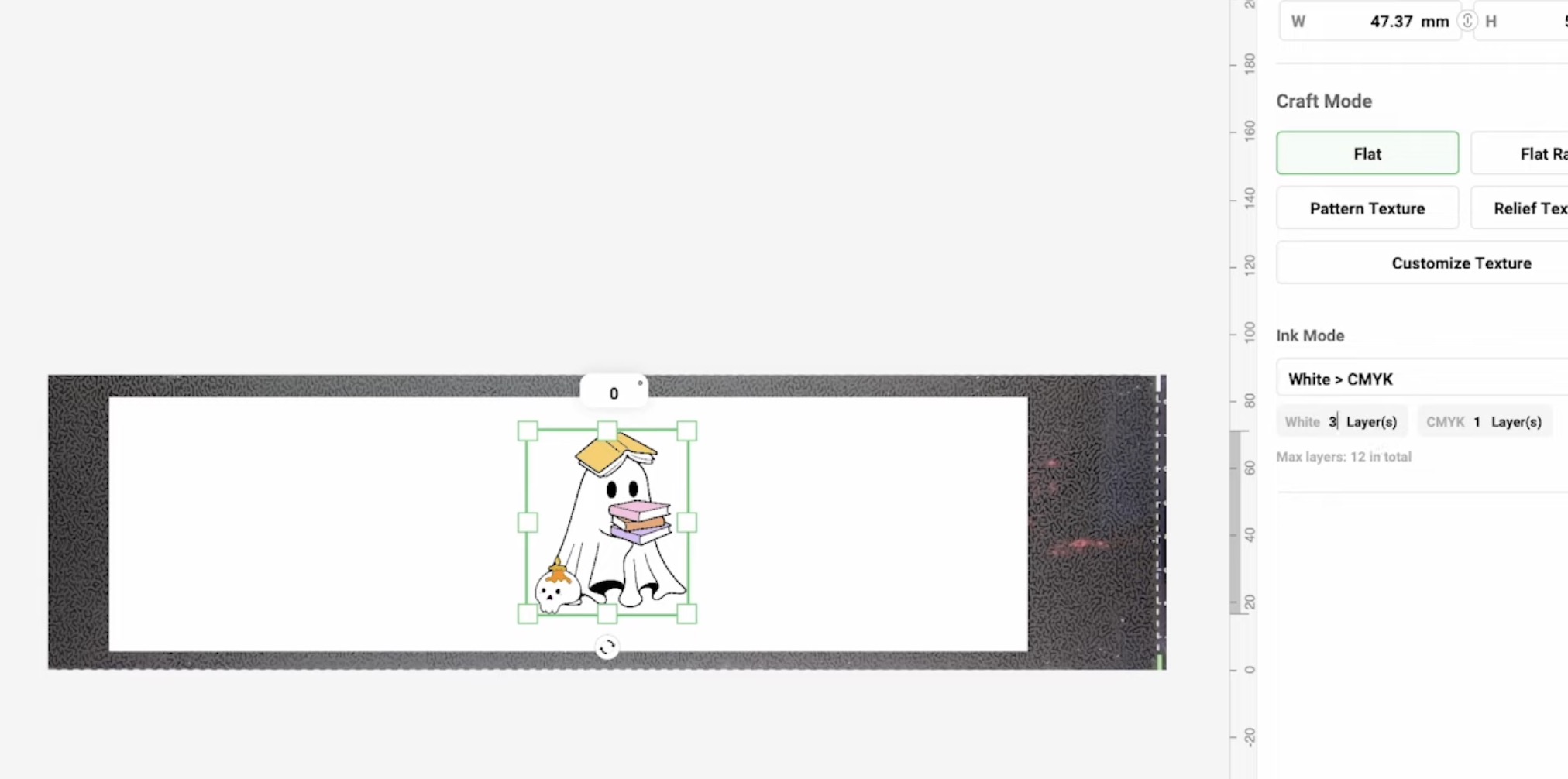
The regular white ink settings were 3 layers of white and 1 layer of CMYK. I am going to use those same settings for the flexible white ink.
Here you can see the difference between the two ink options.
The design on the left is regular white ink, and the design on the right is the flexible white ink.
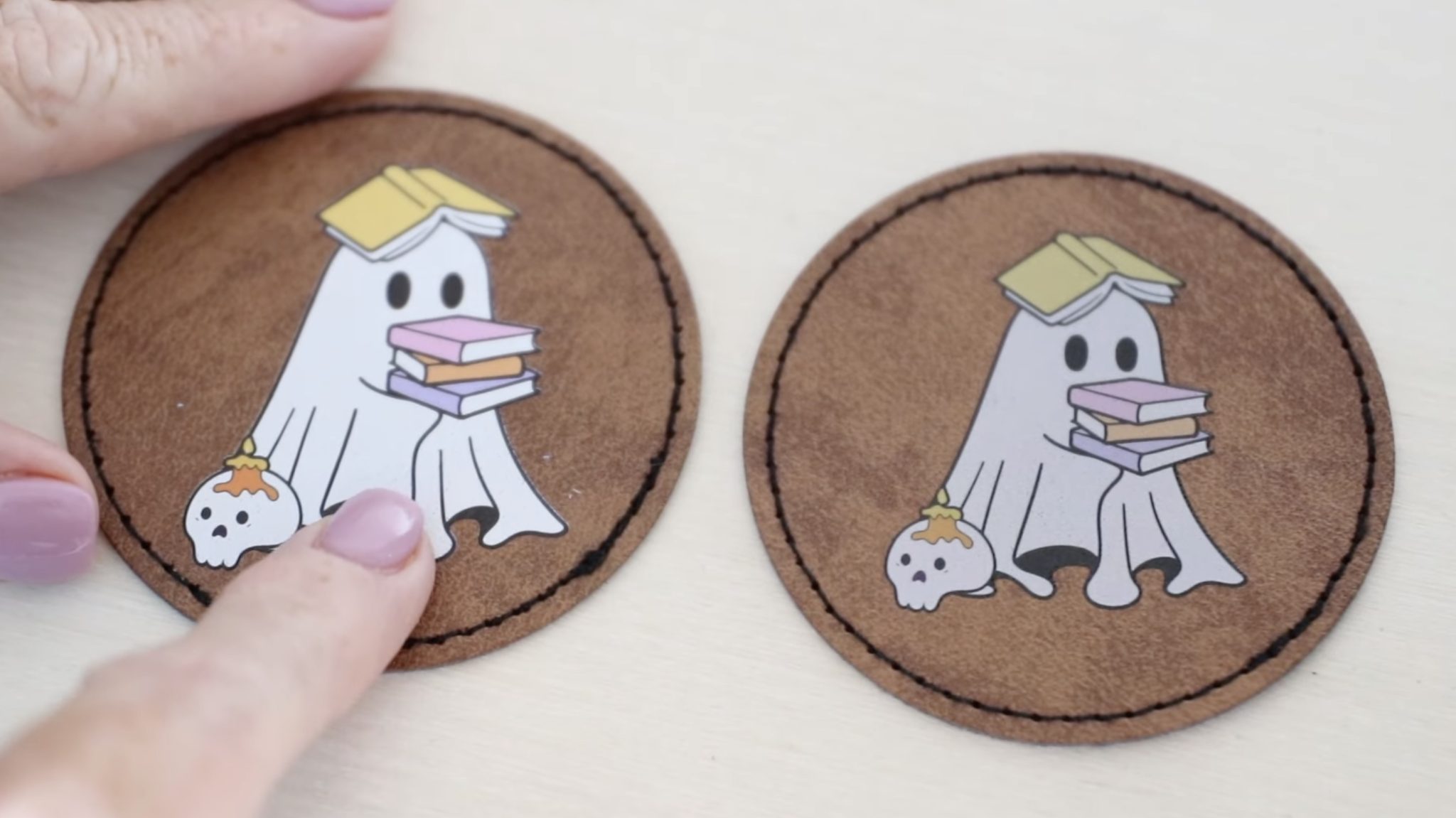
The regular white ink is more opaque than the flexible white ink. To get a design that looks more like the regular white ink, I'd need to increase the number of white layers.
When bending the leather patches, the flexible white is the clear winner.
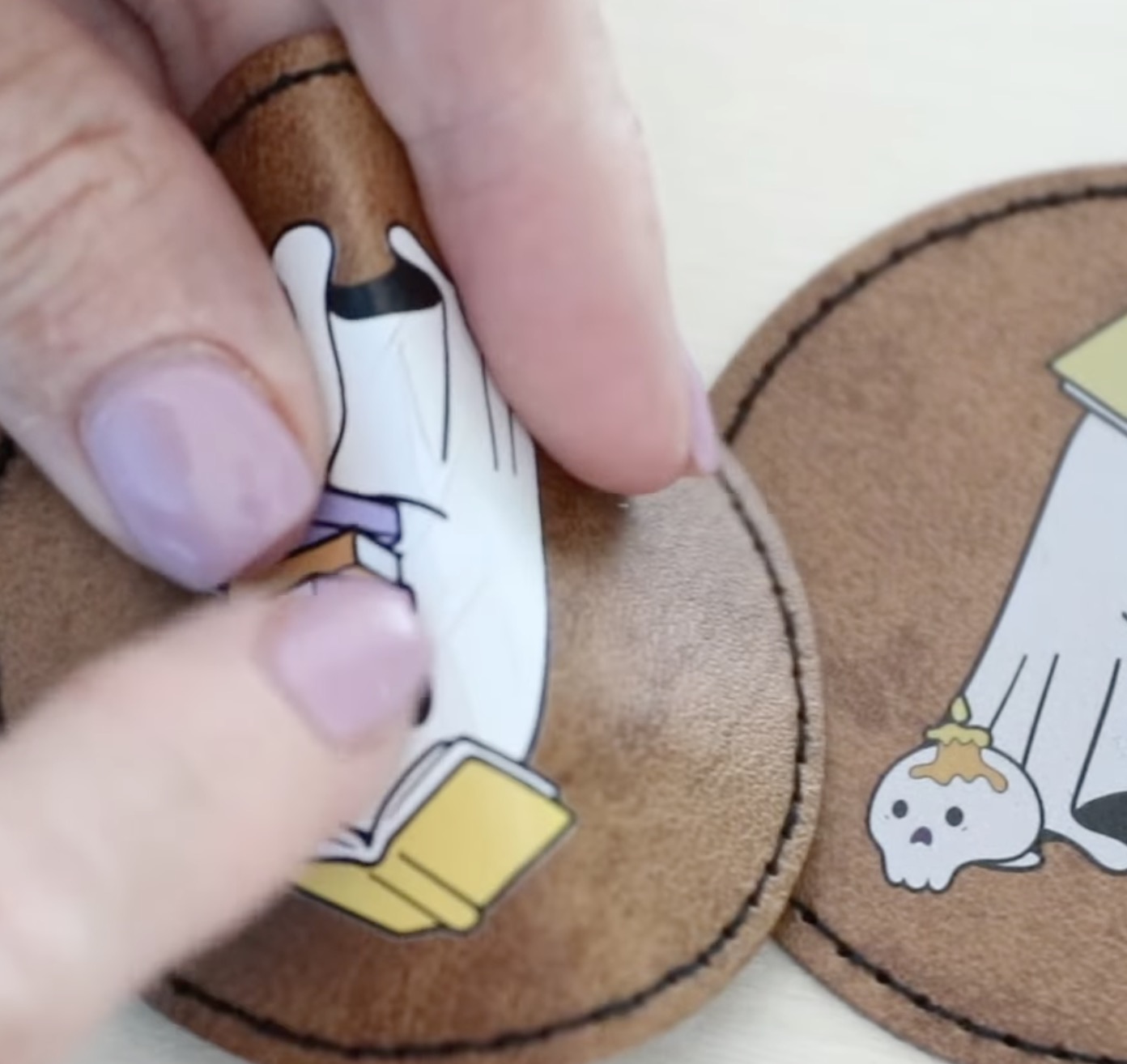
The regular white ink cracks. It's more stiff, you can see and hear the cracking. The flexible white ink moved with the leather and had no cracking at all.
If your design needs durability on a flexible surface, you'll definitely want to use the flexible white.
2. Paper Products
Next, we're going to test the flexible white ink on paper products like notebooks, cardstock bookmarks, and gift bags.
Thin Cardboard Covered Notebook
First, I made a notebook that has a light colored, thin cardboard cover.
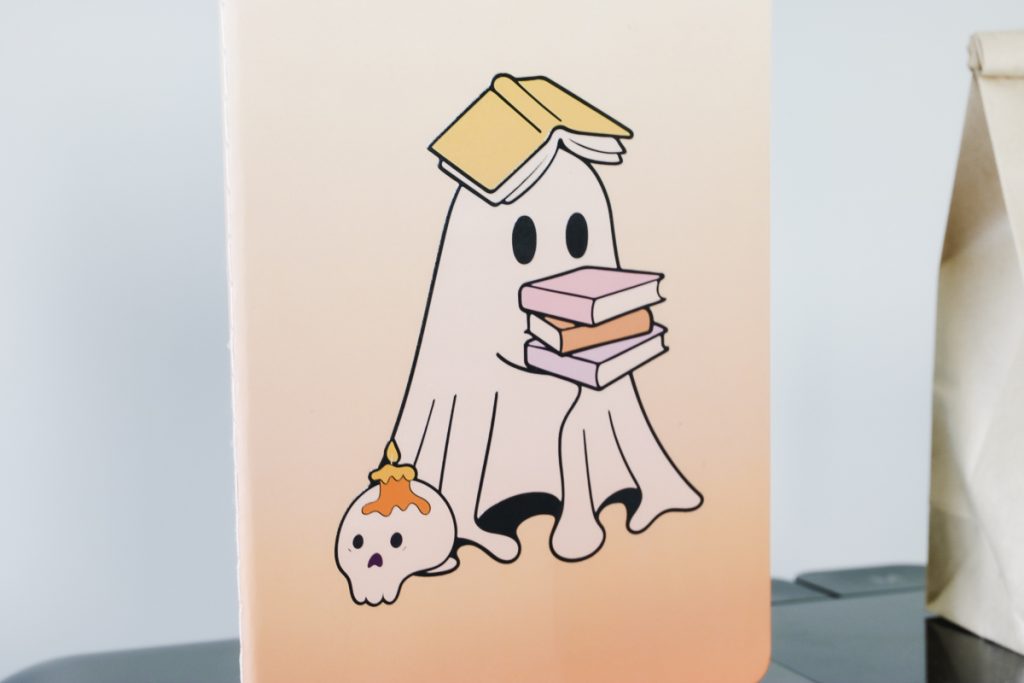
This looks really good. It is very flexible, and the design is fully adhered to the cover.
When I chose this material, the software had a setting of one layer of white. It is not very thick, and you can see the color of the blank through the white a little bit.
Cardstock Bookmark
The next project I tested was a white cardstock bookmark.
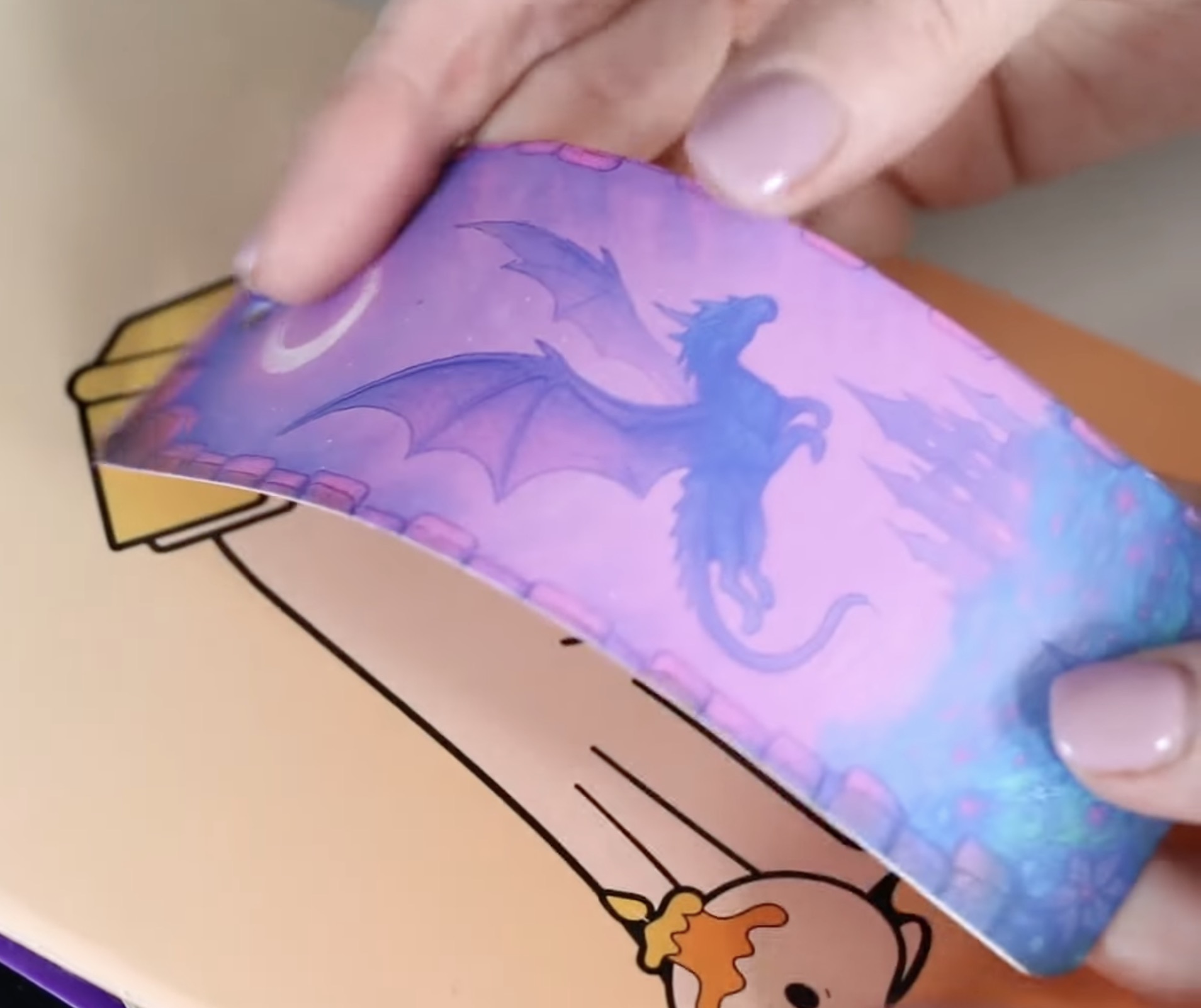
This time, I did a full design, and it still bends with the cardstock without cracking.
The paper will still crease as paper does when you fold it, but the ink didn't crack.
Paper Gift Bag
The last paper product I tested was a gift bag.
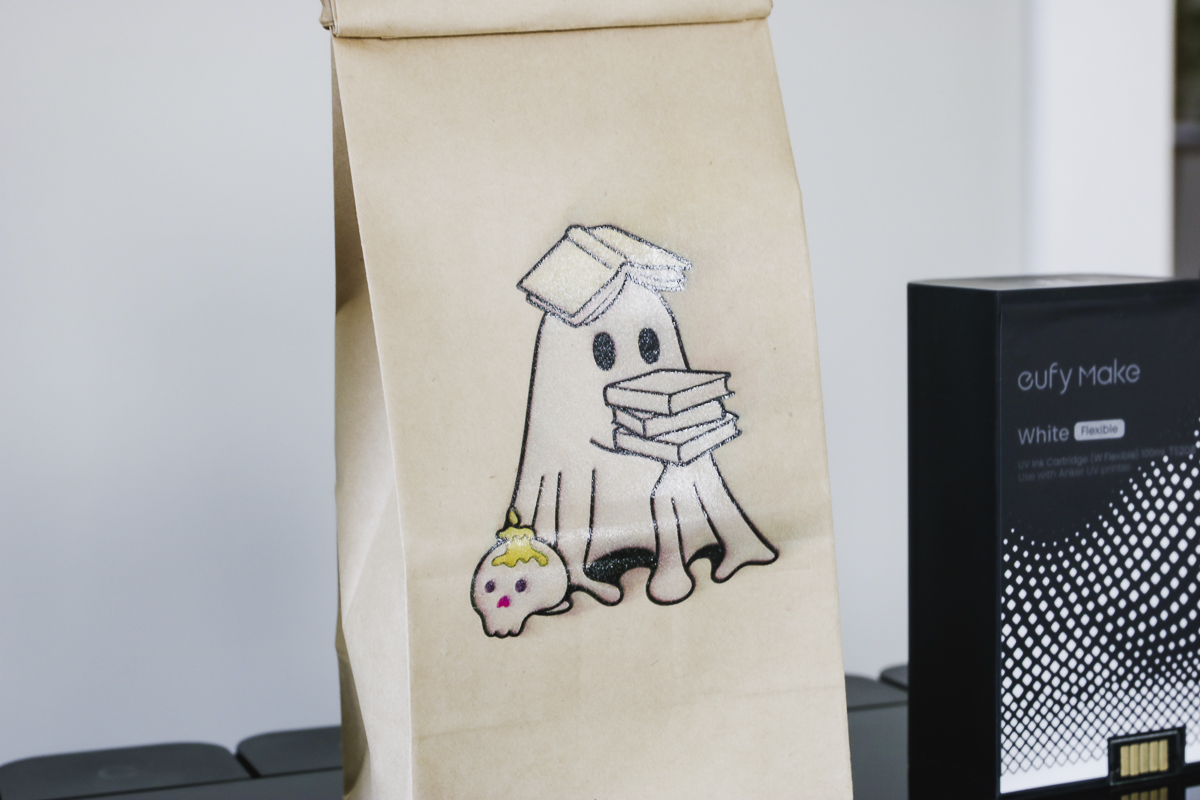
On this blank, there are a few noticeable issues. First, you can see the paper through the white. Second, there is some ink blowout/bleed.
With the eufyMake UV printer, you need a flat surface. The printer measures the highest point and prints based on that.
If the blank isn't fully flat, the ink will spray out a little bit, giving a ghosting/bleed look.
When using a fully flat blank, the flexible white ink performed really well on these paper blanks. The only real drawback is that with the settings provided, the white is less opaque. I would do a test to ensure you're getting the desired result.
With a darker colored blank, I think it would be a lot more noticeable.
3. Fabric
The last project I'm going to try using the flexible white ink on is fabric.
Before we begin, I want to remind you that this ink is not washable. You'll want to use it on blanks that are decorative or can just have the surface wiped.
First, I tested a canvas pouch. While the results aren't awful, they're also not perfect.
Because the blank is not completely flat, the ink is uneven, and there are overspray issues.
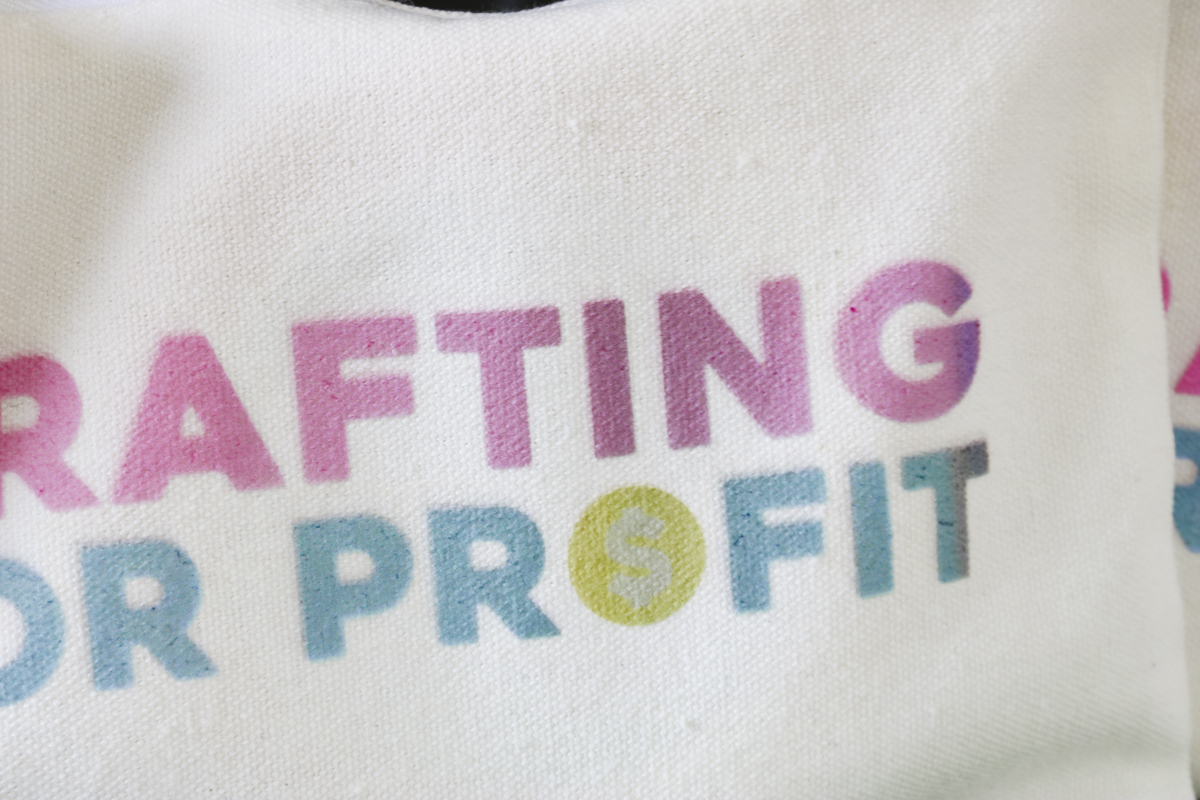
I tried a couple of different pouches and didn't get a great result. If you're going to try something like this, I would make sure to have a few to do some tests on.
I tried adding something inside to lift the printing area, and still had some issues.
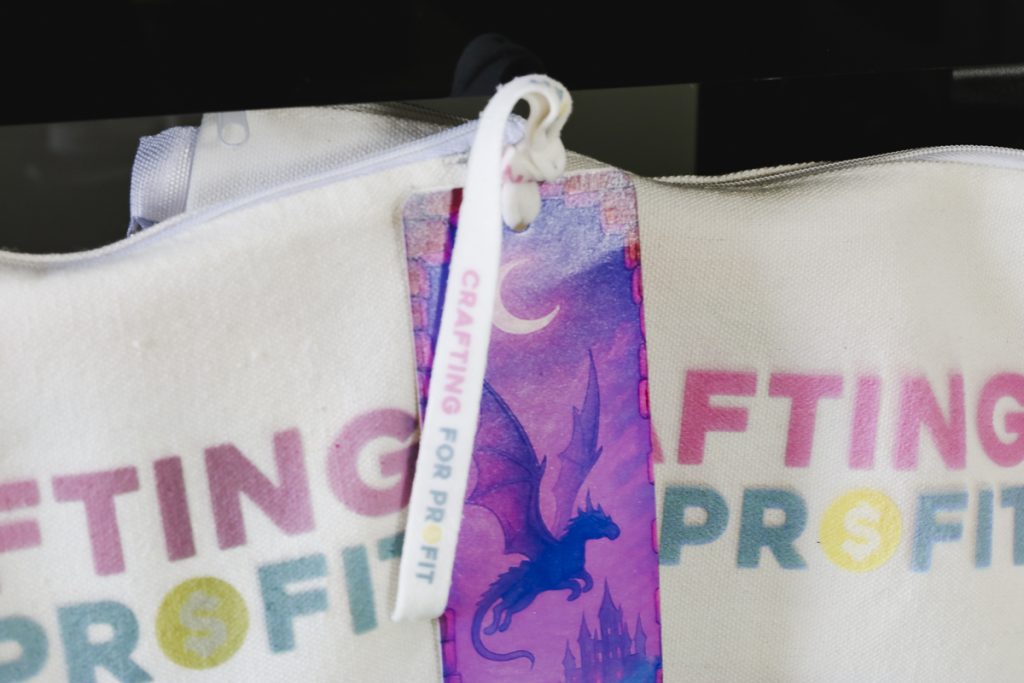
Next, I tried printing on flat ribbon, and it did a great job.
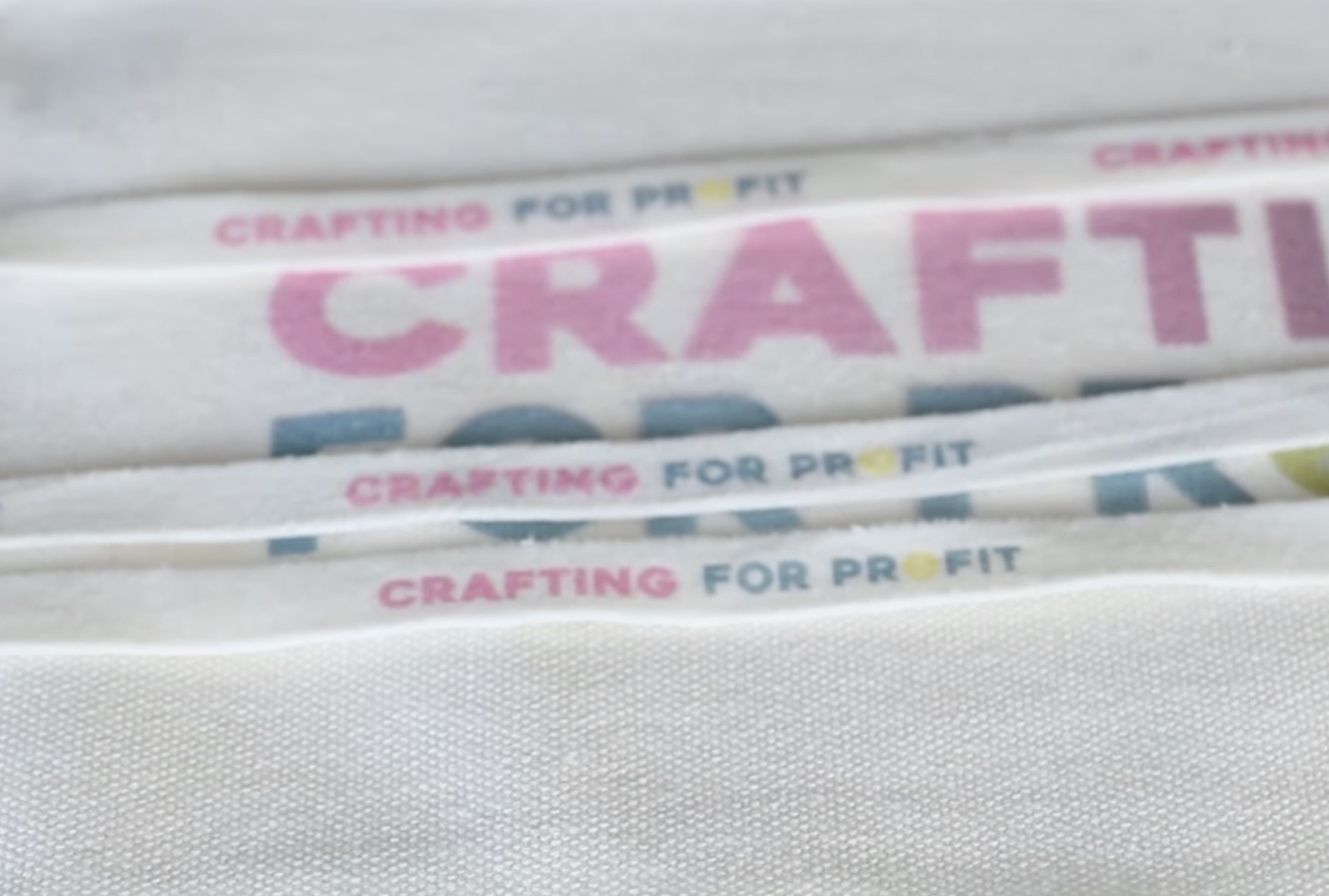
The colors all look great, the ink doesn't crack, and I'm really happy with how this looks.
Are You Ready to Use Flexible White Ink in Your eufyMake UV Printer?
I definitely think using the flexible white ink is important when using materials that bend and flex.
It's important to use flat surfaces when UV printing. The printer reads the highest point of your blank. If the surface isn't flat, you may notice blurry or over-inked edges, and the ink can spray unevenly.
If you cannot get a flat surface, I'd recommend reducing the ink layers, which may help.
Adjusting Settings for Better Results
Flexible white ink requires some trial and error. While testing, remember that more layers equal better opacity, but fewer layers equal less risk of the ink spreading. Also, the more layers you use, the higher the cost per print.
Only you can decide how much is too much per print.
When Should You Use Flexible White Ink?
Flexible white ink is ideal for:
- Materials that bend like leather, fabric, and cardboard.
- Blanks that move and flex during use.
- When durability is more important than brightness.
Regular white ink is best for:
- Projects that require bright white.
- Blanks with rigid surfaces.
Flexible white ink is not something you'll use for every project, but it is something you'll want to have on hand if you're making projects that bend and fold.
Remember, changing the ink cartridges wastes the ink. To reduce the waste, plan projects ahead of time and batch them.
Regular white ink is brighter, and I use it whenever possible. I'd only use flexible white if I were making projects that truly required it.
As always, flat surfaces will give you the best results.
I hope I've answered any questions you have about using flexible white ink in the eufyMake E1 UV printer. Expect a little trial and error. Keep notes on what is working well, and I think you'll be happy with the results you get.
If you have any additional questions, leave them in the comments and I'll be happy to answer them for you.