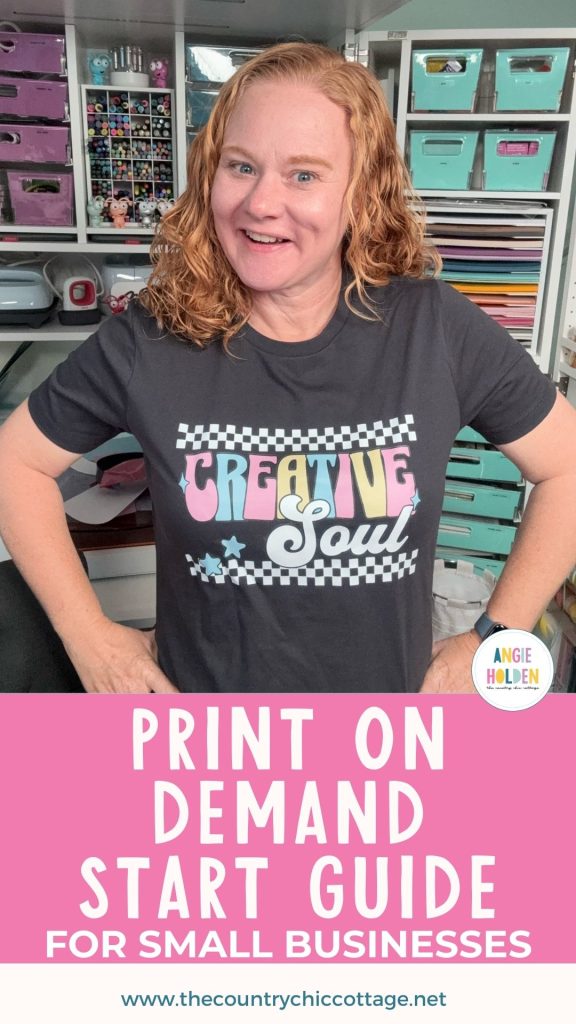
Are you considering starting a Print on Demand shop to support your small business? Have you heard people talking about POD and you're interested in learning more? Today, I'm going to show you how I set up my own Print on Demand shop and share why I think it might be right for you.
If you want to make money without printing designs, pressing shirts, or shipping items, you're going to love Print on Demand.
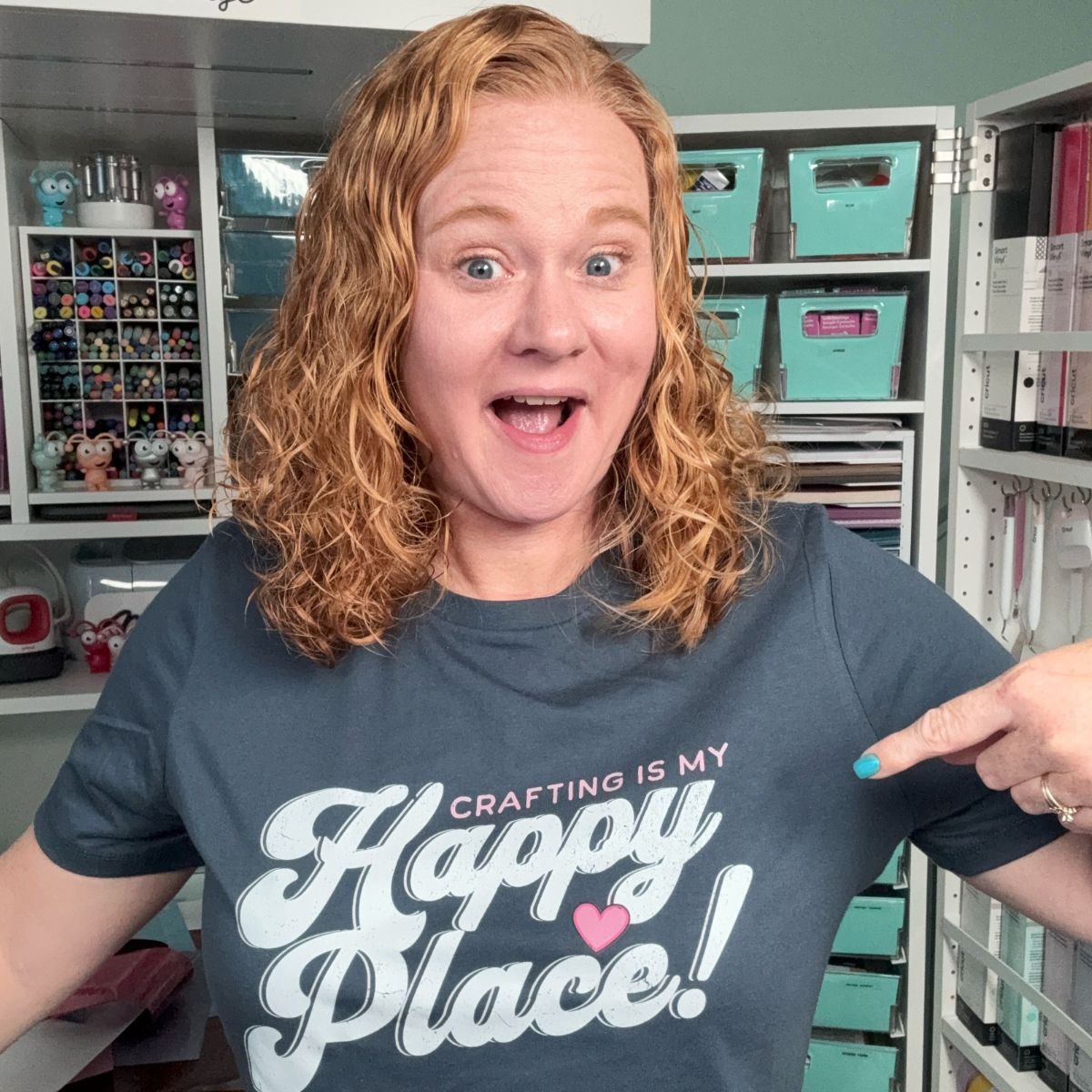
You can watch me walk you through the backend of my Print on Demand shop and see exactly how it looks when you create a new listing by pressing play on the video below.
I created my Print on Demand shop with Ninja Transfers, and the process was very quick and so easy. I definitely recommend checking them out.
What is Print on Demand (POD)?
Print on Demand (also referred to as POD) is a process where, when a customer places an order, the item is made for that specific order and then shipped directly to the customer.
This is done by a third party which in my case is Ninja Transfers. The best part is that you, as the shop owner, don't have to do anything, including having inventory on hand. Print on Demand companies do everything from taking the order to shipping the finished product to the customer.
This makes POD a very cost-effective way to run a business, especially when it comes to apparel. As a business owner, you no longer have to have every color and size of each blank you offer on hand.
I don't know about you, but that is a big selling point for me. I don't have space to store blanks that I hope to sell, and the expense of buying everything up front can add up really quickly.
With a POD shop, someone else is in charge of everything, including inventory.
Are POD Shops only for Apparel?
You can do a POD shop for a lot of different items, including hats, tote bags, backpacks, mugs, towels, golf balls, aprons, etc. What finished products are available may depend on the POD partner you choose.
I think Print on Demand is ideal for apparel because of all the different colors and sizes of inventory you need to keep in stock. With POD, you don't have to worry about inventory.
Pros and Cons of Print on Demand
Before we get into my shop, I want to talk about the pros and cons so you can decide if you think POD may be right for you.
- When you make items yourself, you are in control of the quality. When you use a Print on Demand shop, you need to make sure you trust the company you have partnered with. Order samples of the products you're selling so you can touch and feel the fabric and the print. Does it feel like you want it to? Does the design live up to the quality you expect people to get when they purchase from you?
- When you make the items yourself, you will get more money per item. Because the POD company is doing the work and providing the physical product, they are going to charge you a portion of the total price. If you're making the items yourself, you can adjust prices and maybe charge less than is recommended through the POD site.
- Branding is another area you may want to consider. If you are shipping your own products, you can control the branding. You can add thank you notes, use brand-specific packaging, include extra goodies like stickers, use colored labels, etc.
- A definite positive is that POD businesses cover all the inventory and labor. They also have all of the equipment and materials. Printers, heat presses, labels, boxes, etc., and space to store them all.
- A big positive for me is that I don't have to do any shipping. That is possibly my least favorite part of owning a small business. I do not enjoy the packaging/shipping portion of the workload.
- Using a Print on Demand partner also reduces the workload for small business owners. Other than the initial setup of the shop and promoting the products, everything else is handled by the POD business.
Do I Need to List Everything in my Print on Demand Shop?
The great thing about Print on Demand is that you get to decide what to make yourself and what you want to load into your POD shop.
If there are certain products you really enjoy making, keep making those yourself. Use your POD shop for the products you don't love making or during your busy time.
How to Set Up a POD Shop
Now, we're ready to look at how to set up a POD shop with Ninja Transfers so you can see what all is offered and if it's the right choice for you.
NOTE: I have not set up a Print on Demand shop with any other company, so I can only speak to my experience with Ninja Transfers.
Design Licensing
I am using Kittl to create the designs for my POD shop. You can use other programs/design platforms like Creative Fabrica, Canva, Design Bundles, Adobe Illustrator, etc.
Before you begin uploading designs, we need to talk about licensing.
If you draw/create your own designs, you are completely fine. You can set up your shop using your designs and know that you are safe.
If you are using designs from somewhere else, you need to check the licensing. Many platforms allow you to sell finished products using their designs with a commercial license, but exclude using them for Print on Demand.
Fonts may also be excluded from use with POD. For every element you use in your designs, if you did not create it yourself, make sure it includes a license for Print on Demand.
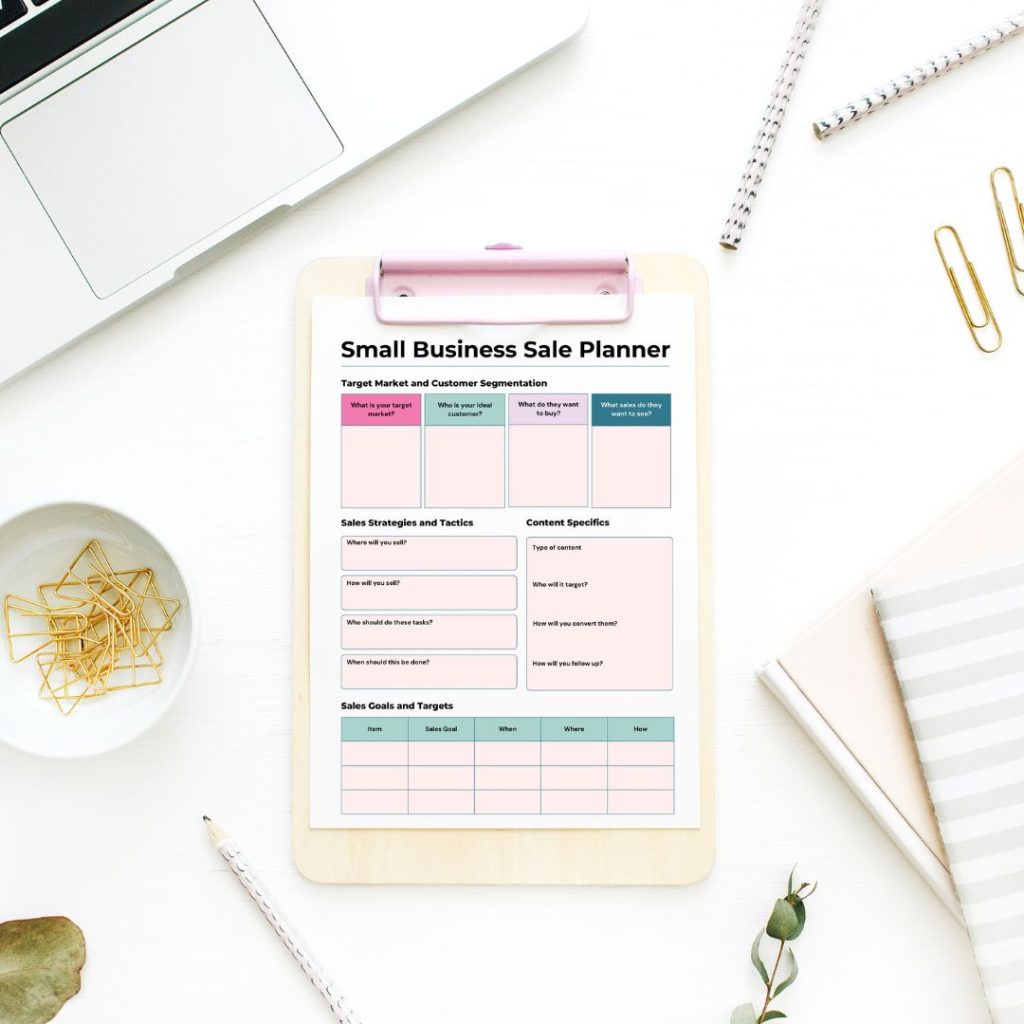
Get my free small business sale planner!
Plan your next sale using this 2 page planner and reach as many people as possible! Increase your reach and increase your sales with a well thought out plan that will have customer coming back again and again!
Set Up Ninja POD Shop
Here we are in my Ninja POD shop. I already had a Shopify shop set up. It was very easy to connect my Shopify to Ninja POD.
I only have experience with Shopify. Other platforms may work with Ninja POD, but I cannot speak to how they work or how easy they would be to connect.
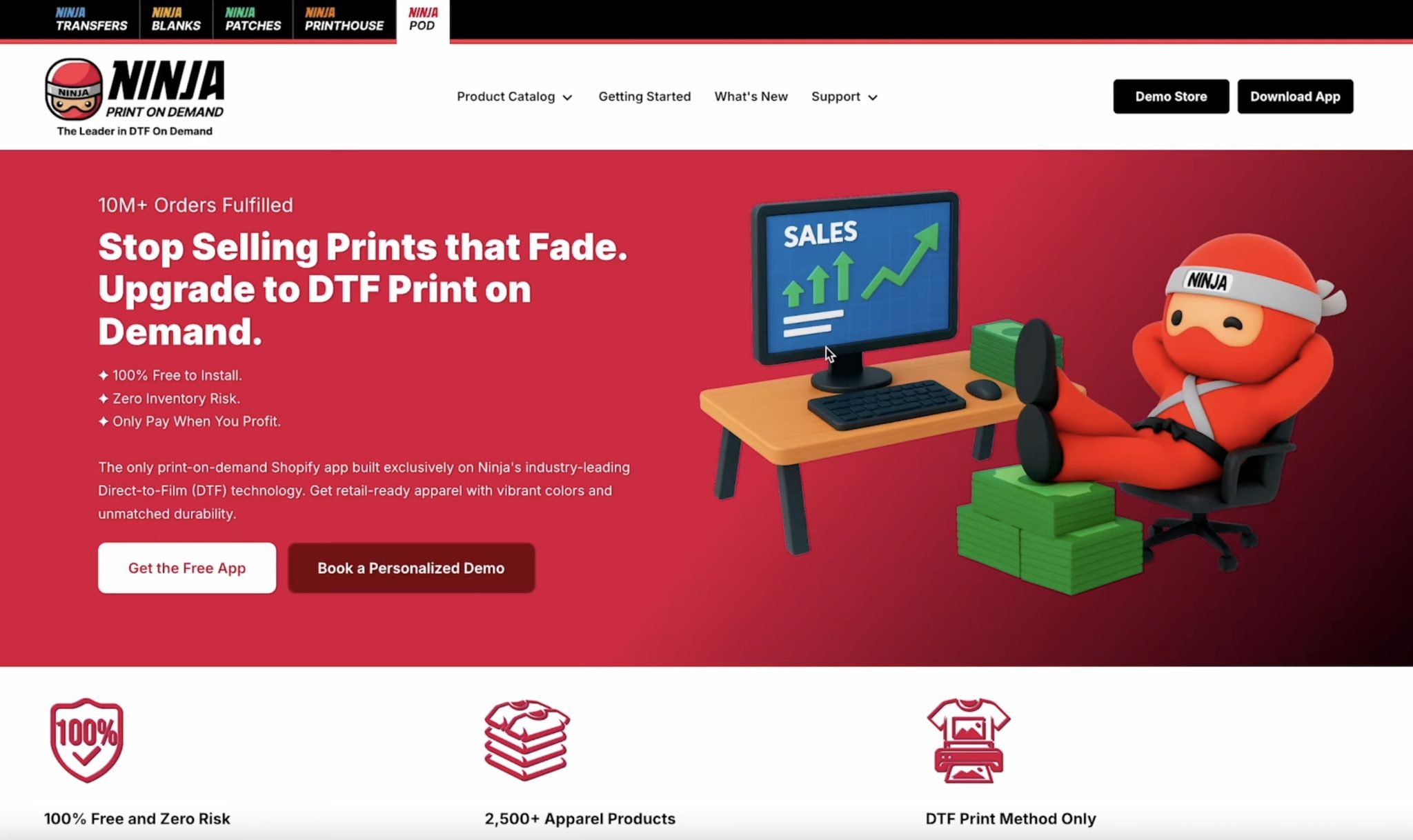
Here you can see the Ninja Print on Demand home page. On this page, you can read through everything they offer and see if they have what you would want in a POD partner.
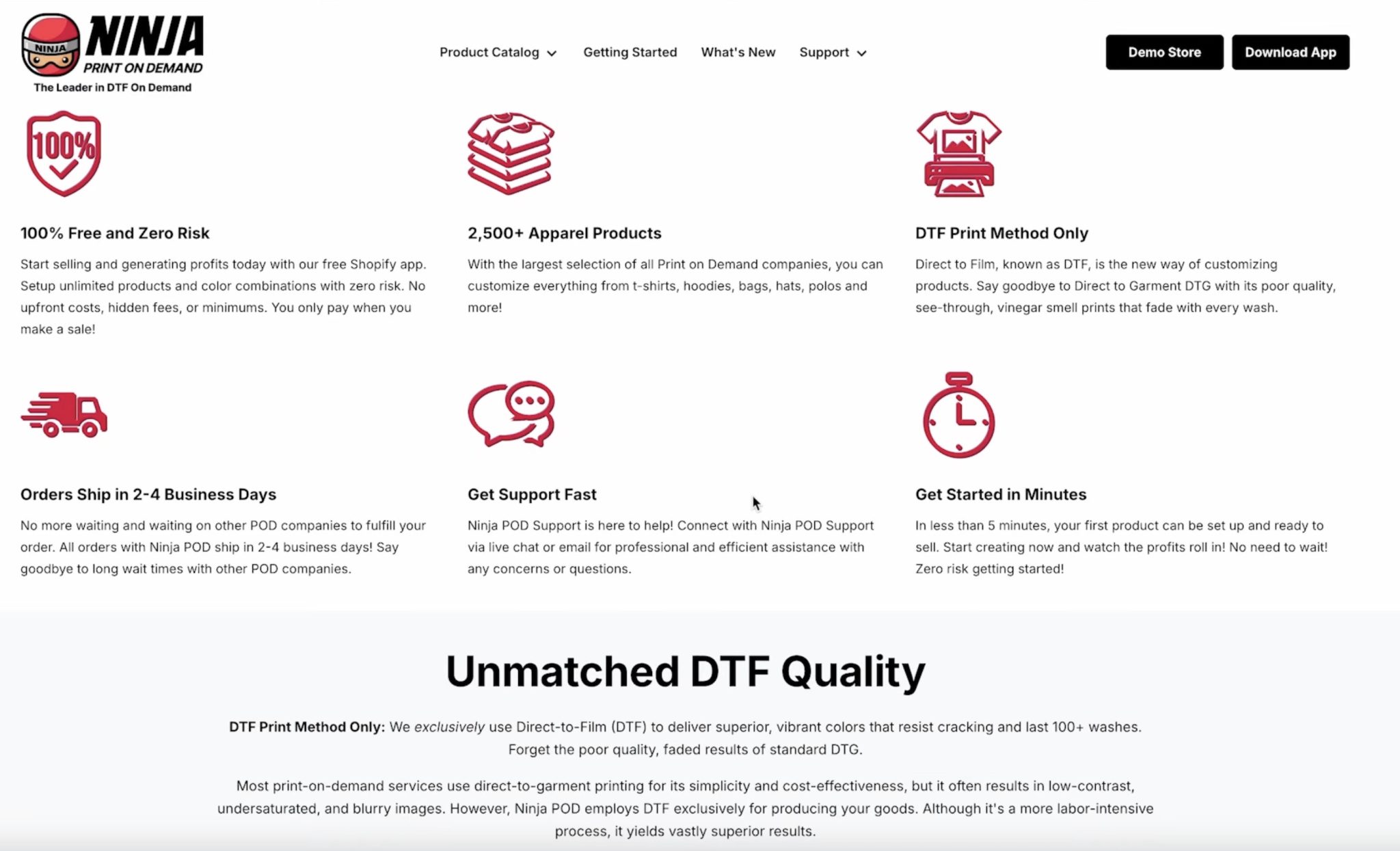
There are also guides on this page to walk you through everything you need to do to set up your POD store.
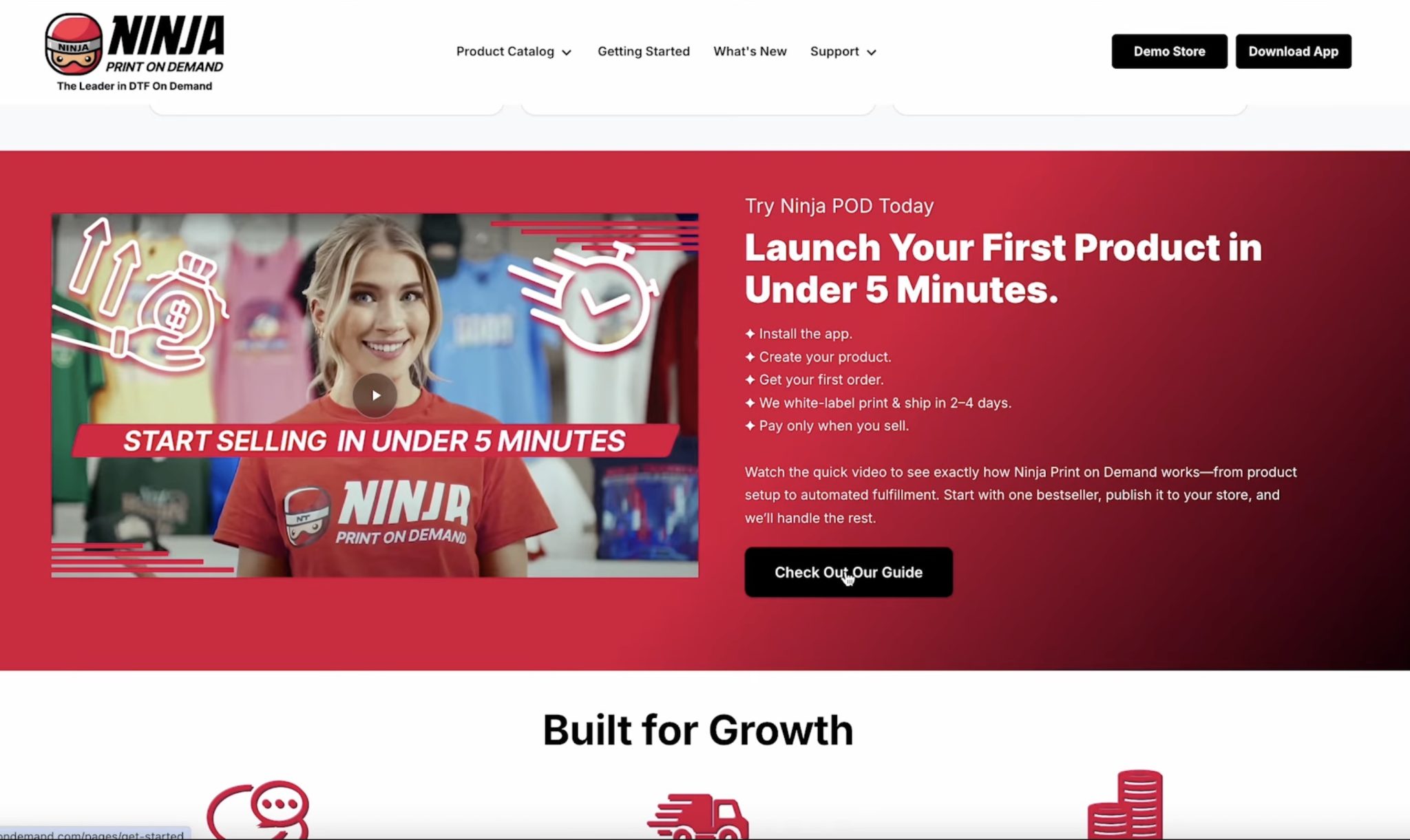
The whole process is so easy. I put off setting up a Print on Demand shop for so long, and now that I know how easy it is, I wish I had done it sooner.
Step 1. View the Product Catalog
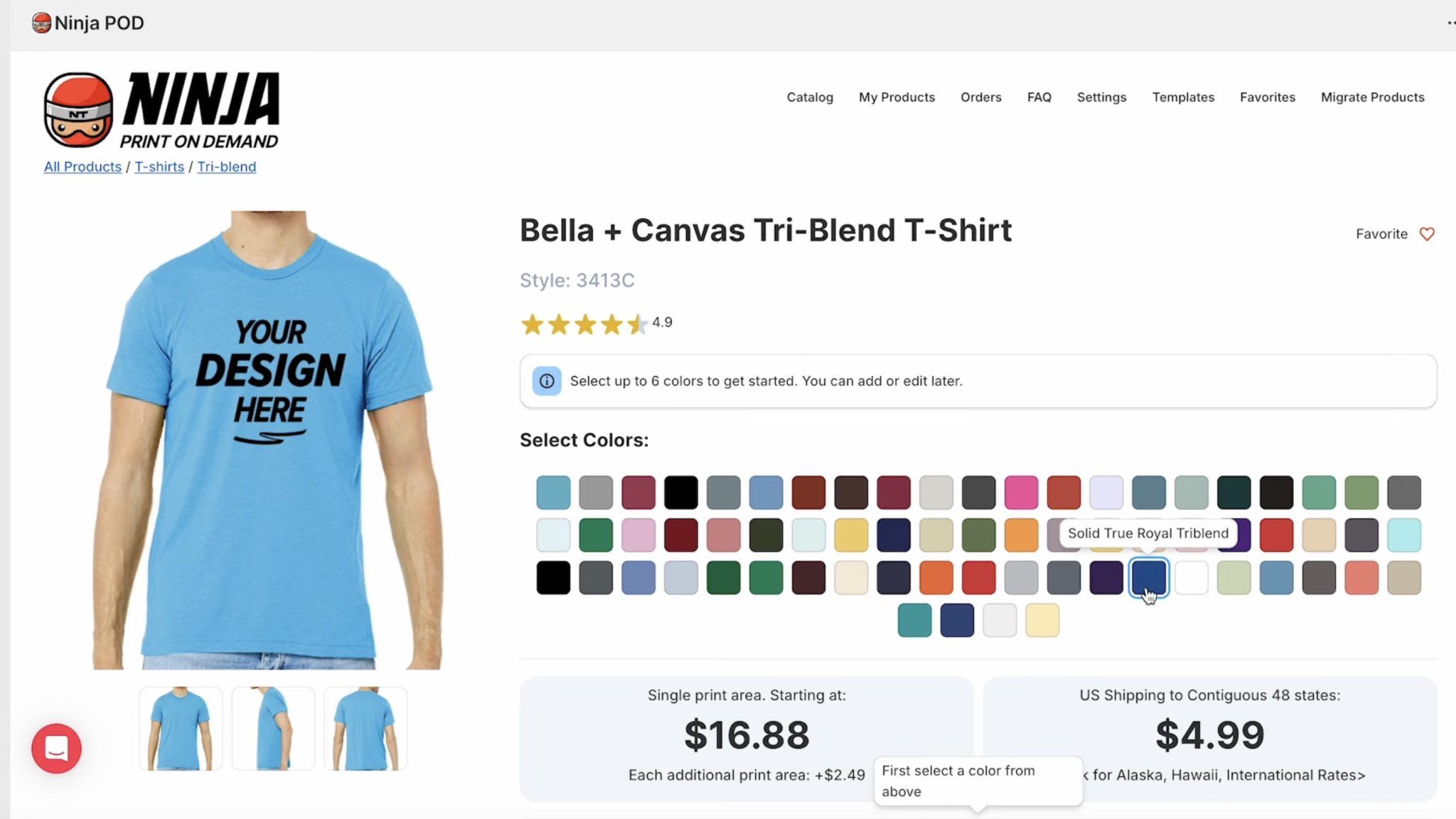
Now you can view the product catalog to decide what items you want to put in your store. There are so many products, and you can start with as many or as few as you would like.
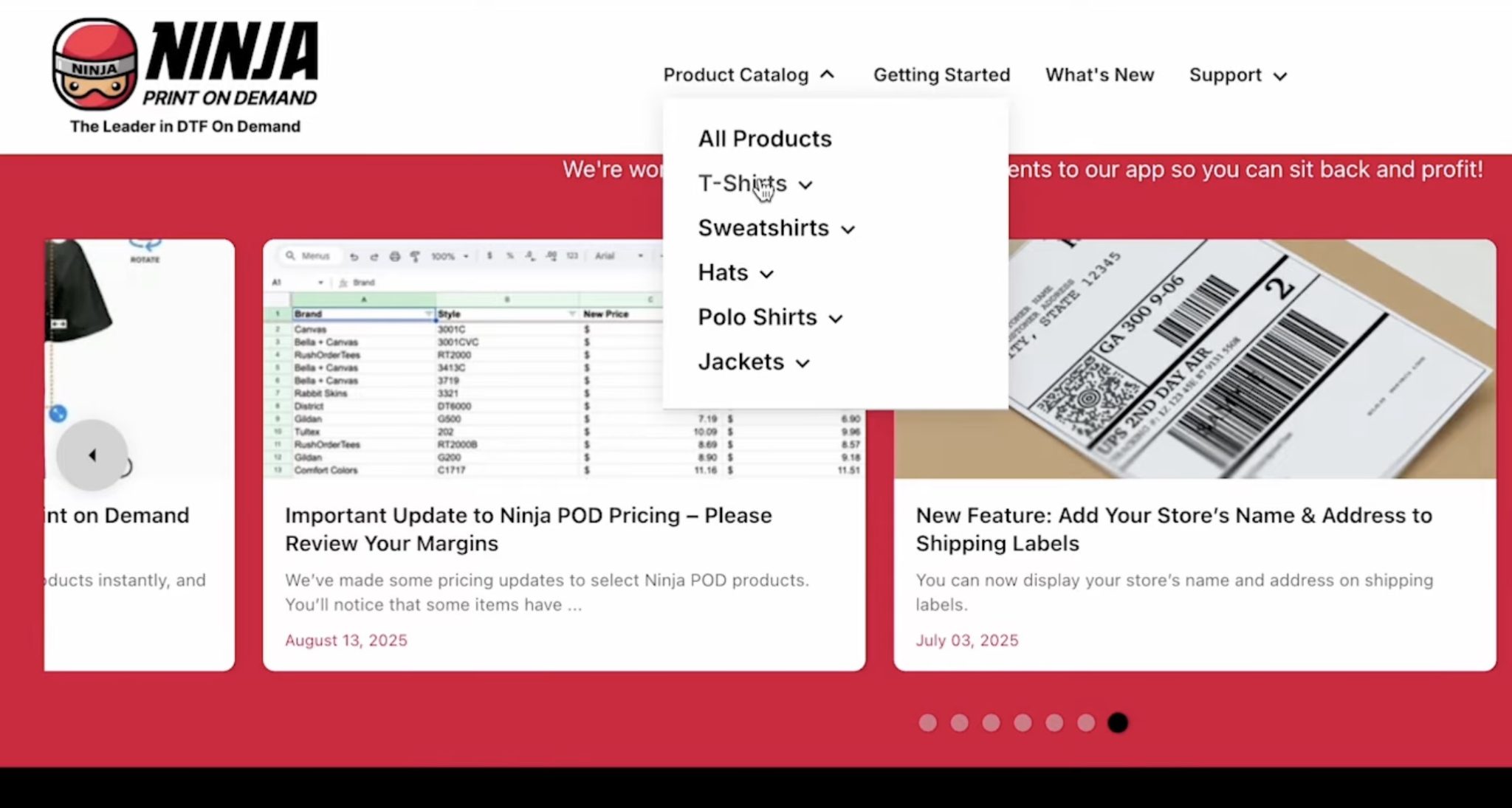
For my shop, right now, I am only interested in adding shirts, so I am going to look at those options.
One of the reasons I really like Ninja POD is that I can choose a specific brand of t-shirt. This is important to me because there are shirt brands I personally really like and others that are not my favorite. I want to ensure the product being shipped to my customer is the same quality I would want myself.
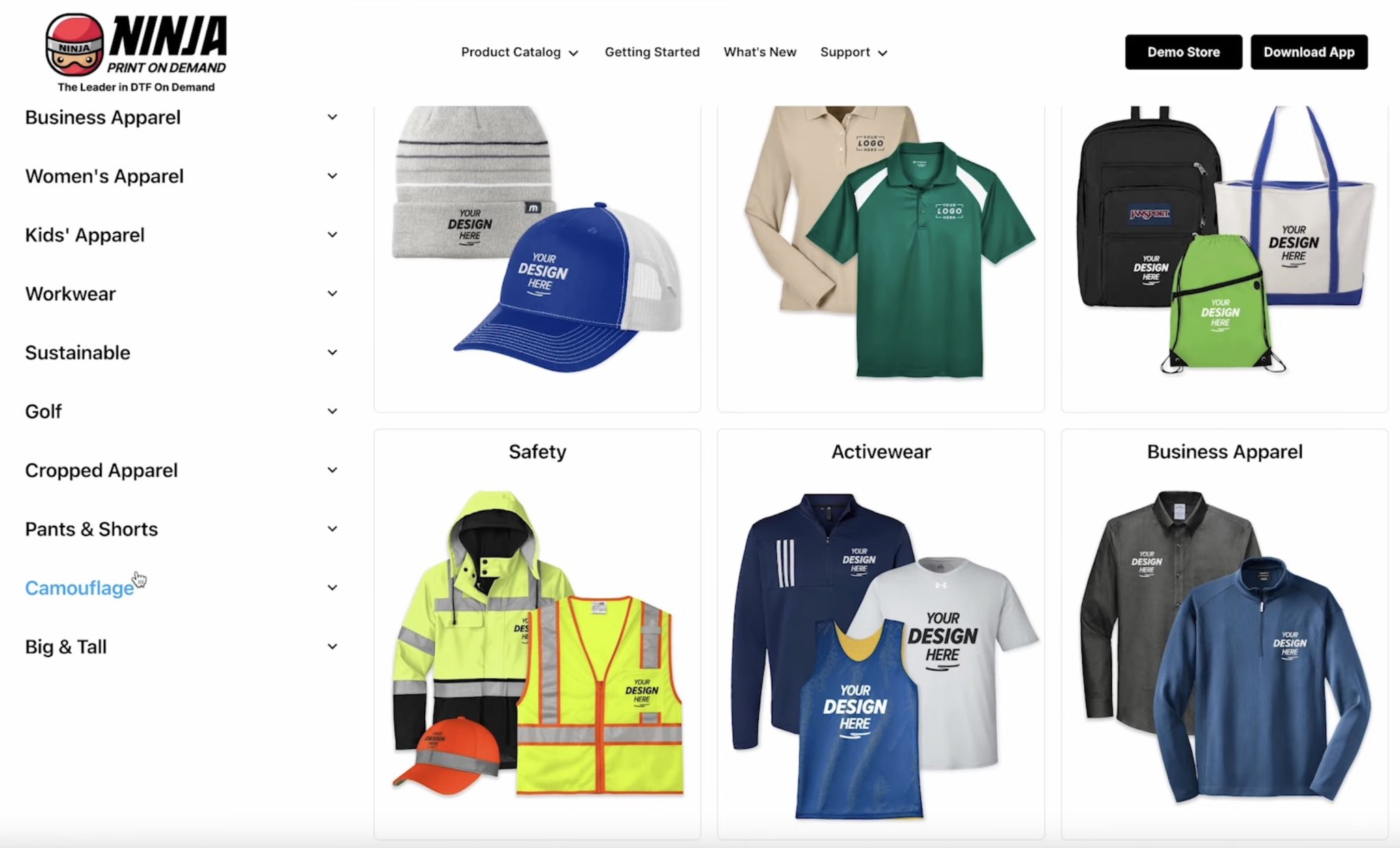
If there is a brand you like, it's likely Ninja POD has it.
On the left-hand side here, you can see the Ninja POD Setup Checklist. Because my shop is set up, my tasks are complete. As you set up your shop, you'll work through each step.
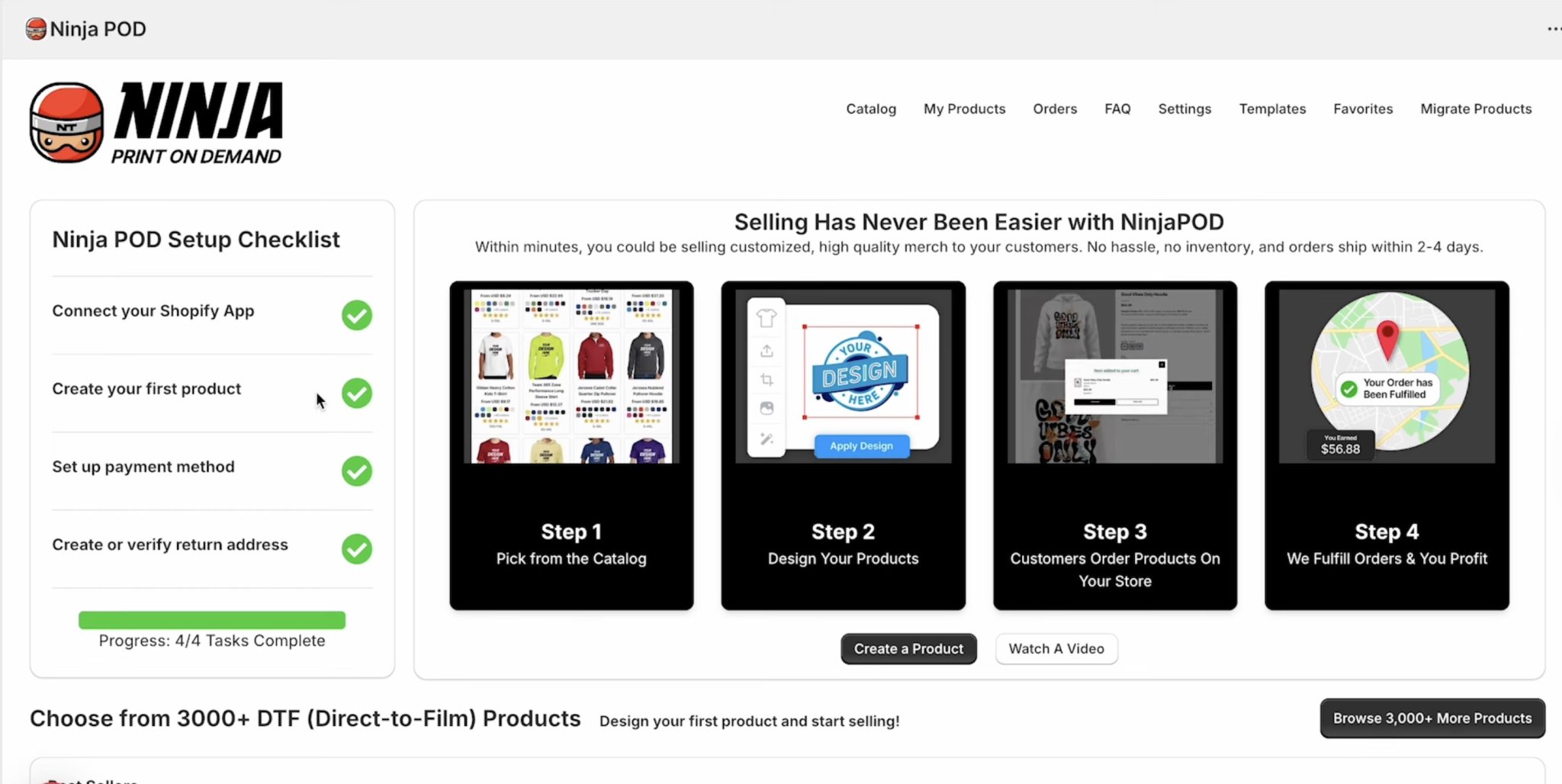
The steps are easy and shouldn't take you very long. I did have to submit some tax documents because I am exempt from sales tax when purchasing items for resale. That step probably took me the longest, but it was not difficult.
Step 2. Create First Listing
With everything set up, we can now create our first listing.
Scroll through the catalog and choose the item you want to add first. I am a big fan of BELLA+CANVAS shirts, and Ninja POD has a lot of different options in a lot of colors.
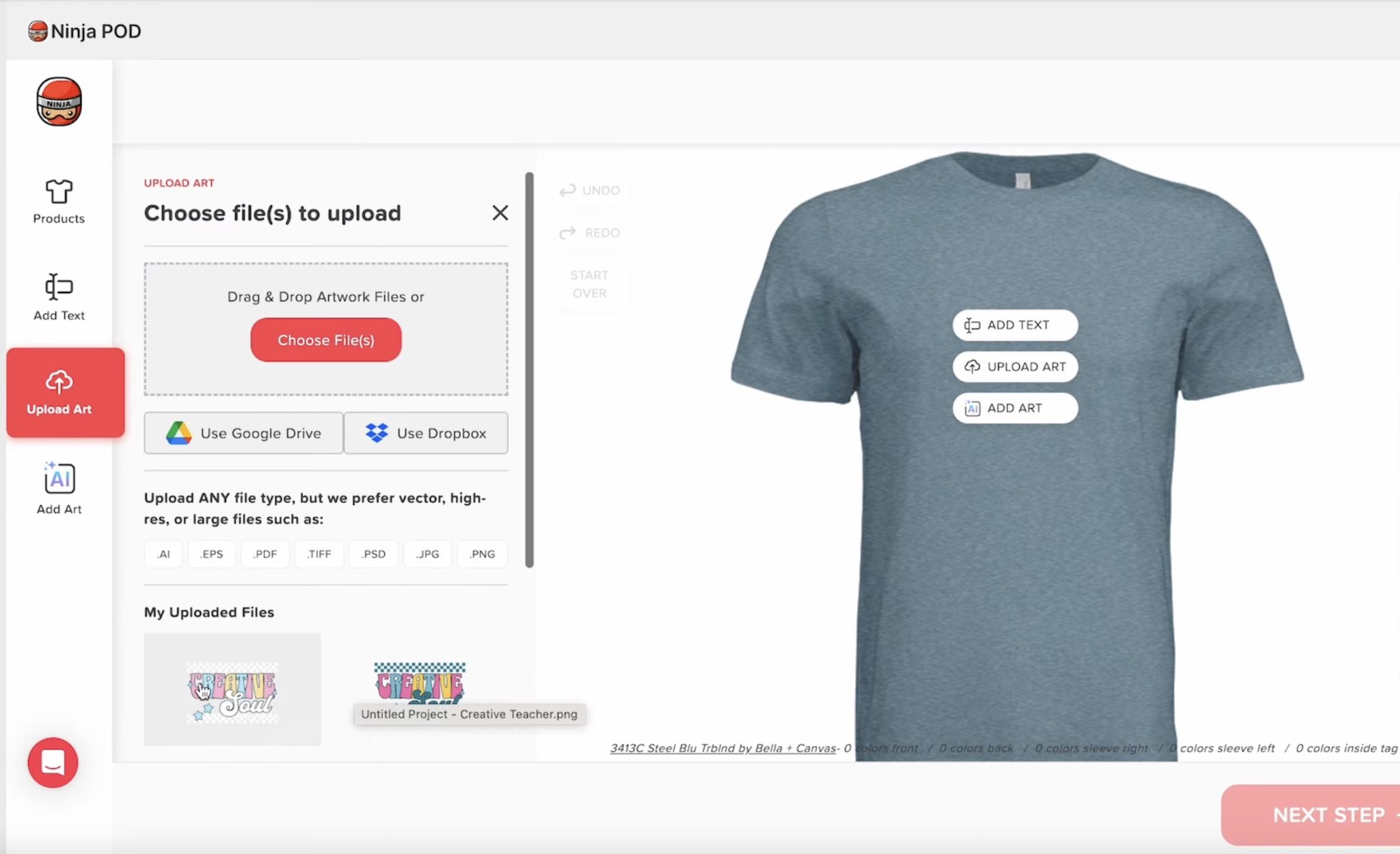
Click Upload Art and find the design file on your computer.
With the design uploaded, you can locate and resize the design to place it where you want it on the shirt. You can even adjust colors at this point if you need.
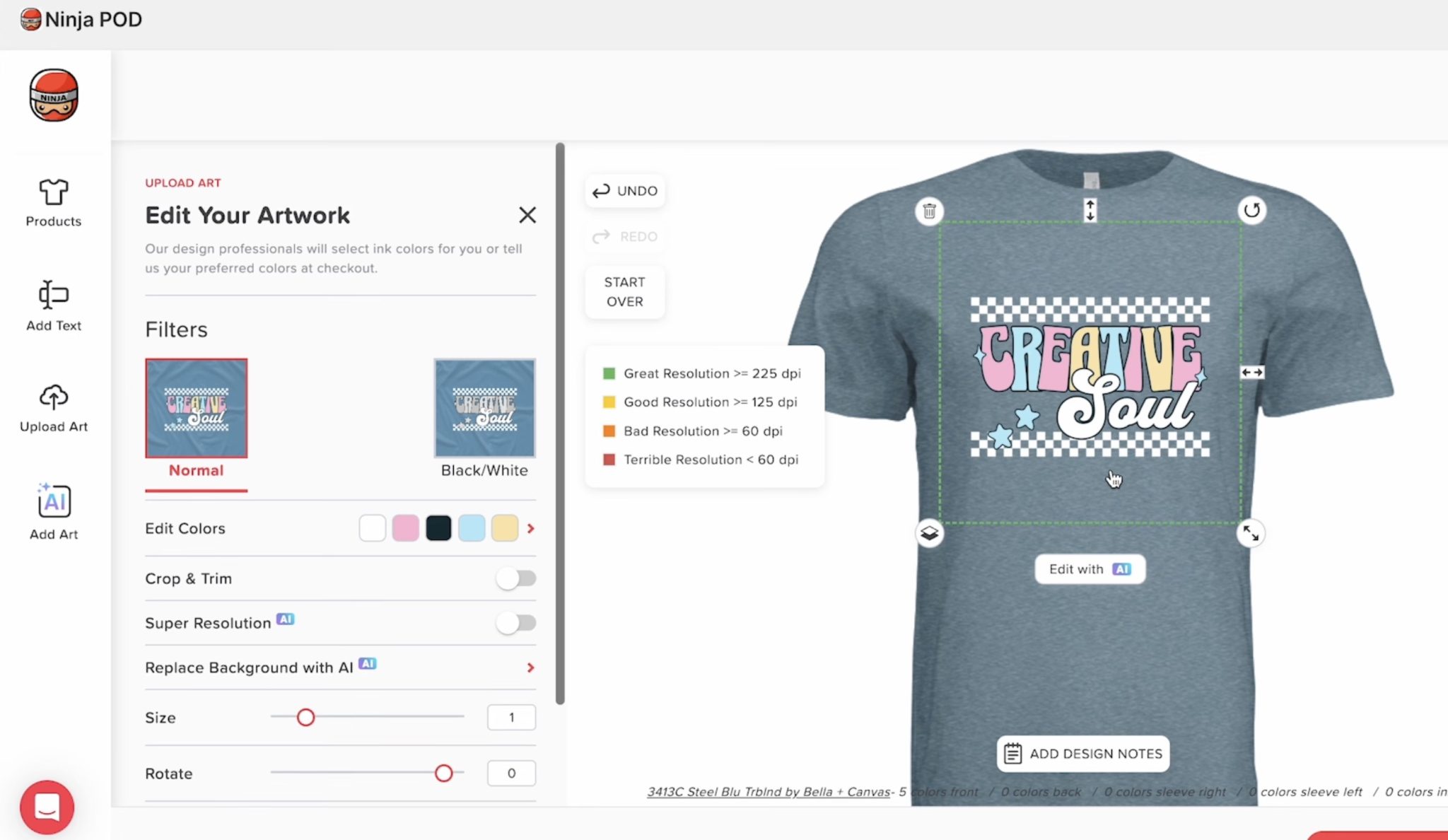
For example, if you have a design with a black background and you want to put it on a dark shirt, you may want to adjust that background color. This is where you would do that.
You can add designs to the front, back, and arm. You can also add a design to the inside label.
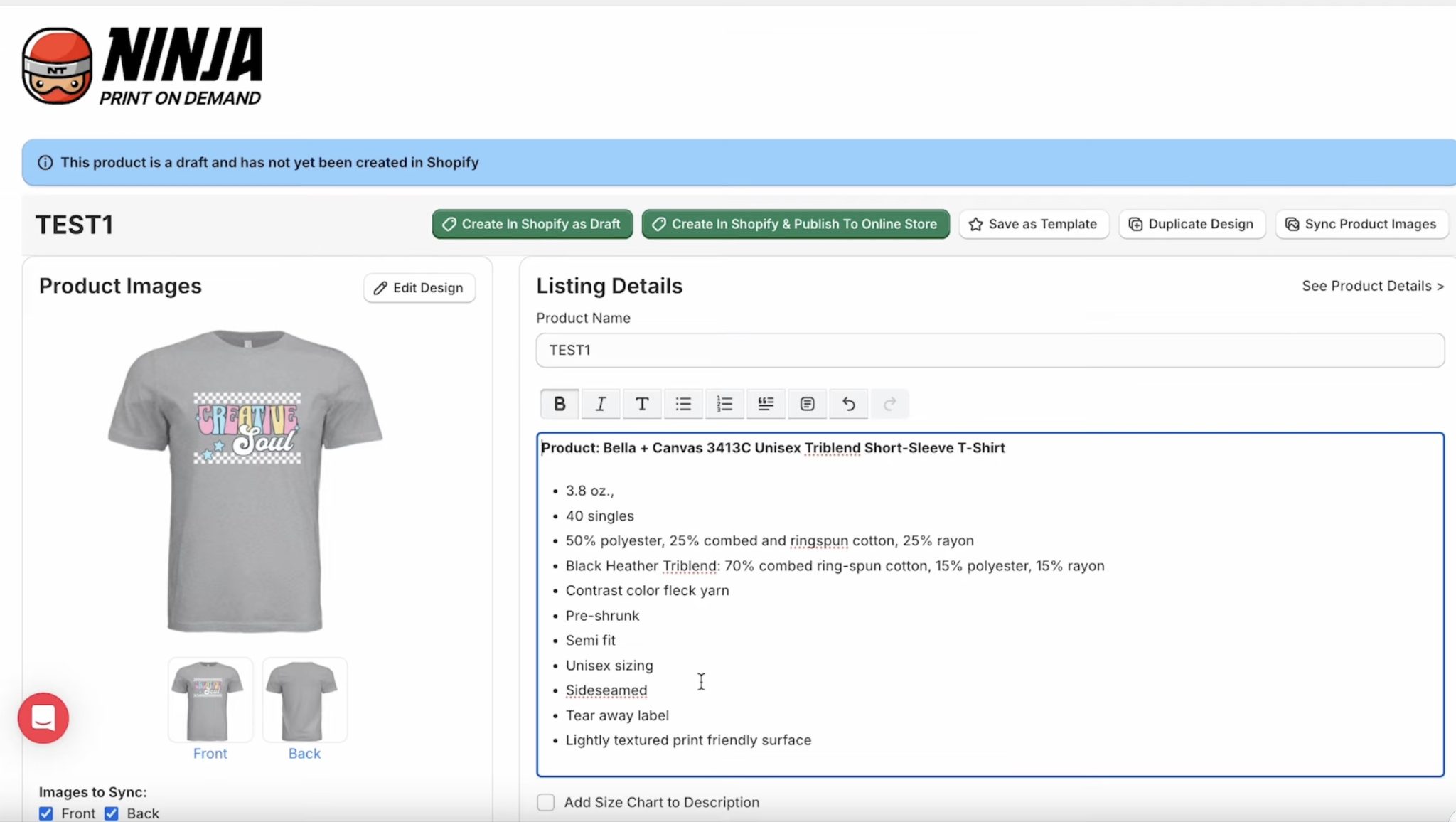
Click Next Step, and save your design.
Now, we can type in our product description. The blank information will be included for you so you can make any edits and add any additional information you want about your shop and design.
Step 3. Print on Demand Pricing
Next, we will set pricing. Ninja POD tells you how much they are going to charge for their end-of-things based on the blank that you chose.
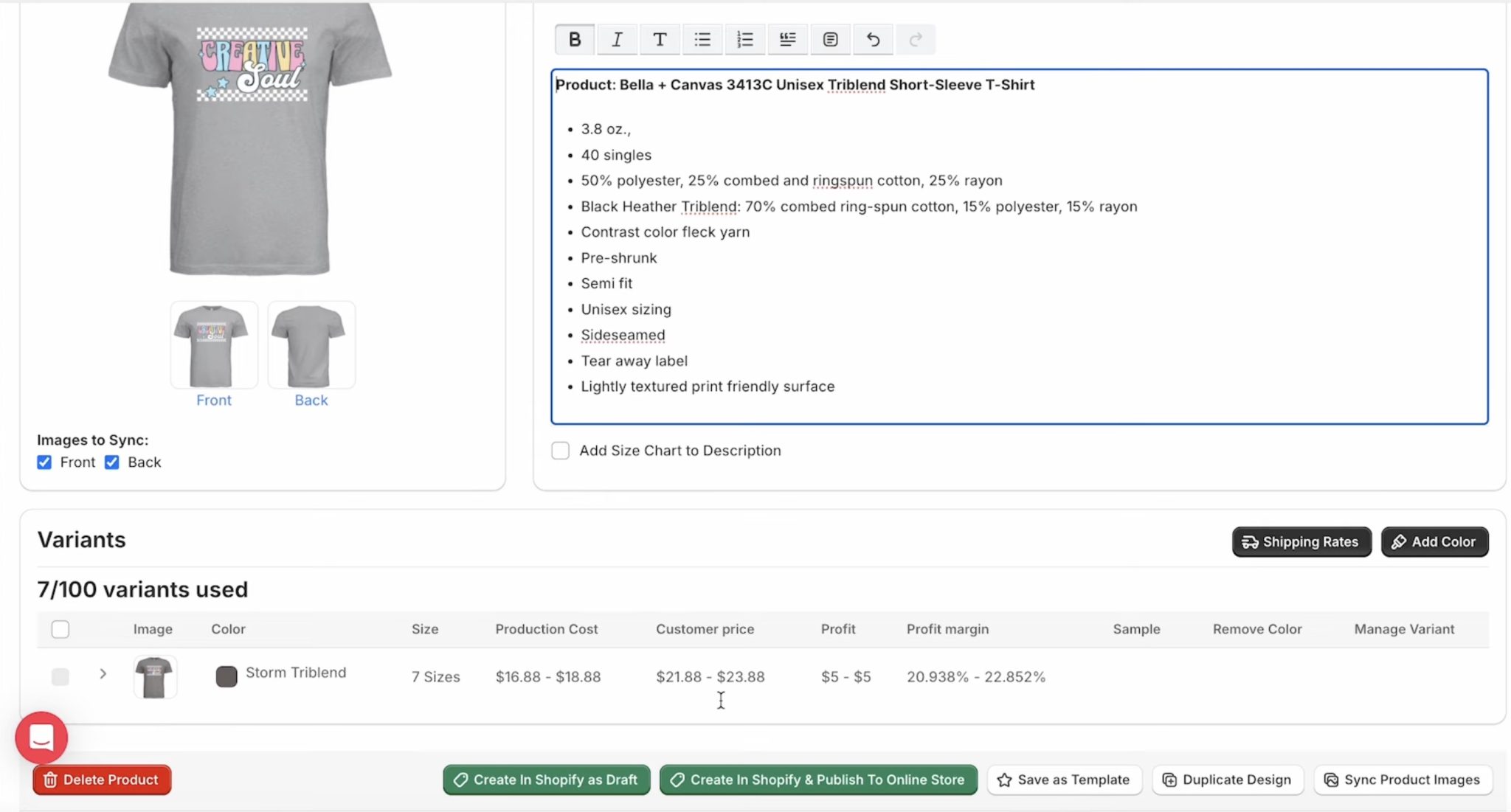
From there, you can adjust the price and set it to whatever you want the price to be, and you will see the amount that you will take home.
When deciding on pricing, make sure you include other platform fees you may have, like Shopify, credit card fees, design program fees, etc. You want to make sure the portion you bring home will cover those expenses and still pay yourself for your design time.
Step 4. Finish Listing
With the pricing set, you can choose the different colors of blanks you want to add.
For each listing, you can choose up to six colors and include those in your listing. So, you will have one design, and customers can choose between the shirt colors you have included for their order.
When the listing is complete, you can save it as a draft or publish it to your POD shop.
With your listing published, you can add a mockup right in the platform. I love this feature.
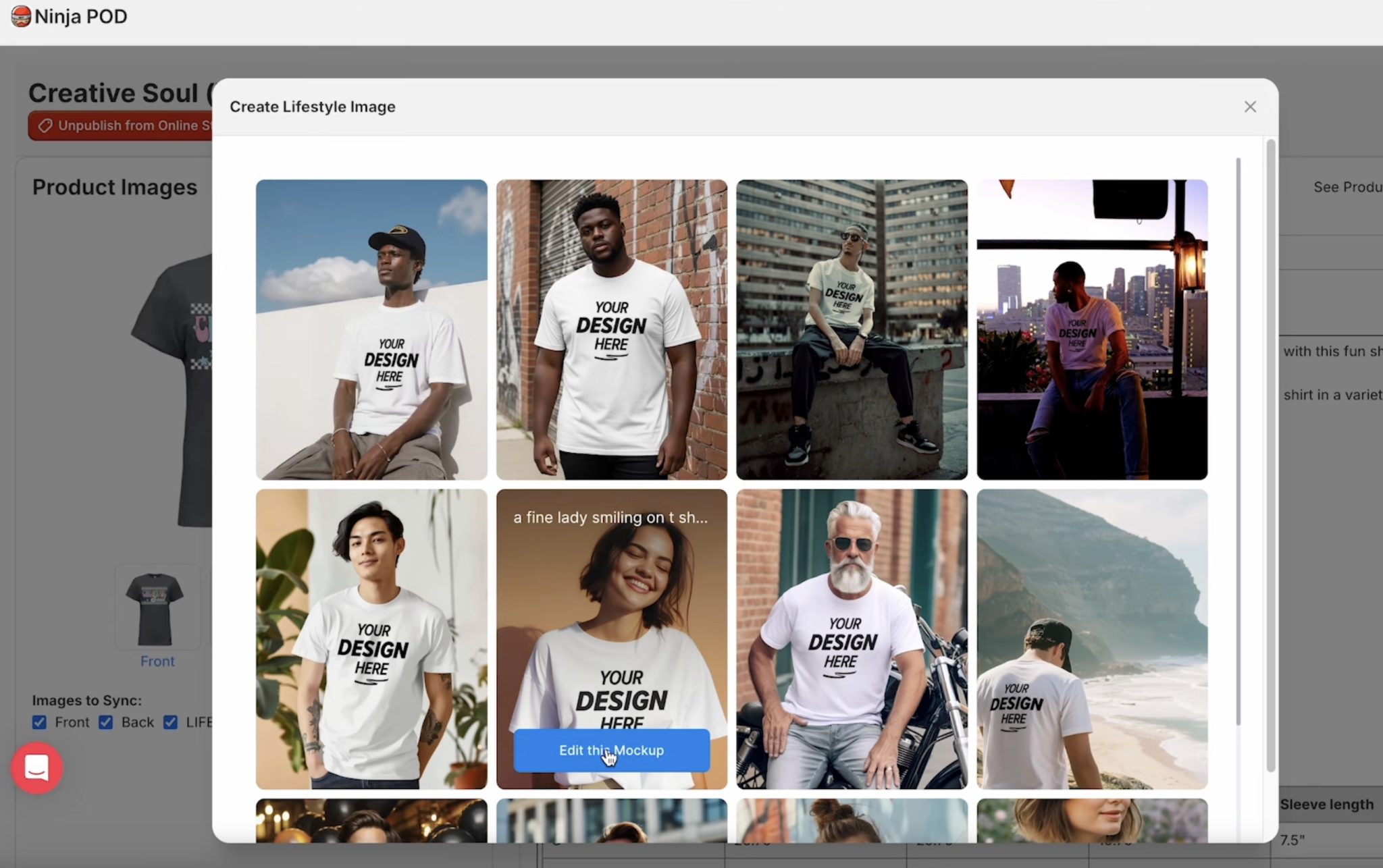
Click Edit this Mockup and then resize the design and move it where you want it on the mockup.
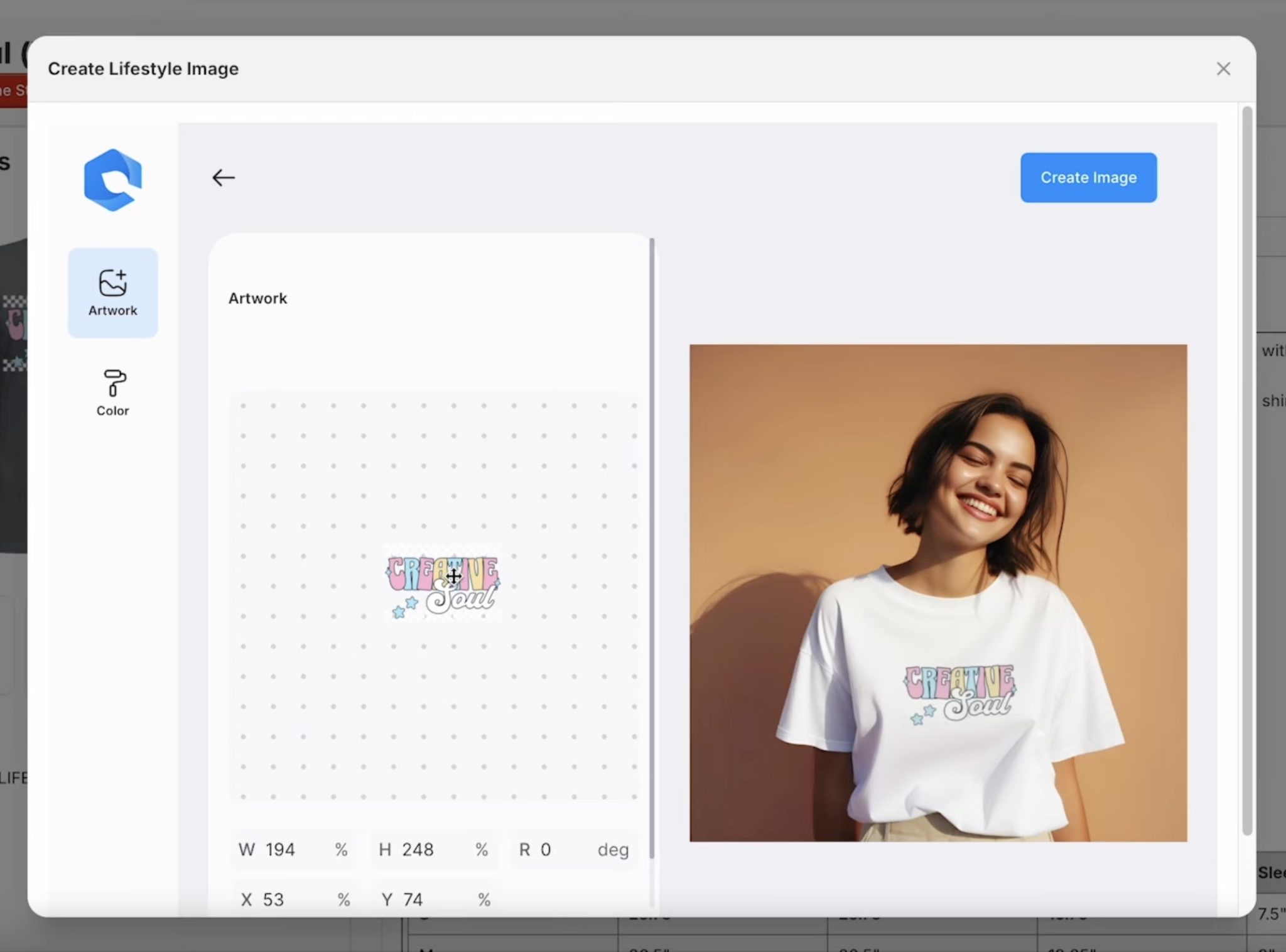
It is quick and easy to create these mockups. Click create Image and the mockup will appear on your Shopify listing.
Because my Ninja POD shop is linked to my Shopify, you will see all the listings and mockups right in my Shopify storefront.
Step 5. Review Listing
Here you can see my Shopify listing.
You can see the mockup image and then the design on all the different shirt colors I selected for that listing.
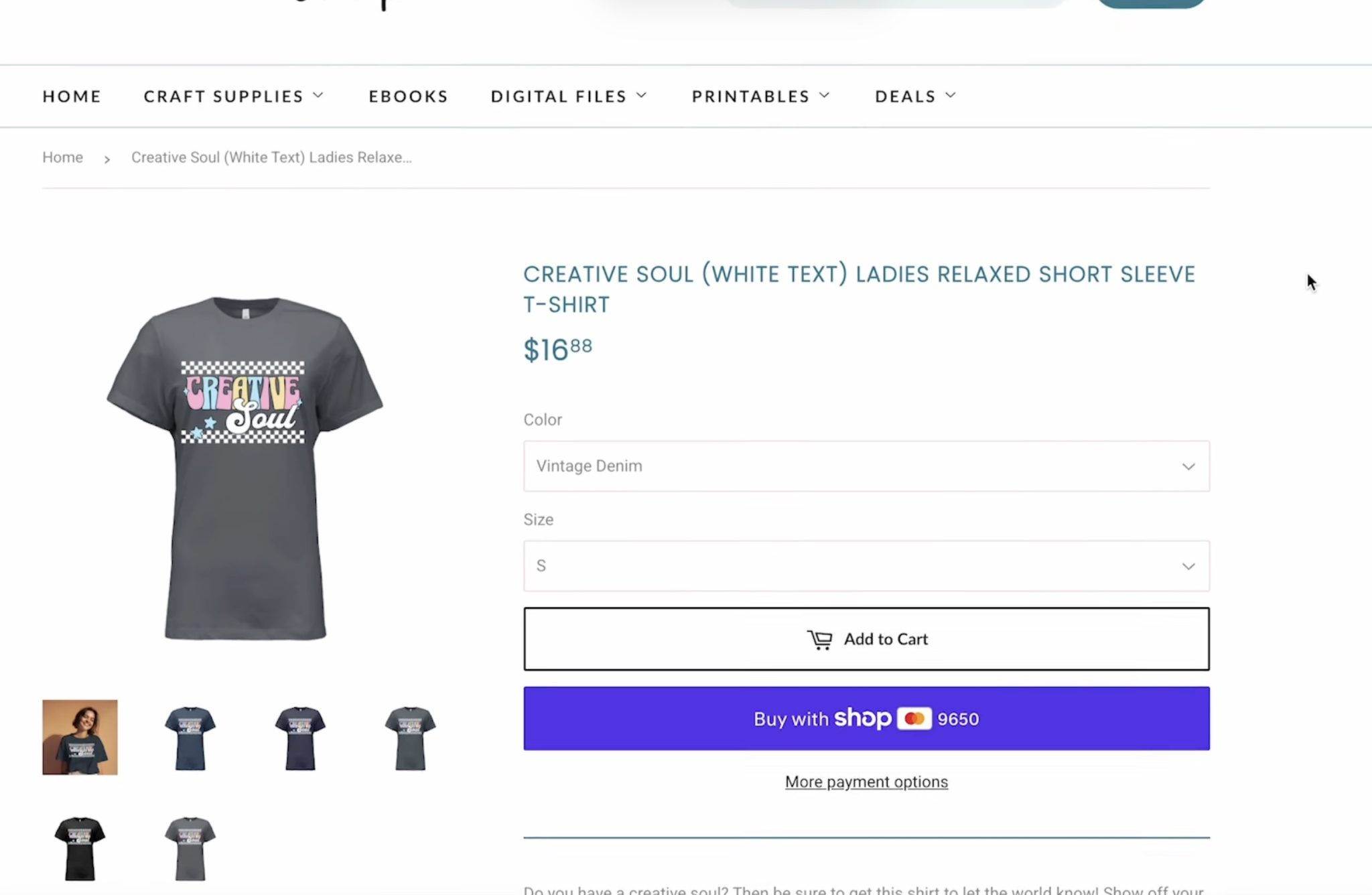
To make a purchase, the customer would select the shirt color and size in the dropdown menu.
Next, they will click Add to Cart and proceed to checkout.
Here, they will enter their payment info, confirm their mailing address, etc.
When they finish the checkout process, the order is sent directly to Ninja Transfers.
From there, Ninja Transfers will print the design, press it onto the shirt, and then package and mail the shirt to the customer.
Step 6. Promote Your Shop
With your Print on Demand shop set up, it's up to you to promote your shop and products.
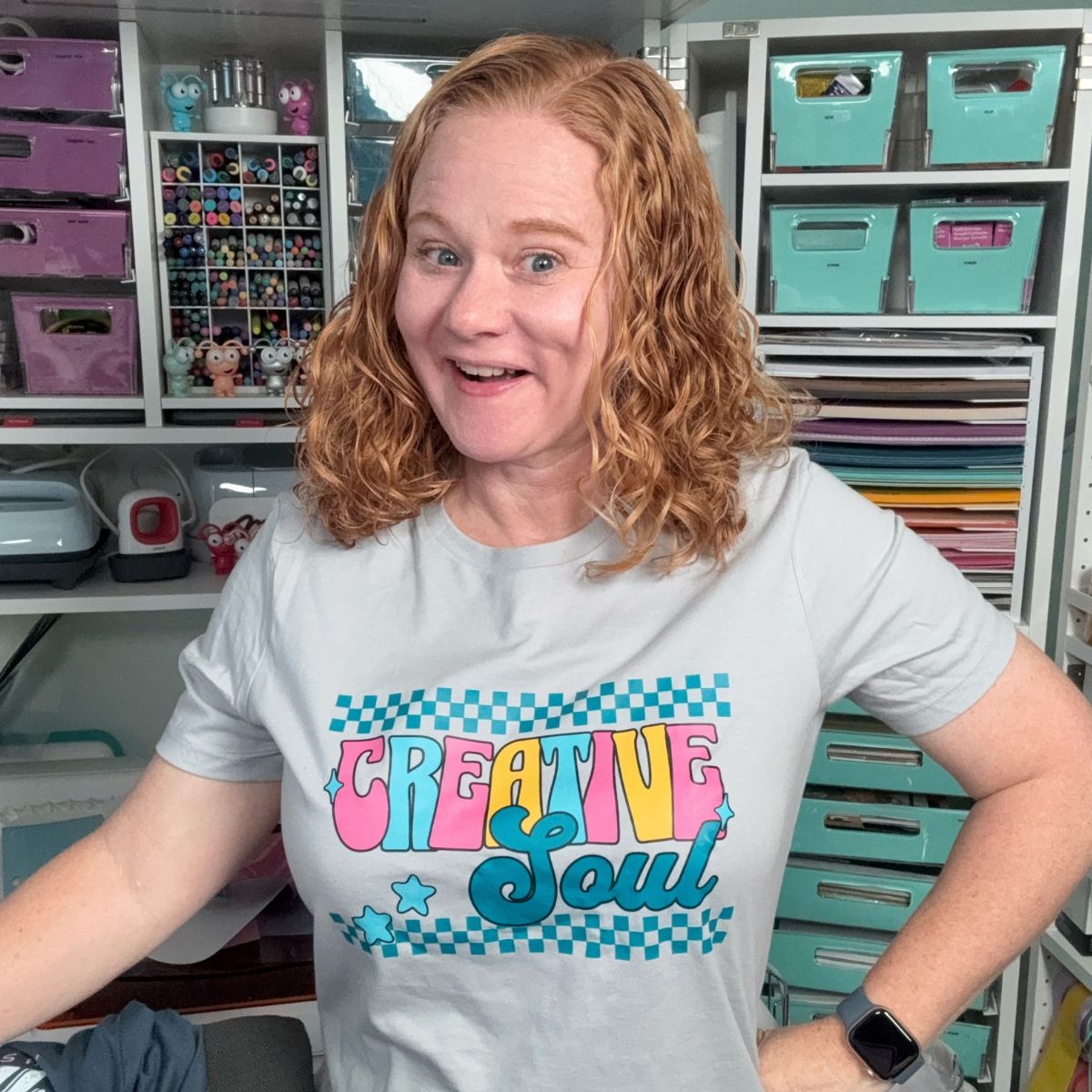
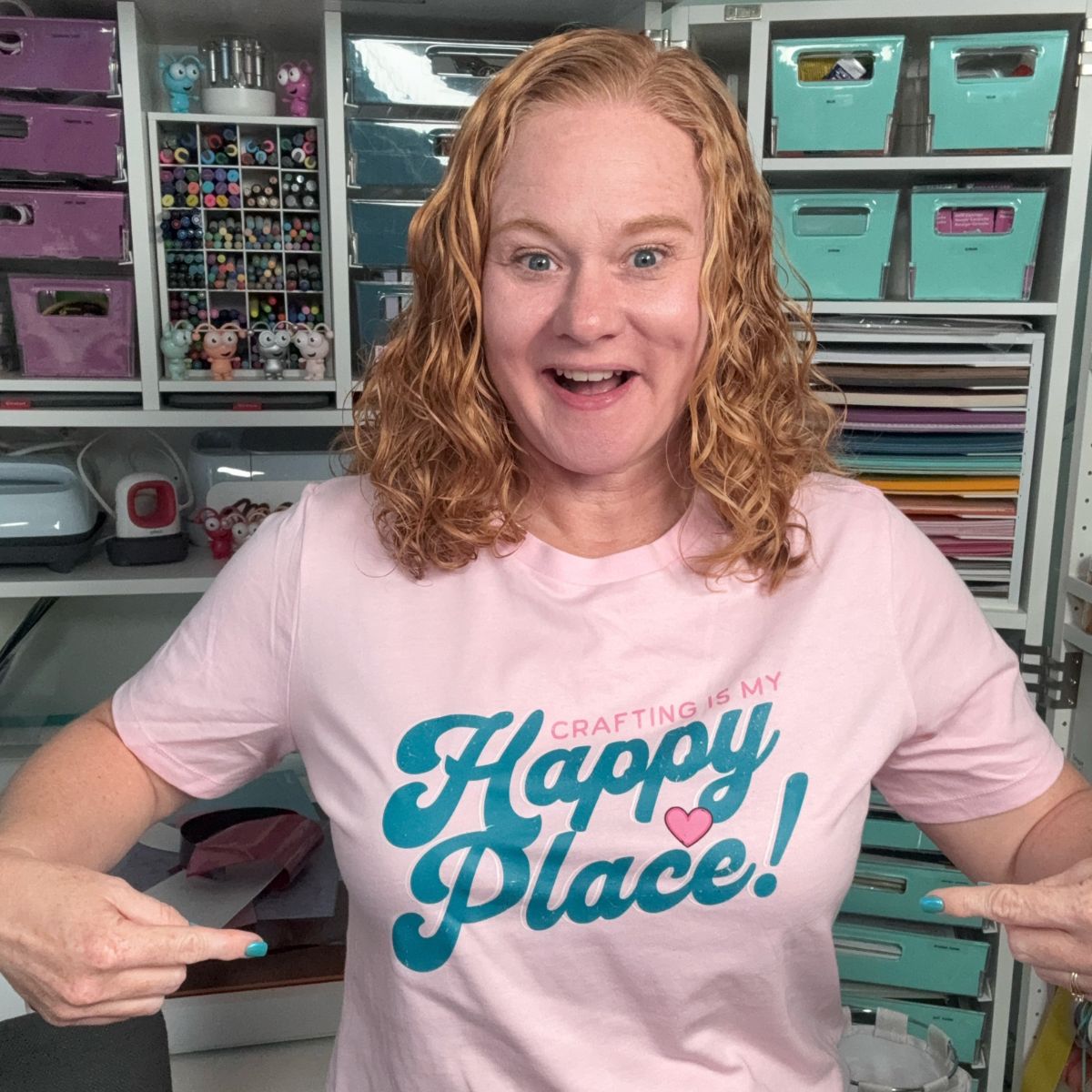
I highly recommend ordering the products you're selling. In my case, this allows me to get photos of myself in the shirts, and I can wear them out and about, in videos, etc., so people can see them.
Promote your projects on your social media channels, through your email list, and of course, word of mouth.
Who is Print on Demand Right For?
POD is a great choice for a lot of crafters, and Ninja POD was so easy to set up and use. It's a great starting point, and I feel confident recommending their POD services.
I do not think POD replaces handmade, but it does support it.
Small business owners who have been hit with lots of orders at once or who want to test new products that they may not have the supplies or machines for are going to love it.
I don't personally have a lot of space to store inventory, which makes the idea of having an apparel shop unrealistic. I don't have room to keep all the colors and sizes that I would need to be able to ensure a quick shipping turnaround.
The other great thing is you can decide how big or small you want to start out. You can start your shop with just a couple of items or go all in and create a full line of merchandise.
Print on Demand is great for handmade business owners, Etsy, and Shopify store owners, and anyone who currently makes and sells physical products.
POD is also great for designers. If you love creating designs but don't love making physical products, or maybe you don't have the materials or machines to make physical products, a Print on Demand shop may be perfect for you.
Ready to learn more?
This is just a quick look into Print on Demand. If you're interested in POD and need more help, my friend Erin from Sparrow and Wilde has an in-depth course you may find helpful. Erin is very knowledgeable and a great resource to anyone wanting to start a Print on Demand shop.
I am very new to Print on Demand, but I hope I've answered any questions you have. If you have any additional questions, leave them in the comments, and I'll be happy to answer them, and if I don't have the answer, I will find it for you.