

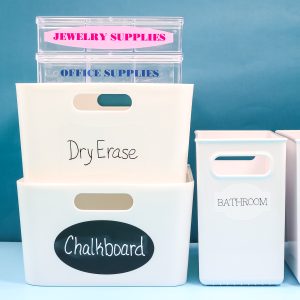
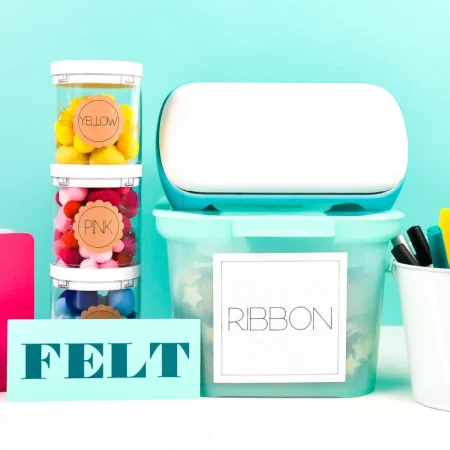
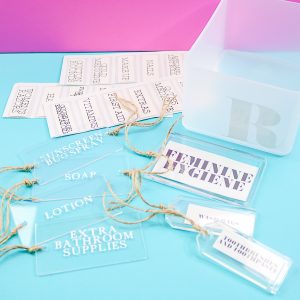
Are you ready to get organized in the new year with some Cricut labels? I have three ways for you to create labels with your Cricut machine to organize any room in your home. I plan to use these methods to create organizers for my craft room, but the same ideas can also be applied to any room in your home. So, let’s kick off this year with some easy-to-make organization labels crafted with your Cricut machine.
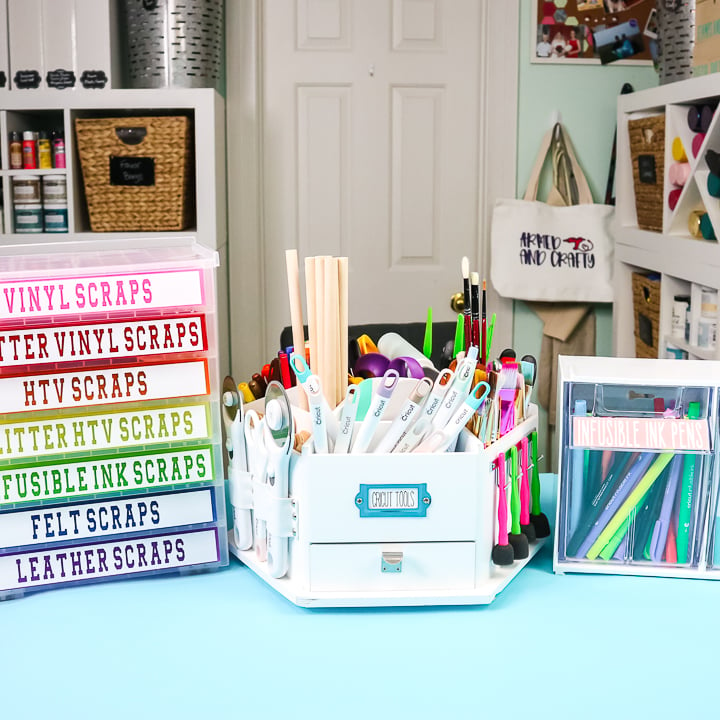
3 Ways To Make Cricut Labels Video Tutorial
Want to watch me make these Cricut labels? Just click play on the video below to watch the entire process from start to finish.
Can't watch the video or missed some of the steps? Keep reading below to learn more about the three label styles.
How To Make Cricut Labels
Are you ready to organize your craft supplies or anything else in your home? If so, you'll want to use your Cricut machine to create labels. I have three different methods for making labels, and you can choose the one that works best for you.
Supplies Needed To Make All 3 Cricut Labels
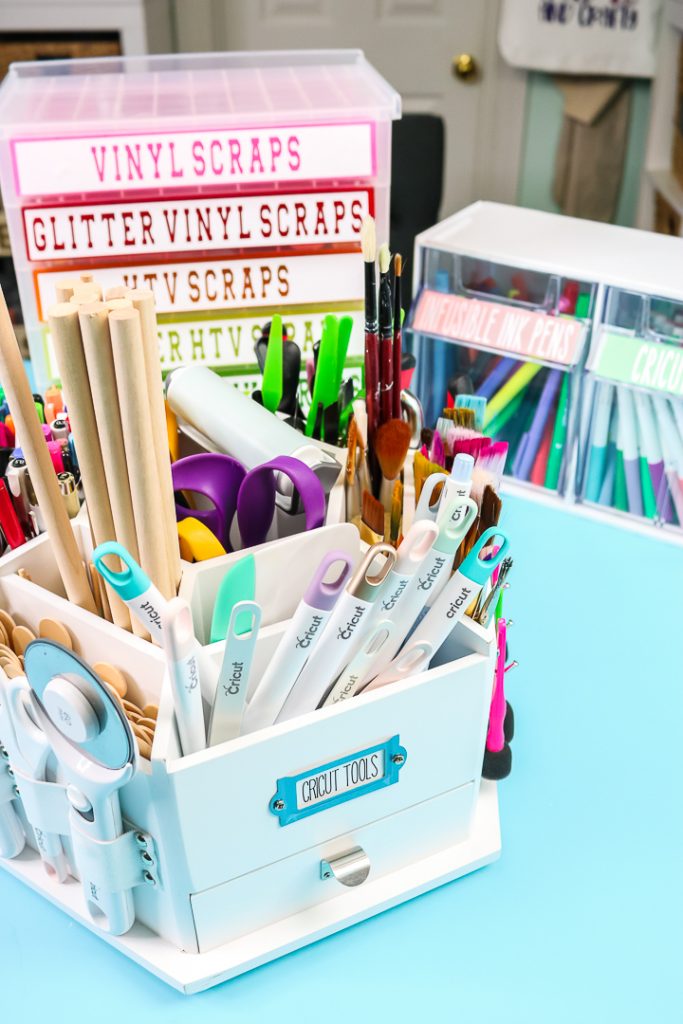
Here are all of the supplies I used for these projects, including the organizer I put the labels on:
- Cricut machine
- White cardstock
- Cricut pens
- Cricut printable vinyl
- Oracal vinyl
- Lazy Susan organizer (the one I used is no longer available, but you can find a similar one here)
- Tilt bin organizer
- Rainbow drawer organizer (the one I used is no longer available, but you can find a similar one here)
- Printer
- This project is made with Design Space files. Click here for my profile. Once on my profile, find the image of the project you want to create, click it to open, and then choose Customize to make it your own.
Cricut Label 1: How To Make Paper Labels
One of the easiest labels to make is paper labels. Just draw on paper with the Cricut pens and your Cricut, and you can label a wide variety of things around your home. Here are step-by-step instructions on how to do just that.
Supplies Needed To Make Paper Labels
Step 1: Draw A Rectangle In Cricut Design Space
Draw a rectangle in Cricut Design Space. Be sure to make this the size you need for your project.
Step 2: Type Text
Pick a writing font and type out your text. Be sure the line type is ‘Draw'.
Step 3: Attach Text & Rectangle
Center the text on the rectangle, then click the ‘Attach' button to attach the text to the shape.
Step 4: Cut & Draw Labels
Cut and draw your labels using your Cricut machine. Then simply add them to your organizer.
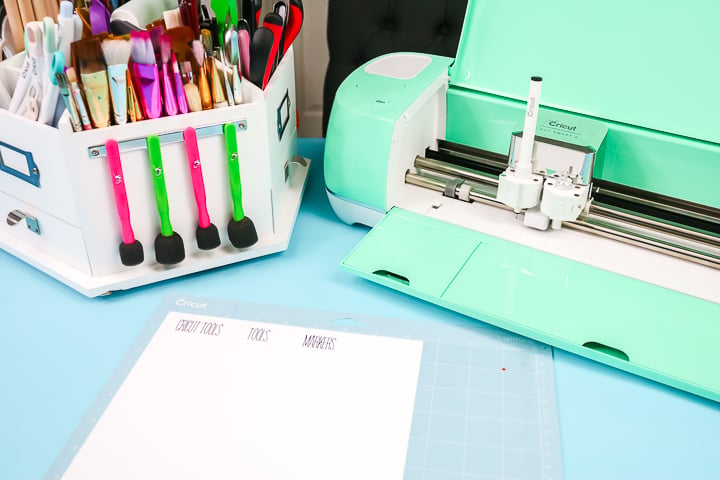
I added these labels to a lazy Susan organizer from Michaels, but you can do so much with paper labels around your home!
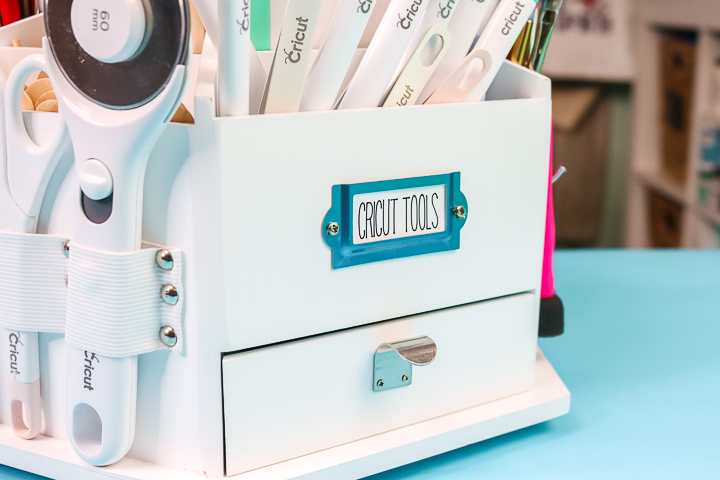
Cricut Label 2: How To Cut Vinyl Labels
Vinyl is another great option for creating Cricut labels for your home. There are many ways to do that, but I thought I would share just one with you as an example. I am using this technique to make an organizer for my scraps.
Supplies Needed To Make Cut Vinyl Labels
Step 1: Draw A Rectangle In Cricut Design Space
Draw a rectangle the size of your drawers in Cricut Design Space.
Step 2: Type Text
Type text in any font you prefer, then center it over the rectangle.
Step 3: Click Slice
Select both the box and the text, and then click Slice.
Step 4: Cut Vinyl Labels
Then cut the vinyl with your Cricut machine.
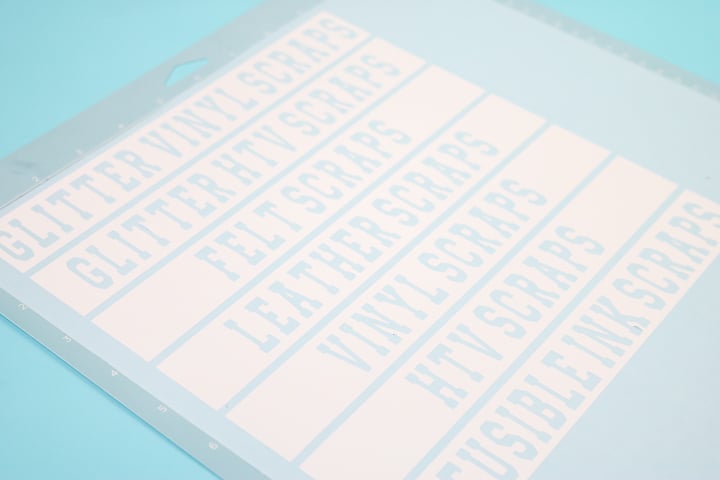
Step 5: Weed Labels
Weed away all of the excess, then apply it to your surface using transfer tape.
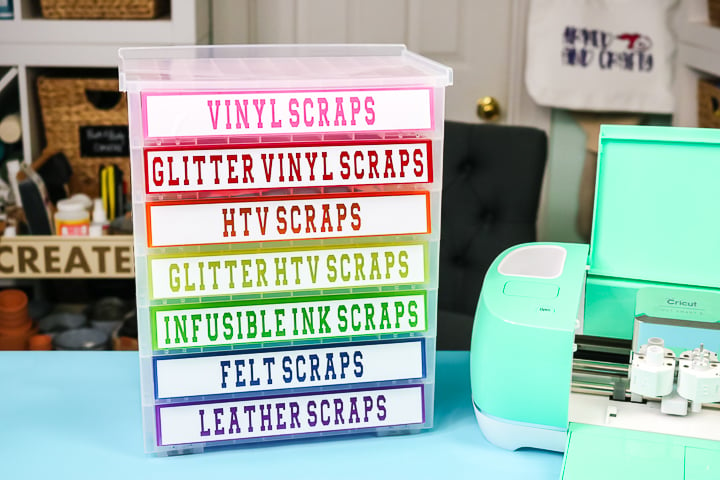
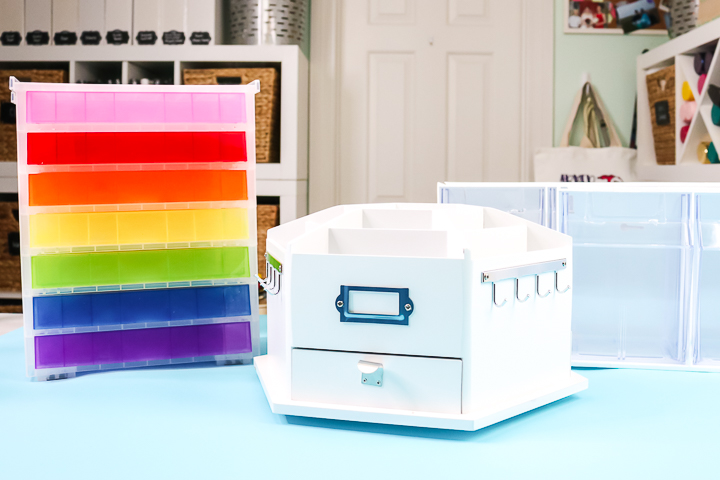
This method involves cutting out the word from a vinyl box, allowing the rainbow colors on the drawers to show through. You can also just cut the word from vinyl and apply it instead. Either way, you will love making vinyl labels with your Cricut. You can even make some for your pantry!
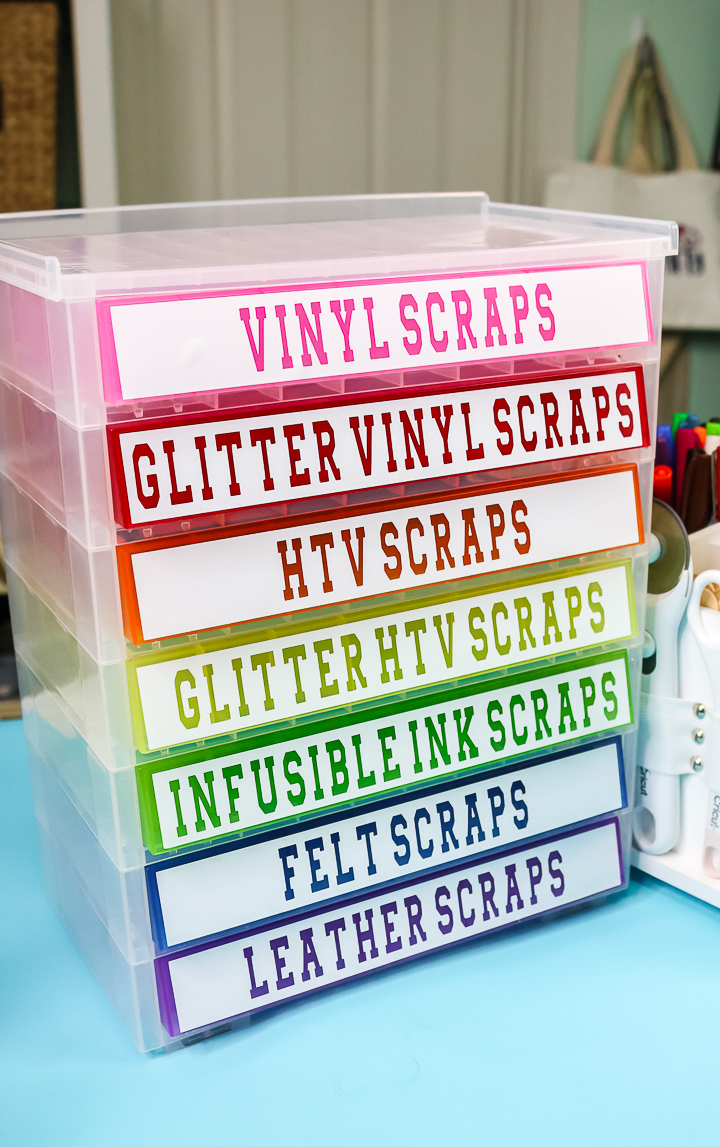
Cricut Label 3: How To Make Printable Vinyl Labels
If you have a Cricut Explore or Maker, you will love the Print Then Cut function for making labels. I like to use printable adhesive vinyl for these.
Supplies Needed to Make Printable Vinyl Labels
Step 1: Draw A Rectangle In Cricut Design Space
Create a box in Cricut Design Space of any size you need. Then, choose any color you like to match your home's decor.
Step 2: Type Text
Type out the words you want on your labels in any font.
Step 3: Center Words
Center the words over the rectangle.
Step 4: Click Flatten
Choose both objects and click Flatten to make the label a print then cut. Repeat this process for as many labels as needed.
Step 5: Print & Cut
Print when prompted in Cricut Design Space, then add to your machine for cutting. Peel and stick the labels once complete to any surface.
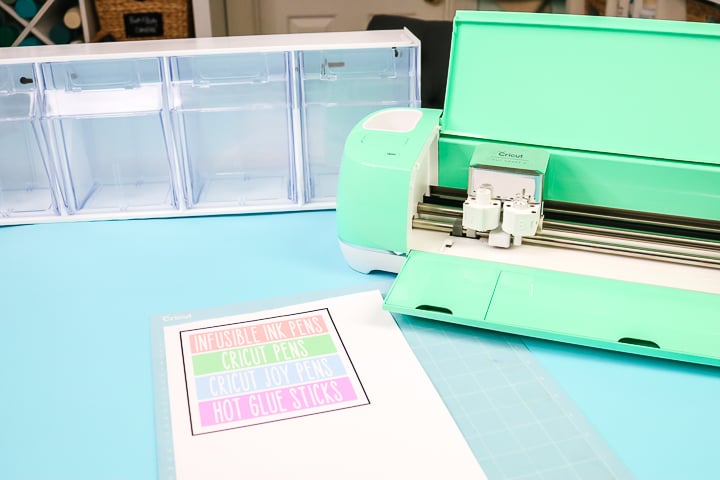
I love that with print then cut, I can make these labels in any color that I like. Plus, the printable vinyl is so easy to work with. This may be my favorite way to make Cricut labels for any room in my home!
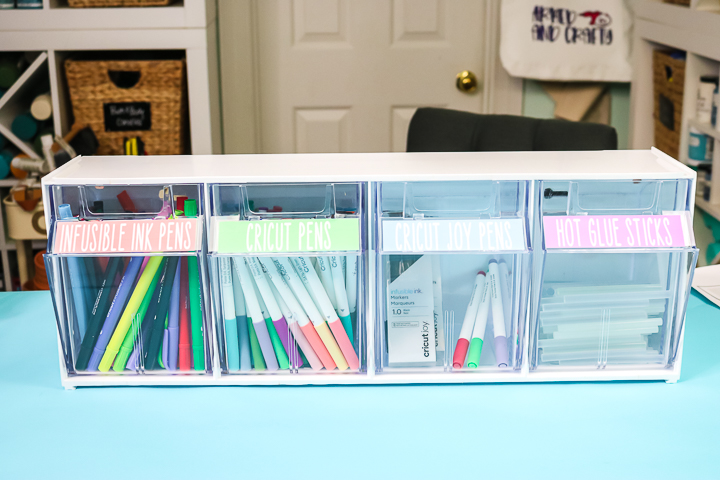
Final Thoughts On Cricut Labels
So, which of these methods will you use to make Cricut labels for your home? I think it depends on the situation and where you want to add the labels around your home. Pick and choose from these three methods to organize all of your spaces in the new year!
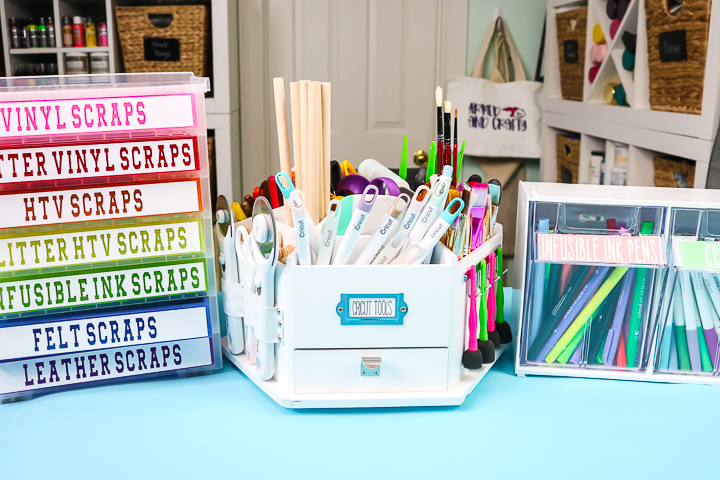
I love using my Cricut to make easy and fun labels to help me organize my home. There is also a Cricut label material available that you can use your Cricut Pens to write on. See how to use that material here. That gives you four options in total for making Cricut labels for all your projects, so you are sure to find one that is just right for your home!
FAQS About Cricut Labels
Here are answers to some of the most frequently asked questions I receive about creating these Cricut labels. If your question isn’t listed, feel free to drop it in the comments and I’ll be happy to help!
What Cricut Machine Would You Recommend For These Projects?
The Cricut machines I would recommend for these projects are the Cricut Maker, the Cricut Explore series, and the Cricut Joy Xtra. This is because these Cricut machines have all the features needed to make all three labels.
Could You Show Us How You Actually Went Into Design Space To Create The Labels For Each One?
You can view my canvas here, and I've added some instructions for you.
For The Lazy Susan, Is There A Size Label Shape In Design Space? How Did You Cut It To The Right Size?
I just measured and drew a rectangle the same size in Cricut Design Space.
What's The Difference Between Printable Vinyl And Printable Sticker Paper?
Printable vinyl is thinner. This makes it easier to print on for most home printers. It is my favorite!
5 More Label Crafts
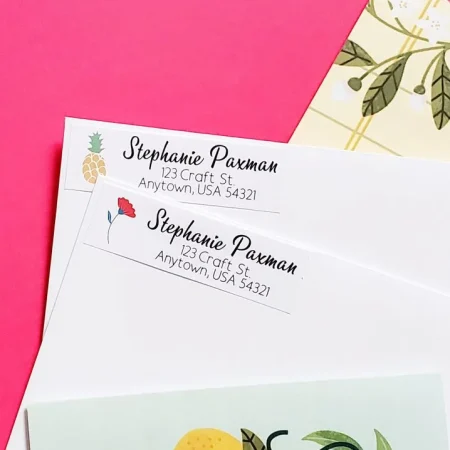
Did you love these Cricut labels and want more label crafts? Check out the projects below!











WOW? So any things to make I love this.
re the tilt out bins: the Michaels link is 404 not found
I saw that, I’m trying to find another option that is similar 🙂