


Dye sublimation is gaining in popularity among crafters, but what is sublimation printing? Sublimation allows you to transfer vibrant, long-lasting images onto shirts and other surfaces that won’t peel, crack, or fade over time. It’s a game-changer for anyone who wants their craft projects to look professional and hold up for years to come. Read on to learn more, then convert a regular printer to a sublimation printer and get started!!
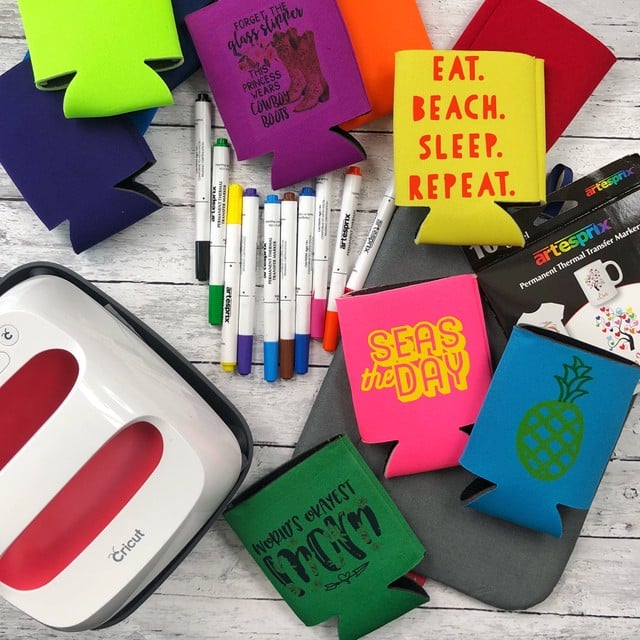
Beginner Basics For Sublimation Video
Rather watch a video on all the basics of sublimating? Click the play button below!
You can also keep reading for all of the details!
Sublimation Definition
First, let's start with the basics!
What Is Sublimation?
Sublimation is a chemical process in which a solid changes directly into a gas without passing through a liquid stage.
What Is Sublimation Printing?
Dye-sublimation printing is a method for transferring images onto suitable material, where the ink goes directly from a solid state to a gas and infuses into your project.
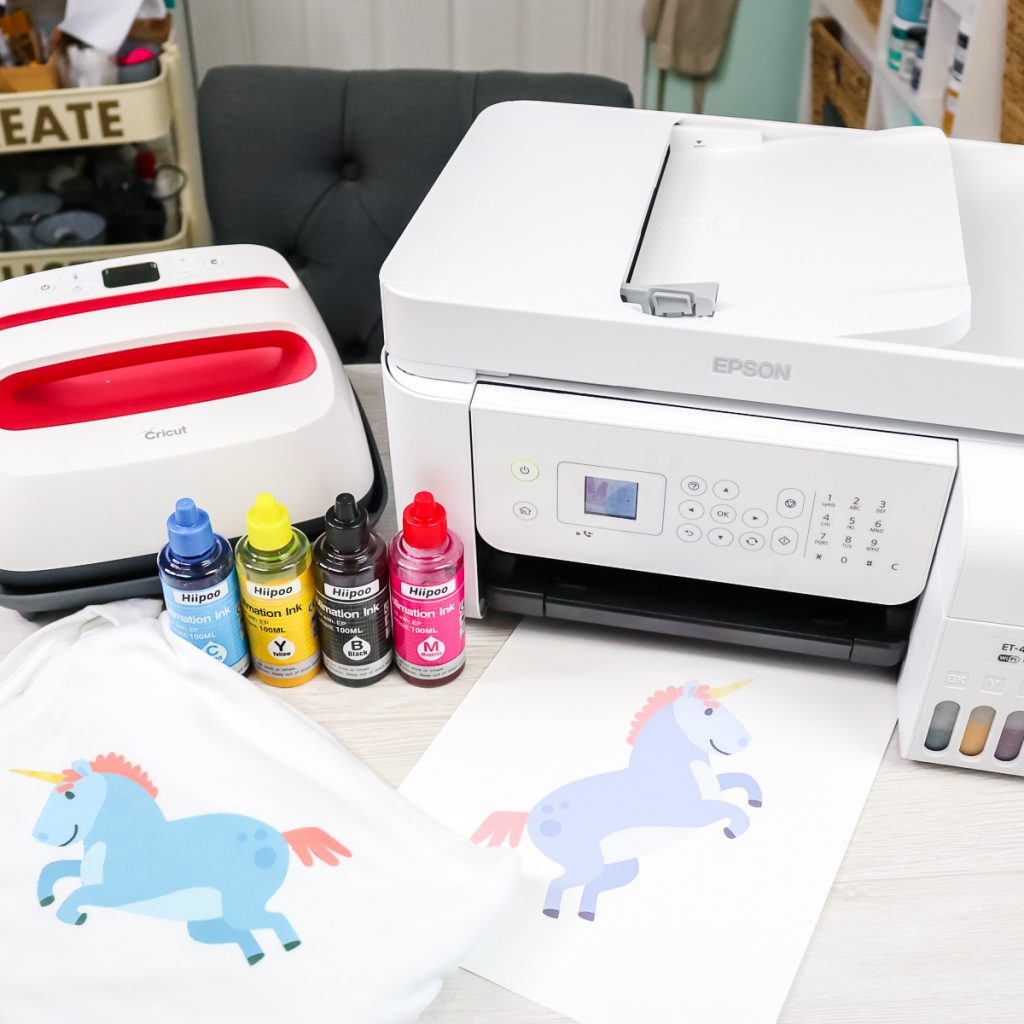
Sublimation Printing Process
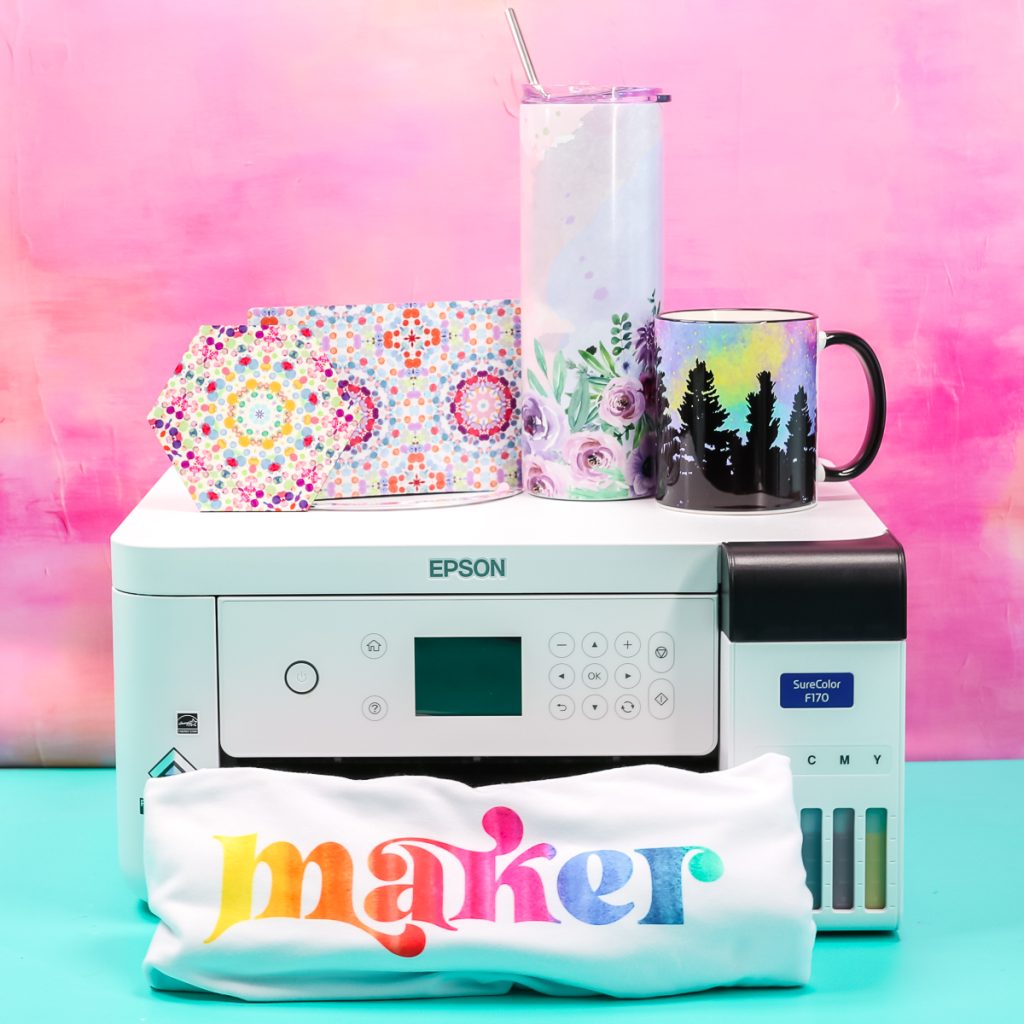
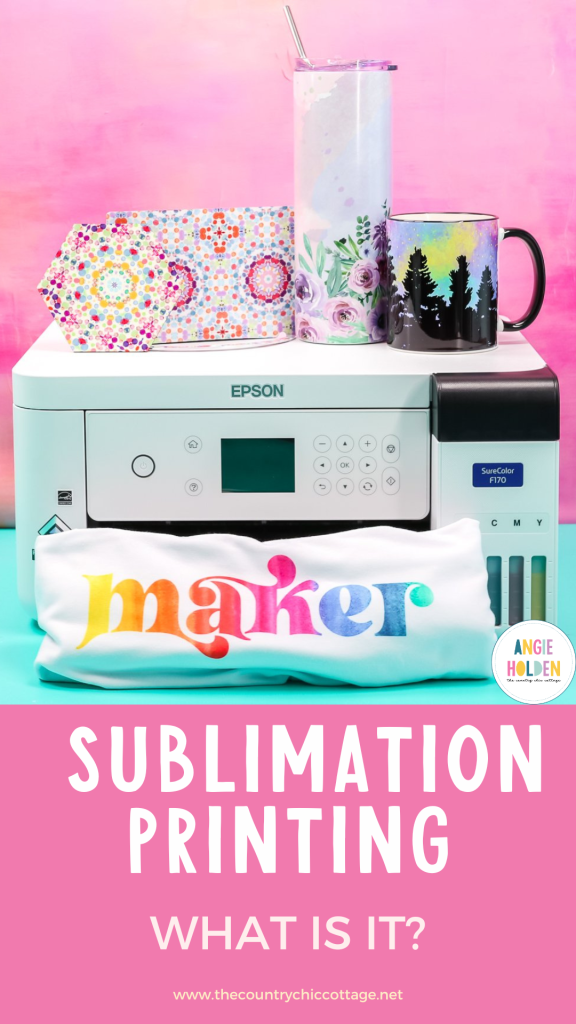
Typically, a printer is used to print on sublimation transfer paper with sublimation ink. This paper is then exposed to high heat in a heat press in order to transfer the design to your surface or substrate. This is when the gas-phase sublimation printing occurs. The heat also helps to open the pores in your substrate. The particles that are now in a gas state can actually infuse themselves directly into the fibers of your surface. Once the heat is removed, the substrate's pores will close. The ink then turns back into a solid and is permanently trapped inside.
What Surfaces Can You Sublimate On?
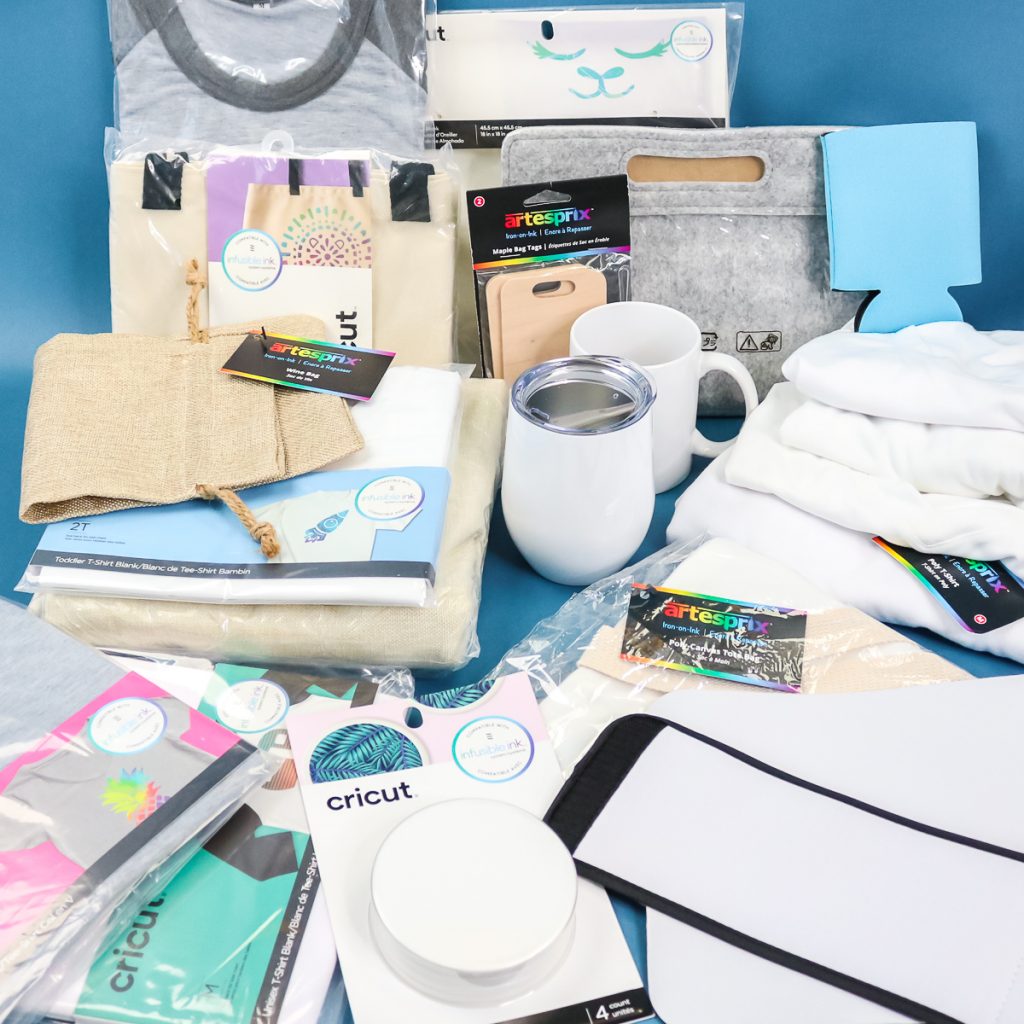
As a general rule, sublimation printing is best used on products like polyester apparel in white or light colors. The higher the polyester fabric count, the better. Sublimation printing will not work on cotton shirts. You can also use it on hard surfaces, but those must have a poly-coating. Sublimation blanks (often called substrates) are available in coasters, mugs, mousepads, cell phone cases, and much more. The sublimating process itself requires a poly-coated or polyester surface for the reaction to take place.
If you want to learn more about this particular topic, check out our Sublimation Blanks: What Works and What Doesn’t blog post. In the post, I discuss a variety of surfaces that you can sublimate on and share links to some of my favorite blanks!
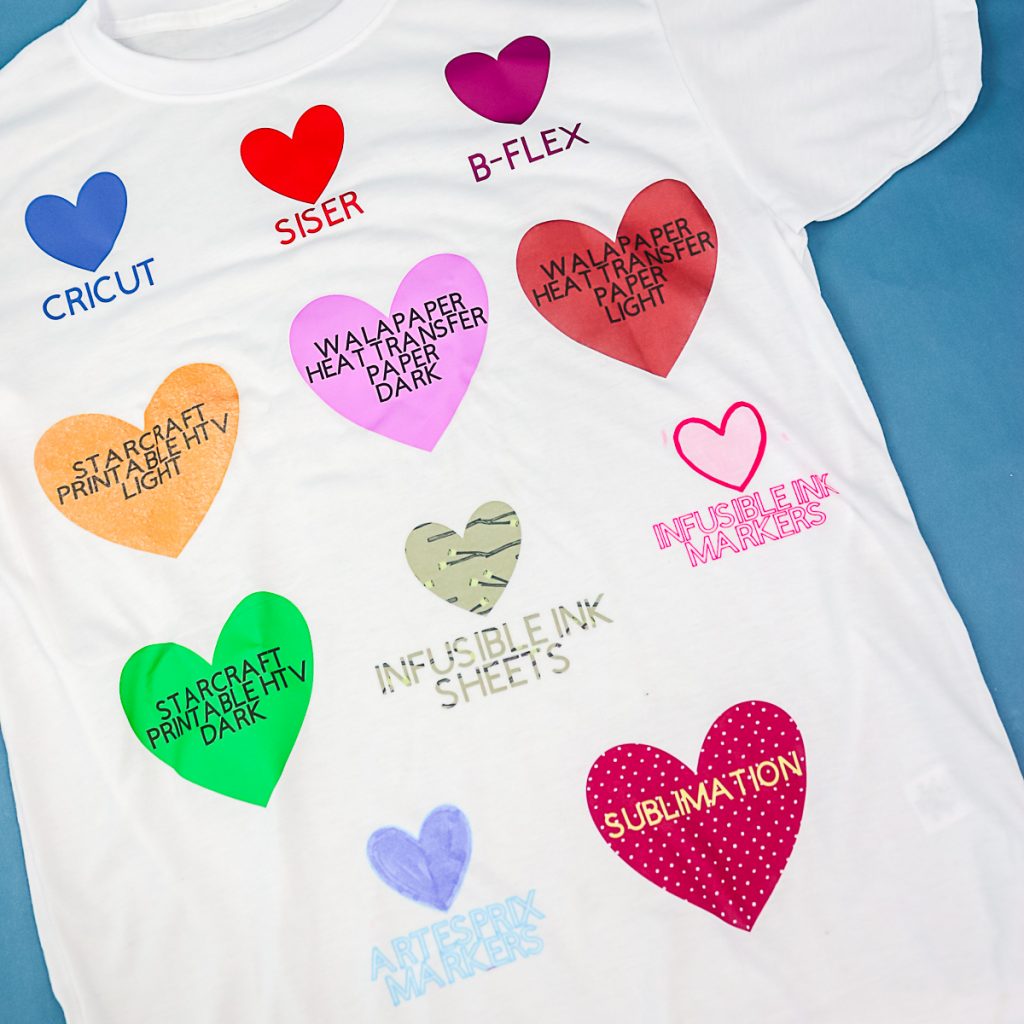
The Differences Between Sublimation, T-Shirt Transfers, Heat Transfer Vinyl, And Screen Printing Methods
For t-shirt transfers that can be printed at home, with heat transfer vinyl, or screen printed, the material sits on top of the garment surface. The sublimation reaction actually allows for the ink to be embedded from the sublimation paper into the surface material. The design doesn't sit on top of your item the way the other methods do. There's nothing wrong with using those, though! You can still make great products using HTV and transfers. However, by using sublimation printing, your design graphics won't crack, peel, or fade over time. Overall, sublimation will produce a better-quality, longer-lasting product.
To learn more about this topic and to see a comparison, check out our Sublimation vs. HTV: Which lasts longest? blog post.
Cost Factors
The reason methods like t-shirt transfers and HTV are so popular is that sublimation is expensive. The printer, software, ink, heat press, and substrates can really add up. It is usually way more than a home crafter is willing to spend. However, you can find sublimation prints for purchase on sites like Etsy. Then all you need is your substrate and heat press to make your own projects. This is a popular option for those who don't want to invest but want to make a high-quality project at home.
Want another option? Try Cricut Infusible Ink, a sublimation method perfect for those who just want to give it a try!
NOTE: You will want to look at the heat press specs for any sublimation print you purchase, as they often require temperatures up to 400 degrees Fahrenheit.
Final Thoughts
There are other options for getting a similar effect that we will discuss in further posts on this subject. Hopefully, you learned what sublimation printing is and how to use it to create gorgeous crafts at home. If you are lucky enough to be able to do sublimating at home, you already know what a great product this process can produce!
Regardless of where you are on your sublimating journey, we are here to help! Check out all of our sublimating resources, tips, and crafts by clicking here!
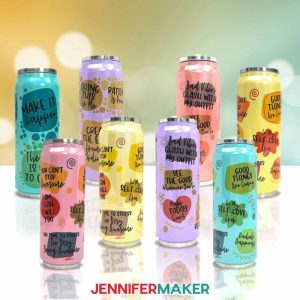
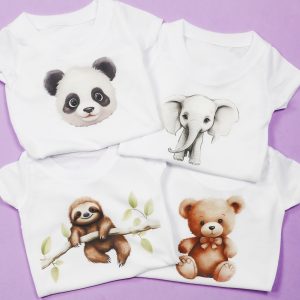
5 Sublimating Crafts
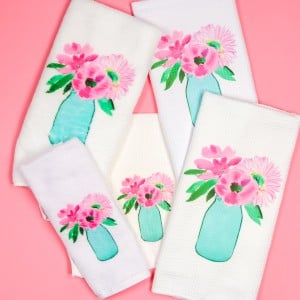
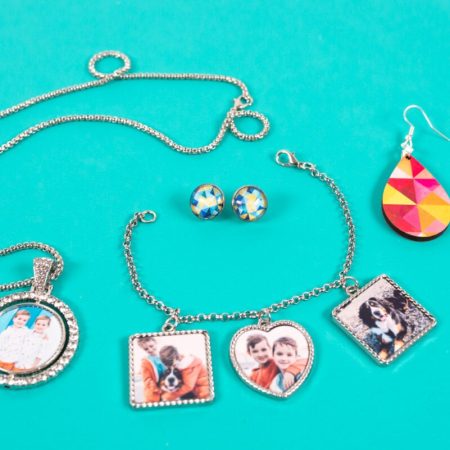
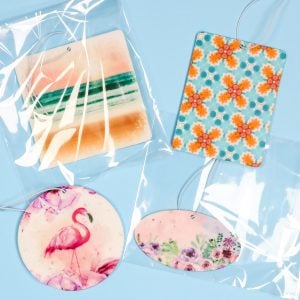
Since you now know the answer to ”What is sublimation? Check out the projects below to get started!











Great explanation! I’ve wanted to try this and now I understand it so much more, thanks!
This was wonderful! Thanks so much! Where can I find the information on using infusible ink markers?
I have several tutorials on this website if you want to search for Infusible Ink.
i need help with metal bottle opener for sublimation. I did it as many utube videos showed at 400 degrees and 1 min. Barely could see anything. Would love if you could do a video on this.
I did one on an IG reel but it has been a while. Maybe you didn’t have enough pressure?
Hi Angie, thank you so much for all your amazing videos. A few years ago I purchased the Sawgrass printer but was frustrated with the cost of ink and not using it enough to worth it. End of 2021 I saw your video about the Epson ET4700. I got it and set it up over the summer following your video. I used it again during the holidays, had great results. Last week I was preparing mugs for a team, I did a few and all of a sudden I noticed that my green was blue. Did a nozzle check and yellow was not showing. I pressed clean each time and each time it got worse. I found out that I was supposed to do no more than 3 nozzle check 🙁 I waited 72h and now pretty much nothing is printing. Did I ruin my printer? Any solution? In case I ruined it, the epson ET4700 not being sold any longer at target, is the Epson ET4800 okay for sublimation ?
Have you tried doing the full-page purge print? You could try doing that with each color one at a time and see if that fixes anything. Any Epson ET printer should be able to work converting – just remember it’s not a guarantee with any of them. I’ve had good luck with mine but some people have never had success.