

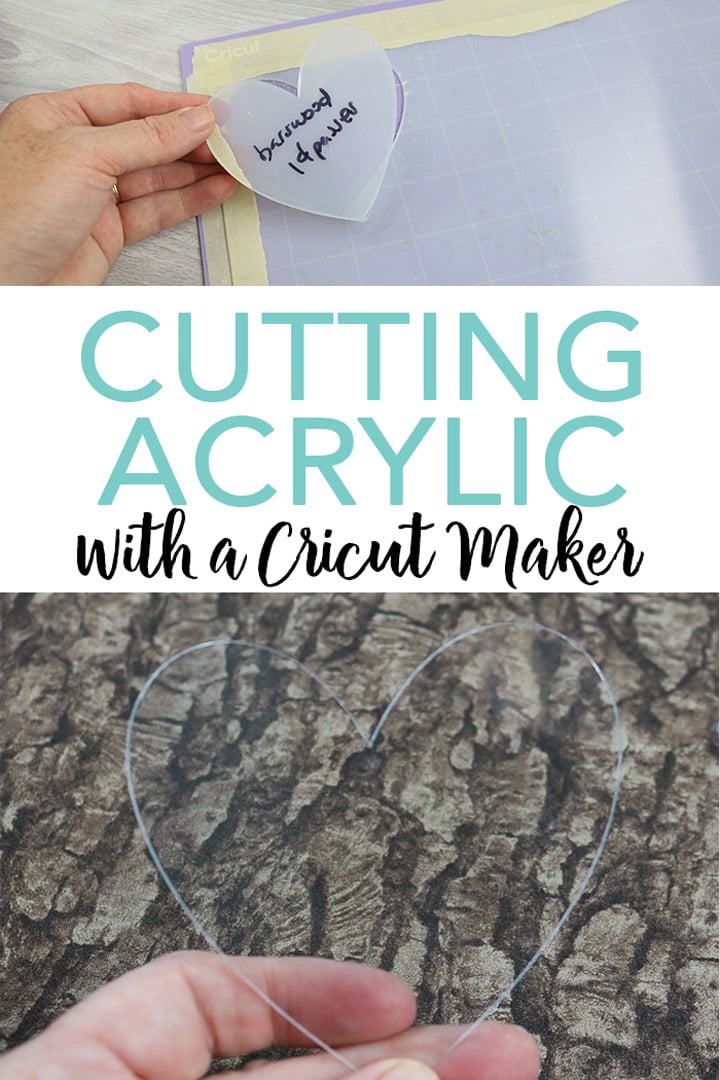
The one question I get asked more than any other is can the Cricut Maker cut acrylic. I am here today with the definitive answer that will let you start making acrylic projects on your machine. Because yes you can do acrylic cutting on your Cricut Maker. There is just a catch. You have to know which acrylic to purchase as some will cut well and others will not cut at all. Let's dive into cutting acrylic plastic on the Cricut Maker.
Types of Acrylic for Cutting
I was unsuccessful in getting all types and thicknesses of acrylic to cut. So, which will work for your projects? Here are the two thicknesses that I used that worked perfectly:
The .020 is the thickest that I was able to get to work with my machine. You can also see a 1 mm acrylic below that I could not get to cut at all.
Preparing Acrylic Sheets for Cutting
The thickness of the sheets will determine how you need to attach them to the mat. For the .007 acrylic, putting it directly on a green or purple mat will work just fine. For anything thicker, you will want to use the purple mat and use masking tape all the way around the edges. This will prevent the sheets from moving while you cut them.
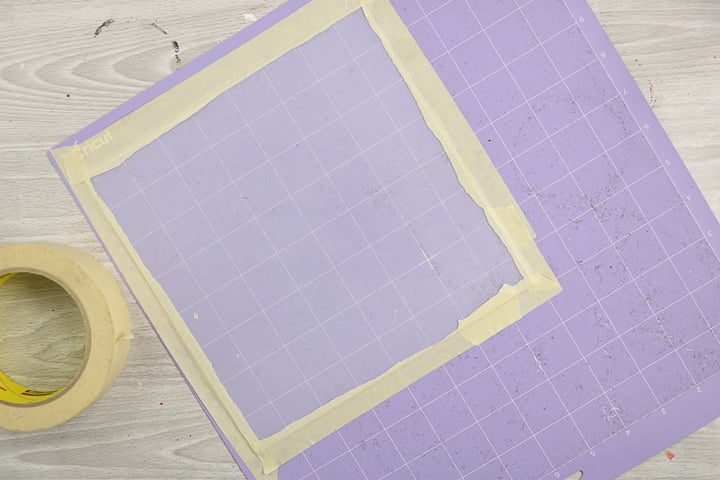
Most acrylic sheets come with a protective coating on both sides. I leave this coating on while I cut. This will help protect the material from any scratches. Peel off the coating once your piece is cut and you should have a perfect piece ready for your project.
Cutting Acrylic with the Cricut Maker Video
Can the Cricut Maker cut acrylic? You can find out in the video below!
Can't watch the video or want the information written out? Just keep reading!
Can the Cricut Maker cut acrylic?
Now it is time for the BIG question! Can you cut acrylic with a Cricut Maker? Yes, you can! But there are some things you need to be aware of. The Cricut machine does not have an acrylic setting so we are experimenting a bit here. You can find the blade and cut settings of what I used to cut my sheets below.
.007 Acrylic Sheets
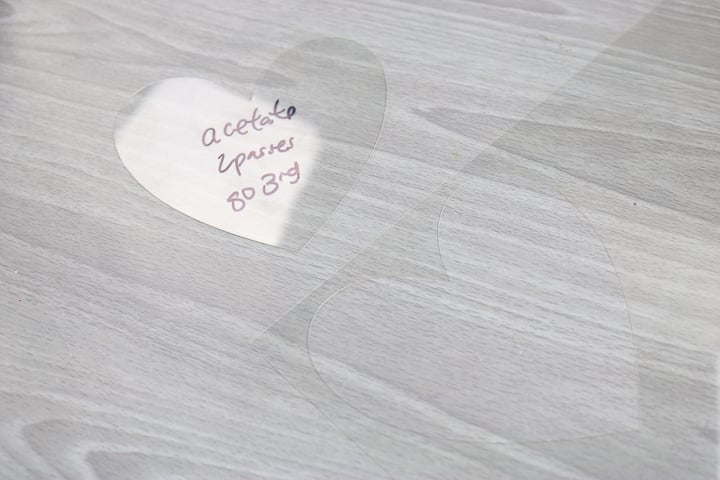
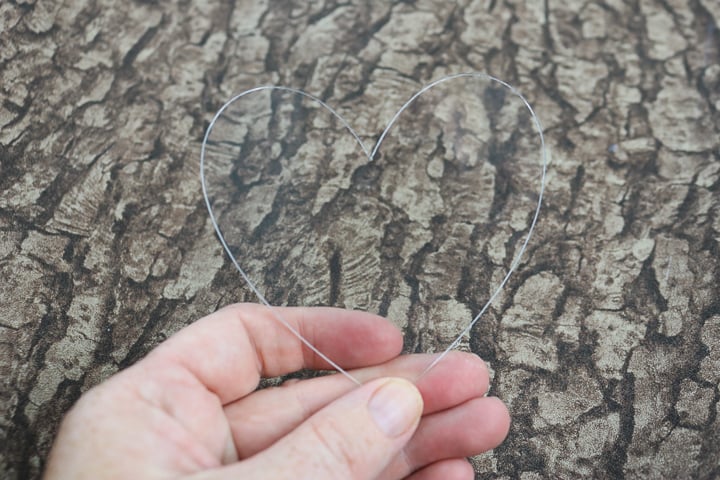
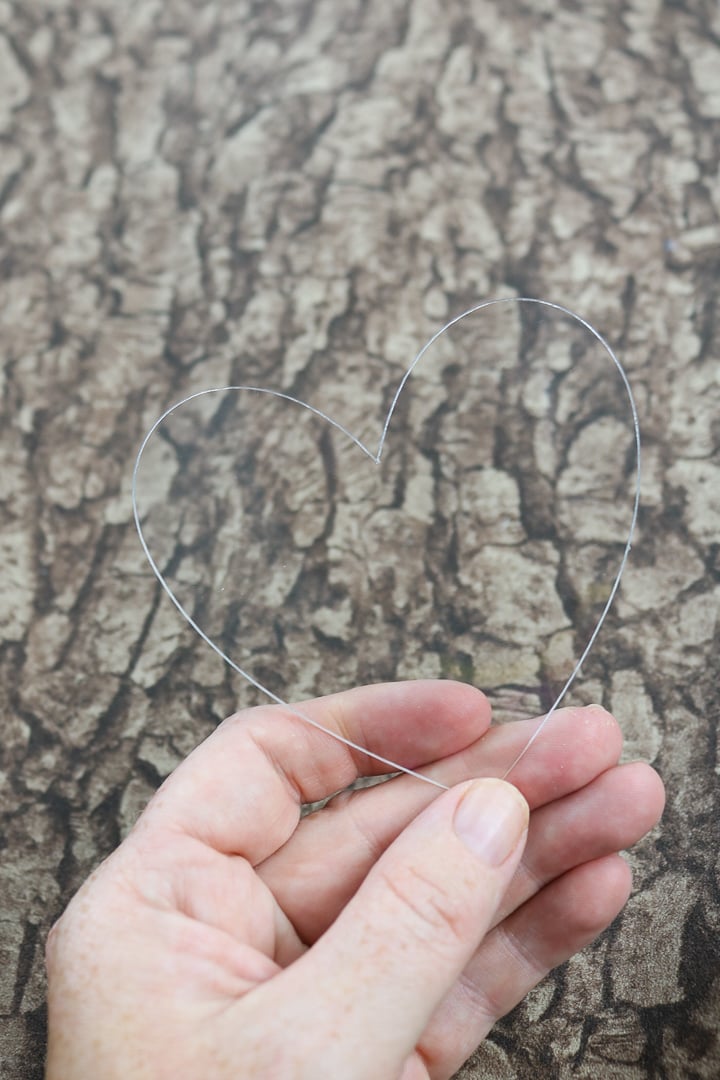
These super thin sheets come in a 12 x 12 size making them perfect for Cricut projects. I cut them with the fine point blade and the acetate setting. This setting goes two passes which worked okay but I did have to push the heart out of the material. I would go one more pass to get a really clean cut. To do this, once your Cricut machine stops, hit the green “C” button once again for another pass.
.020 Acrylic Sheets
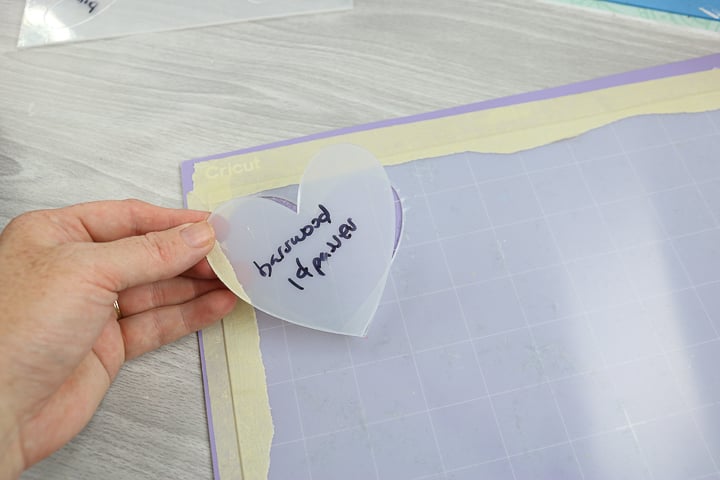
Next up is .020 sheets which are a pretty good thickness and useful for a lot of projects. I used the knife blade and the basswood setting which went 14 passes. This was perfect for this material! You will want to read more about the knife blade here. Checking the material to see if it is cut through occasionally is important when using this blade. Remember you will want to use our tips above for taping down your material as I was not able to cut this material without this method.
1 mm and Thicker Acrylic Sheets
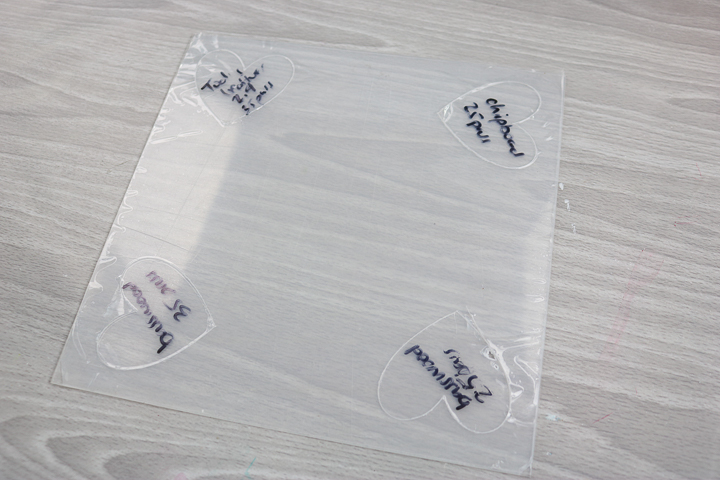
Can you go any thicker with your acrylic projects? I tried a 1 mm thick material and had no luck with cutting it. Again, I used the knife blade as with the .020 thick sheets. I used a variety of settings and passes. My trials included:
- Chipboard 25 passes
- Basswood 25 passes
- Basswood 35 passes
- Tooling Leather 35 passes
None of these were successful. I did some research and saw where one person was able to cut a sheet with over 100 passes and the cuts were not very good. I don't think that is worth it at all! It would take a really long time and probably just add unnecessary wear to your machine. I say that sticking with the thinner acrylic plastic is best and coming up with projects that work well with it.
Can you engrave acrylic with the Maker?
The answer is yes! But I still need to work out the method. Y'all stay tuned as that tutorial will be coming up soon. I can't wait to share this next step as that will put us closer to coming up with some project ideas for this material and the Cricut Maker. Want to see more about the new engraving tool? You can find a post here. You will be cutting acrylic with your Cricut Maker and making all of the things before you know it!
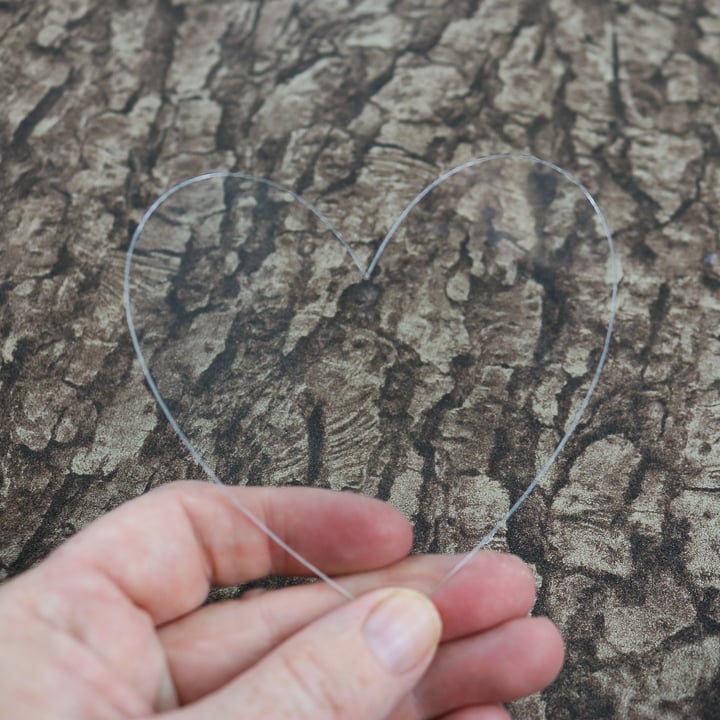
So, can the Cricut Maker cut acrylic? Yes! Just get the right thicknesses for the best results. Otherwise, think up a project idea and put your machine to work!
Be sure to share your success in our Facebook group here. We love seeing your projects there as well as answering any questions you may have about your Cricut machine. Good luck and happy crafting!
Love this post on acrylic cutting with the Cricut Maker and want more ideas? Try the links below!
- How to Layer Vinyl and a Free Sunflower SVG
- How to Make a Stencil with a Cricut
- Your Guide to Using Cricut Infusible Ink the Right Way
- How to Use the Foil Quill on a Cricut Machine
- How to Wash Cricut Mats











I was looking for meaningful anniversary wishes for wife, and this article exceeded my expectations. The messages are heartfelt, simple, and easy to personalize without losing their emotional touch. I appreciate that they sound genuine rather than copied from everywhere else. These anniversary wishes for wife gave me the inspiration I needed to write something special, and I’m sure many others will find this collection just as helpful.