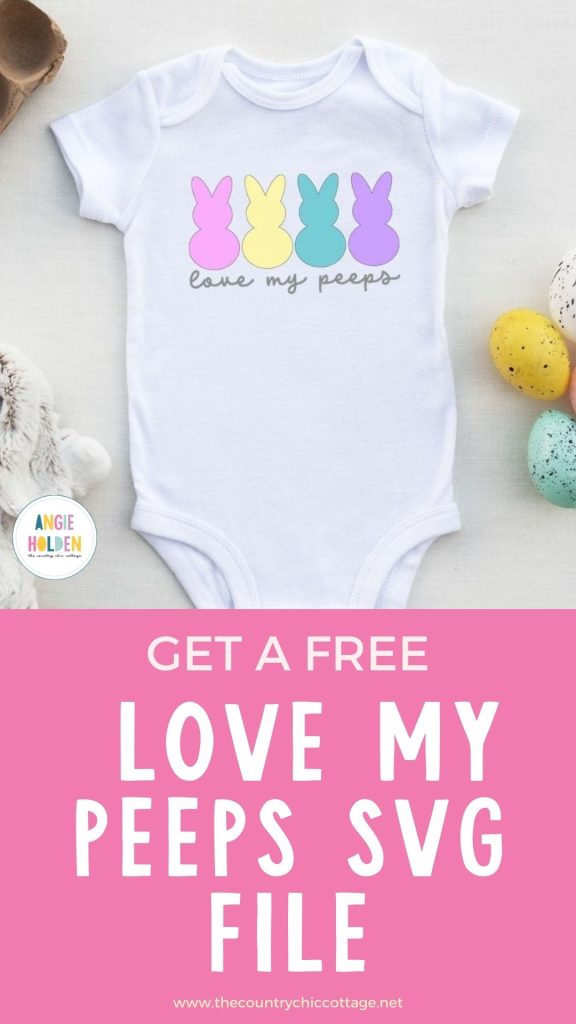
Are you ready to get a free Love My Peeps SVG to make a baby onesie using HTV? I don't know about you, but I love celebrating little firsts, and this onesie is perfect for celebrating baby's first Easter.
This design includes multiple colors of HTV. Learn more about layering HTV with my How to Layer Iron-on Beginner's Guide.
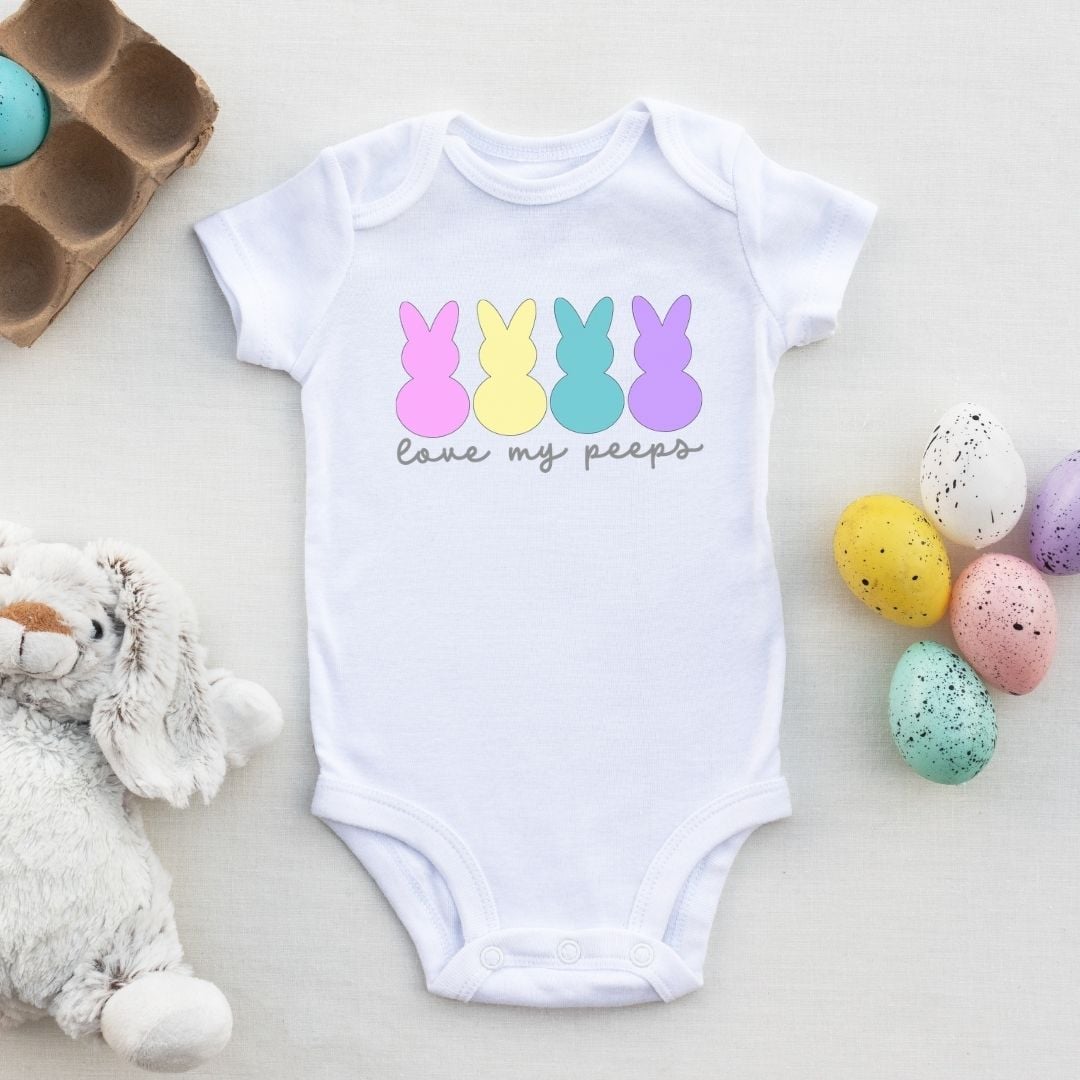
How to Make a Love My Peeps Baby Onesie
To make a baby onesie using HTV, we need to begin by gathering the supplies. I am using an EasyPress for this project, but you can use any heat press you have.
Supplies Used
- Free Love My Peeps SVG
- Cricut Machine
- Cutting Mat
- Weeding Tool
- HTV
- EasyPress
- EasyPress Mat
- Protective Paper
Step 1 – Download the Free Love My Peeps SVG File
To download the file, click here and enter your information. If you've already signed up for emails, enter your email address again, and the file will be sent to your email. You will not be signed up for anything extra.
Open the email and download the file to your computer. With Design Space, you will want to use the SVG file. JPG and PNG files that you can use for sublimation or printed projects, and a DXF file for Silhouette Studio, are also included.
I am using my Cricut machine and Design Space today.
Step 2 – Upload the File into Design Space
Upload the file into Design Space. You can learn how to do that if you don't already know how in my How to Use an SVG with Design Space tutorial.
Step 3 – Adjust the Design for Your Blank
With the design on the canvas, you can resize the image to fit your blank. Make sure you resize all the layers at the same time so the design stays proportionate.
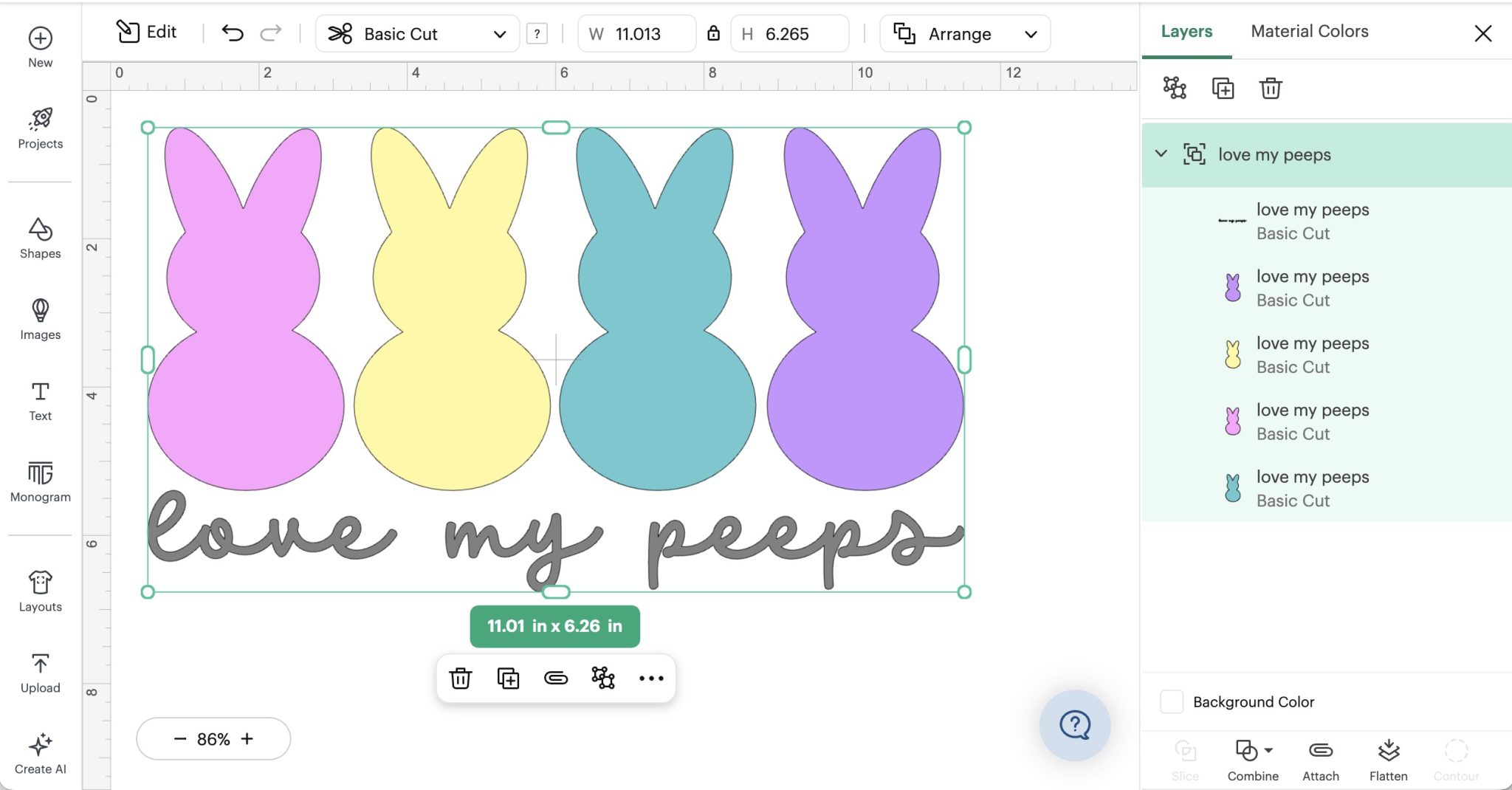
This design comes onto the canvas in 5 different colors. You can change any of the colors in the layers panel if you want to alter the design.
Step 4 – Cut Out the HTV
Next, we're going to cut out the HTV.
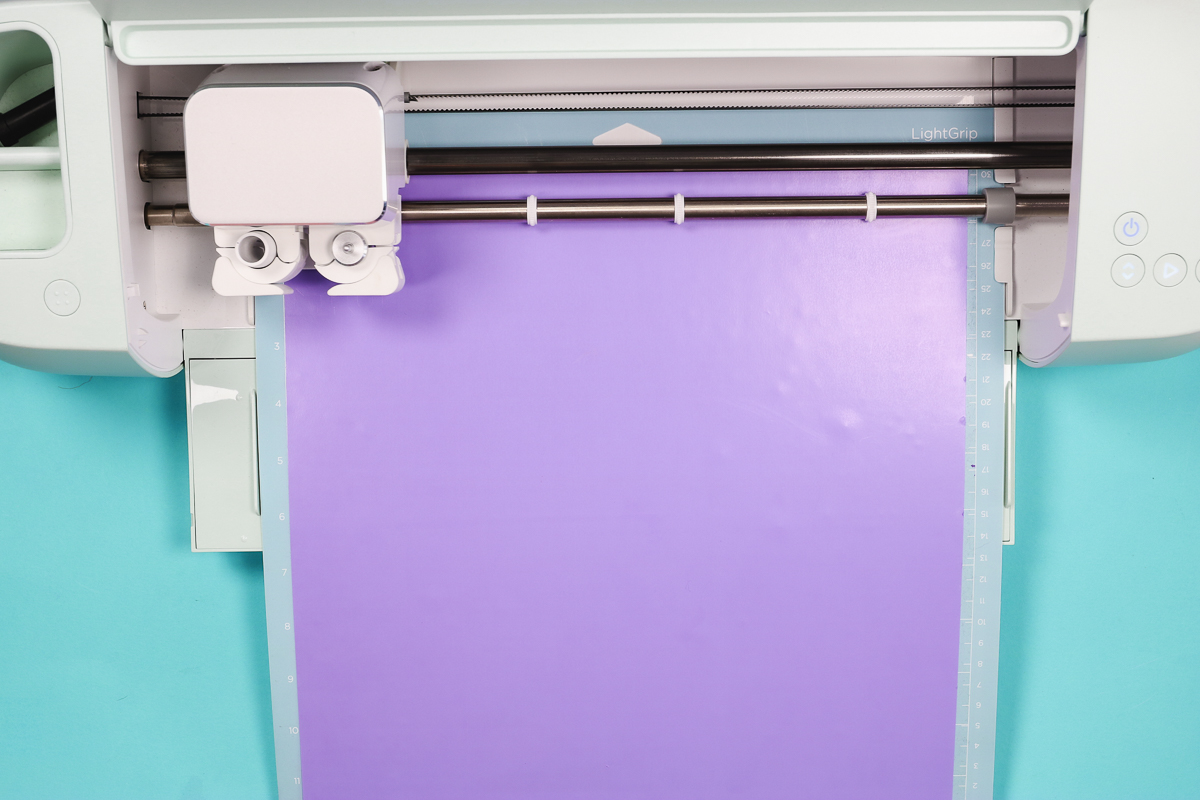
Load the material onto the cutting mat shiny side down, and then load the material into the machine.
HTV is cut with the Fine Point Blade, so you can use any Cricut machine; the only limitations would be size restraints on Joy and Joy Xtra.
Free HTV Cheat Sheet
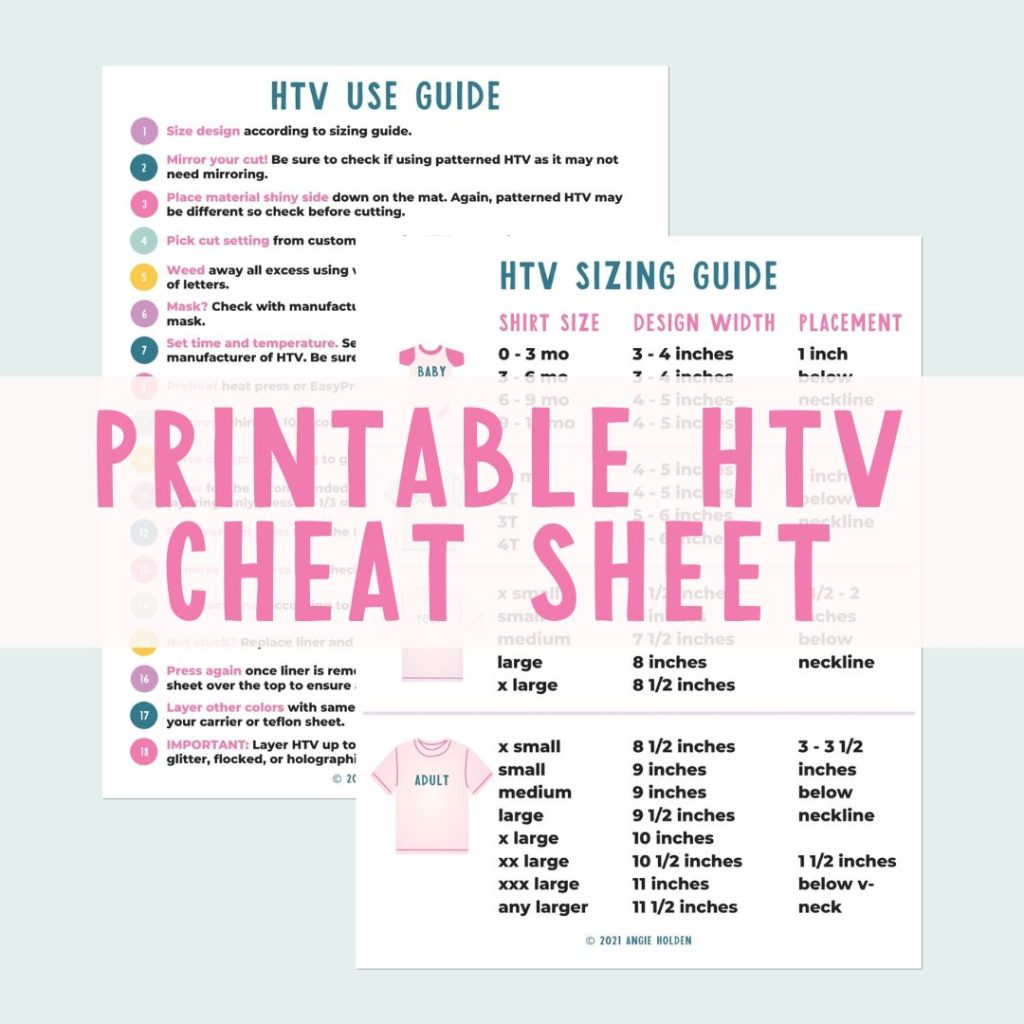
Get your FREE Printable HTV Cheat Sheet now! This guide has sizing and position recommendations for infant through adult shirts as well as a handy HTV use guide. Print this double sided guide and put it by any heat press you own!
Because we're using iron-on, make sure each mat is mirrored so they cut correctly.
Select the material setting that matches the HTV you're using, and press Go. When it's done, unload the mat and repeat for each additional material.
Step 5 – Weed Away Excess HTV
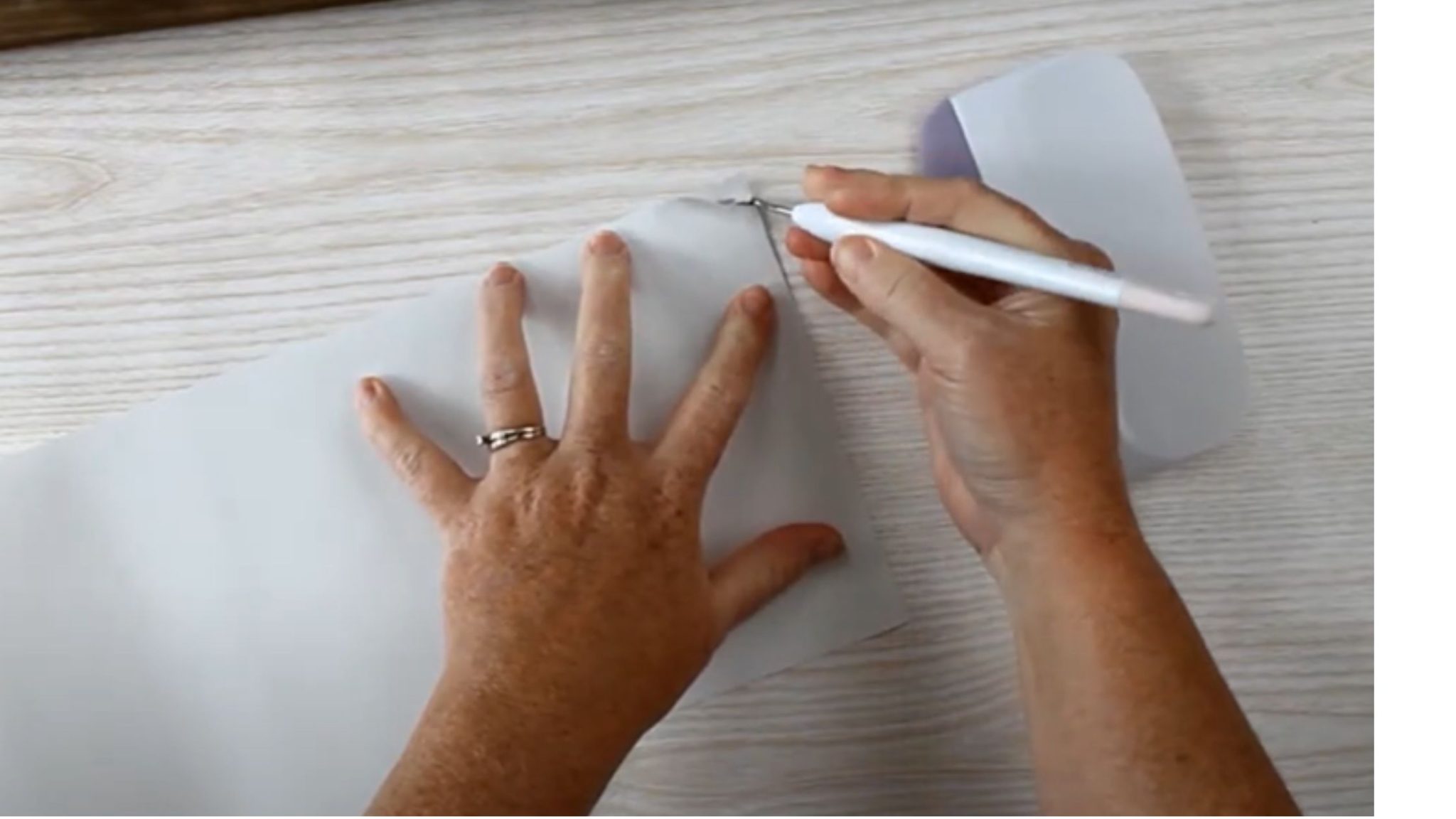
Use a weeding tool to remove the excess HTV. Don't forget the inside pieces, including the insides of the letters.
Step 6 – Locate Design
With everything weeded out, we can locate the design on the onesie.
Make sure you have all the pieces laid out so you know exactly where you want them.
If you'd like, you can trim the carrier sheet so you can press all of the layers at once.
Step 7 – Press the HTV
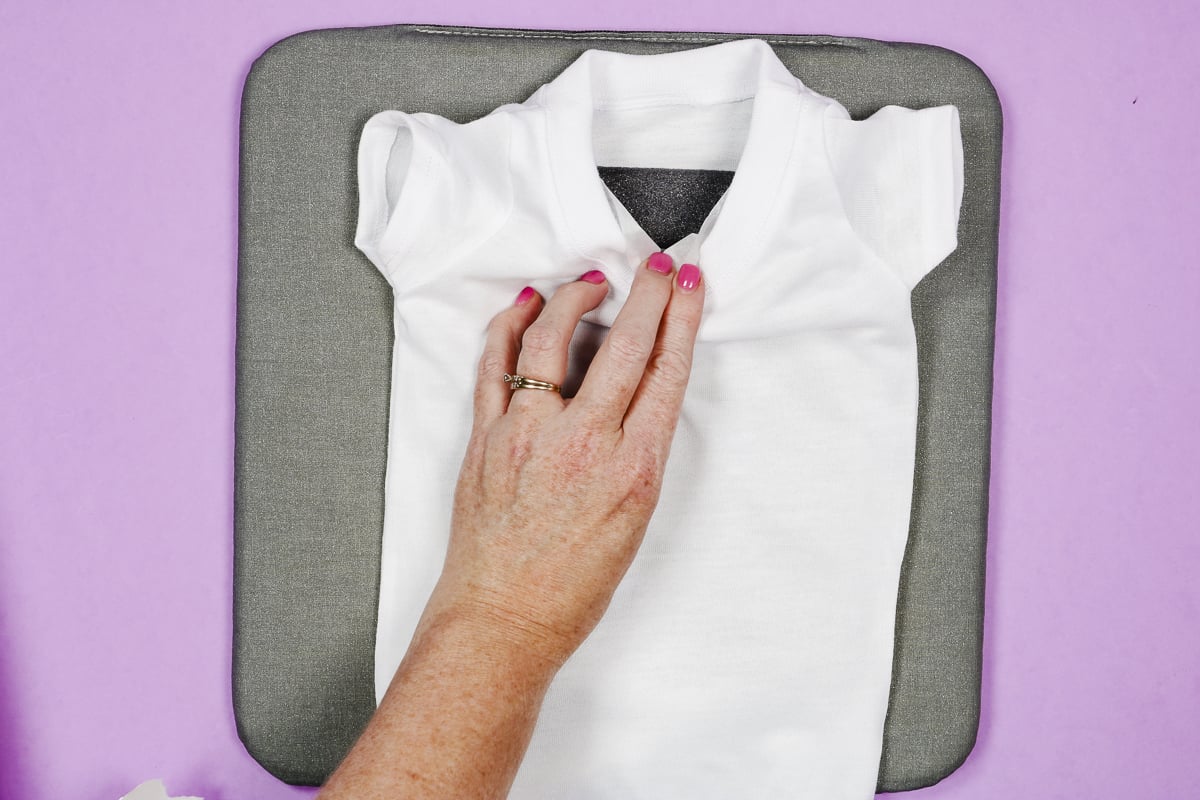
First, we need to preheat the onesie to remove any wrinkles and moisture. I like to add a pressing pillow inside baby onesies to help lift the pressing surface above the seams.
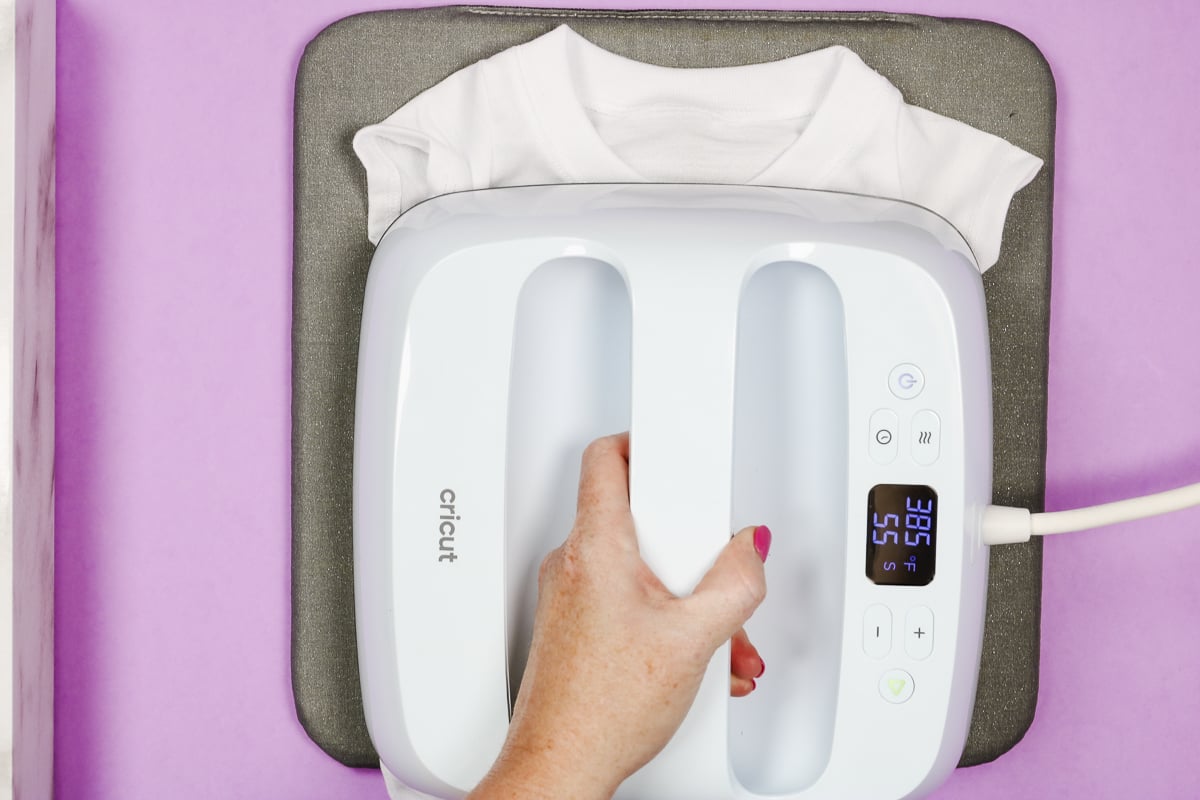
Following the directions for your HTV type, press the HTV.
You never want to press directly on top of uncovered HTV. If you have any exposed HTV from previous layers, cover the HTV with a protective paper or Teflon sheet.
After each layer, remove the carrier sheet and apply the next layer.
Press each layer for the full time recommended for your type of HTV.
After pressing the last layer, you have a completed Love My Peeps onesie perfect for your little ones' first Easter.
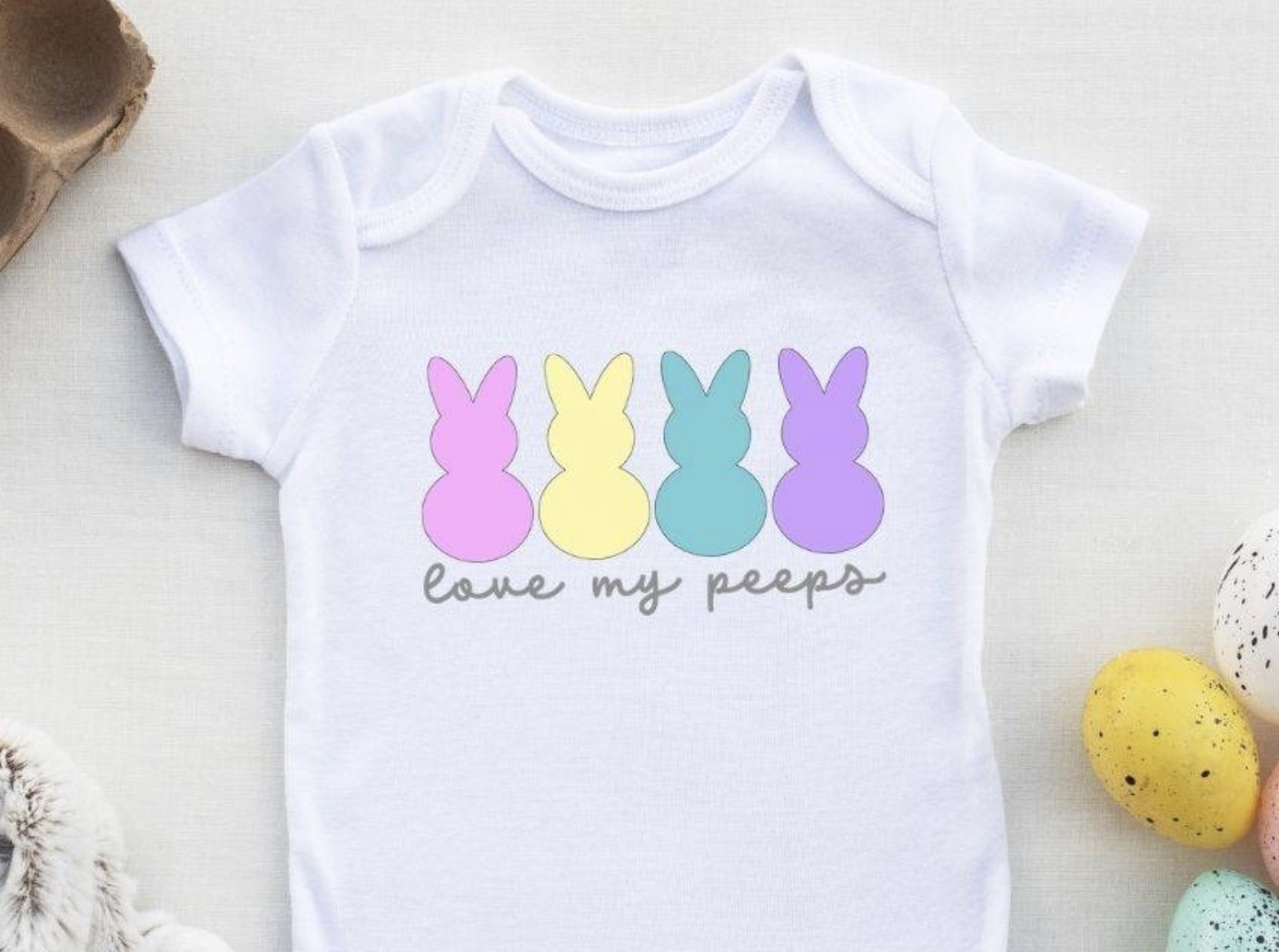
Don't forget to get this free Easter SVG today so you can make onesies for all the little ones in your life.
If you have any questions about making a love my peeps onesie, leave them in the comments, and I'll be happy to answer them for you.