

Are you ready to transform your kitchen into an organized haven? If so, you’re in the right place! Everyone can benefit from creating Cricut spice labels, and thanks to the Cricut machine‘s print then cut feature, crafting them has never been easier. Today, I’ll guide you through the simple process of using our customizable labels. Just print, cut them with your Cricut, and you’ll be well on your way to achieving an organized kitchen!
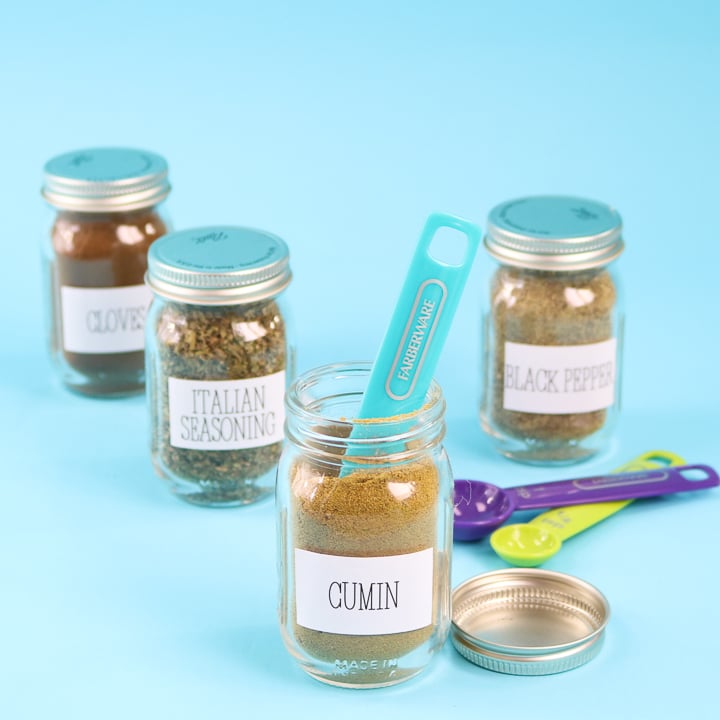
Cricut Spice Labels Video Tutorial
If you want to see just how I made these Cricut labels, watch the video below.
Can't watch the video or need more information? Just keep reading for more instructions.
How To Make Cricut Spice Labels
Use your home printer with a Cricut machine to make these easy, customizable Cricut spice labels!
However, before we begin, it's important to note that the print then cut feature only works if you own a Maker, Explore, Venture, or Joy Xtra, as the original Joy doesn’t have the sensor to do print-then-cut.
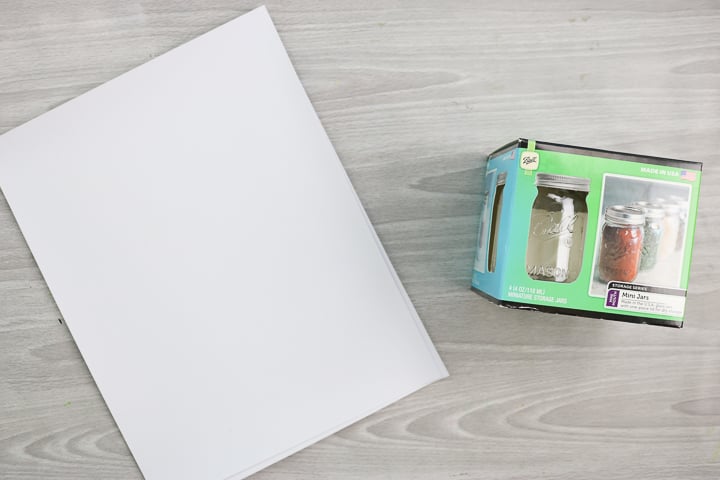
Also, I will be using printable vinyl for this project, but you can use sticker sheets instead. You can get a wide variety of printable vinyl and printable sticker paper. What you choose will depend on the look you’re going for with the label.
Supplies Needed To Make Cricut Spice Labels
- Printable vinyl or full-size sticker sheets
- Cricut machine
- Small mason jars
- Printer and ink
- Cricut Spice Labels Design Space File
Step 1: Pull Up Cricut File
Start by pulling up my profile in Cricut Design Space and scrolling to “Printable Spice Labels”.
Step 2: Select Labels To Use
You can then customize the labels to say whatever you like. I have a bunch of them pre-made in Design Space. You can just delete any of those you do not want.
Step 3: Customize Text
To make your own, click where it says “custom text here” and add your own spices. The change in the text may not show until you center it. This is because the cut file is so large.
Step 4: Flatten Label
Then pick both the name and the square. Click “Align” and then “Center.” Then click “Flatten.”
Step 5: Repeat Steps 3-4 For Each Label
You have just made a custom spice label. Continue adding custom labels until you have as many as you need. You can make a copy before you flatten it to make even more copies.
Step 6: Click Make It
Once you have only the labels you want to print, click “Make” to start printing.
Step 7: Print Labels
The computer will prompt you to send your file to your printer. Please note that a large black box will print around your labels. This is for the print then cut feature. You can see more about this feature here.
Step 8: Cut Labels
Once printed, you will be prompted to cut the material. The machine will use the large black box as a guide and cut each of your labels.
Step 9: Remove Printable Vinyl From Mat
Remove the mat from your machine once the cut is finished, then remove the label material from the mat.
Step 10: Add Cricut Spice Labels To Containers
Then peel each printable spice label from the sheet and stick it on mason jars or any other container. You may find it helpful to clean the outside of the jar with rubbing alcohol before you place the label.
Step 11: Fill Jars
Fill your jars and add them to your counter or cabinets!
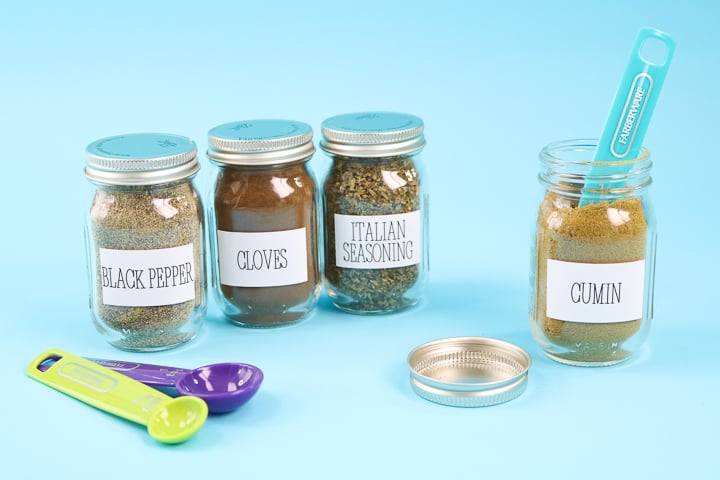
I love getting organized in the New Year, and my Cricut makes it so easy! You can make any labels you can imagine with this same technique. In fact, you can use our file above again and again with the custom labeling option for every room in your home.
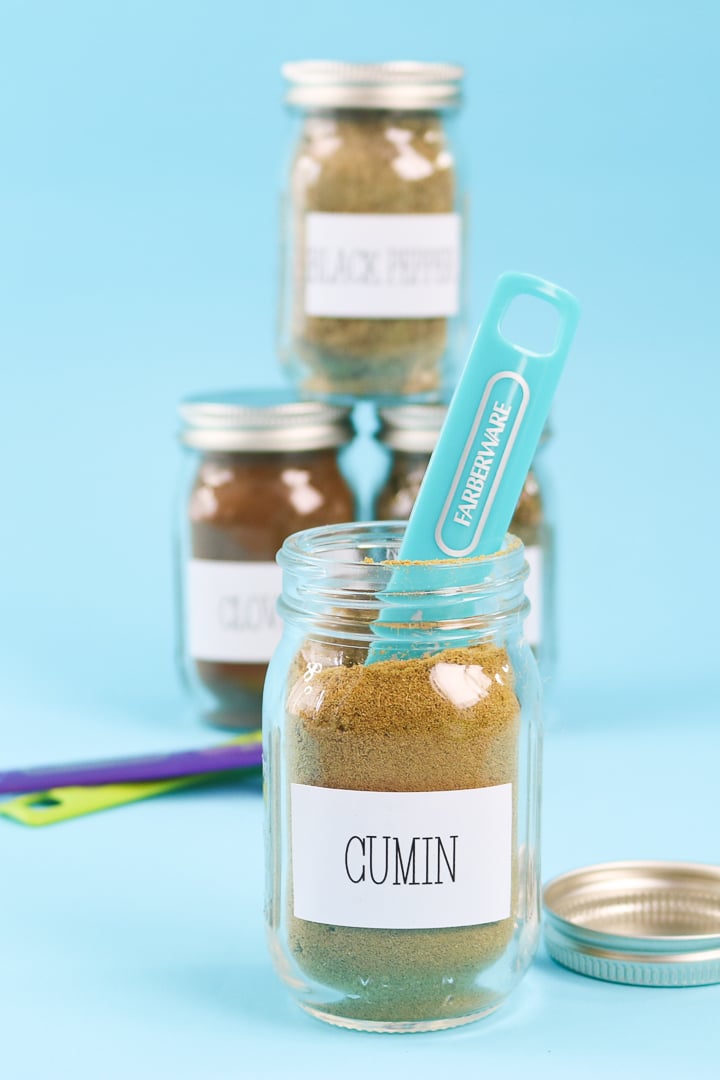
If you have not used the print then cut feature before, you are in for a treat! This is one of my favorite Cricut features for the precise cutting and customization options. I personally love the printable vinyl I used here, but you can also use sticker paper if you prefer.
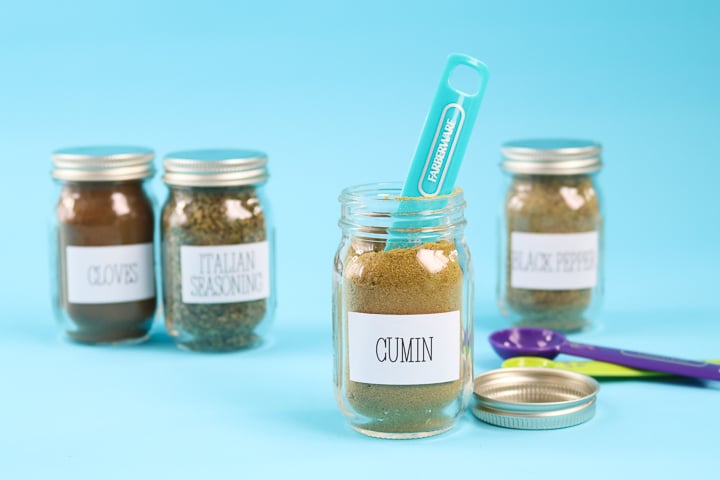
So, will you be adding these printable spice jar labels to your kitchen this year? I know you will love the look!
FAQs About Cricut Spice Labels
Here are answers to some of the most frequently asked questions I receive about making these Cricut spice labels. If your question isn’t listed, feel free to drop it in the comments, and I’ll be happy to help!
What Cricut Machine Do You Recommend For This Project?
To make print-then-cut labels, you need either a Maker, Explore, Venture, or Joy Xtra series Cricut machine.
Do You Have More Resources On How To Print Then Cut?
Yes, I do! If you want to learn more about print-then-cut, check out our resources below.
- Print then Cut Feature in Cricut Design Space
- How To Make Labels With Any Cricut Machine – This blog post includes a whole section (with photos) on how to make print-then-cut labels.
What Brand Of Vinyl Did You Use For The Labels? Also, Are They Oil- or Water-proof?
I used Cricut printable vinyl, and it is not really waterproof. I would use one with a laminate on top if you wanted waterproof.
Does The Printable Vinyl Work In A Bottom Loaded Printer? (Not Gravity Fed)
Yes! That is what I have, and it works fine.
5 More Cricut Label Ideas
Did you love learning how to make these Cricut spice labels, and want more label ideas to make with your Cricut machine? Then check out the projects below!
- How to Make Organizer Labels with Your Cricut Machine
- Five Ways to Make Labels with Cricut Joy
- Cricut Labels: 3 Ways to Make Them
- DIY Pantry Labels on a Cricut Joy, Explore, or Maker!
- How to Make Writable Labels with the Cricut Joy











Forgive me; I am new to Cricut. When I click on your link for the labels, “Cricut cut file,” I am brought to “https://design.cricut.com/#/launcher”. My design space is already open on my desktop. Am I doing something wrong? Thank you. Your labels are cute, btw.
Click open and then you may have to allow it to open the application on your browser. Then it should open for you!
Good day, I saw your video on YouTube. And this is exactly what I am looking for. But it reads “Project Saved” Private and will not let me open the file. Any help I would appreciate. Thank youde
I just fixed it! Sorry!
Thank you I will try this now