

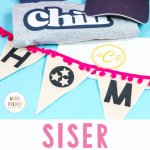
Have you ever wanted your HTV to stand out a little more on your projects? If so, you’re going to want to see this. Today I’m putting Siser Brick HTV to the test. It’s much thicker than standard HTV—about 6–8 times thicker—making it perfect for designs that need extra dimension and impact.
Looking for more info on using HTV? Learn all about it here.

Can’t watch the video or missed some of the steps? You can also follow along below with how to make each of the projects shown.
What Is Siser Brick HTV?
Siser Brick is a thick HTV material. When I say thick, I mean, really thick. I would say it's 6-8x thicker than normal HTV. Because it is so thick, it really stands off the surface of your project. If you've ever used Puff HTV, Siser Brick HTV behaves similarly, standing up off the surface. However, the application process is the same as for regular HTV.
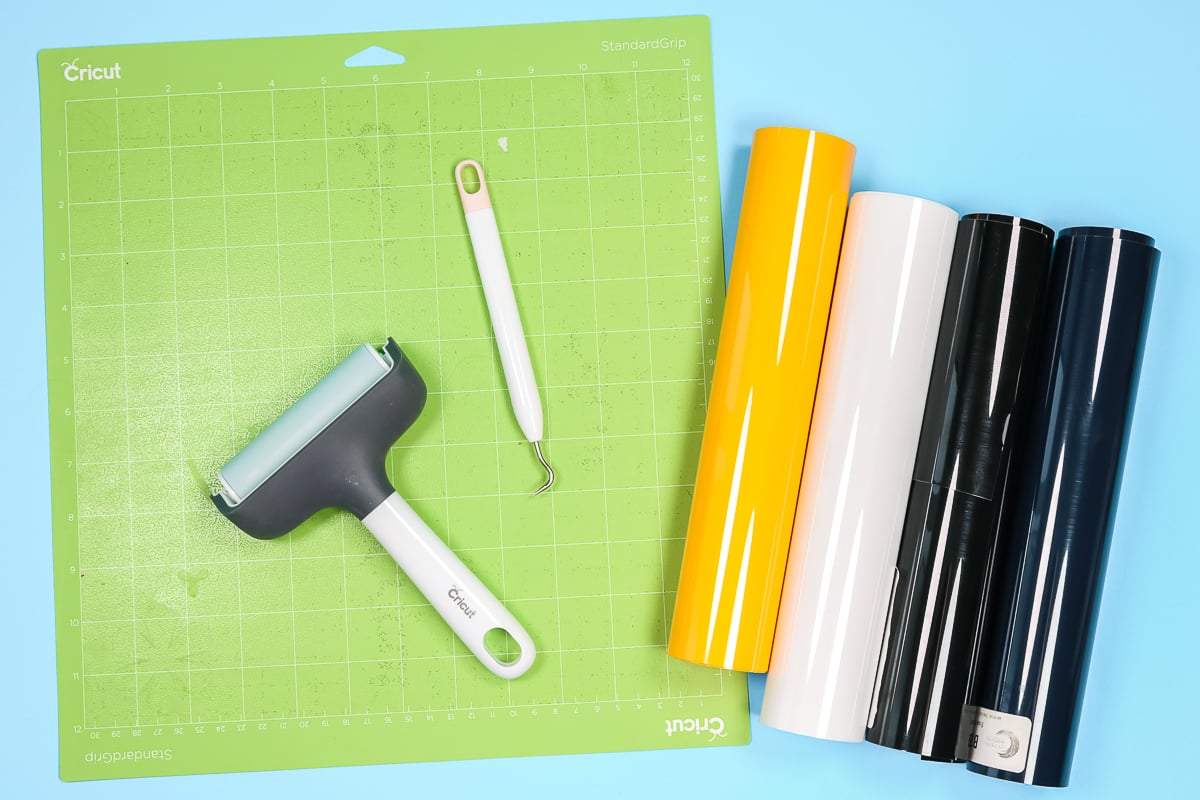
Supplies Used For Siser Brick HTV Projects
- Cricut machine
- Siser Brick HTV
- EasyPress
- Weeding tools
- StandardGrip mat
- Brayer
- Hat Press
- Heat Tape
- Tape dispenser
- This project is made with Design Space files. Click here for my profile. Once on my profile, find the image of the project you want to create, click it to open it up, and then you can make it yourself.
How To Use Siser Brick HTV
To use Siser Brick HTV, open your project in Design Space just like you would any other project. NOTE: All designs shown are in Cricut Design Space. After you click “Make,” make sure you mirror all images. Just like regular HTV, Siser Brick comes with its own carrier sheet, so place it on your cutting mat shiny side down. I found the green StandardGrip Cutting Mat worked best with this material. I like to use a brayer to press it down and get it flat on the mat.
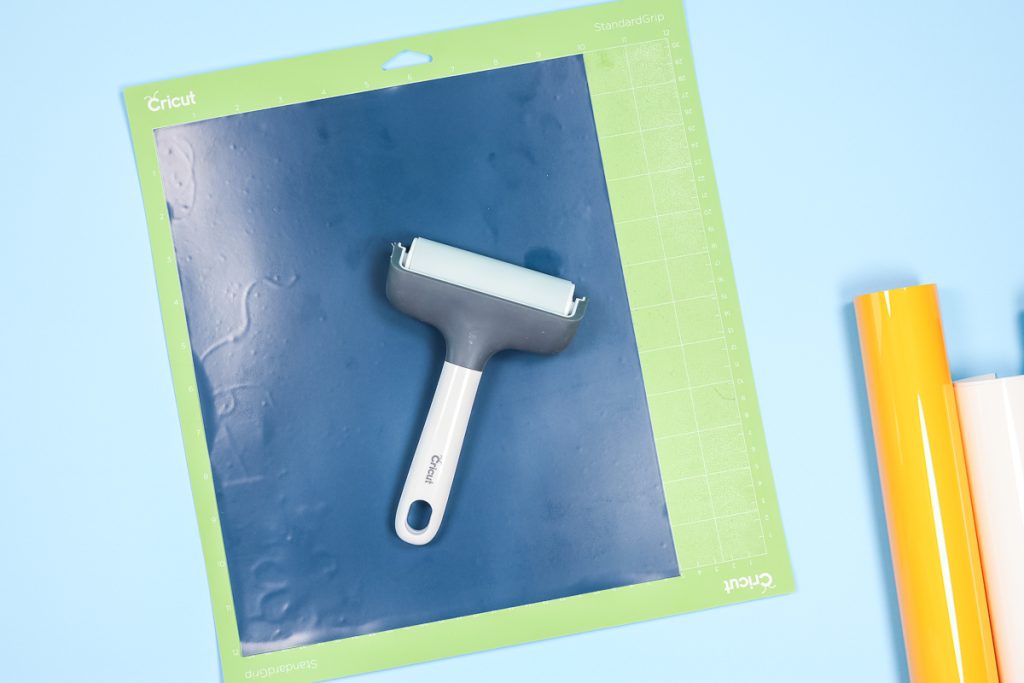
NOTE: Siser Brick HTV is only 10″ wide. When laying out your images in Design Space, make sure you select the material size so your machine doesn't cut off to the sides.
What Cut Setting Do I Use For Siser Brick?
You'll cut Brick HTV with the regular Fine Point blade. That means you can cut Brick HTV with any Cricut machine.
Design Space doesn't have a Brick HTV setting. I tried a couple of different options, and the Glitter Iron-on setting worked best with my machine. I did find a few places where it cut through the carrier sheet. In the future, I'll use the Glitter Iron-on setting but select “less” pressure.
You may find your machine cuts Brick HTV great with the cardstock setting. I really recommend doing a test cut any time you try new materials. A small heart is a good shape to test; it has curves, straight edges, and a point.
How To Weed Brick HTV
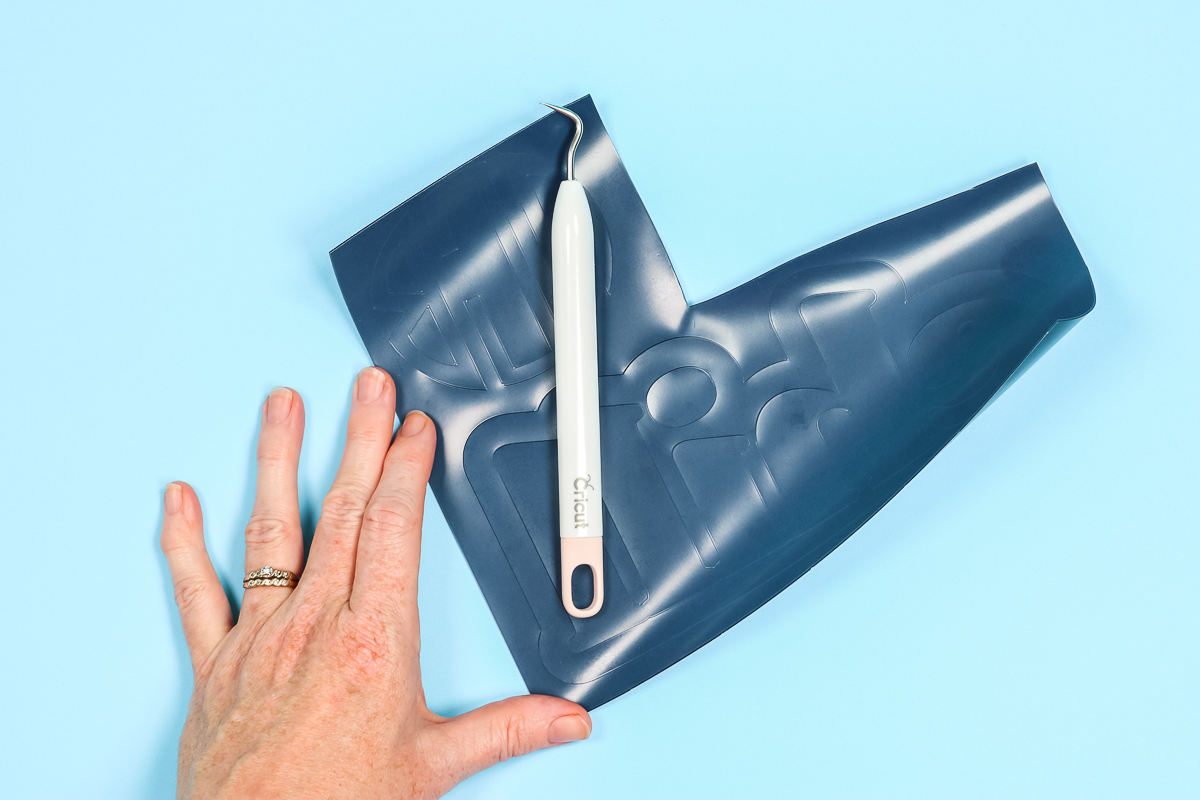
Weeding Siser Brick is just like weeding other HTV. It actually weeds really easily. I was afraid it would be a little more difficult because it's thicker, but it wasn't at all. I like to use the weeding tool and hook the corner of the HTV and peel it back slowly. The carrier sheet for this HTV is not very sticky, so it releases easily.
Making Projects With Siser Brick HTV
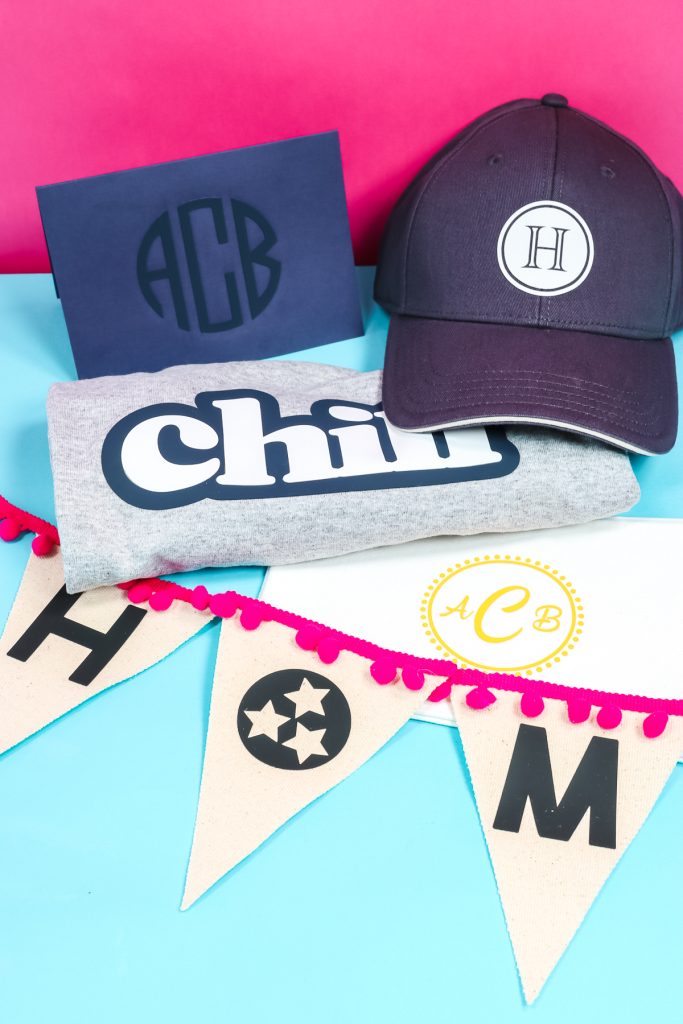
I'm going to show you how I made a hat, card, shirt, makeup pouch, and banner using Siser Brick HTV.
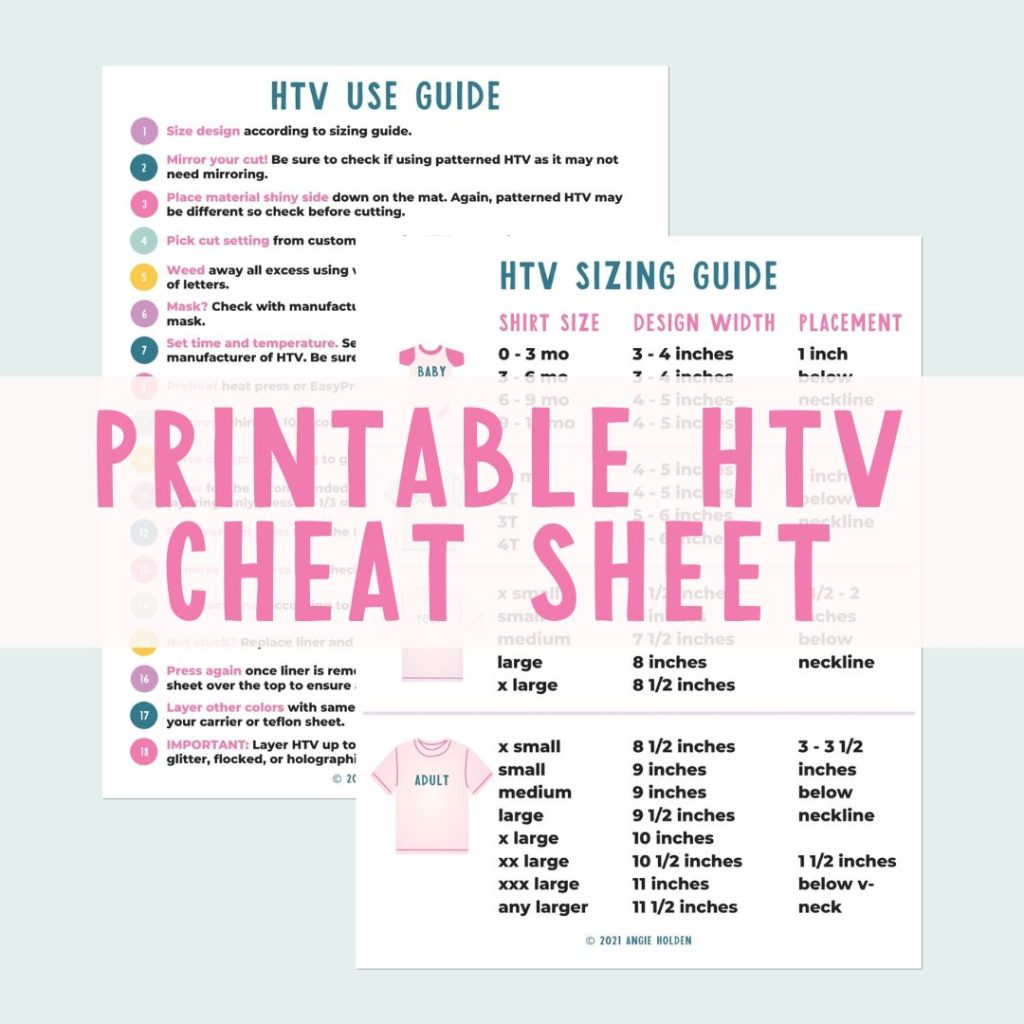
Free HTV Cheat Sheet
Get your FREE Printable HTV Cheat Sheet now! This guide has sizing and position recommendations for infant through adult shirts as well as a handy HTV use guide. Print this double sided guide and put it by any heat press you own!
How To Make A Hat Using Siser Brick HTV
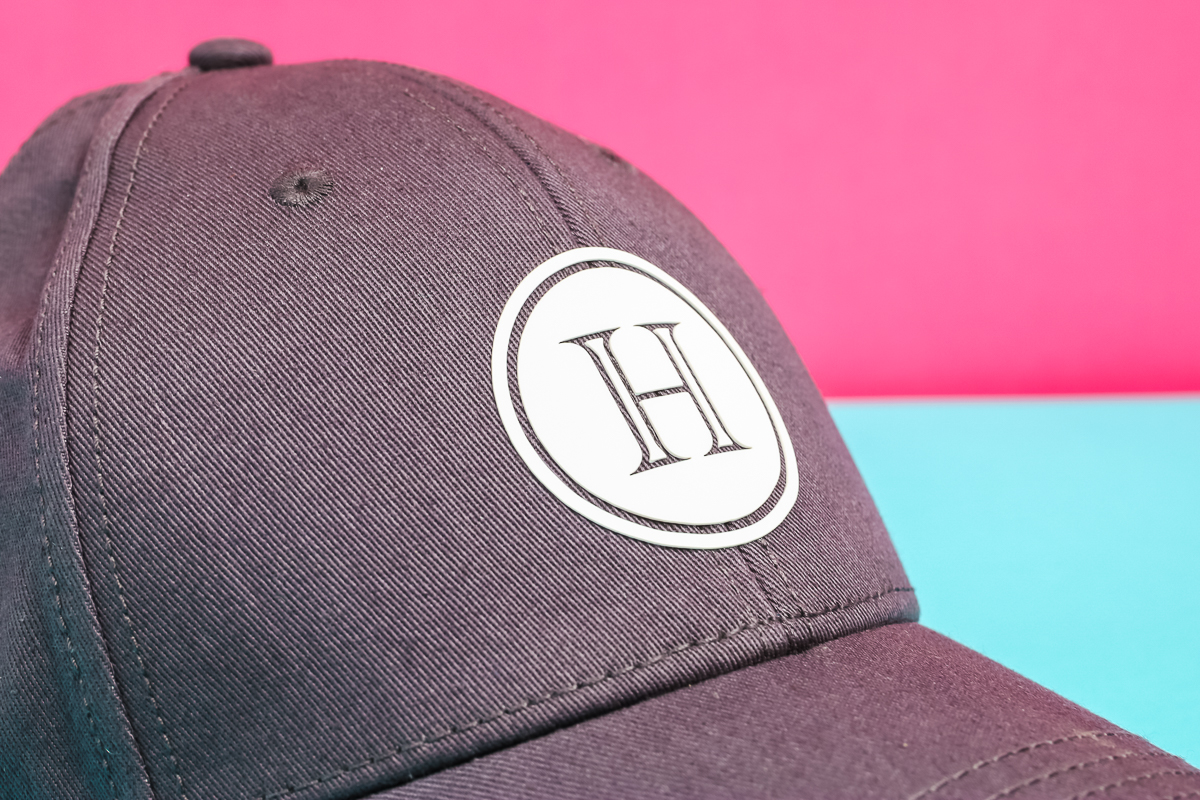
I am using the Cricut Hat Press to make my hat. I have to say the hat is my favorite project using Brick HTV. Because the Brick HTV stands up from the hat, it almost looks like a faux-leather patch.
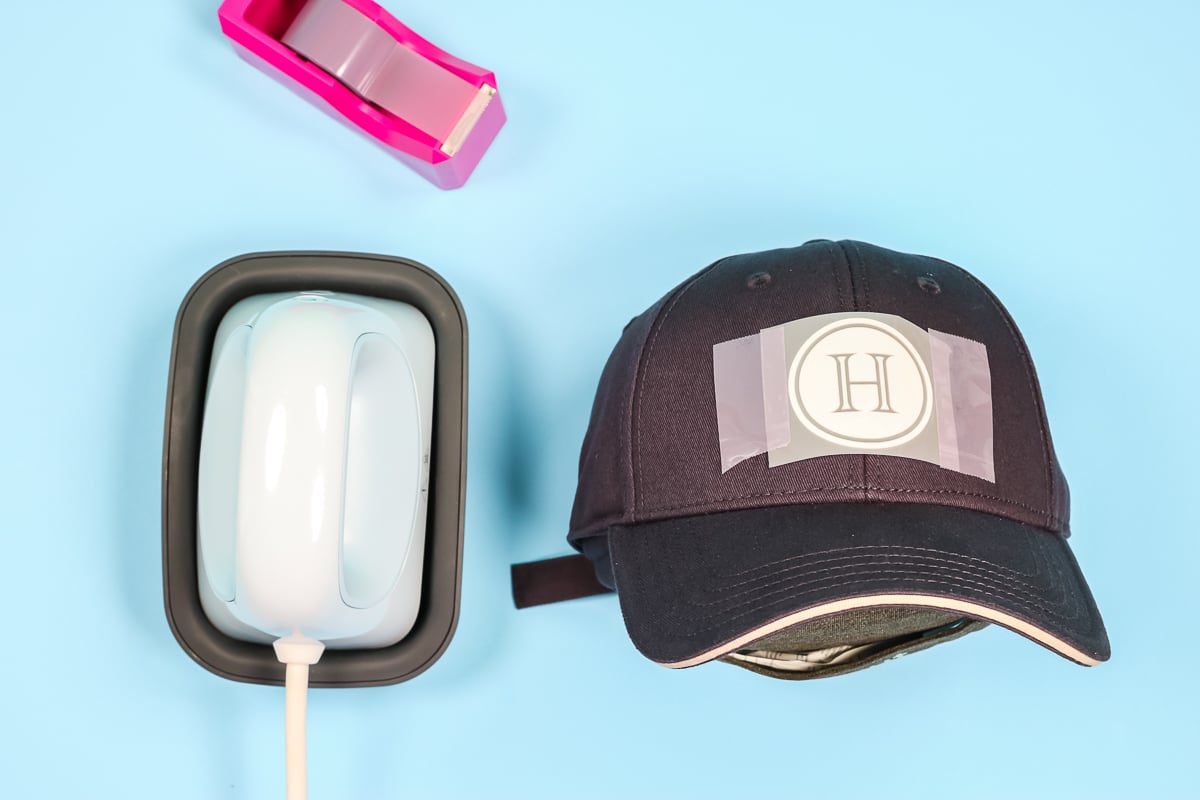
Like I said before, the carrier sheet adhesive is very light. I didn't find that it held the Brick HTV in place, so I am using heat-resistant tape to hold it. Then press for 20 seconds at 310 degrees. Because my design is smaller than the plate on my Hat Press, I'm just going to hold it in place. If you were using a larger design, you'd continually move your Hat Press back and forth.
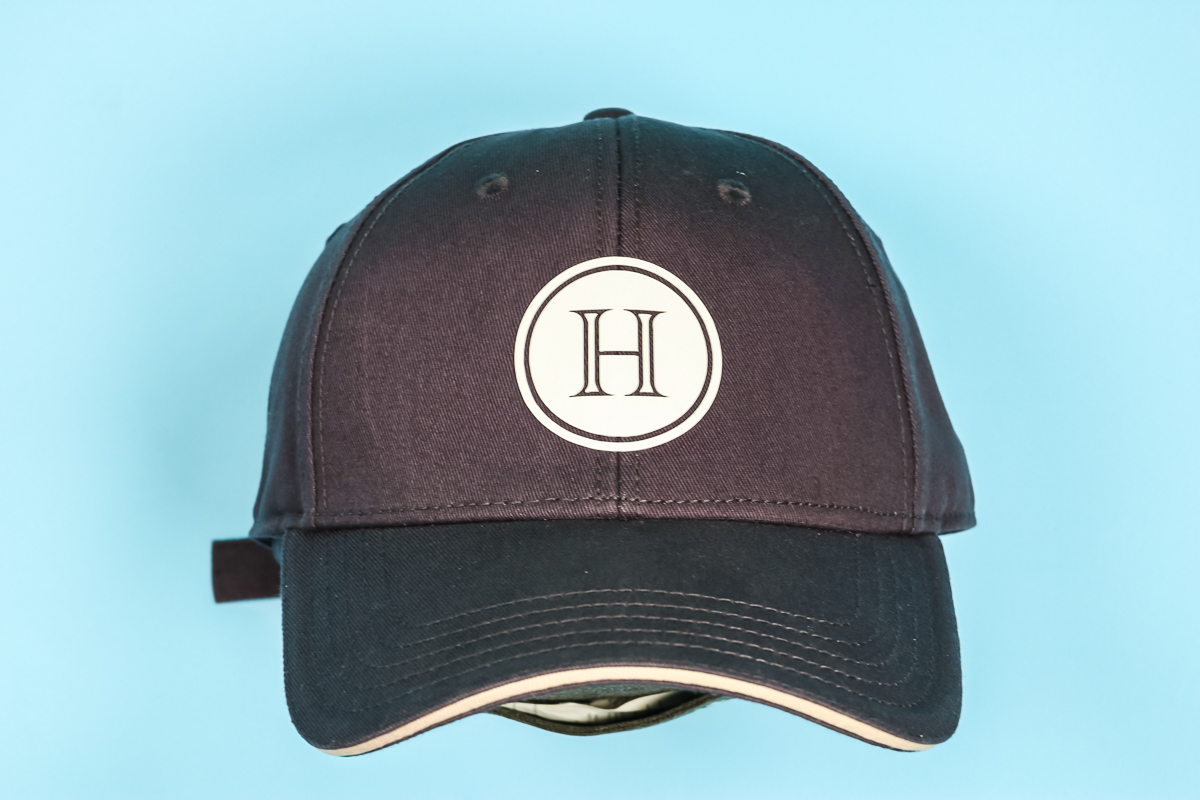
Siser Brick HTV is a cool peel HTV. Make sure it cools completely before removing the carrier sheet. It peels off easily. Take your time and make sure you don't have any lifting of the vinyl. I LOVE this project. It is easily my favorite project out of all of these.
How To Make A Makeup Pouch With Brick HTV
I really wanted to test the limits of what would work with Siser Brick. This image is very detailed. This is where it's important to take your time when weeding the HTV.
See those little dots? One lifted when I was weeding. Because the carrier sheet isn't very sticky, I couldn't get it to stick back to the carrier sheet. I had to use a tiny piece of heat tape to stick it back down. Thankfully, it worked.
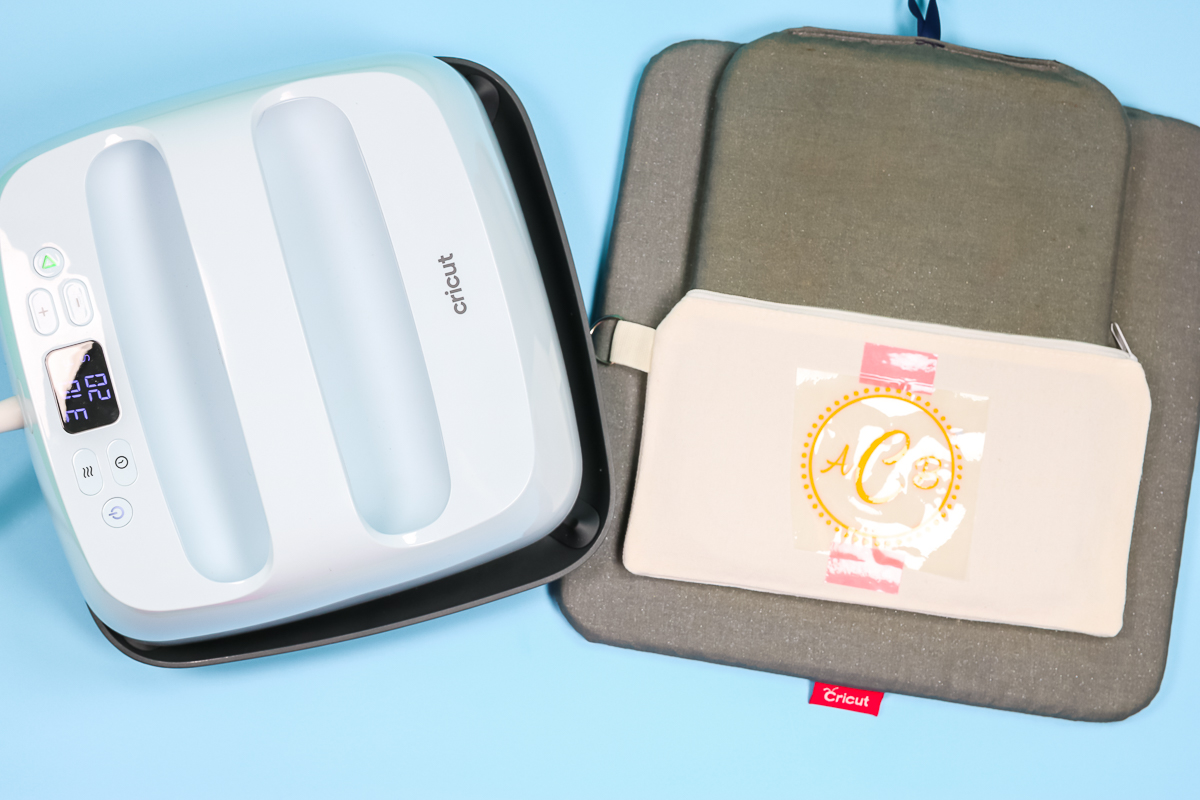
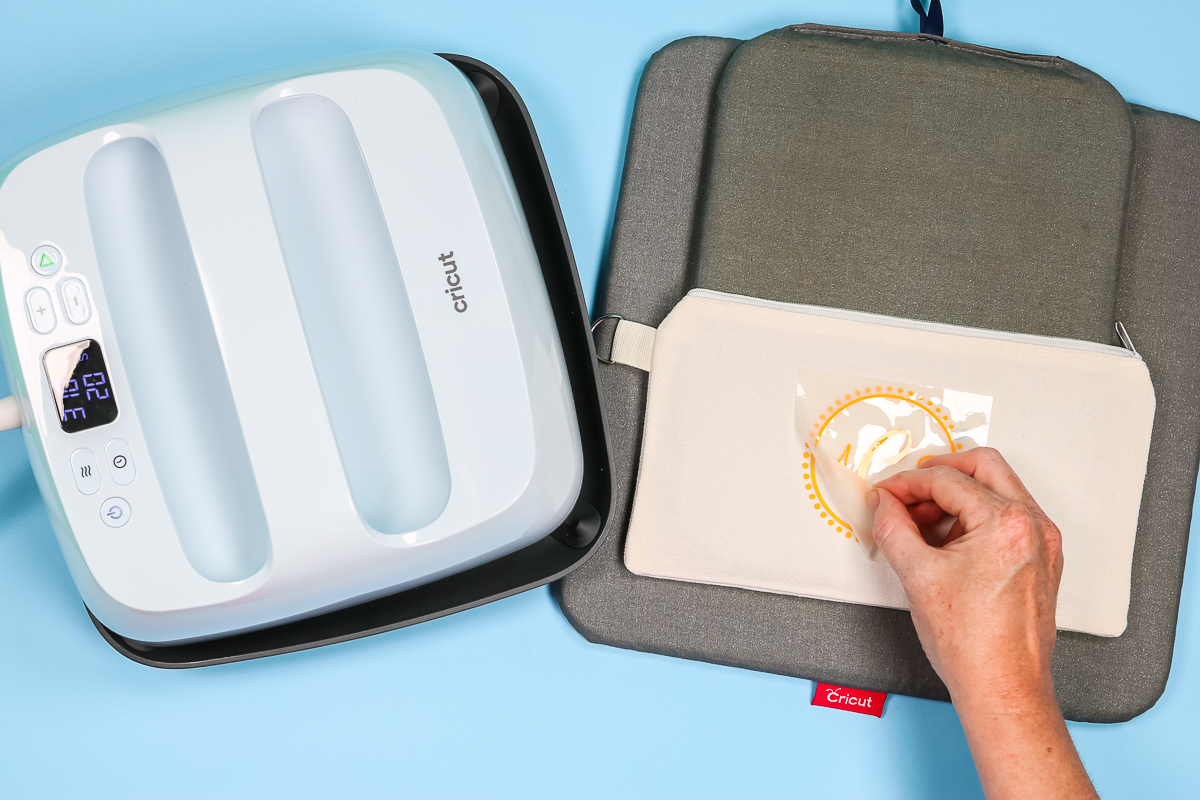
I used the same settings I used for the hat (310 degrees for 20 seconds and firm pressure). I put my small EasyPress Mat inside the makeup pouch and made sure that when I was applying heat, the EasyPress didn't sit on the zipper.
Again, allow cooling before removing the carrier sheet. Especially with those tiny pieces, you want to make sure everything is stuck down.
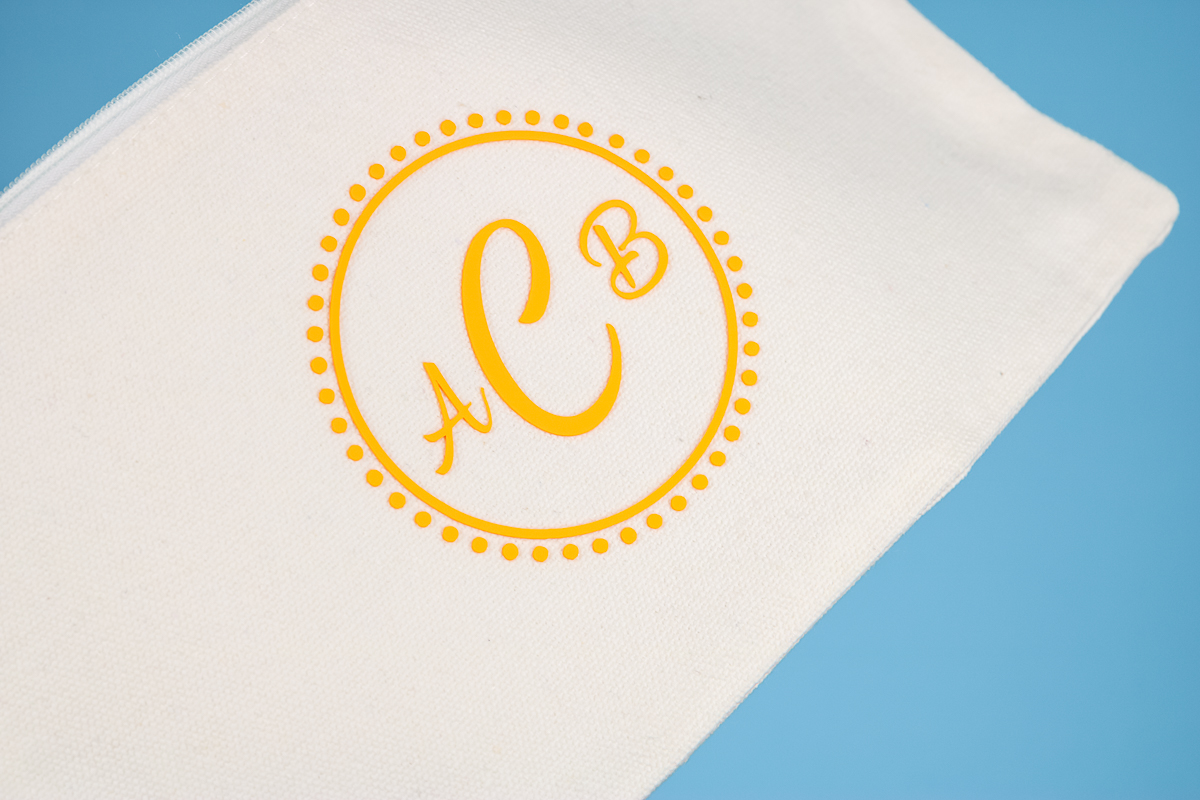
Isn't it great? You can really see the thickness of the Siser Brick HTV. I love how it stands up off the fabric.
How To Make A Shirt With Siser Brick
In an effort to continue pushing the boundaries of what I can make with Siser Brick HTV, I decided to try a larger image for a shirt and layer it! Because Brick HTV is so thick, it can be stiff. The larger the image, the stiffer it can be. I knew this before I decided to try this project, but I wanted to see if it would work.
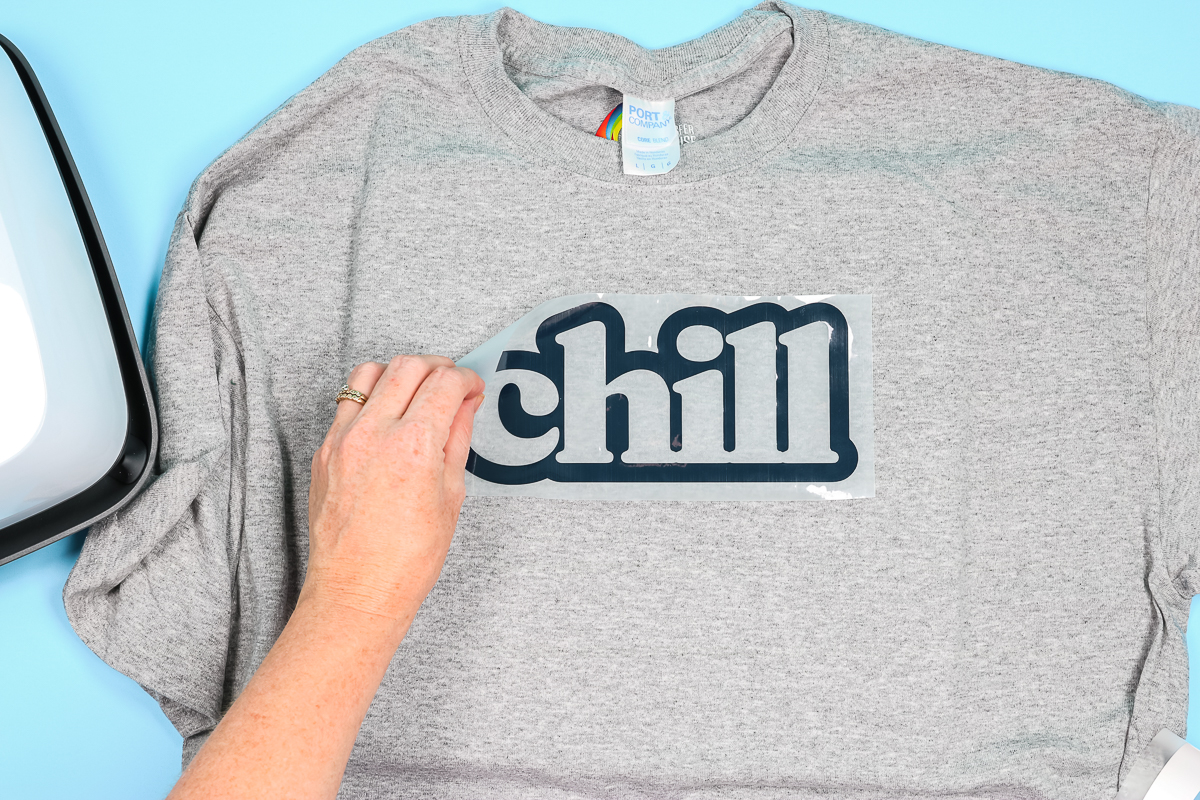
I used the same settings again and pressed the first color for the full time. Allowed it to cool completely, and then removed the carrier sheet. Once the first layer was complete, I located the second layer on top. Because of the thickness of the Siser Brick, it was easy to feel exactly where it fit.
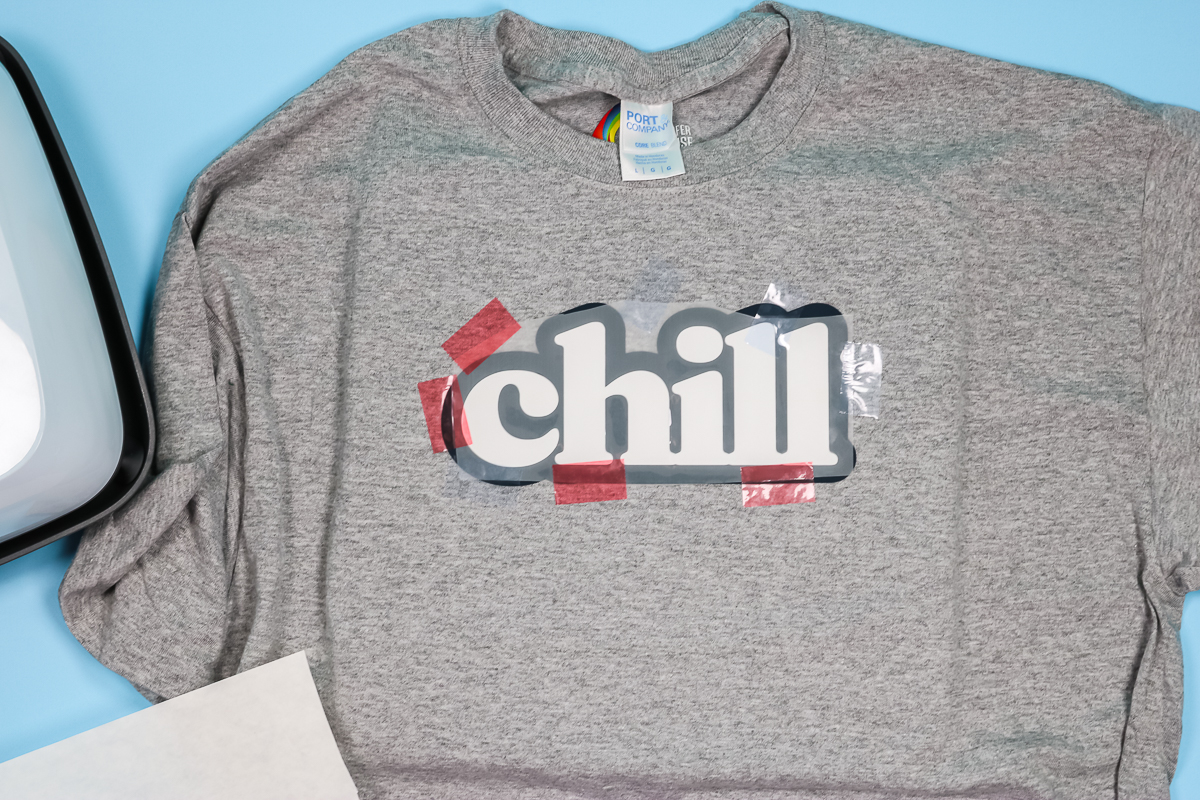
I really didn't want the HTV to move, so I used a lot of heat-resistant tape to hold the second layer in place. Make sure you cover all the exposed HTV before pressing again. Use the carrier sheet from the first piece, or parchment paper, to protect your exposed HTV, then press again for the full time and temp.
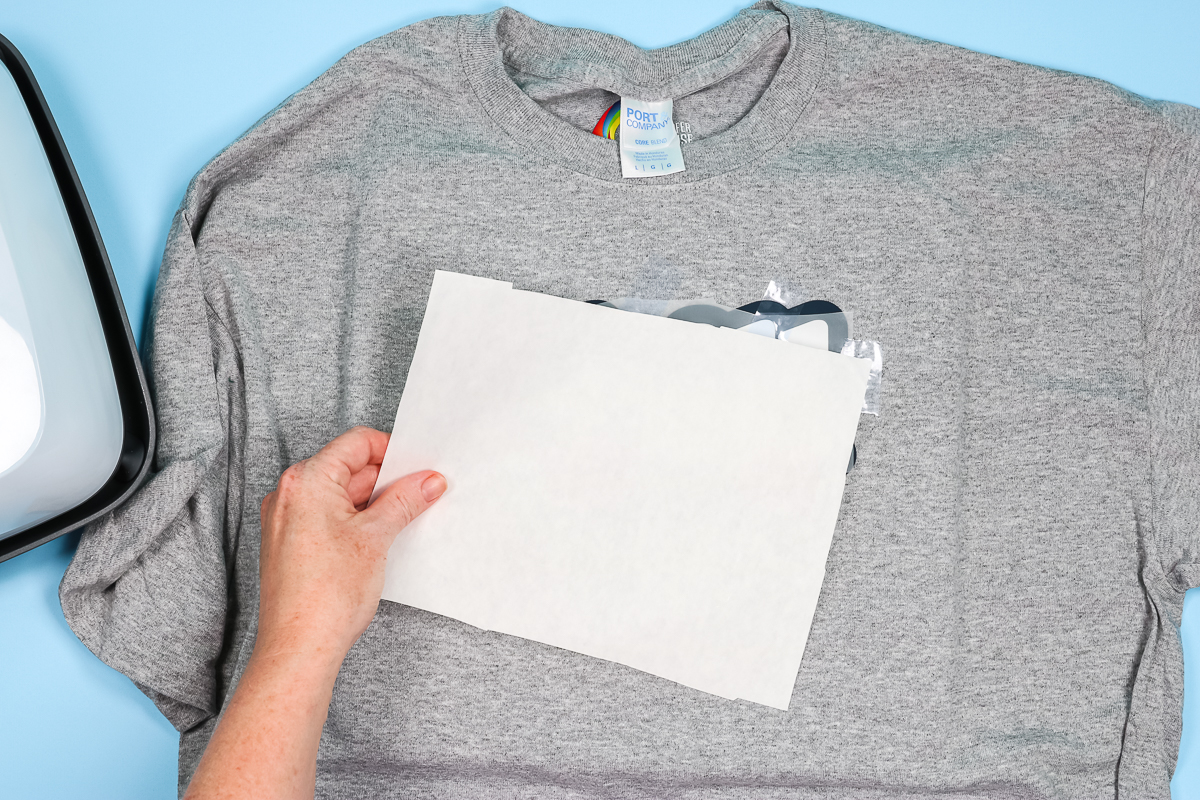
Once everything is completely cool, remove the carrier sheet and reveal your finished project.
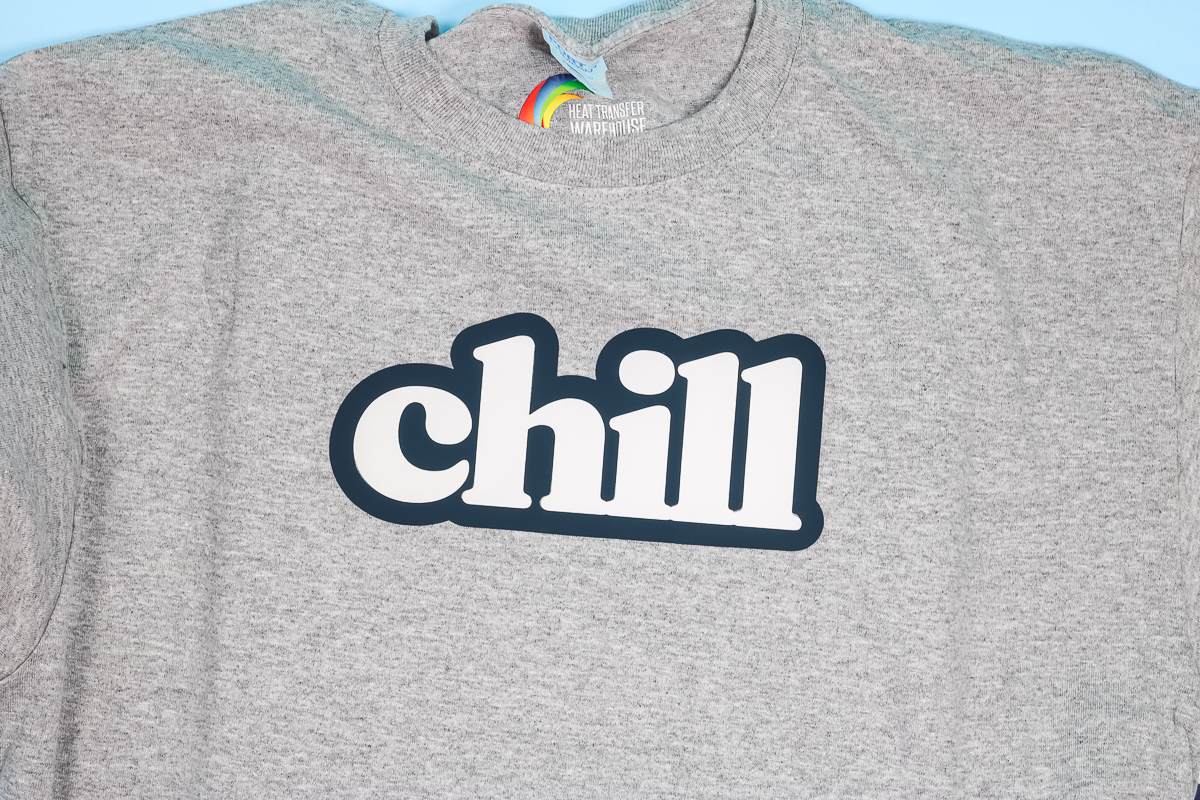
The shirt looks so cool, but the image is very stiff. Two layers of this thick HTV are not flexible. Siser Brick HTV is recommended for smaller images. Because of the thickness/stiffness, if I were putting it on shirts, I would limit it to pocket-size designs. I will note that layering worked even with this large of an image, so a smaller image would work great.
How To Make A Card Using Siser Brick
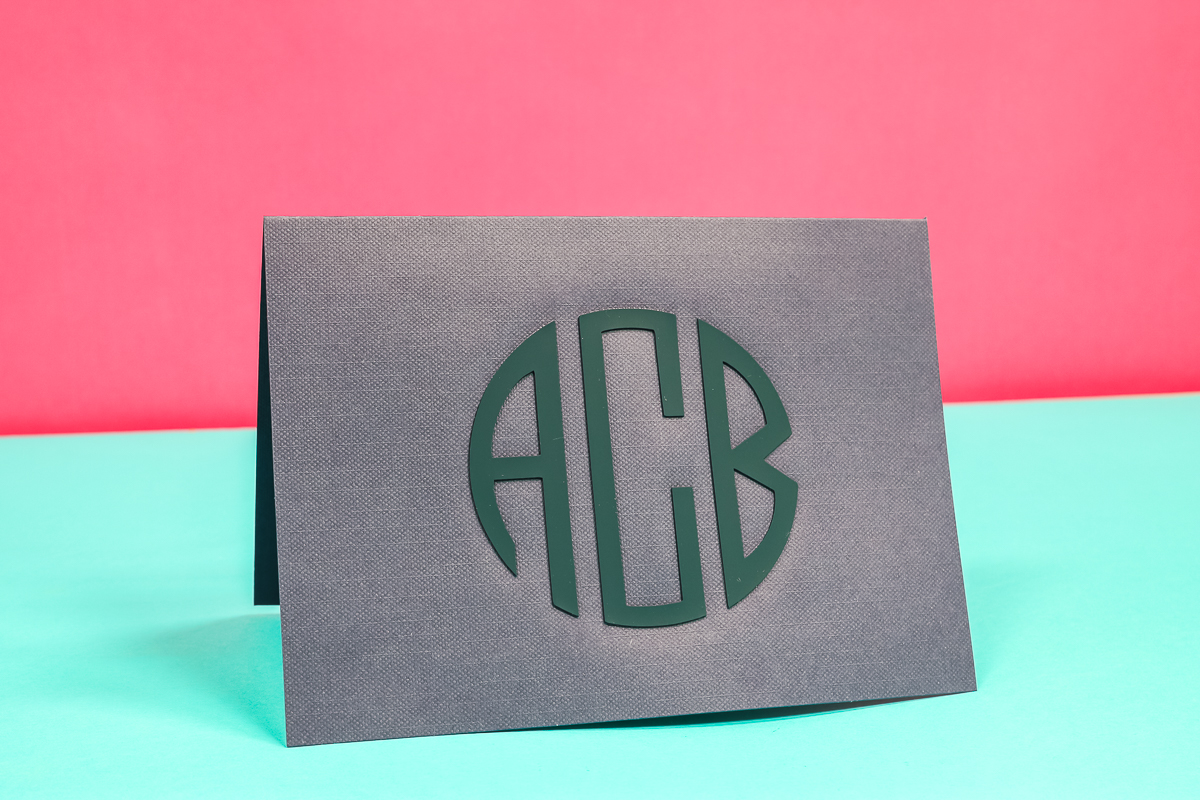
Did you know you can use HTV on cardstock? Not having to worry about adhesives is a big incentive for using HTV on cardstock projects. With the thickness of the Brick HTV, I thought it would be really cool to make a high-end-looking card with a monogram cut from the Siser Brick.
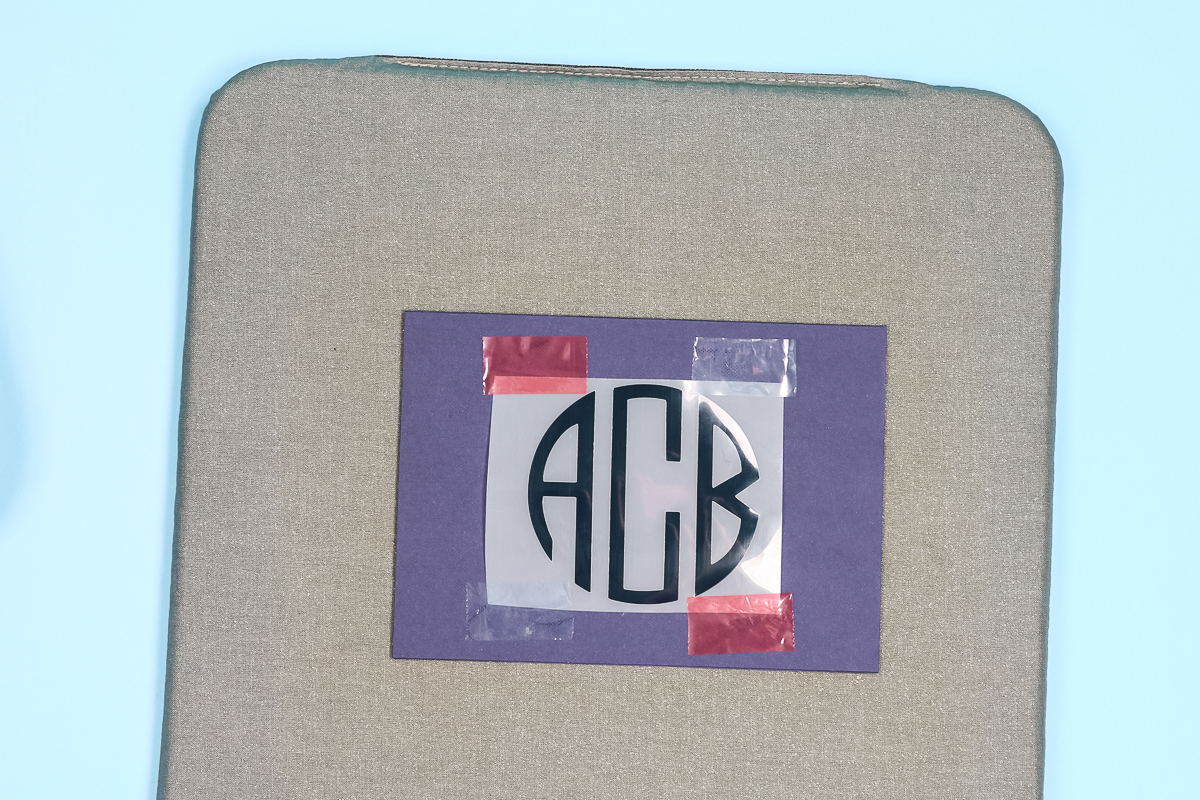
I decided to use a navy Siser Brick on a navy card. I used heat-resistant tape to hold the design in place. Following the same steps we did for the other projects. I used a piece of parchment paper to cover my cardstock and applied heat at 310 degrees for 20 seconds. Allowed it to cool, then removed the carrier sheet and heat tape.
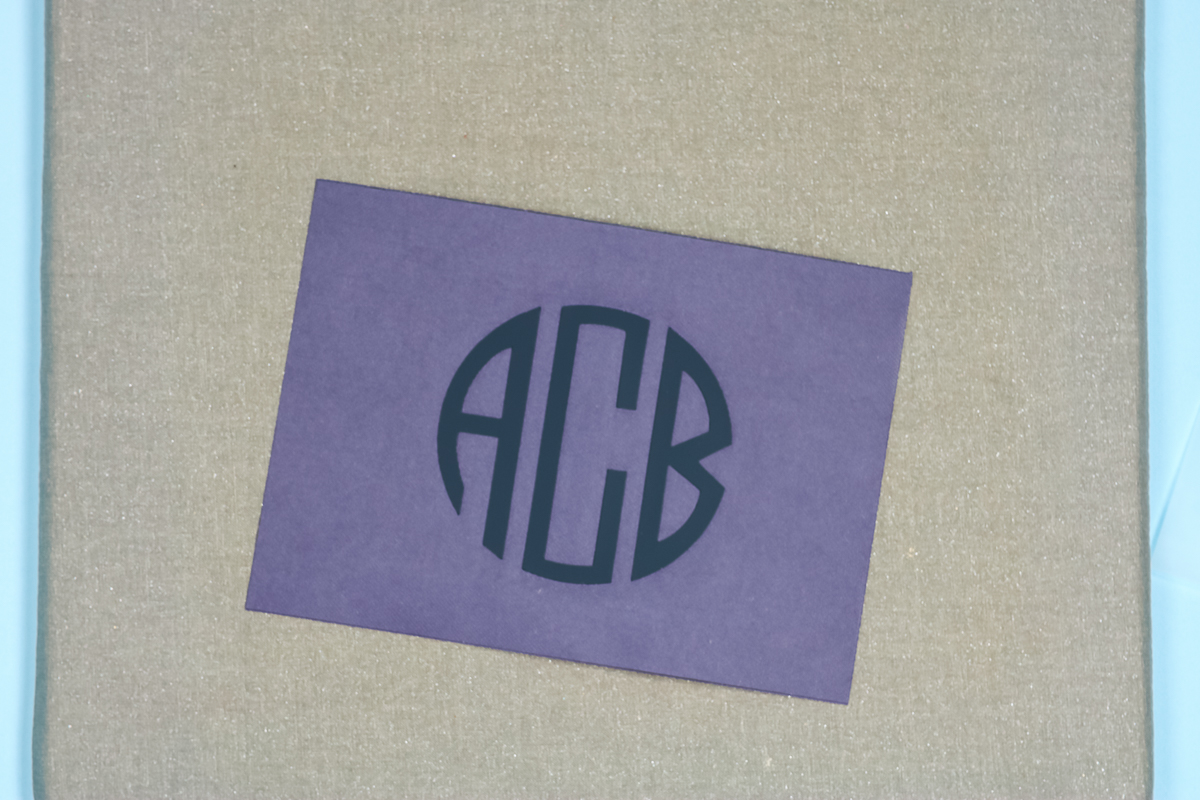
I really love how this turned out. Siser Brick HTV looks surprisingly good on paper and gives the card a beautiful embossed look that really stands out. While you can deboss with a Cricut machine, there isn’t a true way to emboss—so this is a fantastic alternative if you want that raised, dimensional effect.
How To Make A Banner With Brick HTV
The last project I decided to try was a banner. I think this is another great application for the Siser Brick HTV. Since no one is really going to handle or wear the banner, the brick HTV's stiffness doesn't matter in this case.
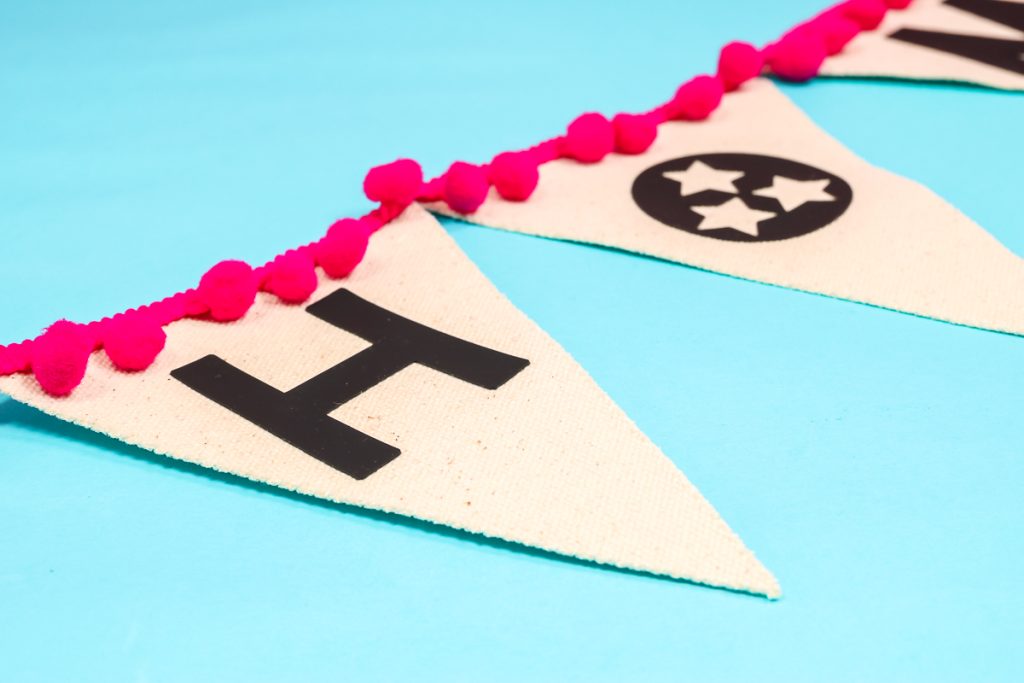
To make a banner using Siser Brick HTV, you'll follow the same steps we have for the other projects. Cut, weed, apply heat, allow to cool, remove carrier sheet, and enjoy! I added this cute pink pompom trim using hot glue to hold the banner together.
Final Thoughts On Brick HTV From Siser
I have to say I'm a big fan of Siser Brick HTV. It is not for every project. Because it is so thick, it's not ideal for large designs, especially those you're applying to clothing. However, it's perfect for hats. I can't express enough how much I love it on hats. I've tried the Puff HTV on hats, but Puff HTV requires heavy pressure. I've never been able to successfully apply it to a hat using the Hat Press.

The way the Siser Brick stands up from the hat's fabric really makes the design stand out and look professional. I would recommend Siser Brick HTV for home decor projects like banners, hats, of course, small designs on clothing, and cards, and it was also great on that makeup pouch.
If you want the stand-off look for your project, Siser Brick HTV is the product for you! If you have any questions about Siser Brick HTV, leave them in the comments. I'm happy to help answer them.
Siser Brick Recap
I know I just threw a ton of information at you about Siser Brick HTV. So, below are the 5 most important things to take away from this post.
- Siser Brick is a thick HTV material. When I say thick, I mean, really thick. I would say it’s 6-8x thicker than normal HTV. Because it is so thick, it really stands off the surface of your project.
- Just like regular HTV, Siser Brick comes with its own carrier sheet, so place it on your cutting mat shiny side down.
- You’ll cut Brick HTV with the regular Fine Point blade. That means you can cut Brick HTV with any Cricut machine.
- Siser Brick HTV is a cool peel HTV. Make sure it cools all the way before removing the carrier sheet.
- I have to say I’m a big fan of Siser Brick HTV. It is not for every project. Because it is so thick, it’s not ideal for large designs, especially those you’re applying to clothing. However, it’s perfect for hats!
6 Siser Resources
If you loved learning about Siser Brick HTV and are looking for more Siser resources, check out the blog posts below!
- Siser Puff Vinyl: Is it the Best?
- How to Use Siser EasySubli TWO Ways
- Bright and Shimmery Projects with Siser Electric EasyWeed HTV
- Siser EasyColor DTV – Everything You Need to Know
- How to Layer Siser StripFlock Pro HTV
- Siser Juliet: Everything You Need to Know












hi there Angie, i just love watching your videos, always well explained and right to the point. I watched your Siser Brick video, went to Michaels to get some and they have no clue what I was talking about. Checked on Amazon, can’t find. I am from Canada so is this available only in the USA? thank you so much and continue the great work.
Oh, I have no idea! Have you checked the Siser site itself? I’m not sure if Heat Transfer Warehouse ships to Canada but I know they have it too!