

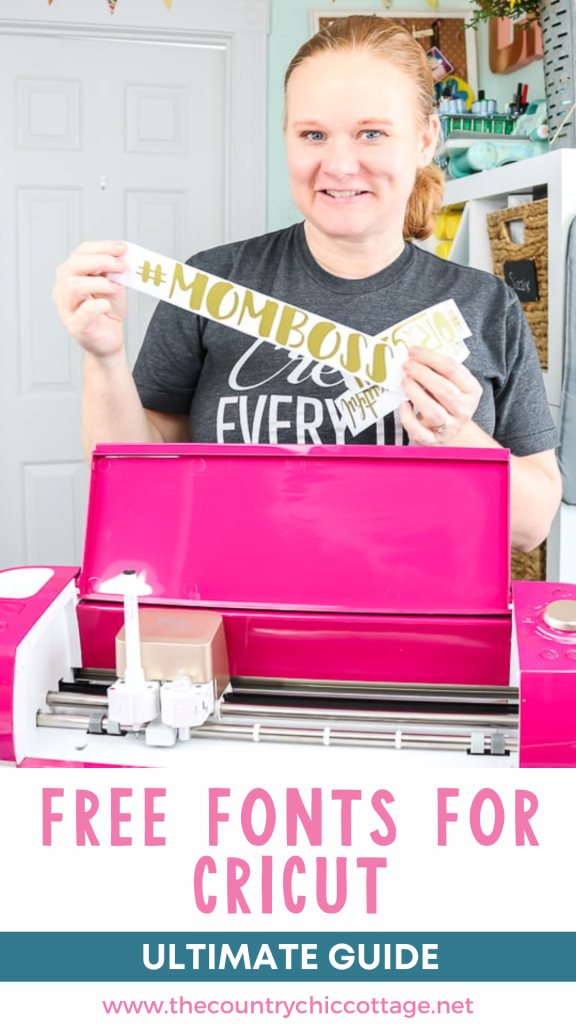
I frequently receive questions about free fonts for Cricut machines, including where to find them, how to install them, and which ones are good to use. In this blog post, I will answer all of your burning questions with a comprehensive guide on using fonts with your Cricut machine. This information applies to all Cricut machines, including the Cricut Maker, Cricut Explore series, Cricut Venture, Cricut Joy, and Joy Xtra.

What fonts can you use on your Cricut?
There are two types of fonts that you can access in Cricut Design Space:
- Cricut fonts – these fonts are right in Cricut Design Space. Some are free for all, some are included with an Access subscription, and some you will need to purchase. You can use these without installing anything else.
- System fonts – these are the fonts on your computer or mobile device, which can also be used on your Cricut. These are referred to as “system” fonts in Cricut Design Space. This means that any font that you can put on your device can be used with your Cricut machine.
The Best Free Fonts for Cricut
So, now that you know you can use any font on your Cricut, how do you find the best ones? I have some options for you to get free fonts for all your craft projects. You can watch the video below to view all my sources, or continue reading.
The Best Free Fonts for Cricut: Design Space
First, I mentioned that there are a few free fonts right in Cricut Design Space. These are my favorites from those options:
- Cricut Alphabet
- Cricut Alphabet Circle
- Cricut Classic – Chunky
- Cricut Craft Room – Basics
- Cricut Stretch
- Karley
- Cricut Sans
- Rubber Ducky
- Simple Celebrations
There are a few other free options as of the time of writing. Hunt around and find a few favorites to use! You can even use the filter in Cricut Design Space to only see the free fonts available to you. Remember that you don't need to do anything but have Design Space to use these fonts.
The Best Free Fonts for Cricut: Websites
As mentioned earlier, you can also download fonts and add them to your device to use with your Cricut. Where do you find those fonts? Here are my favorite sources!
How to Install Fonts for a Cricut Machine
Now that you have selected a few fonts, how do you install them on your device? I cover installation on computers, mobiles, and tablets in the following video.
It is much easier to demonstrate this process visually than to walk you through it in text, so I recommend watching the video. You can ask questions here or over on YouTube if you have issues.
More Font Tips:
Now you should have some options to start creating with your machine. You might also want to see some of the other posts and videos about working with fonts:
- A Guide to Text Options in Cricut Design Space – There are so many options when it comes to working with text, including bold, italic, and advanced features.
- How to Curve Text – You can also curve your text right in Cricut Design Space to add something special to your designs.
- Create Knock Out Text in Design Space – This advanced method will help you create some amazing things, all with the design features of Cricut Design Space.
- Tips for Using Cursive Fonts – Cursive fonts can be tricky, and many do not understand how to use them correctly. Use our guide to master these fonts and give your projects a professional look.
- Monogram Fonts – find the best monogram fonts here and learn how to use them on your Cricut machine.
I hope this guide helps you understand how to find free fonts for Cricut machines and how they work. Now that you know there are many free options available, you can use them to create all of the things! Please note that you may also want to review our licensing guide if you plan to use these commercially.
2 More Font Resources
If you loved this post about finding free fonts for Cricut and are looking for more font resources, then check out the blog posts below!
- Using a Font Finder: The Best Way to Find a Font from a Picture
- Where to Find Single Line Fonts and Files











Once you’ve downloaded and installed fonts, can you delete them from your PC download folder?
Yes you can!
I’m trying to use my note 20 ultra for this. I don’t know if I missed it but how do I do that?
I am not familiar with every android device sorry!