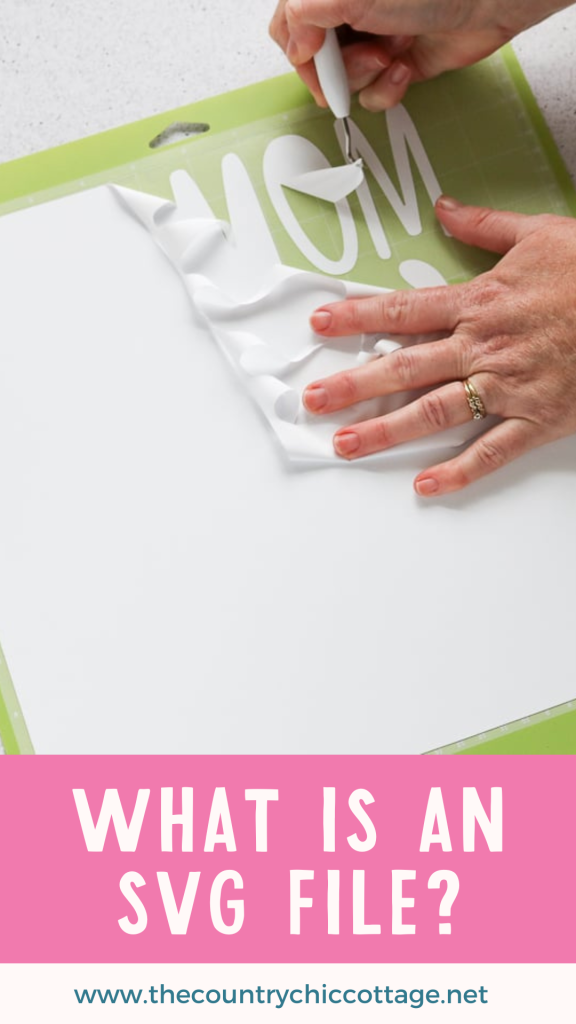
Today, I thought we’d talk about SVG files and what they actually are. I’ve been sharing SVG files here for a while now, and I want to make sure you feel confident using them with your Cricut or other cutting machine. If you love working with cut files, be sure to join our free SVG files email list so you don’t miss any new designs. So, what is an SVG file? SVG stands for scalable vector graphic, and it’s one of the best file types to use for Cricut projects because it resizes cleanly without losing quality. Keep reading to learn exactly how SVG files work and why they’re so useful for crafting.
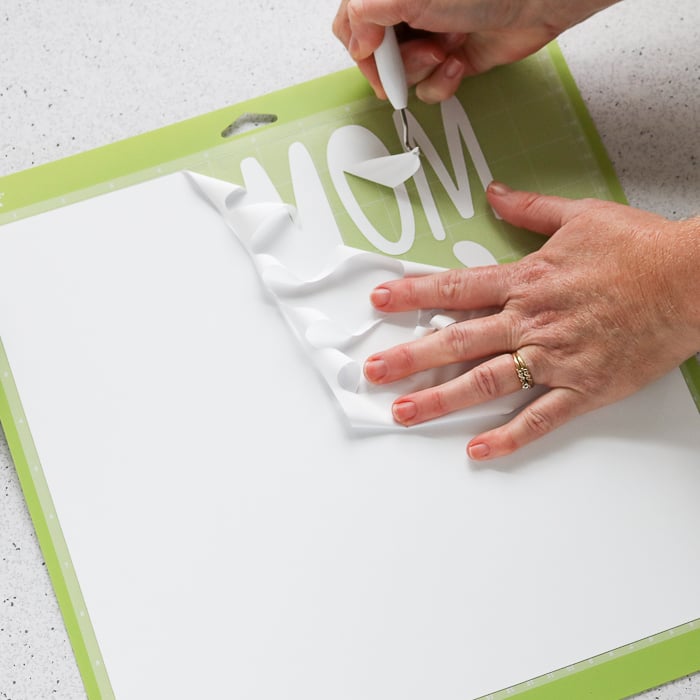
What is an SVG file?
An SVG file is a vector graphic format that consists of simple, plain-text files describing lines, curves, shapes, colors, and text. An SVG is extremely versatile when it comes to being read by software like Cricut Design Space and Silhouette Studio.
An SVG file uses shapes, numbers, and coordinates to render graphics. Therefore, it does not rely on pixels like a photo file (JPG or PNG). This makes it resolution-independent and infinitely scalable. What does that mean? Once you import an SVG into a software program, you can scale it to any size without pixelation or loss of resolution. Now that is like magic! An SVG image is clear and crisp at literally any size.
Another benefit of an SVG cut file is its small size. This makes them great for downloads as well as for easy electronic storage. It just keeps getting better and better, right? All of these factors make the SVG file format ideal for cut files on your electronic cutting machine.
Using an SVG Image with a Cutting Machine
So, we have discussed what an SVG file is. Now, how do you use them with your cutting machine? You will need to download the SVG cut file to your computer, then upload it to the software used for your machine. You can find instructions for Cricut and Silhouette here:
You can find instructions for other machines and software online. I would also like to caution you to read all the licensing information that comes with any files you use.
How to Make an SVG File
Using programs like Adobe Illustrator and Inkscape can turn a file into an SVG. You don't necessarily have to convert your file to cut it, as JPG and PNG files can be uploaded to your Cricut machine in Cricut Design Space. However, if you are looking to create SVG files to share or even sell, you may need some instructions. There are several courses on making your own SVG files. Check out the course that I recommend.
You can also turn any picture into an SVG file for a more unique look. Take that cute image of your puppy and turn it into a series of cut lines in minutes. There are several programs you can use to create an SVG file from an image. Take a look at the linked post to see what options might work for you.
How to View SVG Files on Your Device
The next most common issue I hear from people is that they cannot view SVG files on their computers. Most of the time, there is no program associated with SVG files, so they appear as HTML files when you look at them in something like your file explorer. This makes it seem as though they will open in Internet Explorer or even Chrome. However, they will not open this way. I actually have a hack for viewing SVG files on a PC that might make it easier for you to see what you have.
Need to divide an SVG into layers in Cricut Design Space?
Sometimes you have an SVG file with a single layer and would like to cut it into multiple colors. There are a couple of ways to change an SVG into different layers and really customize your project. If you have a subscription to Cricut Access, you can use the Cricut Convert to Layers feature.
How to Get SVG Files for Free
The versatile SVG file format is perfect for all of your crafting needs. Did you know that you can get them for free from several sources? Try our links below for just a few of the freebies you can use on your cutting machine.
- Free SVG Files for You Weekly
- Creative Fabrica Freebies
- Design Bundles Free Downloads
- So Fontsy Free Area
These are just a few of the places where free SVG cut files are available. Once you know what SVG files can do for you and your projects, you will want to download as many as possible to use when crafting. You can also try our post on the best free SVG sites.
What is an SVG bundle?
Now that you know how great SVG files can be, you might be ready to get some bundles! What is an SVG bundle? Makers and sellers of SVG files sometimes bundle together SVG cut files to create deals. You can often get these bundles for a fraction of the cost of buying all of the SVG files individually. Want a few places to buy some bundles? Try the links below!
You will soon find your favorite sources for bundles like these. Be sure to sign up to get updates when the bundle sales go live on those sites. They are often sold for a limited time or in limited quantities. So get 'em while they last!
So, what is an SVG file? In short, it is a file used to create clear, crisp projects of any size. Be sure to try an SVG cut file on your Cricut or Silhouette machine the next time you have a project you want to create. You might also consider an SVG bundle to save some money on those paid files!
Need Help Organizing Your SVG Files?
Are you overwhelmed with the number of files on your computer? SVG (or digital cut) files can take up a ton of space, and it can be so hard to find exactly what you are looking for. That is where Cut File Clean Up comes in! The Cut File Clean-Up system ends the frustration of organizing your cut files so that you can find what you need and get to the best part of crafting—actually making your project.
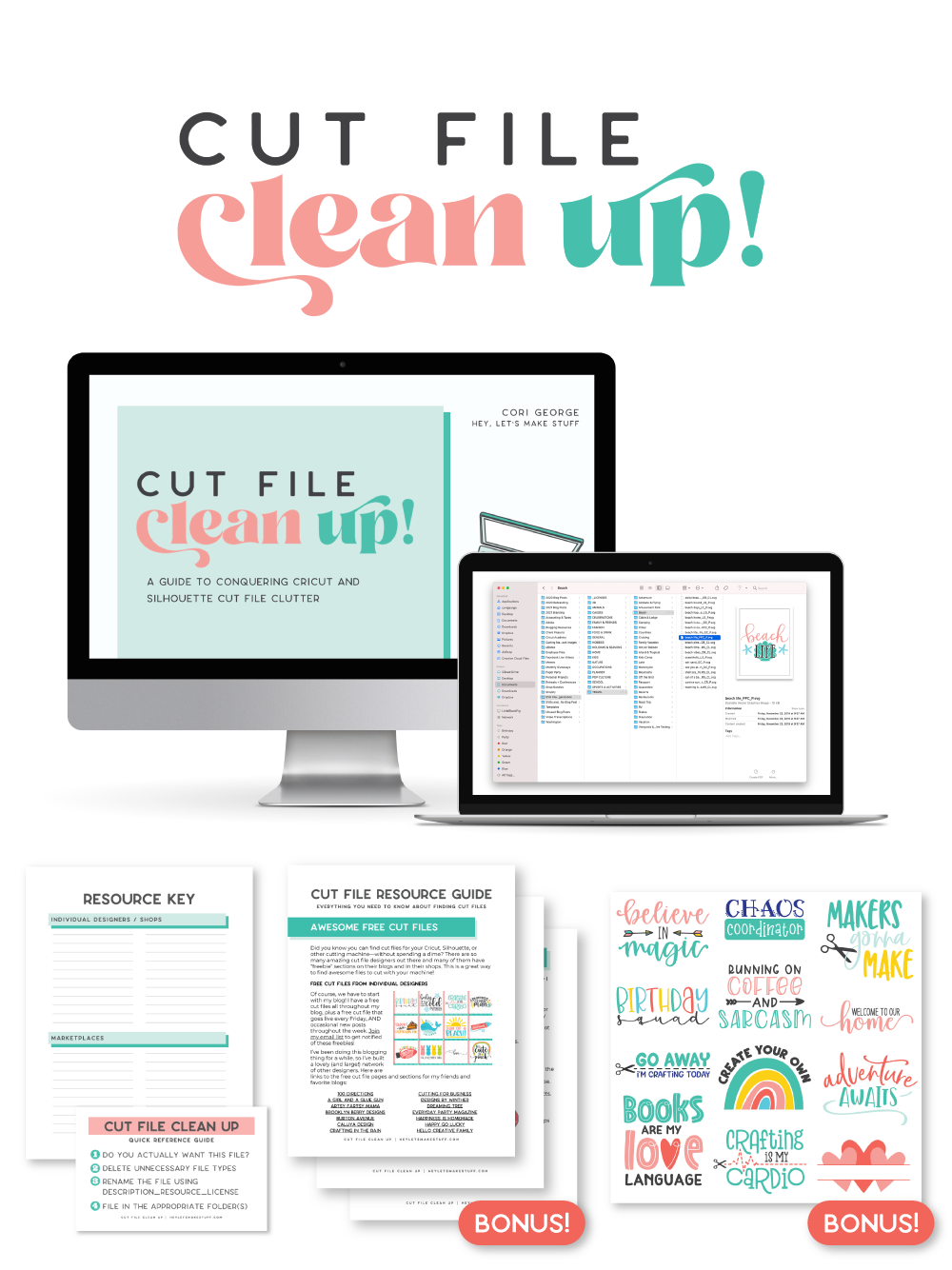
The best part is that you can get it for a deal right now with great bonuses. And yes, those bonuses include even more digital cut files for your crafting. You can't get enough of those, right? Grab it now.