

Color-changing vinyl can help you create show-stopping craft projects. But how do you use it? How does it work? Is there anything special you need to do to it? We are answering that and so much more! So, read on below to see how to use color-changing vinyl with your Cricut machine. Then have fun adding it to mugs and many more items!
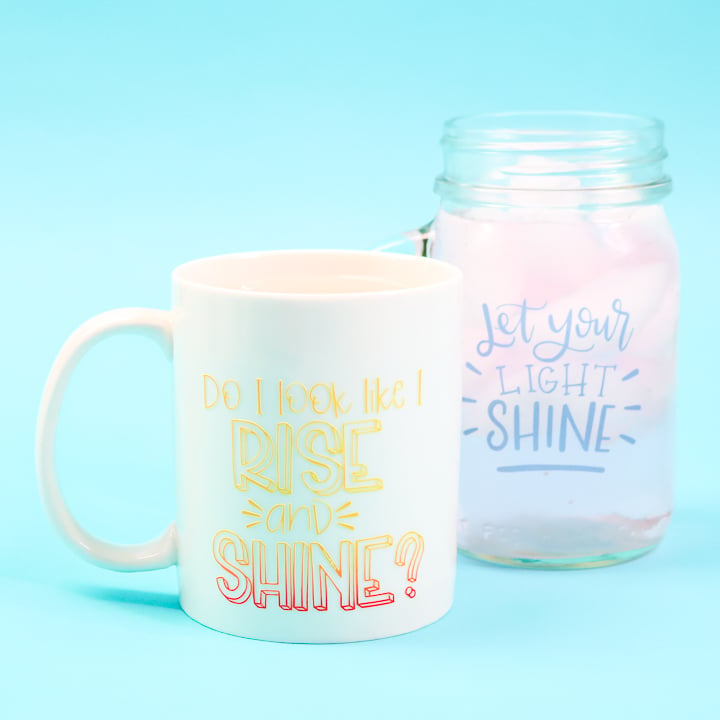
Using Color-Changing Vinyl on Your Cricut
Excited to try color-changing vinyl? I thought you might be! Watch below as I demonstrate this product and show you how to use it with your Cricut machine. You can also see footage of the vinyl changing color in real-time if you are curious about how that looks.
NOTE: The Heat-Reactive Vinyl (the red vinyl) used in this tutorial is no longer available. However, you can use Cricut’s Color-Changing Vinyl as a substitute!
Can't watch the video or missed some of the steps? You can also follow the instructions below to learn how to use this product on your machine.
Color Changing Vinyl
First, let's take a look at the product and its types so you can have a better idea of what it does when considering adding it to your projects.
What Is Color-Changing Vinyl?
This product changes color when either heat or cold is applied. It will revert to its original color at room temperature.
What Are The Two Types?
You have vinyl that reacts to heat and vinyl that reacts to cold. Depending on what you are putting it on, you may want to choose the type that will work best.
Heat Reactive Vinyl
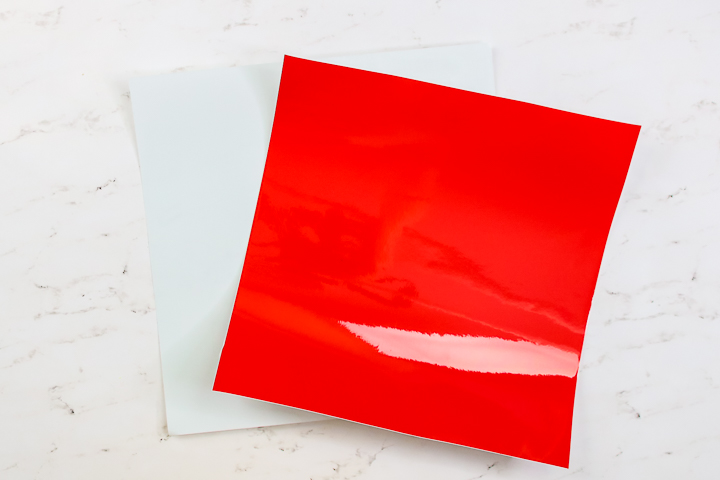
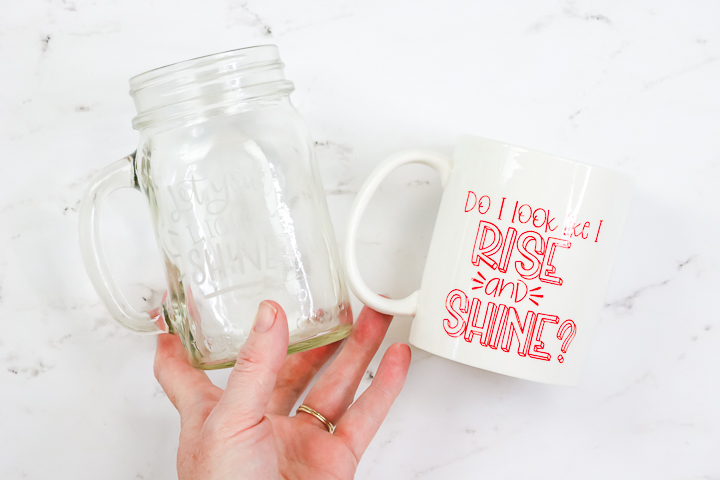
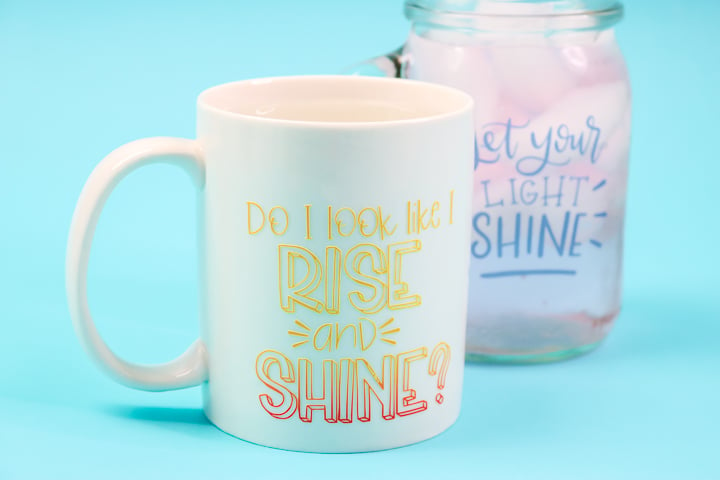
The version I am using is red and will change to yellow once heat is applied. This will transition from red to orange to yellow as it changes, and then gradually change back as it cools.
NOTE: The product that I used in this tutorial is no longer available. However, you can use Cricut's Color-Changing Vinyl as a substitute.
Cold Reactive Vinyl
The version I am using is white and will change to blue once cold is applied. Again, this will do so gradually. I also want to note that the white has an almost etched glass appearance. It's almost like clear vinyl with a hint of white. You can buy the product I am using here.
How Does It Work?
The vinyl will react when the temperature of whatever it is on changes. So, if you were to add the heat-reactive vinyl to a mug and pour in coffee, the vinyl would change color as the surface itself heats up.
What Surfaces Can You Put It On?
You can add color-changing vinyl to any surface that you would use adhesive vinyl on. So, think about glasses, mugs, plates, outdoor signs, and more!
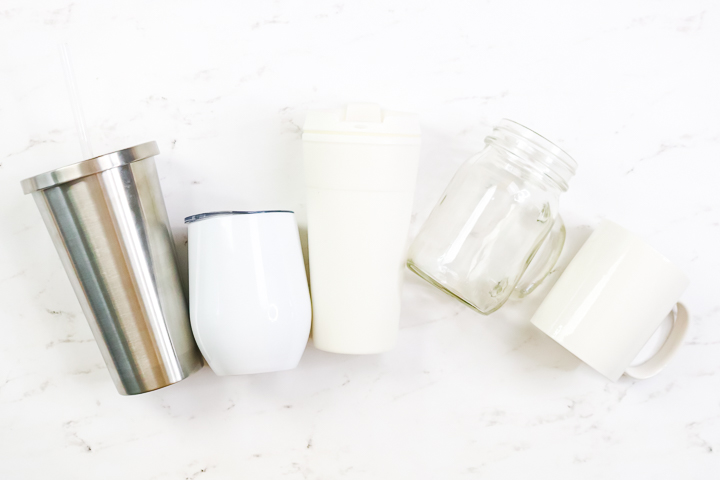
I will note here that insulated mugs and tumblers will not work. The surface must change temperature for the material to work. In the image below, I found that the two mugs to the left did not work while the others did.
Does Cricut Make Color-Changing Vinyl?
Yes! Cricut makes both Heat-Activated and Cold-Activated color-changing vinyl.
Each of the vinyl types comes in a variety of color options and works in the exact way that I am describing in today's post.
What Settings Do You Use?
You can cut this on the vinyl setting, but it is fairly thick. I would recommend trying the glitter-vinyl setting or the vinyl setting with more pressure. Be sure to check to see if it is cut all the way through before removing your mat. If it isn't, simply press the C key on your machine for another pass. The setting may depend on your blade condition in this case.
I would also like to note that you can use any Cricut machine to cut this material. It will work in the Maker, Explore, Joy series, and the Venture.
How Do You Cut It?
This cuts like any other vinyl. Add the material face up to your mat and cut your design. I prefer the blue mat for this material, but a green mat would likely work as well.
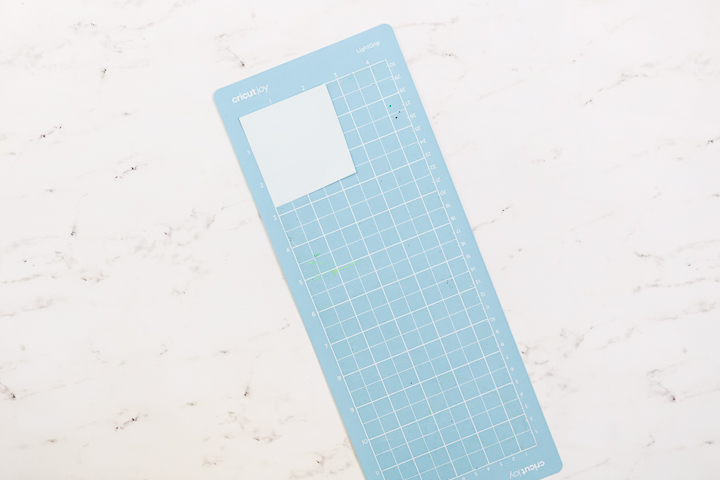
How Do You Transfer To Your Surface?
Once cut, you will want to weed your design before transferring. Weed around the outside as well as the centers of any letters.
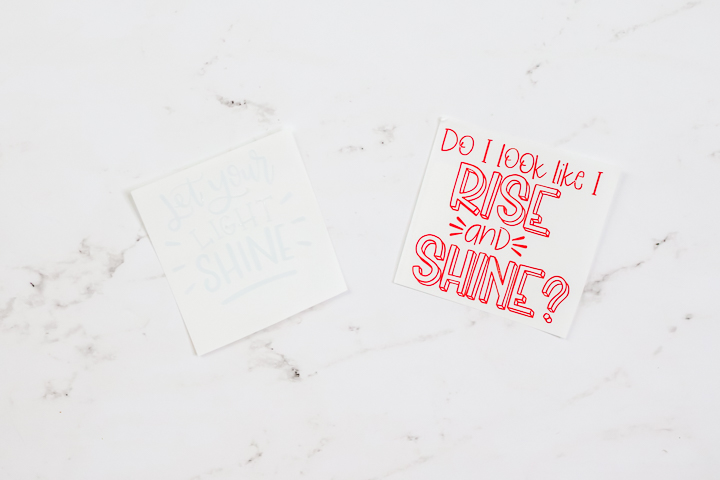
Then, use transfer tape to apply it to your surface. A regular grip transfer tape is fine for this.
NOTE: You should not use a strong grip transfer tape when using color-changing vinyl.
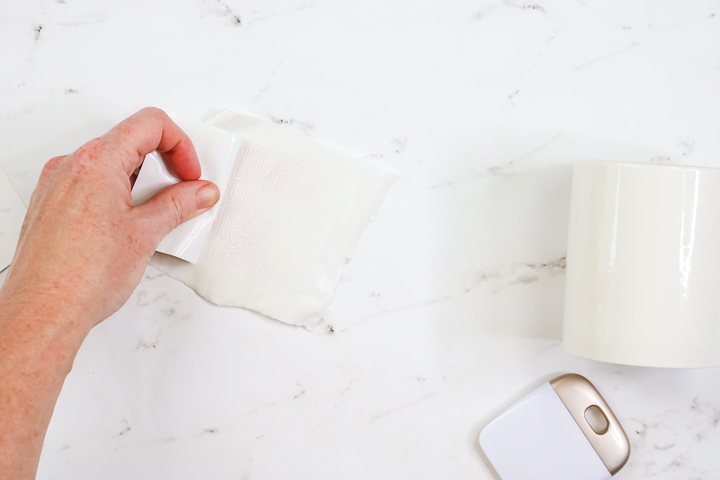
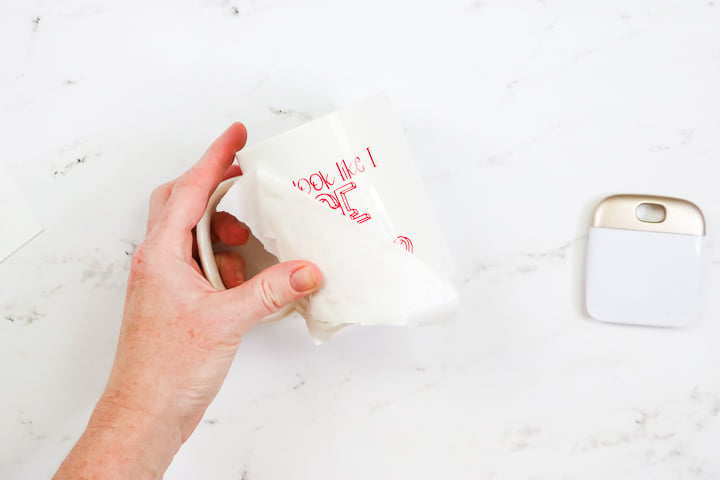
Use the transfer tape to apply the vinyl to your surface, then burnish it thoroughly. As with any vinyl, wait 72 hours before using, and hand washing is best.
SVG Files that Work with Color-Changing Vinyl
Not all SVG files are fully compatible with this product, as some may work better than others when changing colors. I thought I would share some ideas for files that I like to use with this product. This includes the two files I used for my demonstration projects.
- Do I Look Like I Rise and Shine – This SVG File is no longer available, but below are 5 other options you can choose from, if you like this theme!
- Let Your Light Shine
- Let's Go Camping
- Sweet Tea and Porch Swings
- Grill Skillz
- Super Mom, Super Wife, Super Tired
- Summer Lovin'
- Hibernation Mode Activated
- This is My Year to Sparkle
- Mountains Cut File
Once your project is complete, you can add some liquids and watch the magic happen! This product is so much fun and offers a great surprise when you give away a mug.
You could also use this product to indicate hot or cold for safety reasons. There are so many options when it comes to color-changing vinyl. Please pick up a few sheets and give it a try. I think you will really like it!
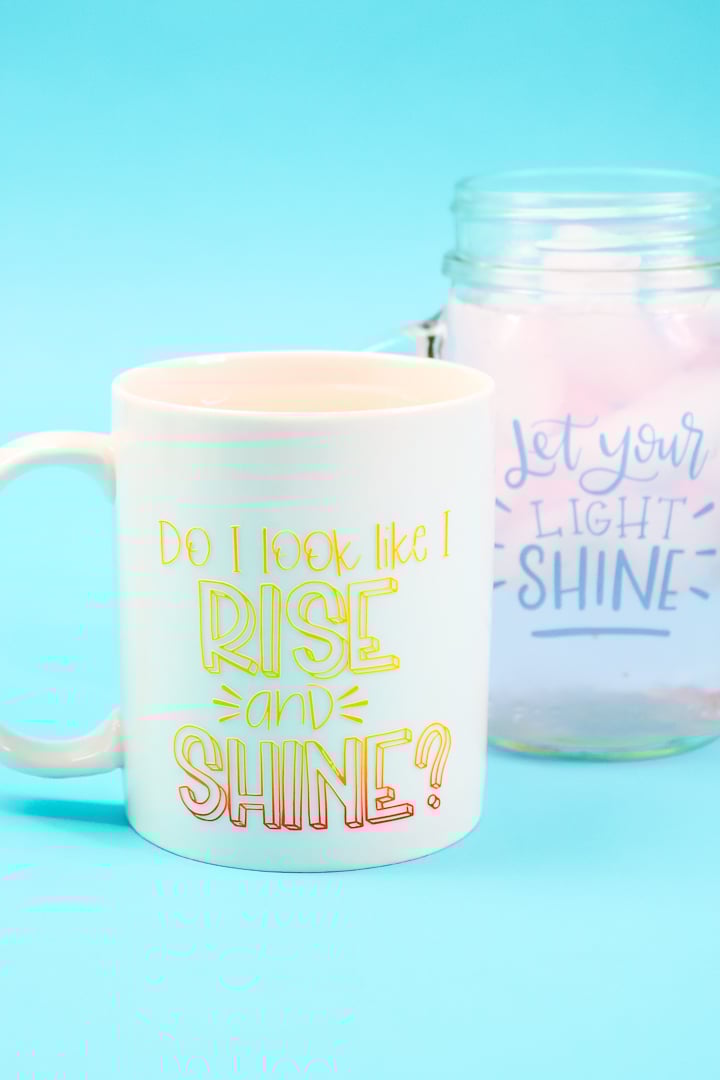
You can marvel at the color changes every single time you pour your favorite drink, whether it's hot coffee or cold sweet tea!
FAQs About Color-Changing Vinyl
Here are answers to some of the most frequently asked questions I receive about color-changing vinyl. If your question isn’t listed, feel free to drop it in the comments and I’ll be happy to help!
Should We Clean The Mug With Alcohol Before Applying The Vinyl?
Yes! Before adding the vinyl, make sure your mug surface is clean and dry. I recommend cleaning it with rubbing alcohol and then wiping it down with a clean cloth.
Can I Use A Dark Color Mug, Say Black?
Yes! You can use any color mug that you like for this project.
Can I Use A Plastic Cup Instead?
Yes, you can! The Cold Reactive Vinyl would be perfect on a plastic cup!
Is It Dishwasher Safe?
I would recommend hand washing only, as I didn't test it in the dishwasher.
Did You Seal The Vinyl With Anything?
No, I didn't seal the vinyl, but you can if you prefer.
6 More Cricut Crafts
Do you love this color-changing vinyl and are looking for more Cricut crafts? Then check out the projects below!
- How to Use UV Color-Changing HTV from Cricut
- How to Use Flocked HTV on Your Crafts
- Cricut Screen Print: How to Screen Print with Vinyl
- How to Make an Infusible Ink Blanket
- Scrap Fabric Ideas Using Your Cricut
- How to Make Writable Labels with the Cricut Joy











thank you so much for the tutorial on color changing vinyl! i got some for a specific project and if i hadn’t watched your instructions i would of wasted it cuz it was insulated travel mug….so glad i found your helps. Rena
It is safe to wash? Or will the vinyl come off?
I would hand wash.