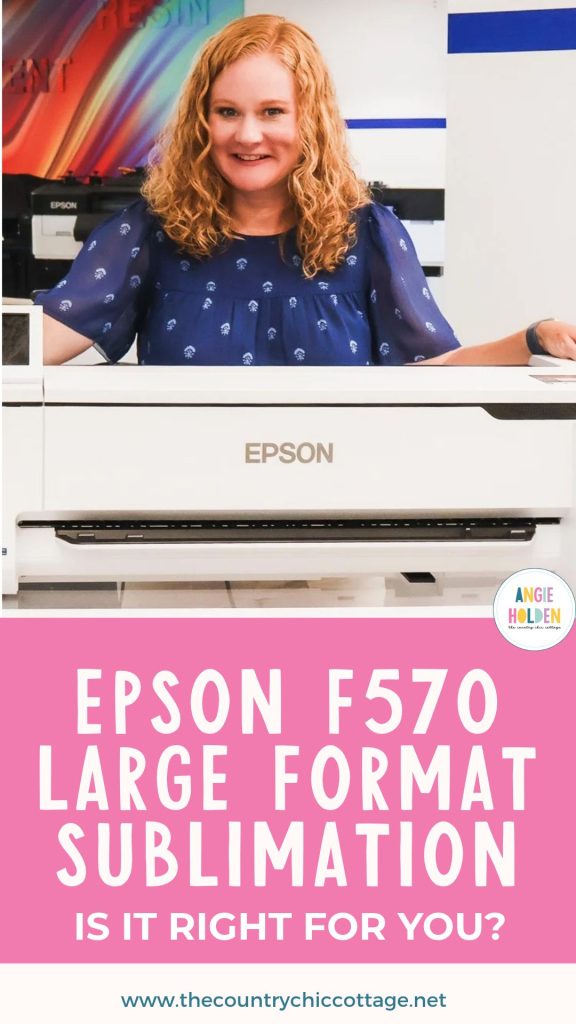
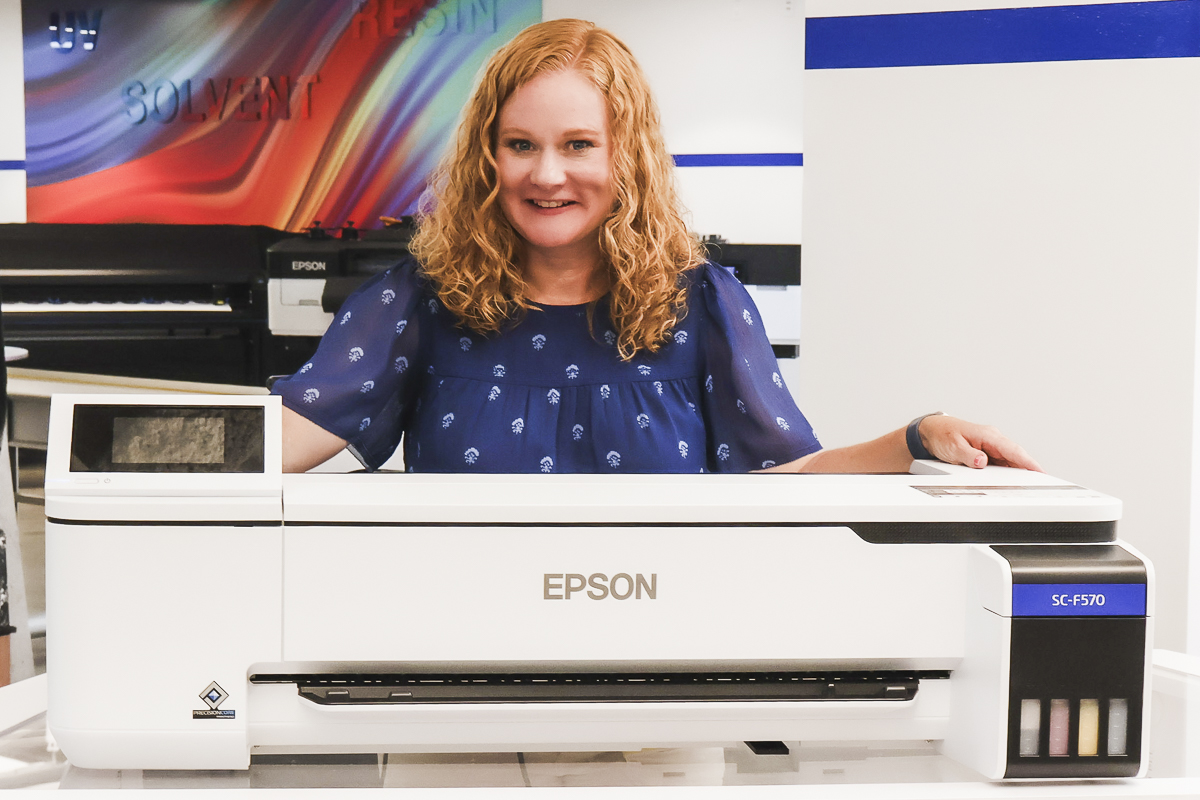
I've been asked again and again how to make really large sublimation prints at home. I recently had the chance to test the Epson F570 sublimation printer, and at 24 inches wide, it creates really large prints.
If you're someone who needs a sublimation printer that can print 24 inches wide, I think this could be the printer you're looking for.
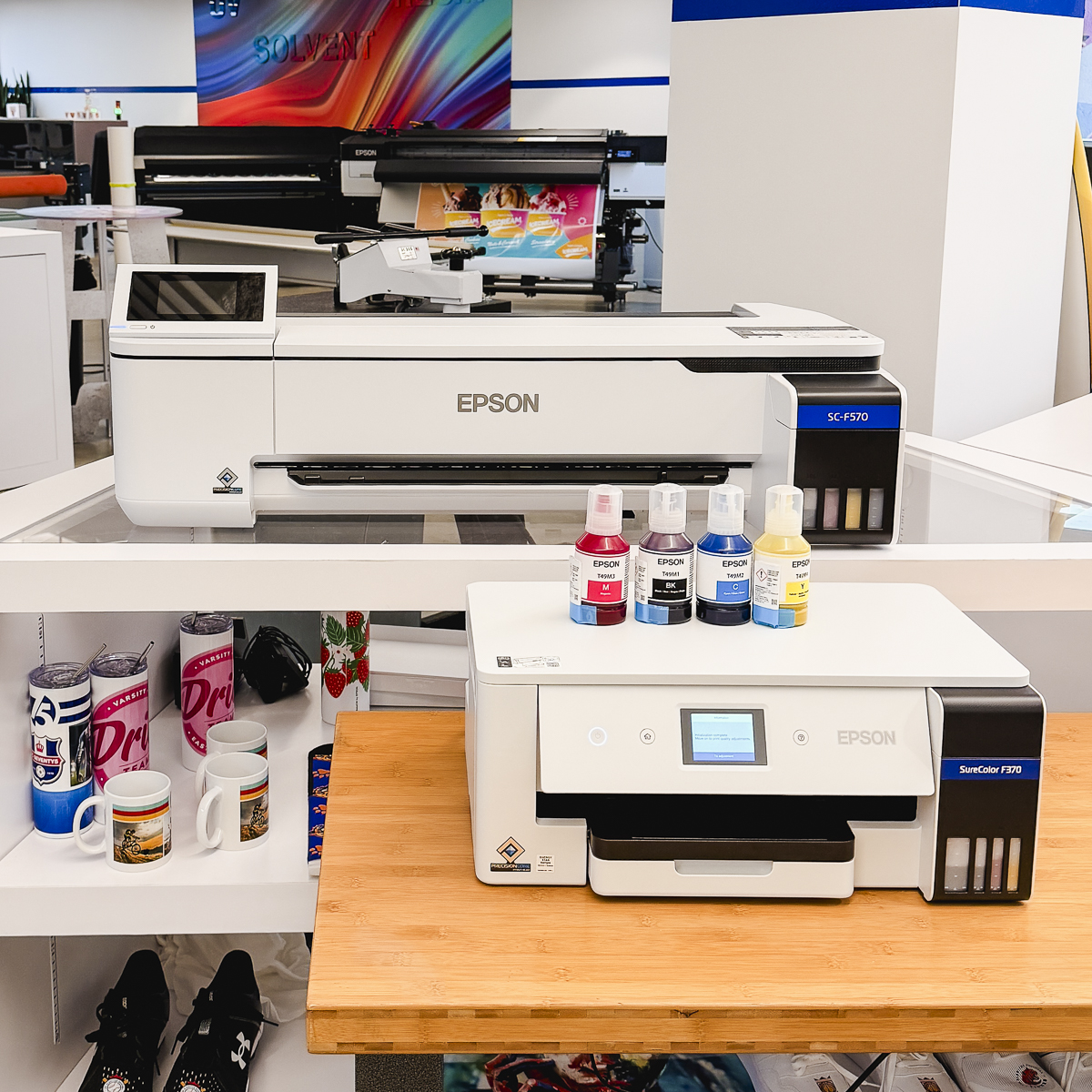
The Epson F570 is not a small printer. Yes, it can print large prints, but it also takes up a lot of space in your craft room. I don't plan to have one of these printers in my craft space, but I enjoyed being able to test it so I can show you how large those prints really are.
Extra Large Epson F570 Sublimation Printer
The Epson F570 is a true sublimation printer. This is not a converted EcoTank printer. When you purchase an F570, it comes with Epson sublimation ink and is ready to use for sublimation projects immediately.
With the Epson F570, you can print on both sheets of sublimation paper and sublimation rolls. That means that, along with being able to print up to 24 inches wide, you can also print extremely long prints. You're more likely to be limited by your design software than you are by the F570 when it comes to print length.
You can also still print smaller prints; you don't have to print on the 24″ wide materials. You can still use your standard-sized sublimation papers in the F570.
Where Does the Epson F570 Fall in the Sublimation Printer Lineup?
Currently, there are three different sizes of Epson sublimation printers.
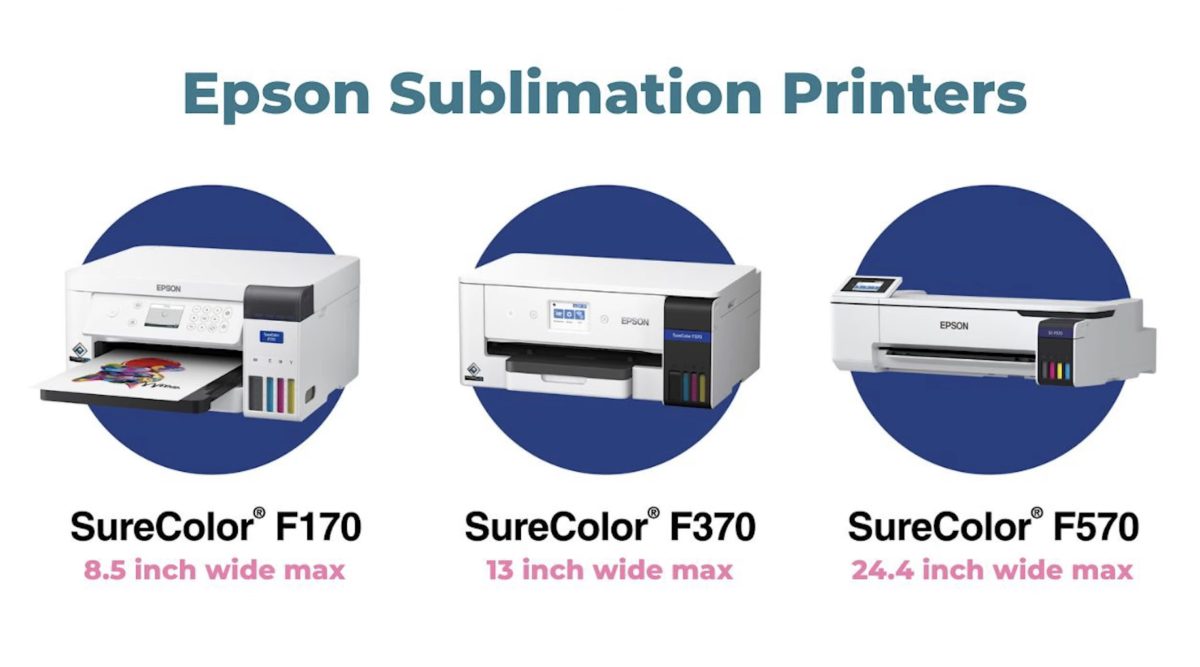
The Epson F170 prints on regular letter- and legal-sized paper.
The F370 is the newest sublimation printer from Epson. You can print up to 13 inches wide with the F370, and I was really impressed with the total size of the printer.
The Epson F570 is by far the largest Epson sublimation printer in both the physical size of the printer and the size of images it can print.
See more and buy the F570 here!
What Type of Images Can You Print with the Epson F570?
You can print any type of image with the F570. You can print photos, text, sublimation files you find on sites like Creative Fabrica, etc.
Because of how large you can print with the F570, you want to make sure you're using high-quality files so they don't become pixelated when they're enlarged.
Make a Project with the Epson F570 Sublimation Printer
To make a project with the Epson F570 sublimation printer, you need to use sublimation blanks. These can include white or light-colored fabrics with a high polyester content or hard blanks that have a poly coating on them.
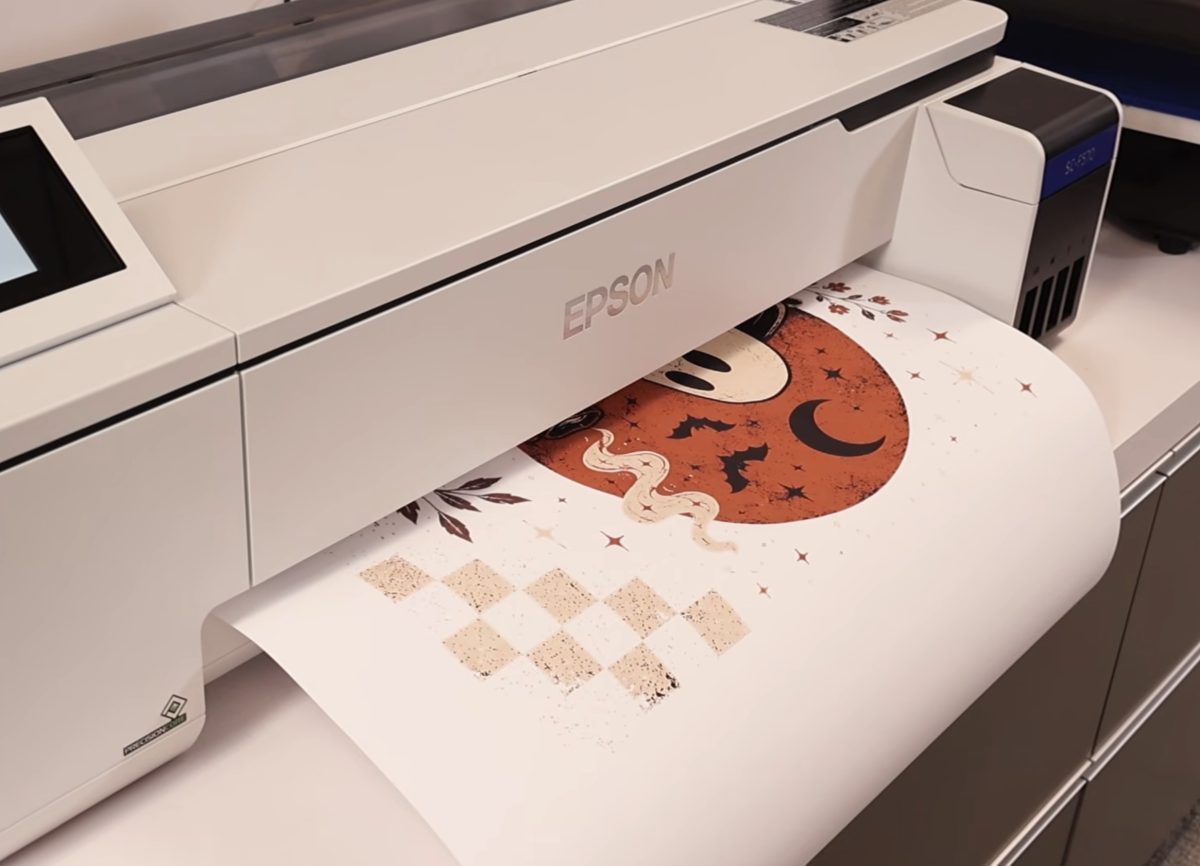
For my project, I am printing as wide as I can, which is 24 inches wide. You can print from any software program you have. You do not have to use special Epson software.
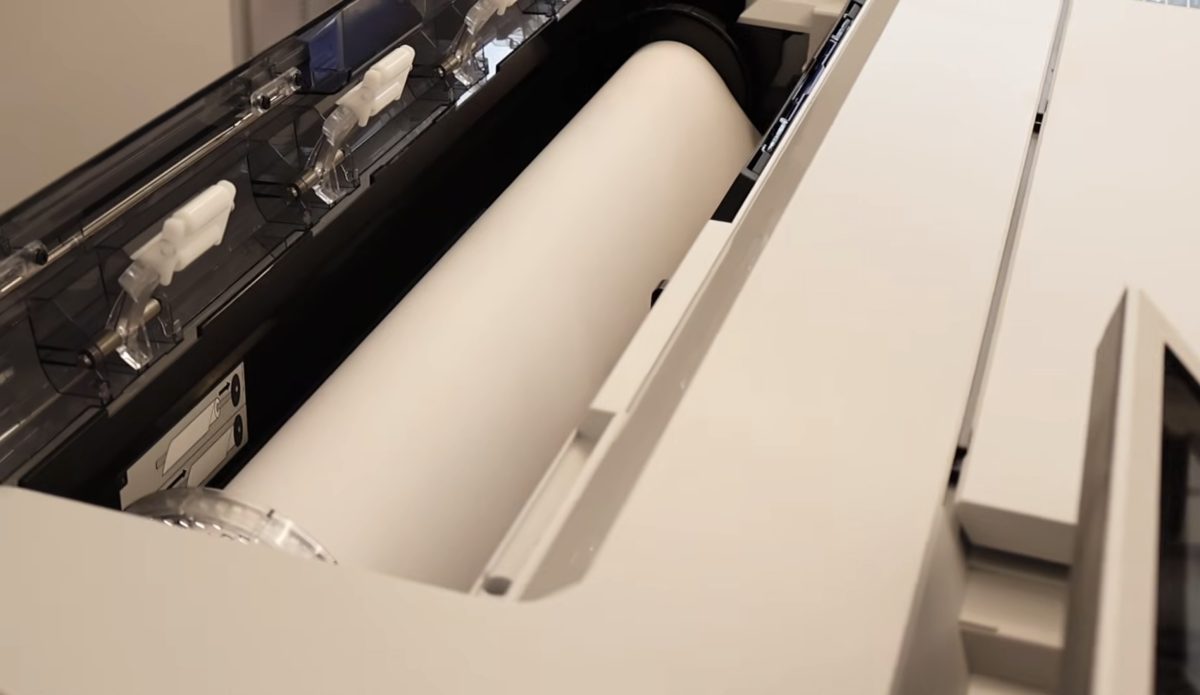
I used the roll feed media for this project, and the printer will actually cut the paper at the end of the print.
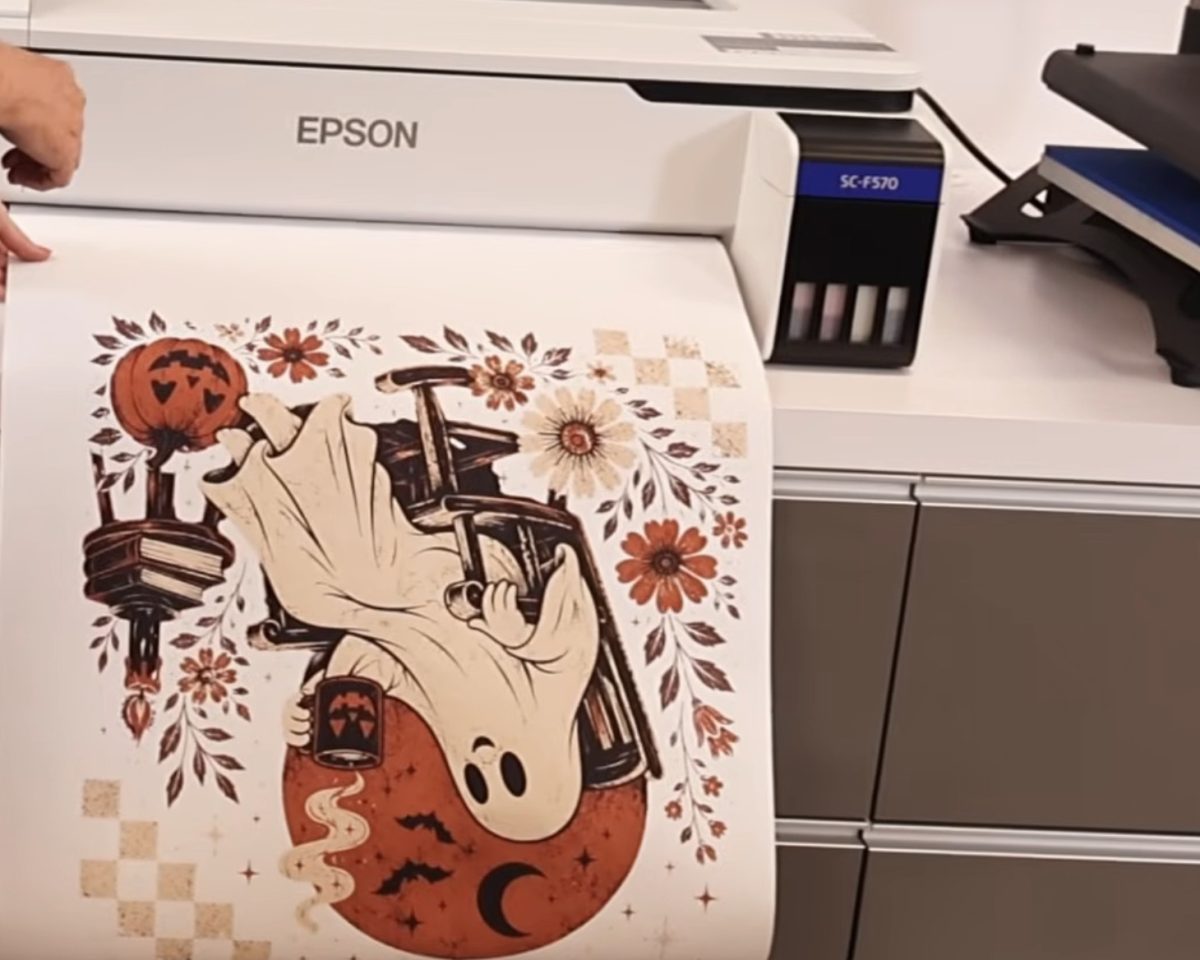
Now that we have the print, we actually need something to put it on and a heat press large enough to press it all at once.
I'm adding my design to a large piece of white polyester fabric.
- Preheat the fabric to remove any moisture from it. Moisture and sublimation are not friends.
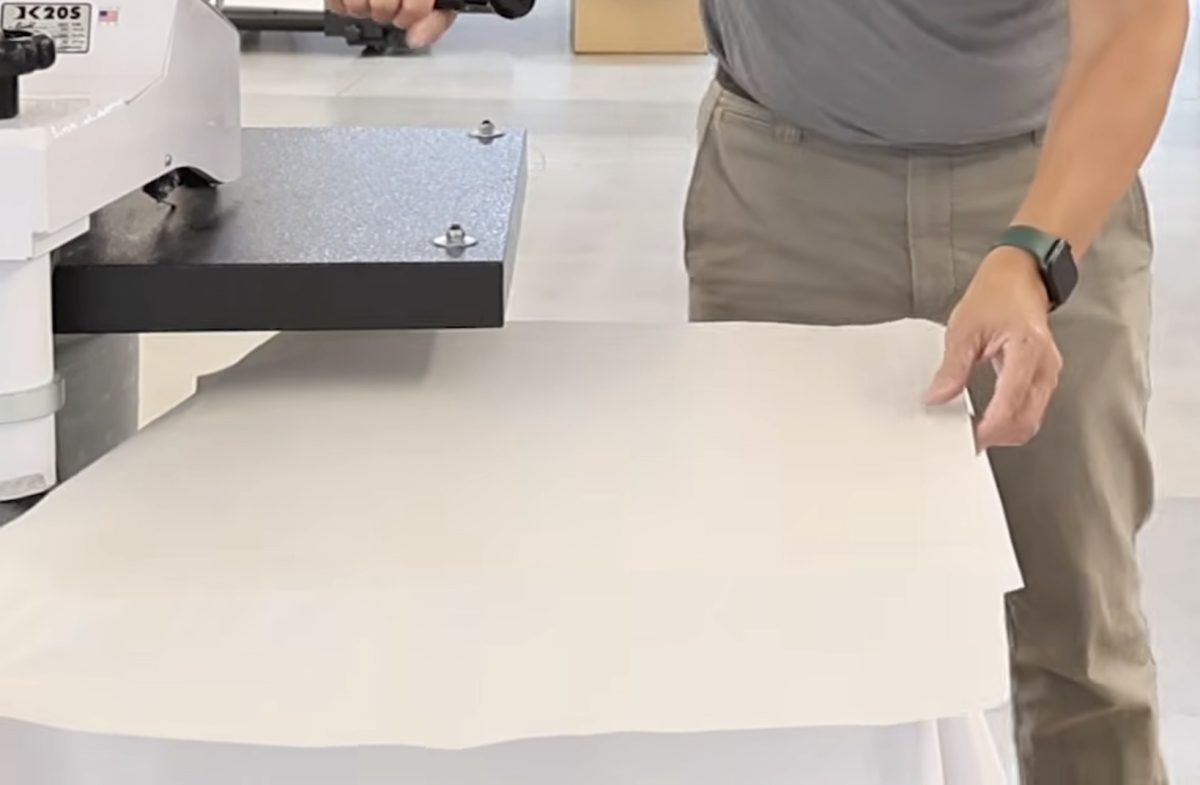
- Locate the print on the fabric and secure it with heat-resistant tape.
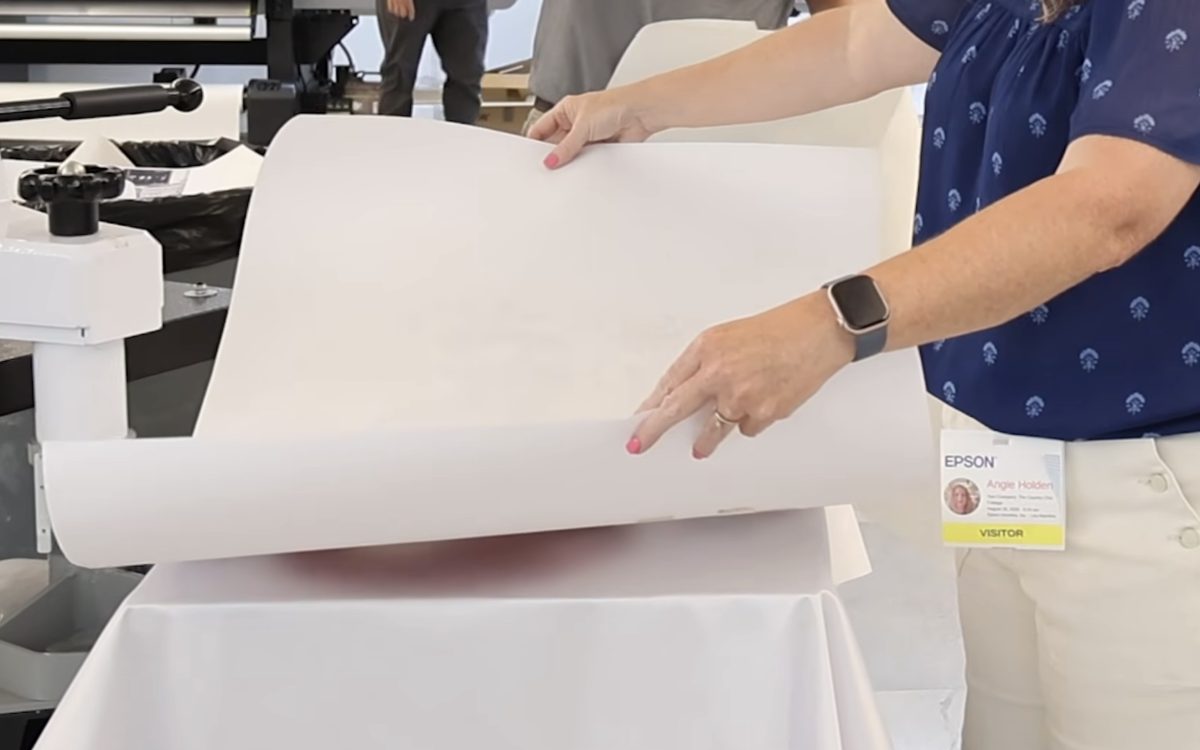
- Cover the entire surface with protective paper.
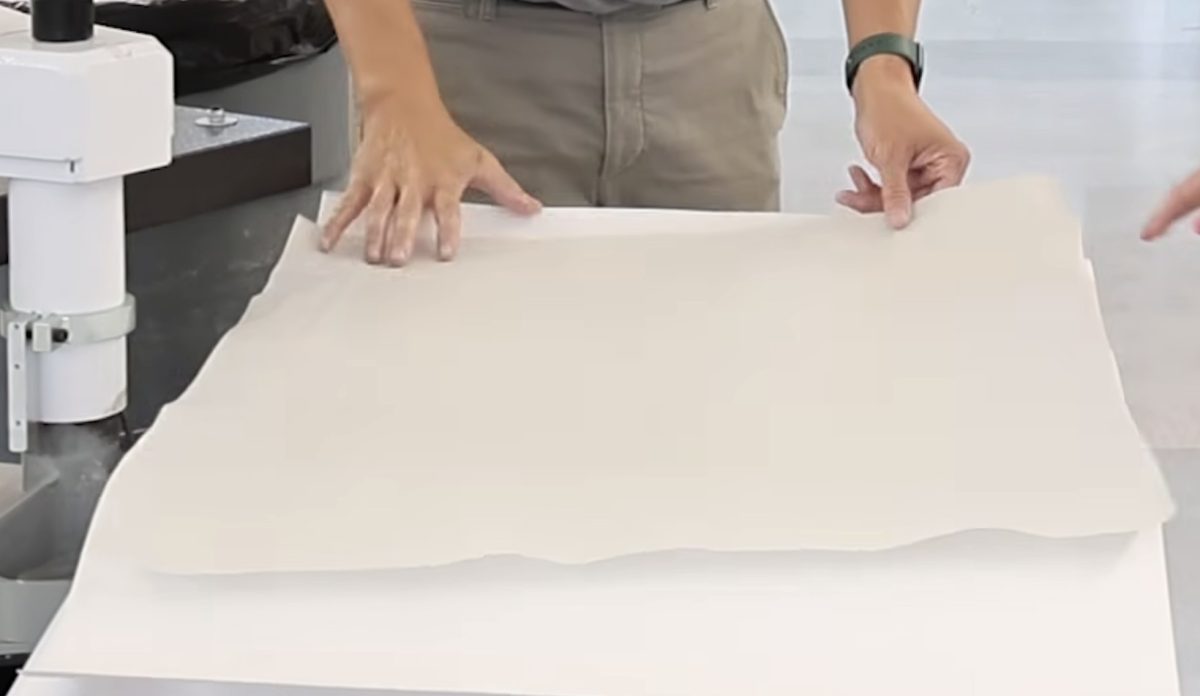
- Press the whole thing for 55 seconds at 380°.
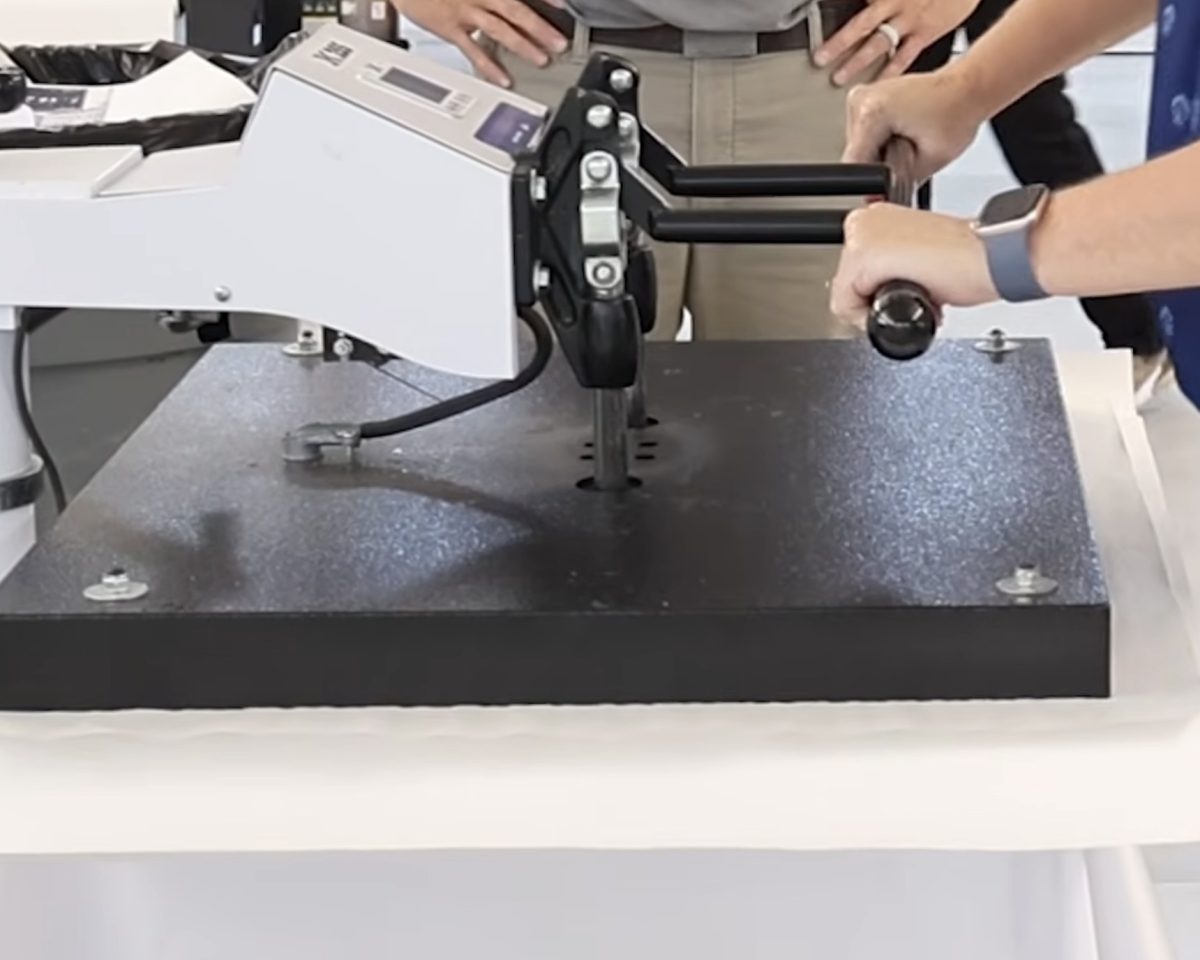
- When the time is up, remove the protective paper and the sublimation paper.
Here you can see just how large and amazing this project turned out. I loved adding the design to a large piece of fabric because now I can use it to make anything I want.
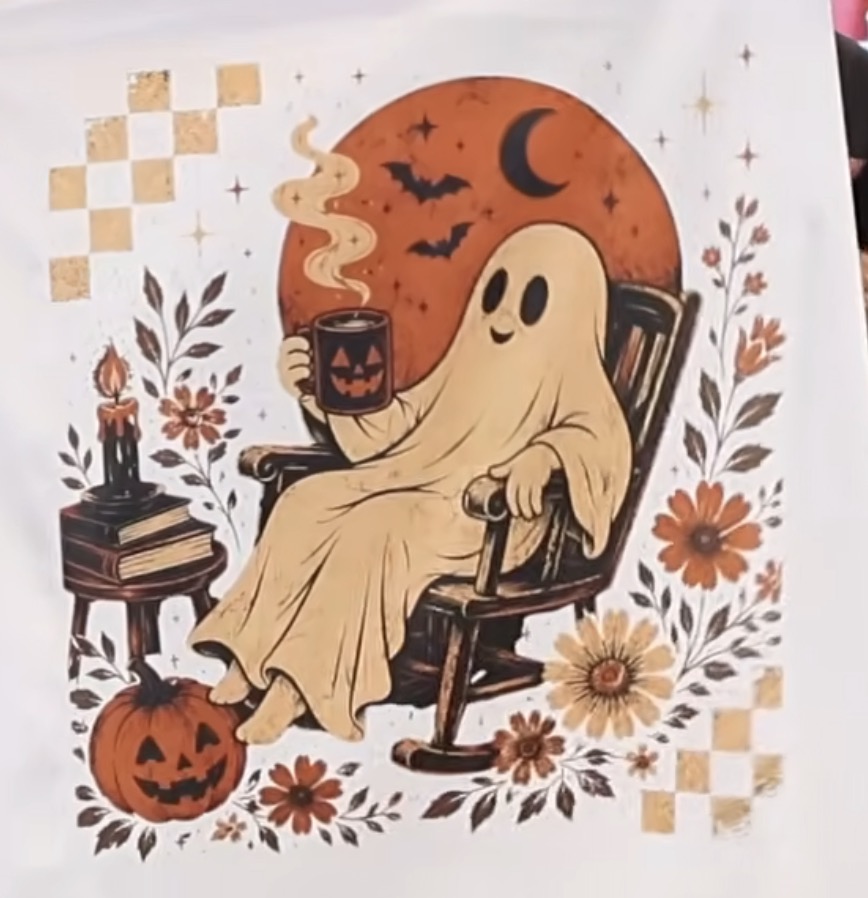
Now, I can use this fabric to make whatever I want. I think it would be so fun to make something like a garden flag or even a tote.
I could also use the F570 and polyester fabric to create my own custom fabric. How fun would that be?
See more and buy the F570 here!
Is the Epson F570 Sublimation Printer Right for You?
I'm really impressed with the prints I got from the F570 sublimation printer.
I think the Epson F570 is really for people who are running a handmade business and want to be able to offer a really wide variety of sublimation projects.
Whether you want to create a lot of projects all at once, or you want to make projects that require a really large sublimation print, the F570 may be exactly what you're looking for.
In order to really maximize the benefits of the Epson F570, you need a heat press that can press designs that are at least 24 inches wide.
Another way the Epson F570 could benefit small business owners is the ability to do a lot of small prints all at once. If you sell a lot of smaller products, you could print them all at once and be done with the printing process.
That wouldn't require a really large heat press, but would still help speed up the process.
Personally, the F570 is too big for my craft room. The Epson F370 can print 13-inch-wide prints and has a much smaller footprint.
For me, both in terms of price and size, the Epson F370 is a better choice for my crafting needs.
Remember, you need to be able to print regularly, at least weekly, on both of these printers to help prevent clogs.
See more and buy the F570 here!
I hope I've answered any questions you have about the Epson F570 sublimation printer. If you have additional questions, leave them in the comments, and I'll be happy to answer them for you.