

Did you know that you can cut fabric using Cricut machines? The Cricut Explore Air series, Cricut Joy, Joy Xtra, Cricut Venture, and Cricut Maker are all capable of cutting a variety of fabrics. In this guide, I will explain how to cut fabrics with these machines and share some tips and tricks for achieving the best results. Once you have the hang of it, you can start creating fabric projects with your Cricut machine! If you're looking for a project to get started, consider making fabric storage bins to organize your Cricut tools.
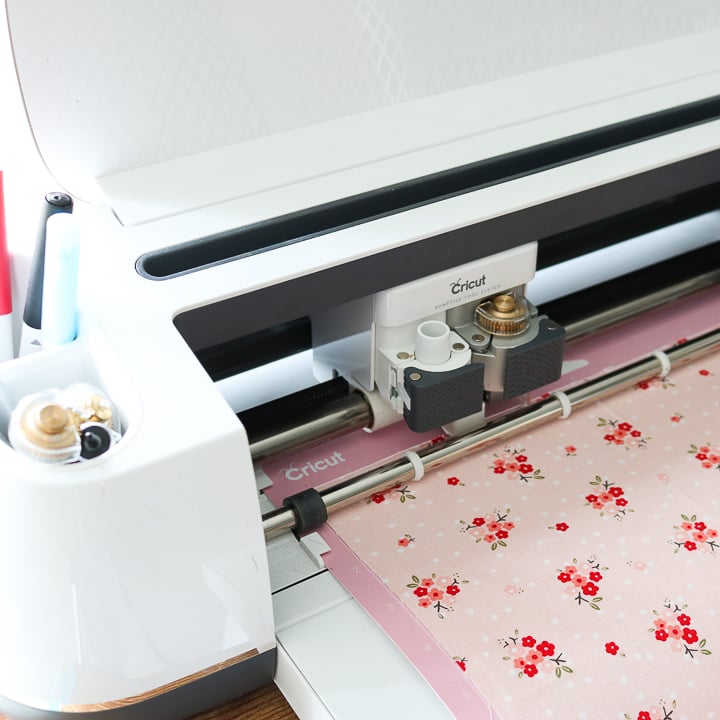
Types of Fabric You Can Cut
First things first, what fabric can you cut with your Cricut? The answer really depends on what machine you have.
Bonded Versus Non-Bonded
The Cricut Explore series, Joy machines, and Cricut Venture only cut bonded fabric, while the Maker can cut bonded and non-bonded materials. What is bonding? It is the process of applying a product, such as Heat ‘n Bond, to the back of your fabric.
There are several types of bond interfacing depending on what you plan to do with your fabric after it is cut. So, choose the type of Heat n Bond required for your project and iron it to the back of your fabric. You can even iron freezer paper on the back of the fabric to give it stability. Really, you just want the fabric to be stiff for cutting.
The Cricut Maker can cut almost any material, including those that have no bonding. This machine is a great option when you need to cut a large amount of fabric. You can completely skip the bonding step when cutting with your Maker machine.
There is a list of materials that have been tested with the Cricut Maker right in Cricut Design Space; however, I have cut materials not on this list without issue. So, experiment a bit and push your machine to the limit. These machines can even cut felt!
Mat to Use with Fabric
When learning to cut fabric with a Cricut, it's essential to choose the right mat. The best option is the pink fabric grip mat. It offers excellent adhesion for fabric, ensuring the fabric stays in place while cutting and helps control fraying when you remove the pieces from the mat. This mat is available in two sizes: 12×12 and 12×24.
The Cricut Venture, Joy, and Joy Xtra do not have a fabric grip mat to purchase. You can try using the standard grip mats for the Joy machines, and either the standard grip or strong grip mats for the Cricut Venture. As you practice, you'll figure out what works best for your machine.
Adding Fabric to the Mat
If you are using bonded fabric, remove the backing paper and add the material bonded side down onto your mat.
If you are using non-bonded fabric, you can cut either the good side up or the good side down. If cutting upside down, be sure to mirror the image before cutting. Cutting the good side down is great if you want to mark your fabric with the fabric pen, which we will discuss below.
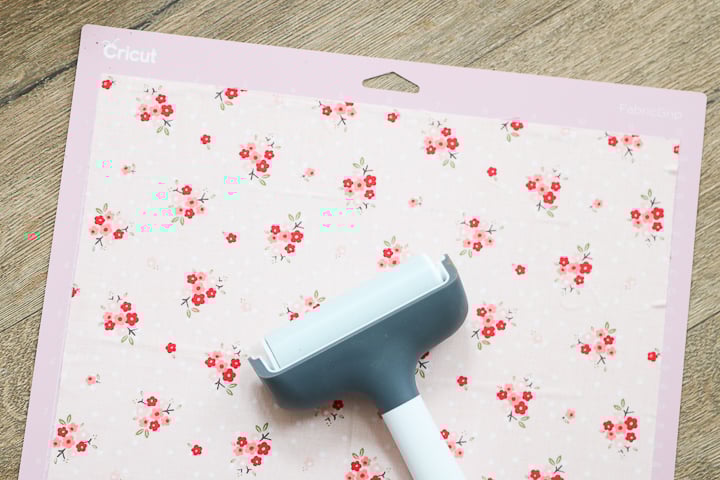
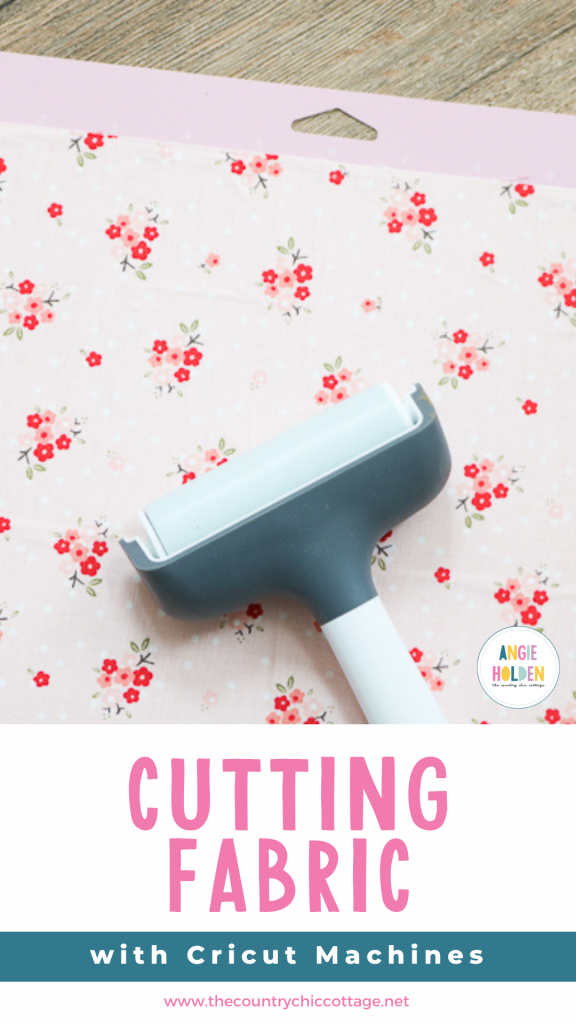
Either way, you will want to trim your fabric to the 12-inch width of your mat. You may also want to consider purchasing a brayer to help secure the fabric to the mat. Roll it over the surface to remove wrinkles and help extend the life of your mat.
Removing Fabric from the Mat
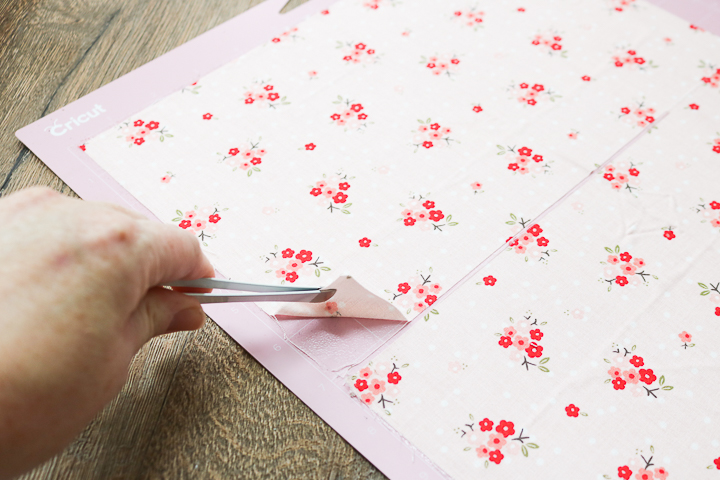
The fabric mat features a special adhesive that deteriorates when it comes into contact with the oils from your fingers. To avoid compromising the adhesive, it's best to refrain from touching it with your hands. I recommend using tweezers to remove the fabric after it has been cut, as this method works best. My favorite tweezers for this task can be found in this tool set.
How to Clean Cricut Fabric Mat
What do you do when your mat gets dirty? The fabric mat needs to be treated differently from other mats when it comes to washing as well. The mat will get threads from your material on it as you cut. A few of these are actually okay. Simply place your next material on top and cut away.
When the threads become excessive, try applying strong grip transfer tape over the entire surface of your mat. Press it down well, then peel it up. You should find that the debris is removed with the tape.
The brayer we discussed above will also help stick the fabric to your mat, even when it doesn't seem sticky. As a last resort, you can also try our mat cleaning procedure.
Which Cricut Blade Cuts Fabric
Which blade is best when cutting fabric with Cricut machines? There are several options available, depending on the machine and material you are using.
- Bonded fabric blade – just like you want a special pair of fabric scissors that do not cut anything else, you will also want a blade just for bonded fabric. This blade is just the fine point blade in a pink housing, so you know which of your blades is for fabric. Use this any time you are cutting bonded fabric on your Cricut Explore series, Cricut Venture, or Cricut Maker machines. You can also use a fine-point blade that you have on hand at home.
- Fine-point blade – The fine-point blade should work to cut bonded fabric with your Cricut Joy and Joy Xtra machines. Unlike the bonded fabric blade above, there isn't a specific pink housing for the Joy machines. However, try to use the blade only for fabric, and it should stay sharper for longer.
- Rotary Blade – This blade is designed for the Cricut Maker only and can cut both bonded and non-bonded materials. This is similar to a rotary cutter that you might use to hand cut fabric, but smaller for your machine. It really cuts fabric of all types like a dream. If you have never used the Cricut Maker and the rotary blade to cut fabric, you will love the cuts you get with this blade.
Cutting Fabric with Cricut Explore Series, Cricut Joy or Joy Xtra, and Cricut Venture machines
You can cut fabric with a Cricut Explore series, Joy, or Joy Xtra, and even the Cricut Venture. Follow our step-by-step instructions below to cut any fabric on this machine. Remember, the Cricut Joy and Joy Xtra are smaller and won't be able to cut larger pieces of fabric.
- Add a bonding of some type to the back of your fabric. There are several options, and some of those are listed above.
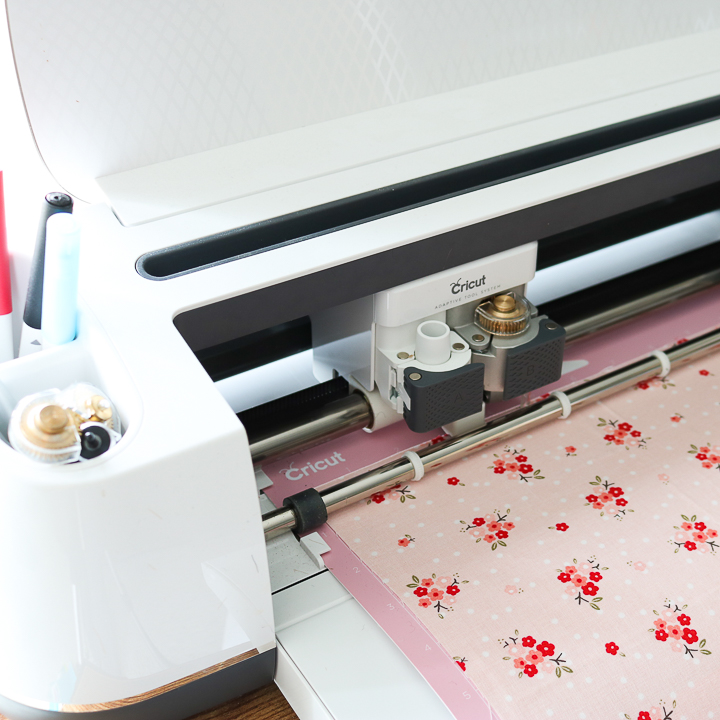
- Remove any liner sheet and place the fabric, bonded side down, onto the fabric mat. Use the brayer to secure if needed.
- Add the fine-point blade to your Cricut machine. My recommendation is to use a bonded fabric blade specifically designed for fabric to achieve the best cuts.
- Add your mat to the machine and cut your design.
- Be sure to remove your pieces from the mat with tweezers so that you don't transfer oils from your hands to the mat.
Cutting Fabric with Cricut Maker and Maker 3
Now for the Cricut Maker. Follow our instructions to cut fabric with your Maker machine.
- No bonding is required, but you can add it if you wish for things like appliqué.
- Put the fabric directly on the mat with no liner required. You can cut the fabric face up or down. If cutting face down, be sure to mirror your image in Cricut Design Space before cutting. Use the brayer to help secure the fabric to the mat.
- I recommend cutting all fabric (bonded and non-bonded) with the rotary blade when using your Cricut Maker. Simply click “Edit Tools” in Cricut Design Space and select the Rotary Blade from the Bonded Fabric Blade option if prompted.
- Load your mat into the machine and cut your design. You can also mark pattern pieces with the Washable Fabric Pen. We discuss how to use this further below.
- Be sure to remove your pieces from the mat with tweezers so that you don't transfer oils from your hands to the mat.
Using the Fabric Pen
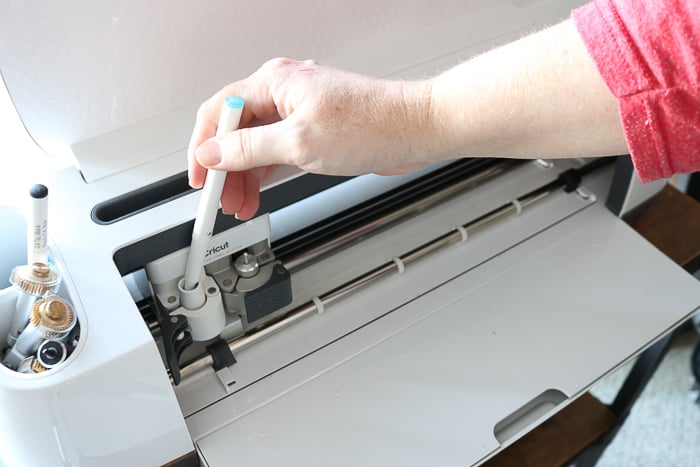
You can add the Washable Fabric Pen to the pen side of the carriage when cutting fabric on the Cricut Air, Maker, or Venture machines. This will enable you to mark pattern pieces on the back for features such as button locations, seam allowances, and more. This is a game-changer for anyone who enjoys using sewing patterns. The ink will wash away once you have finished the lines. The Washable Fabric Pen is not compatible with the Joy machines, but I have a post about Cricut Joy pens that you may find helpful.
Which Cricut Cuts Fabric Best
Now that you know all about cutting fabric with Cricut machines, you might wonder which machine does this job the best. Maybe you are debating which machine to purchase. I can tell you that, hands down, the Cricut Maker series cuts fabric better than any other Cricut machine. The rotary blade cuts through a wide range of fabrics like a dream. You will not believe how well it cuts fabrics!
Cricut Fabric Projects
Are you inspired to use your Cricut to make a project? Try the links below for great fabric projects you can make with your Cricut.
- Trick or Treat Bag with bonded fabric
- Zipper Pouch Tutorial with the Cricut Maker
- Applique Bib
- Mason Jar Potholder
- Fabric Scrap Onesie
- You can also see more about cutting felt with your Cricut here!
Now you know all about cutting fabric with Cricut machines. Feel free to ask any questions you may have in the comments below. Happy crafting!











Bought a new Cricut maker every time I try to cut the material it just scores it I’m lost please help ty
What material are you trying to cut?
I have a maker and my rotary blade just keeps stopping in the middle of a cut. It’s light weight cotton. Can you suggest another blade and setting? I’m cutting 3” letters
I would definitely only use the rotary blade on cotton. Does it give you any errors when it stops? If the turns are small on the 3 inch letters it may be messing it up.
Hi Angie! I’m a bit confused. I have an Explore Air 2. I believe you said this model can only cut non bonded fabric, but still requires me to add a bonded material below the fabric? Huh? Also what blade does my machine have? Would I need to change it? Can u send me a link to that? On a different note. Can I cut copper thick enough to make a bracelet? Thanks so much!
The Explore machines can only cut bonded fabric. You would need to add something to the back of the fabric to help stiffen it so the blade can cut it.
Explore machines come with a fine point blade. This blade can cut bonded fabric. I do recommend grabbing the Bonded Fabric blade and housing. It is a pink housing with a Fine Point Blade in it. This is essentially like having a specific pair of fabric scissors. I do have a link to the Bonded Fabric blade in the post.
You wouldn’t be able to cut copper thick enough to make a bracelet with Cricut machines.
How long a piece of fabric will it cut on the long green mat? I need to cut pieces that are 8 inches high by 18 inches wide.
You can cut up to 11.5 inches by 23.5 inches!
Hi I am using a new Maker 3 to try and cut bonded silk for appliqué. I have tried the Rotary Blade on byte Pink mat which on first use completely wrecked and gouged the mat. I have tried very simple shapes using the less Cut button all with the same result. Any help would be appreciated.
When you say gouged the mat do you mean like took chunks out of it? It will cut into the mat like a regular rotary blade does but it shouldn’t gouge the mat. I would continue to adjust settings. You can even try a non bonded option to see if that works. It’s a lot of trial and error with new materials 🙂